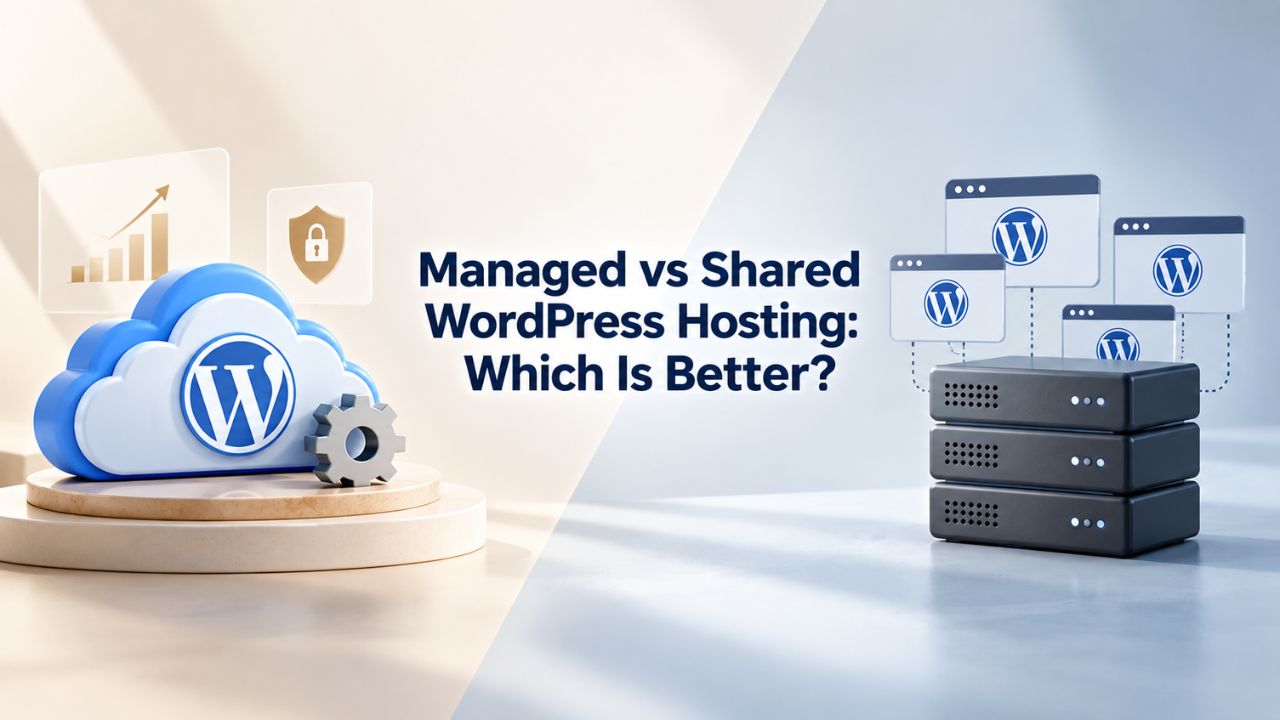
Choosing the right WordPress hosting is one of your most critical decisions. Shared hosting puts multiple sites on one server, divides resources, and leaves maintenance to you. Managed WordPress hosting is purpose-built for WordPress with optimization, automation, and expert support included. The right choice depends on your site’s stage, technical comfort, and business needs.
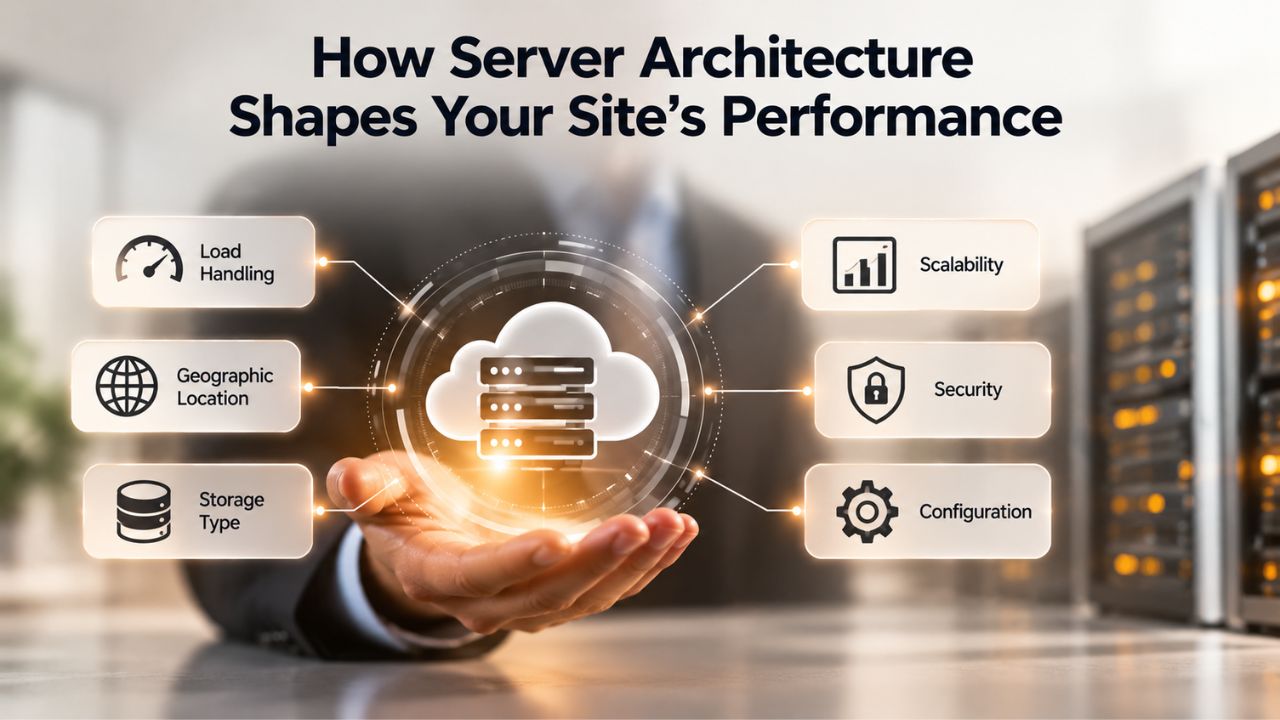
How Server Architecture Shapes Your Site’s Performance
Shared hosting places your website alongside dozens or hundreds of others on a single server, dividing CPU, RAM, storage, and bandwidth among all accounts. Each site gets resource limits, typically 1–2 GB of RAM from a shared pool, CPU throttling at 100% of one core, and roughly 1024–2048 IOPS (input/output operations per second) shared across all accounts. This model keeps hosting affordable but introduces resource contention. When another site on your server experiences a traffic spike, the available CPU and RAM for your site decrease immediately, even if your own traffic stays flat.
Managed WordPress hosting tailors the entire server environment for WordPress. The server stack is optimized with WordPress-specific configurations, recent PHP versions, and advanced caching built into the infrastructure. Managed platforms automatically scale resources when traffic grows, so your site maintains consistent performance during unexpected surges. This architectural difference shapes how the two hosting types behave under real-world conditions.
Resource Contention and the “Noisy Neighbor” Effect
On shared hosting, when another website experiences a traffic spike or runs resource-intensive operations, your site competes for the same pool of server resources. This “bad neighbor” effect means problems from other websites can directly impact your performance, security, and availability. If a neighboring site gets compromised or attracts sudden traffic, your pages may slow down or become temporarily unresponsive, regardless of your own site’s behavior.
When Resource Limits Become Obstacles
Shared hosting works fine for small blogs and portfolios receiving steady, low traffic. As your site grows, resource caps become hard limits. CPU throttling kicks in when you hit 100% usage of your allocation, which can happen during peak traffic, database backups, or plugin processing. When throttled, additional requests queue indefinitely, causing slowdowns or timeouts.
Resources on managed hosting adjust automatically as traffic rises, so your site scales without manual intervention or plan changes. This elasticity is critical if your site gains unexpected attention or experiences seasonal traffic spikes; your hosting adapts instead of becoming a bottleneck.
WordPress Pricing Plans
Choose the WordPress hosting plan that fits your website needs, with reliable performance, security, storage, backups, and tools to help your site grow.
WordPress Basic
A great way to get started.
- 1 website
- 10 GB NVMe storage
- Unmetered bandwidth
- Free SSL Certificate *
- WordPress pre-installed
- Weekly backups
- Web Application Firewall
- Daily malware scans
- One-time malware removal

WordPress Deluxe
Improve your site performance with Cloudflare CDN.
- 1 website
- 20 GB NVMe storage
- Unmetered bandwidth
- Free SSL Certificate *
- WordPress pre-installed
- Daily backups
- Web Application Firewall
- Daily malware scans
- One-time malware removal
- Up to 2x faster performance with global Cloudflare CDN **
- Enhanced security with DDoS protection
- Staging site
WordPress Ultimate
Add online marketing with more sites, storage and security.
- 1 website
- 30 GB NVMe storage
- Unmetered bandwidth
- Free SSL Certificate *
- WordPress pre-installed
- Daily + on-demand backups
- Web Application Firewall
- Daily malware scans
- Unlimited malware removal
- Up to 2x faster performance with global Cloudflare CDN **
- Enhanced security with DDoS protection
- Staging site
- WordPress code optimizer
- Smart WordPress plugin manager
- Sell online with WooCommerce
Site Speed and Core Web Vitals: Why Architecture Matters
Google measures site speed and responsiveness through Core Web Vitals, three performance metrics (LCP, CLS, and INP) that influence search rankings. For a good experience, LCP (Largest Contentful Paint) should occur within 2.5 seconds of page load. Hosting architecture directly affects whether your site achieves these benchmarks and keeps visitors engaged.
How Managed Hosting Optimizes for Speed
Managed WordPress hosting includes WordPress-specific caching technologies and server-level optimizations that reduce TTFB through infrastructure, not plugins alone. The server stack is pre-configured with page caching, object caching, and database optimization that shared hosting providers cannot guarantee. Combined with automatic resource scaling, managed hosting sites typically load faster and maintain speed even during traffic surges.
Shared hosting forces you to optimize speed through plugins (WP Super Cache, W3 Total Cache) and third-party CDNs. These tools help, but they cannot overcome architectural limitations. If your shared hosting account hits CPU or I/O limits, plugin-level caching only delays the slowdown; the underlying bottleneck remains.
Understanding Performance Benchmarks
The difference between the two models becomes stark under load. On shared hosting, a sudden traffic spike forces your entire server to throttle all accounts equally. On managed WordPress hosting, your site’s resources scale independently while infrastructure remains responsive. This distinction matters most for e-commerce sites, membership platforms, and content that goes viral- any scenario where traffic unpredictability affects revenue.
Managed hosting sites typically maintain TTFB below 600 milliseconds even during traffic spikes. Shared hosting sites often see TTFB climb to 2–5 seconds or higher during peak periods, directly harming Core Web Vitals scores and SEO rankings. This performance difference translates to fewer bounces, higher engagement, and better search visibility over time.
Security Updates and Maintenance: Who Bears Responsibility
The most important action for WordPress security is keeping WordPress core, all plugins, and all themes up to date. On shared hosting, you own that responsibility entirely. When WordPress releases a security patch, you must log in, check for updates, apply them, and test your site. If you delay or miss an update, your site remains exposed to known vulnerabilities that attackers actively target.
The Burden of Manual Updates on Shared Hosting
Managing updates manually requires you to stay informed, check regularly, and have the technical confidence that an update won’t break your plugins or theme. For site owners without technical expertise, this is a persistent source of anxiety and a common reason sites remain outdated. Even one missed update can expose your site to exploits that compromise visitor data or inject malware.
Managed hosting removes this burden entirely. You focus on content and business decisions; the provider handles the technical maintenance. For agencies managing multiple client sites or solo entrepreneurs who’d rather spend time on their business than on server upkeep, this difference is transformative and significantly reduces liability risk.
Brute Force Protection and Access Control
Best practices to reduce brute force attacks include strong unique passwords, two-factor authentication (2FA) for admin accounts, and rate-limiting login attempts at the edge (via WAF/CDN) or the web server level. Shared hosting leaves these defenses to you via plugins and server configuration. Managed WordPress hosting typically includes hardened login protection, malware scanning, and web application firewall (WAF) rules specific to WordPress attacks, built into the platform and automatically updated.
Managed hosts actively monitor for suspicious login patterns, block geographic anomalies, and detect malware in real time. Shared hosting places all security responsibility on you, which means learning security best practices, installing and configuring plugins, and staying vigilant against evolving threats. The difference between proactive and reactive security is substantial.
Backups and Recovery: Data Protection Strategies
Backups are your safety net for any hosting type. A backup creates a restore point so you can recover your site after an update failure, plugin conflict, or unexpected issue. Without backups, data loss or a security compromise means starting over or losing months of content and customer data.
Backup Cadence and Restoration Speed
Shared hosting backups often require manual plugin setup (like All-in-One WP Migration or BackWPup) or rely on your cPanel backup feature, which may have limited retention (7–14 days). If you need to restore after 30 days, you’re out of luck. Managed hosting providers maintain backup archives for weeks or months and test restore reliability regularly to ensure backups work when you need them.
Restoration is also faster on managed hosting. Managed platforms use incremental backup strategies, backing up only changed data, which reduces storage overhead and speeds up restore time. On shared hosting, restoring a backup via cPanel or a plugin can take hours if your site is large, causing extended downtime during a critical recovery.
Backup Responsibility and Data Protection
| Aspect | Shared Hosting | Managed WordPress Hosting |
|---|---|---|
| Backup Configuration | Your responsibility; manual setup required | Included; automatic and configured by provider |
| Backup Frequency | Manual (if set up); often weekly or less | Automatic; typically daily |
| Retention Period | Limited (7–30 days typical) | Extended (weeks to months) |
| Restoration Process | Manual via cPanel or plugin; time-consuming | One-click or automated; faster and tested |
| Data Loss Risk During Outage | You bear the risk if backups are not current | Provider bears responsibility for backup integrity |
| Backup Verification Testing | Your responsibility | Provider’s responsibility; regularly tested |
Staging Environments and Safe Testing
Shared hosting does not include staging by default. You can set up a separate staging site manually using duplicator plugins or by creating a subdomain, but this requires technical skill and additional disk space. Most shared hosting users skip staging, meaning they test updates and plugin changes directly on their live site, the highest-risk approach.
One-Click Staging and Risk Reduction
Managed WordPress hosting typically includes one-click staging that instantly clones your live site. You test changes, verify everything works, and push to live with confidence. The feature is trivial to set up but profoundly reduces risk to your business and reputation.
Without staging, you’re forced to choose between testing on live sites (risking visitor-facing breaks) or skipping testing and deploying blindly. Site owners often delay plugin updates or theme changes because they fear downtime. Staging changes that calculus by eliminating testing risk.
Change Management Without Staging
Staging environments reduce multiple risks simultaneously. Plugin conflicts, theme compatibility issues, and database problems reveal themselves before visitors encounter them. For e-commerce sites, a staging environment means testing checkout flows and payment processing before go-live. For publishers, it means previewing design changes before readers see them. For developers, it means deploying custom code safely.
Testing confidently also accelerates your site’s evolution. You can update every plugin, change your theme, test a new caching strategy, all without affecting visitors. Once you’re confident everything works, you push changes live in one step. This confidence transforms site maintenance from a stressful chore into a manageable part of your routine.
Explore Managed WordPress Hosting Plans
If your site is growing or just starting and a reliable foundation is a priority, managed WordPress hosting removes the technical burden so you can focus entirely on your content and business. Niya Digital offers managed WordPress hosting built on enterprise-grade cloud infrastructure with automatic updates, daily backups, staging environments, and expert support included in every plan. Explore our hosting options to see how managed infrastructure accelerates your site’s success and protects your business continuity.
WordPress-Specific Support: When You Need Help
Shared hosting support teams are generalists trained on hosting infrastructure and the control panel (cPanel, Plesk). When you ask about a WordPress-specific issue, say, a plugin conflict or a theme compatibility question, they can usually only suggest you contact a WordPress developer or consult the community forums.
Support Channel Speed and Expertise
Shared hosting offers 24/7 support via chat and email, but response times can be slow during peak hours because support handles all hosting types. Managed hosting typically guarantees faster response times (often within minutes for critical issues) because support is focused on one platform. You’re not in a queue with developers with VPS and email server questions; everyone on managed hosting runs WordPress.
For a revenue-generating site or business website, support speed and expertise directly affect your downtime risk. A 2-hour response time to a security alert is vastly different from a 30-minute response. When your site is generating revenue, expert support becomes cost-effective immediately.
Proactive Monitoring and Issue Prevention
Managed hosts monitor your site 24/7, detecting performance issues before they become outages. Support teams can proactively identify plugin conflicts, resource bottlenecks, and security threats. Shared hosting leaves all monitoring to you; you discover problems when visitors report them or your site goes down unexpectedly.
This proactive approach prevents many issues from happening in the first place. A managed host might notice a plugin spiking database queries and recommend optimization or removal before it crashes your site. Shared hosting leaves you to discover this only after performance degradation affects visitors.
Scalability: From Launch to Growth
Shared hosting scales through plan upgrades, not through automatic resource allocation. When your site outgrows your current plan, you face a choice: upgrade to a higher-tier shared plan (which means a different server configuration), move to VPS hosting, or migrate to managed WordPress hosting entirely. Each transition creates disruption and risk.
The Cost of Outgrowing Shared Hosting
The moment shared hosting becomes insufficient, you’re forced to migrate. Migration carries risk: DNS changes, temporary downtime, potential data loss if not done carefully, and the stress of managing a complex technical process. Managed WordPress hosting platforms allow you to scale plans without requiring migration; you upgrade from one managed tier to a higher one, keeping your site on the same infrastructure.
This difference compounds over time. A site that starts on shared hosting and grows may end up paying more in migration costs, downtime losses, and optimization workarounds than it would have paid to start on managed hosting. Each migration is an opportunity for things to go wrong, and you may lose visitors or revenue during the transition window.
Infrastructure Continuity and Predictability
With shared hosting, every growth milestone triggers a stressful migration decision. With managed hosting, growth is seamless and transparent. Your site automatically gets more resources as needed. You never worry about outgrowing your current plan or timing a migration; the platform grows with you.
This predictability is especially valuable for businesses experiencing rapid growth. A successful marketing campaign that drives unexpected traffic is celebrated on managed hosting (your site handles it effortlessly) but becomes a crisis on shared hosting (your site throttles or goes down during peak opportunity).
When to Stay on Shared Hosting vs. When to Migrate
| Site Stage | Traffic Range | Technical Capability | Recommended Hosting | Reasoning |
|---|---|---|---|---|
| Test/Hobby Project | <500 visitors/month | Beginner | Shared Hosting | Low risk; easy to migrate later if site grows |
| Early Growth | 500–5K visitors/month | Beginner–Intermediate | Shared (monitor limits) or Managed | Shared works if traffic predictable; managed offers peace of mind |
| Active Growth | 5K–20K visitors/month | Intermediate | Managed WordPress Hosting | Shared limits increasingly problematic; managed scalability justified |
| Revenue-Generating Site | 20K+ visitors/month | Intermediate–Advanced | Managed WordPress Hosting | Business continuity critical; downtime costs exceed hosting difference |
| Seasonal/Volatile Traffic | Any volume | Any | Managed WordPress Hosting | Auto-scaling handles peaks; shared risks throttling during spikes |
| Agency/Multisite Network | Multiple sites | Intermediate–Advanced | Managed WordPress Hosting | Managing updates across multiple sites on shared unsustainable |
Migration: Moving from Shared to Managed
If you start on shared hosting and later decide to upgrade, migration moves your WordPress installation from one server to another. Managed hosting typically supports this by handling DNS updates, database migration, and file transfer to minimize disruption. Many managed hosts offer free or assisted migration services to reduce your effort and risk during the transition.
Zero-Downtime Migration and Professional Support
A managed host can migrate your site with careful planning to keep it live during the transition; DNS can be updated gradually, and the old server can continue serving traffic until the new one is fully ready. Shared hosting migrations are riskier because you’re doing it yourself without infrastructure support or expert guidance.
For businesses where downtime has financial impact, the peace of mind of a managed host’s migration support justifies the cost difference alone. A zero-downtime migration means your site serves visitors continuously while the infrastructure switches over behind the scenes, preserving your SEO rankings and customer relationships.
Migration Timeline and Business Continuity
Managed hosting migrations typically complete within hours, with your site live and fully functional on the new infrastructure immediately. Shared hosting migrations can take days or longer if you run into problems, DNS propagation delays, database import errors, or file transfer issues. During this uncertain period, your site’s performance and availability are at risk.
Professional migration support also includes verification and testing on the new infrastructure before DNS cutover, ensuring everything works perfectly before visitors are directed to the new server. This level of care is impossible when you manage the migration yourself on shared hosting.
Cost vs. Long-Term Value
Shared hosting is affordable upfront, accessible to anyone starting a website. Managed WordPress hosting costs more, typically double or triple the upfront expense depending on features and traffic allowance. At first glance, shared hosting’s cost advantage seems obvious and appeals to budget-conscious site owners.
True Cost Calculation and Hidden Expenses
Imagine you run an e-commerce site that generates significant monthly revenue. An unexpected 2-hour outage can cost thousands in lost sales and damage customer relationships. Shared hosting might save a small amount each month, but one unexpected outage erases that savings instantly. Managed hosting’s proactive monitoring, auto-scaling, and expert support significantly reduce outage risk.
For agencies managing multiple sites, the math is even clearer. Shared hosting forces you to manually manage updates, backups, and security for each client site, which can take hours each week. Managed hosting handles these tasks centrally, freeing your team to focus on growth and strategy rather than infrastructure maintenance and firefighting.
Long-Term Financial Impact
Over three years, a true cost comparison includes prevented outages, saved labor hours, faster site speed that improves conversions, better SEO rankings that improve organic traffic, avoided security incidents, and peace of mind that reduces stress. A business site on managed hosting typically sees higher conversion rates because better performance and consistent uptime build customer trust.
Shared hosting’s lower upfront cost hides higher true costs through lost productivity, customer churn from slow pages, security incidents, and forced migrations that consume time and carry downtime risk. Managed hosting’s investment pays for itself through business benefits and risk reduction, making it more economical over the long term.
Advanced Considerations for Enterprise and Developer Needs
For agencies and developers building client sites, managed WordPress hosting often includes tools that significantly accelerate workflows. SSH access, Git integration, staging environments, and WP-CLI support let technical teams deploy custom code efficiently while benefiting from managed security and infrastructure. Shared hosting can support these workflows too, but without the automation and expert support, your team does more manual work and troubleshooting.
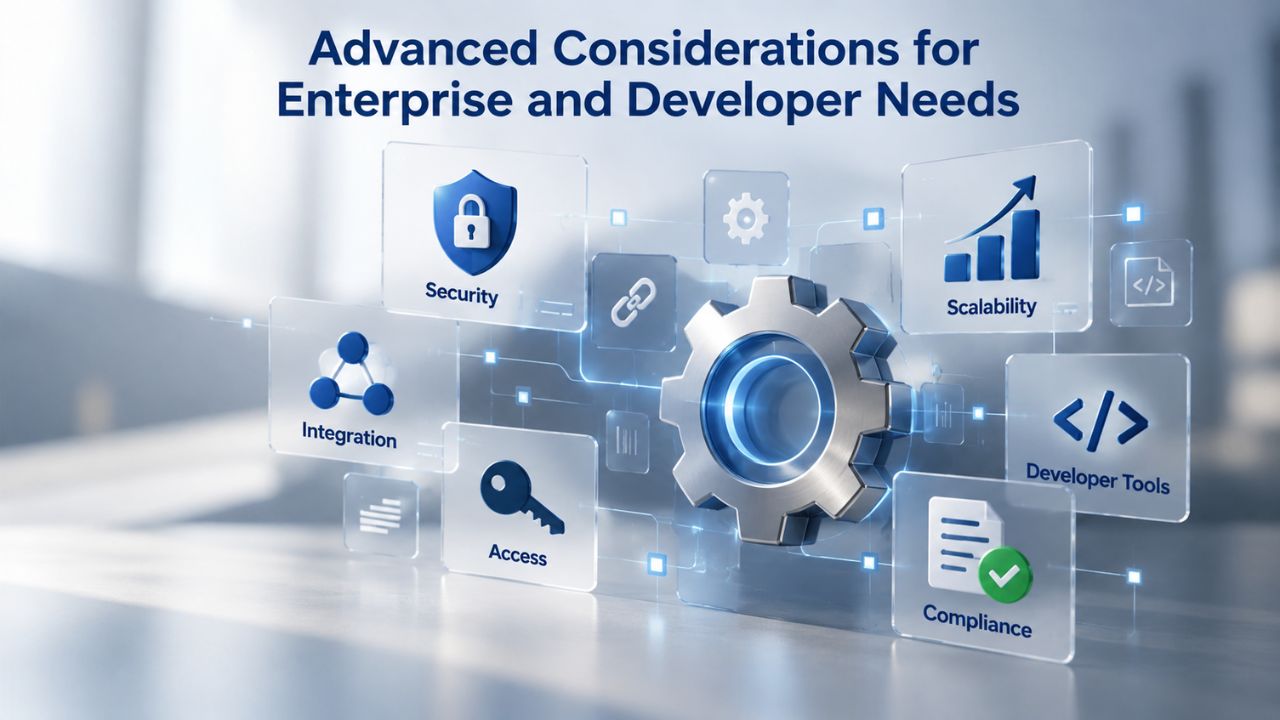
Developer Workflow and Deployment Efficiency
Managed hosting provides version control integration (Git), continuous deployment pipelines, and development staging that make custom code deployment safe and fast. Developers can push changes with confidence, knowing staging environments are pre-built and managed hosting handles the underlying infrastructure. This efficiency accelerates development cycles and reduces the burden on development teams.
Shared hosting requires developers to manage more of the deployment process manually, including server configuration, database management, and testing infrastructure. This overhead slows development cycles and creates more opportunities for human error during deployments, which can cause site downtime or data issues.
Multisite Network Scalability
WordPress multisite networks running on shared hosting face constant resource constraints as the number of sites grows. Each new site increases database load, file storage needs, and concurrent user connections. Eventually, the shared hosting platform becomes overwhelmed, forcing migration, often at the worst possible time when the network is growing rapidly and generating revenue.
Managed WordPress hosting scales multisite networks transparently. Adding new sites doesn’t require manual upgrades or concern about resource limits. The infrastructure automatically allocates what each site needs, maintaining performance across the entire network regardless of size or traffic distribution.
Ready to Scale Beyond Shared Hosting?
Your site’s growth shouldn’t be limited by hosting architecture. Niya Digital’s managed WordPress hosting team provides free migration assistance and expert guidance to help you transition smoothly from shared hosting. Whether you’re experiencing resource constraints, security concerns, or simply ready to eliminate maintenance headaches, our WordPress specialists are ready to support your next phase. Get started with enterprise-grade infrastructure optimized for your success.
Frequently Asked Questions
What is the key difference between shared and managed WordPress hosting?
Shared hosting puts your site on a server with many others, divides resources, and leaves maintenance entirely to you. Managed WordPress hosting optimizes the entire environment specifically for WordPress, handles updates and backups automatically, and scales resources as traffic grows. The architecture is purpose-built for WordPress, while shared hosting is generic infrastructure adapted for any website type.
Can I run WordPress on shared hosting?
Yes, absolutely. WordPress runs on any hosting that meets WordPress’s technical requirements: PHP 8.3+, MariaDB 10.11+ or MySQL 8.0+, and HTTPS. Shared hosting meets these minimums, so WordPress installs and runs without issues. However, performance, security automation, and scalability are limited compared to managed hosting designed specifically for WordPress optimization.
Will shared hosting slow down my WordPress site?
Shared hosting may slow your site because you share resources with other accounts, especially during traffic spikes and peak server usage times. Without WordPress-specific optimization and with limited resources per account, your site’s speed depends heavily on overall server load and neighbor sites’ activity. Managed hosting optimizes specifically for WordPress and auto-scales to maintain speed under all traffic conditions.
Do I need to manage updates myself on shared hosting?
Yes, you are responsible. On shared hosting, you must apply WordPress core updates, plugin updates, and security patches manually via the WordPress dashboard. You must check regularly and apply updates yourself or risk leaving your site vulnerable to known exploits. Managed hosting automates this entire process completely.
Does managed WordPress hosting include backups?
Yes, absolutely. Managed WordPress hosting typically includes automatic daily backups, tested and maintained by the provider to ensure they work when you need them. Shared hosting usually requires you to set up and manage backups yourself via plugins or cPanel, with limited retention periods and no verification.
What is a staging environment, and why do I need it?
A staging environment is a private copy of your live site where you can test changes, updates, and new plugins without affecting visitors or your live business. Managed WordPress hosting includes one-click staging for safe testing before deployment to production. Shared hosting does not include this feature by default, forcing manual setup or risky testing on live sites.
Can I migrate from shared hosting to managed WordPress hosting?
Yes, most managed hosts provide free or assisted migration services. They move your site, database, and files to their infrastructure with minimal or zero downtime. Shared hosting leaves migration to you, requiring more technical skill and carrying a higher risk of errors or data loss during the DNS cutover process.
Is managed WordPress hosting worth the investment if I’m starting?
For a hobby blog with very low traffic, shared hosting may be sufficient. But if your site has any business purpose, generating revenue, serving clients, building a professional brand, managed hosting’s automation and expert support justify the investment from day one. It eliminates maintenance stress and scales naturally as you grow.
What site size or traffic level requires managed hosting?
There’s no hard rule, but managed hosting becomes valuable once your site generates revenue, traffic exceeds 5,000 visitors per month, or you manage multiple sites. If your site is a hobby project with stable low traffic and you enjoy technical maintenance, shared hosting may suffice. Most growing sites benefit from managed hosting within their first 6–12 months of operation.
Does managed WordPress hosting support custom code and plugins?
Yes, completely. Managed WordPress hosting provides developer access via SSH, Git, and staging environments for testing custom code. Developers can deploy and manage custom solutions while benefiting from managed infrastructure, automatic security updates, and expert support.
Can I use my own domain on both shared and managed hosting?
Yes, both allow you to use your own domain via DNS configuration. Domain ownership and functionality are identical; the difference is only in how the hosting server is configured to serve your site and support it with infrastructure, optimization, and security features.
What happens if my shared hosting account gets hacked?
Recovery is your responsibility. You must identify malware, remove it manually or via plugins, apply security patches, restore from backup, and change all passwords. Managed hosting includes malware scanning and removal services, plus proactive security monitoring that significantly reduces breach risk and supports you during recovery.
How does auto-scaling work on managed WordPress hosting?
Auto-scaling automatically allocates more CPU, RAM, and I/O resources to your site as traffic increases in real time. When traffic drops, resources scale back down, keeping overhead minimal and costs efficient. Your site performs consistently whether it receives 100 visitors or 100,000, without manual plan changes or intervention.
What is the difference between managed WordPress hosting and VPS hosting?
VPS (Virtual Private Server) hosting gives you a dedicated portion of a physical server with guaranteed resources, but you manage server configuration, security updates, and optimization yourself. Managed WordPress hosting automates these tasks and optimizes specifically for WordPress. VPS offers more control but requires more responsibility; managed hosting requires less work.
Can I switch managed WordPress hosting providers if I’m not satisfied?
Yes, most managed hosts provide free or assisted migration when you switch providers. The process is similar to initial migration; the host handles the technical work. This portability means you can switch if you find better support, features, or value elsewhere, reducing vendor lock-in risk and protecting your business interests.
Glossary
- TTFB (Time to First Byte): The time elapsed between when a browser requests a page and when the server begins sending the first data response. Lower TTFB indicates better server responsiveness and faster page load initiation. Server configuration, geographic location, and current server load influence TTFB.
- Core Web Vitals: Google’s set of three performance metrics (LCP, CLS, INP) measuring page load speed, visual stability, and responsiveness. These metrics influence search rankings and the user experience. Achieving “good” Core Web Vitals scores improves both SEO performance and visitor satisfaction.
- Caching: Storing pre-generated or frequently accessed data (pages, database queries, images) so the server doesn’t regenerate them on every request. Caching dramatically speeds up page load and reduces server load. Includes page caching, object caching, and database query caching strategies.
- Resource Allocation: The division of server CPU, RAM, storage, and bandwidth among hosted accounts. Shared hosting allocates limited fixed resources per account; managed hosting auto-scales resources based on demand so your site gets what it needs when traffic rises.
- Staging Environment: A private, isolated copy of your live WordPress site for testing changes, updates, and new plugins before deployment to the live site that visitors see. Staging lets you catch problems safely without affecting your audience or business operations.