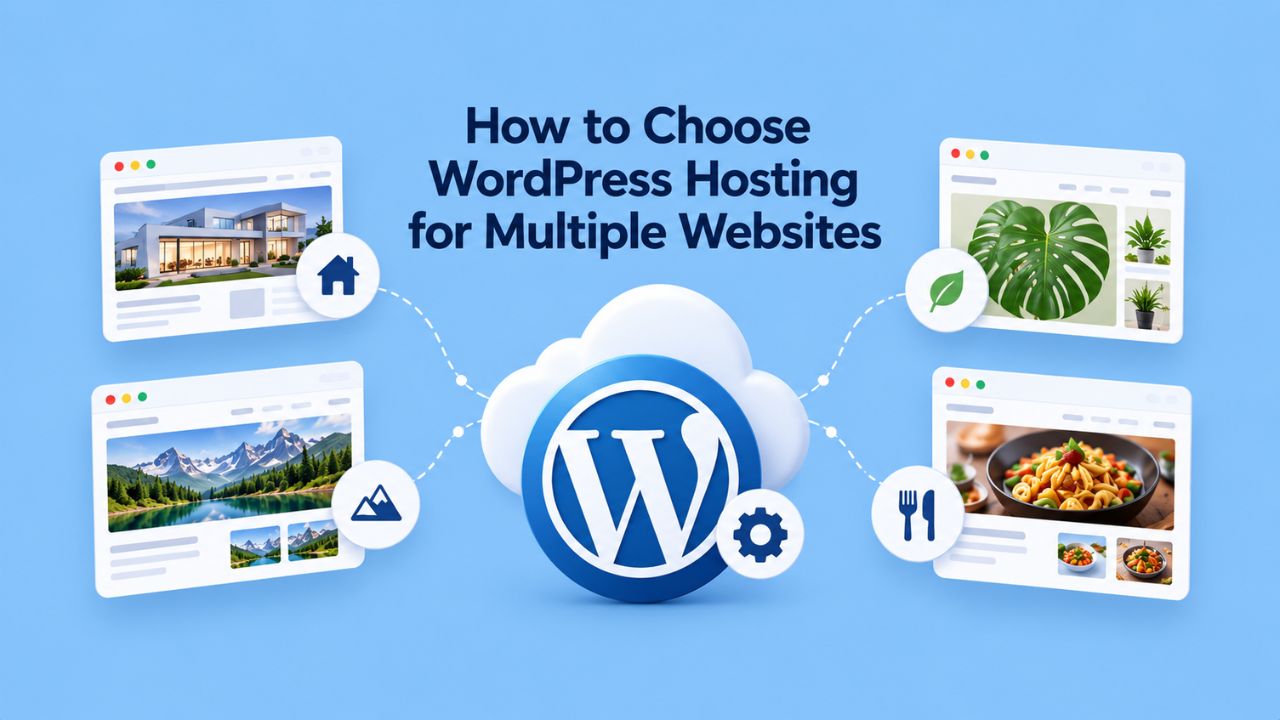
Managing multiple WordPress websites demands more than the entry-level hosting stack that works for a single site. Your infrastructure must handle centralized administration, resource contention across sites, and scaling pressures that don’t affect smaller deployments. Niya Digital delivers WordPress hosting in partnership with an enterprise-grade cloud infrastructure partner, so you can focus on managing your sites rather than the underlying servers.
Understanding WordPress Hosting Fundamentals for Multiple Websites
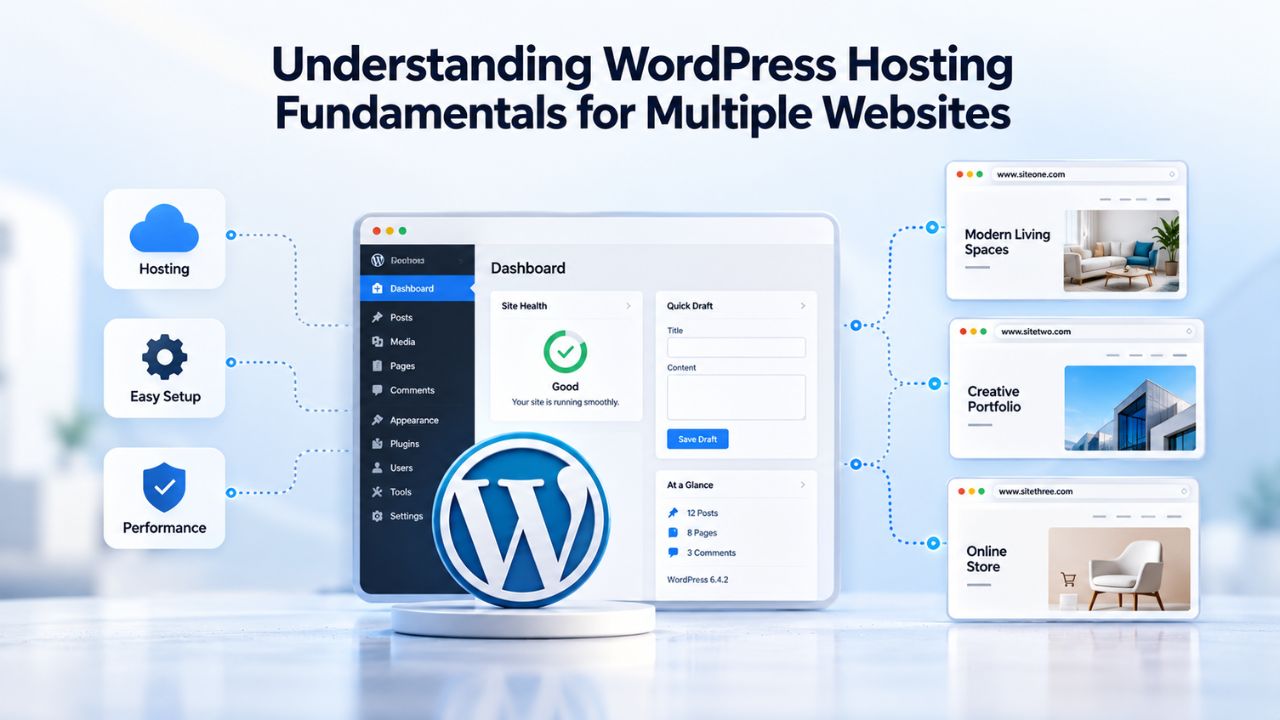
Managing multiple websites introduces new hosting constraints that single-site plans never encounter. Whether you’re consolidating separate installations into a single multisite network or hosting independent WordPress sites on the same account, your hosting provider’s architecture determines whether your sites perform reliably or compete for resources under load.
Resource Sharing and Infrastructure Design
WordPress hosting environments allocate server resources, CPU, RAM, PHP workers, and database connections across all sites on an account or network. A single high-traffic site or a resource-intensive plugin on one site can consume most available capacity, directly slowing other sites sharing the same pool.
Most managed WordPress hosting providers isolate resources in one of two ways: (a) by running each site in its own container or virtual environment with dedicated resource limits, or (b) by spreading sites across separate physical or cloud servers. Entry-level shared plans typically use neither strategy, placing all sites in a shared pool where a traffic spike on one affects all others. Understanding this distinction is critical when choosing hosting for multiple websites.
Control Panel Options and Multi-Site Administration
Your hosting provider’s control panel shapes how efficiently you manage multiple sites. cPanel (Linux-based) and Plesk (Linux/Windows compatible) are industry standards, and cPanel typically requires separate accounts per domain in traditional setups. Plesk also lets you manage multiple domains under one account. Both offer WordPress-specific toolkits: cPanel’s WP Toolkit (free Lite or paid Deluxe) and Plesk’s WordPress Toolkit both simplify site operations.
For WordPress hosting plans managing 5+ sites, a control panel with centralized domain and SSL management saves operational friction. Assess whether your prospective host uses a provider-specific dashboard or a standard industry panel, as this affects both learning curve and portability if you scale beyond the host’s capacity later.
Single Installation vs. Multisite Architecture: Key Differences
The foundational choice for multiple WordPress websites is architectural: do you maintain separate WordPress installations (each with its own codebase, database, and settings), or consolidate into a single multisite network?
This decision cascades into hosting requirements, management complexity, resource planning, and scaling strategies. Neither approach is universally correct; the right choice depends on how related your sites are and whether they need independent scaling.
Multisite Consolidation: Centralized Management at the Cost of Isolation
WordPress Multisite allows multiple distinct websites to share a single WordPress installation, one database, and one set of themes and plugins. Each site maintains its own content, users, and settings, but all sites draw from the same codebase. A super-administrator manages the entire network from a centralized Network Admin dashboard.
Multisite excels for related site collections: university departments, franchise locations, agency client microsites, or corporate regional offices. Plugin and theme updates deploy once to all sites; user management, SSL certificates, and backups can be centralized. The trade-off is architectural: all sites share the same database connection pool and PHP worker resources. If one site’s traffic surge consumes available capacity, every other site on the network feels the impact, a bottleneck that cannot be fully eliminated through hosting alone.
Separate Installations: Resource Isolation at the Cost of Management Overhead
Hosting multiple independent WordPress installations (each a standalone site) provides complete resource isolation. This architecture suits unrelated websites or sites with unpredictable traffic patterns where noisy-neighbor effects are unacceptable.
The operational burden increases proportionally. Updating WordPress core, plugins, and themes requires visiting each site’s admin panel or using a centralized management dashboard tool (e.g., MainWP, ManageWP, or mySites.guru). Backups, SSL certificate renewal, and security monitoring must be individually orchestrated or delegated to a third-party management tool. For agencies or organizations managing 10+ sites, the savings from multisite’s centralized updates often outweigh the risk of resource contention.
| Factor | Multisite Network | Separate Installations |
|---|---|---|
| Dashboard & Management | One centralized Network Admin dashboard | Individual admin dashboards per site or third-party tool (MainWP, ManageWP) |
| WordPress Updates | Update once, deploy to all sites | Update each site independently |
| Plugin/Theme Management | Install once, network-activate or per-site | Install and manage individually per site |
| Database Structure | Single database with per-site tables | Separate database per installation |
| Resource Sharing | All sites share CPU, RAM, PHP workers, DB connections | Complete resource isolation per site |
| Backup Complexity | Single network backup; individual site restore complicated | Individual backups; simpler restore per site |
| SSL Certificates | Wildcard or per-subdomain; fewer certs needed | One cert per domain or per installation |
| Ideal Use Case | Related sites (departments, franchises, agencies) | Unrelated sites or high-traffic unpredictable networks |
| Failure Risk | One breaking update affects all sites | One site issue does not affect others |
| Operational Overhead | Lower (centralized) | Higher (distributed) |
Resource Planning and Scalability for Growing Networks
Hosting infrastructure must scale as your network grows. A hosting plan adequate for 3 low-traffic sites will fail under 20 active sites with unpredictable traffic. Understanding the resource requirements at each scale tier ensures your platform sustains growth without emergency upgrades that disrupt live sites.
Baseline Requirements by Network Size
Small networks (2–5 sites, under 20K combined monthly visits) typically operate on shared hosting or a basic VPS with 2–3 vCPU and 2–4 GB RAM. PHP memory allocation should start at 256MB per site, with shared object caching (Redis or Memcached) to reduce database load. Daily backups and basic DDoS protection are table stakes; staging environments remain optional at this scale.
Medium networks (6–20 sites, 20K–100K visits monthly) require dedicated resources: 4 vCPU, 4–8 GB RAM, and SSD storage optimized for database queries. Object caching becomes essential; many managed WordPress hosting providers include it. Run automated backups twice daily, with weekly off-site copies. A staging environment is no longer optional; testing multisite updates before production deployment prevents network-wide outages.
Large networks (20+ sites, 100K+ visits monthly) demand enterprise-grade infrastructure: 8+ vCPU, 8–16 GB RAM, and horizontally scaled database replicas or managed database services to isolate analytics and reporting queries from transactional load. Load balancing across multiple application servers becomes necessary. Continuous automated backups and 24/7 monitoring are mandatory; a resource surge on one site should not affect others.
| Network Size | Site Count | Monthly Visits | Recommended vCPU | Recommended RAM | Backup Cadence | Staging Needed | Support Level |
|---|---|---|---|---|---|---|---|
| Small | 2–5 | <20K | 2–3 | 2–4 GB | Daily | Optional | Business hours |
| Medium | 6–20 | 20K–100K | 4 | 4–8 GB | Twice daily | Required | 24/7 available |
| Large | 20+ | 100K+ | 8+ | 8–16 GB | Continuous + off-site | Required | 24/7 dedicated |
| Enterprise | 50+ | 500K+ | 12+ | 16+ GB | Multi-region + replicas | Full network clone | 24/7 + SLA |
Niya Digital’s team has found that organizations scaling from single WordPress installations to multisite networks often underestimate the hosting infrastructure demands, particularly around database connection pooling and PHP worker allocation under traffic spikes.
Traffic Variability and Burst Capacity
Hosting infrastructure for multiple WordPress websites must accommodate not just average traffic but spikes during content launches, seasonal events, or unexpected viral moments. Most managed WordPress hosting uses cloud infrastructure with automatic scaling, allocating additional CPU and memory on demand.
Verify that your hosting provider’s scaling mechanism is transparent and doesn’t incur surprise overage charges. Some providers auto-scale transparently within plan limits; others charge per spike. For multisite networks, ask whether scaling applies to the entire network or per-site, since network-wide scaling is less efficient when one site dominates traffic.
Database and Server Infrastructure Considerations
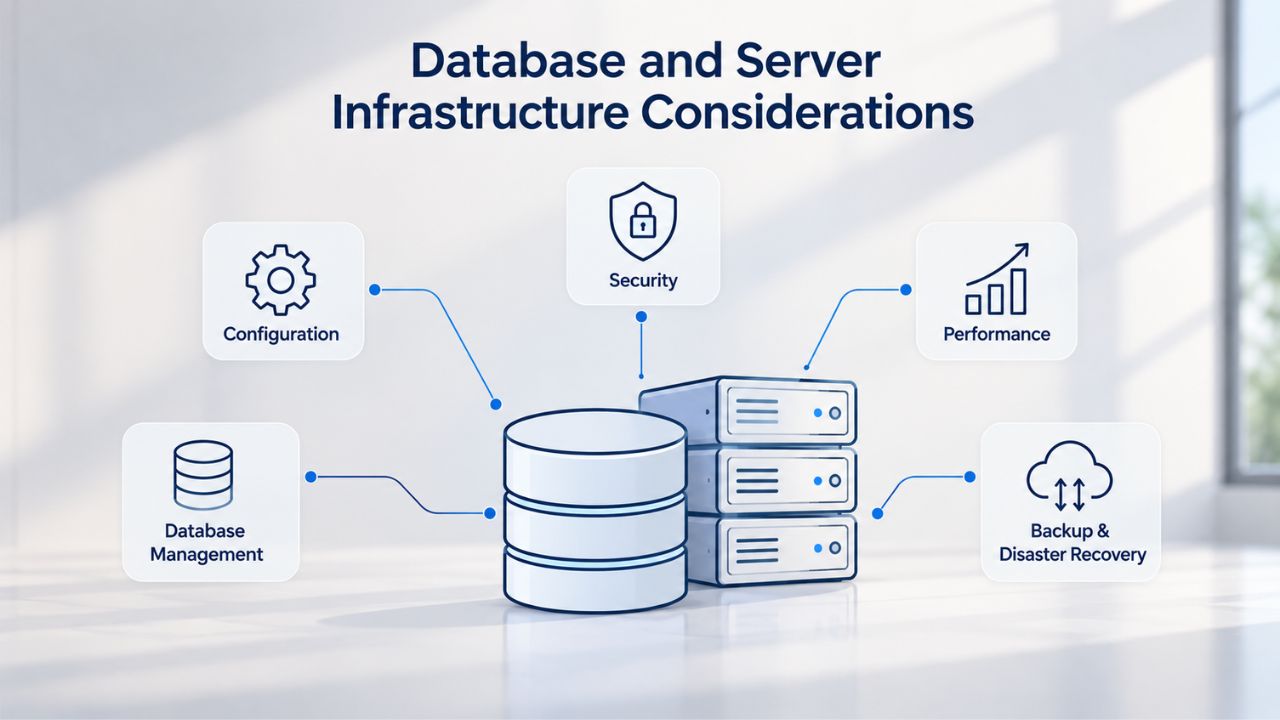
The database and server architecture are the primary performance levers for multiple WordPress websites. A misconfigured database or undersized server cannot be overcome by front-end caching or CDN optimization.
Shared Database Contention in Multisite Networks
In a WordPress Multisite network, all sites share infrastructure resources (database connections, PHP workers, server memory). Database connection pools are finite; a resource-intensive query on one site (e.g., a heavyweight plugin scanning thousands of posts) consumes connections that other sites need for normal operations.
Hosting providers can mitigate this through connection pooling (e.g., PgBouncer for PostgreSQL, or managed database services that abstract connection limits). Ask your prospective host whether they pool database connections, what the limit is, and whether you can see connection usage. Networks larger than 20 sites often benefit from read replicas, separate database servers handling SELECT queries while the primary server handles writes, to spread the query load.
Server Location and Geographic Latency
Physical distance between server and user introduces latency that affects Core Web Vitals and search rankings. A server in Asia serving primarily North American users introduces ~100–150ms of latency from distance alone. For multiple WordPress websites with geographically dispersed audiences, confirm that your hosting provider maintains servers in regions close to your primary traffic sources.
Cloud hosting (with geographically distributed edge nodes) mitigates this by serving static content and cached responses from locations near users. Traditional shared, VPS, and dedicated hosting are tied to specific data-center locations; for these options, choose a provider with presence in your audience’s region.
Performance Optimization: Core Web Vitals and Hosting Impact
Google’s Core Web Vitals, Largest Contentful Paint (LCP), Interaction to Next Paint (INP), and Cumulative Layout Shift (CLS), are ranking factors for all websites. Hosting infrastructure directly affects two of these metrics.
Time to First Byte: The Hosting Bottleneck
Time to First Byte (TTFB) is the primary hosting-level variable affecting Core Web Vitals. TTFB measures the delay before the server sends the first byte of the HTML response. A slow TTFB delays LCP (page load speed) and INP (interactivity) regardless of front-end optimization.
For multiple WordPress websites, TTFB depends on three factors:
(1) server processing time (PHP execution, database queries),
(2) server capacity (oversubscribed servers with poor TTFB during traffic spikes), and
(3) server location (geographic distance).
Best WordPress hosting prioritizes low TTFB through SSD storage, PHP 8.2+, dedicated resources, and edge caching.
Optimizing for Good Core Web Vitals Thresholds
Google’s “good” Core Web Vitals thresholds are LCP <2.5 seconds, INP <200 milliseconds, and CLS <0.1. To pass, 75% of real visits must meet these thresholds at the 75th percentile over a 28-day rolling window. For multiple websites, even one slow site can drag down overall search visibility if the sites share the same hosting account.
Fast WordPress hosting includes object caching (Redis/Memcached), HTTP/2 or HTTP/3 support, and built-in CDN or edge caching. Ask your prospective host whether they include these, or whether they’re add-ons that increase cost. For networks approaching 100K+ monthly visits, confirm that the host provides performance monitoring dashboards so you can diagnose which site or plugin is causing performance degradation.
Ready to Choose the Right Hosting for Your Multiple WordPress Websites?
Niya Digital delivers managed WordPress hosting built on enterprise-grade cloud infrastructure, with centralized management, automated backups, staged updates, and scalable resource allocation designed to grow with your network. Whether you’re managing 3 sites or 30, explore how Niya Digital’s WordPress hosting plans can streamline your operations.
Security Best Practices Across Your Site Network
Running multiple WordPress websites multiplies security surfaces. Each site is a potential entry point for attackers, and a compromise on one can spread to all sites on the same server without segmentation.
Network-Level Security Controls
Secure WordPress hosting includes Web Application Firewall (WAF) protection, DDoS mitigation, and brute-force login protection applied at the network level. These controls should be transparent; you don’t configure them per site, but enable/disable them network-wide. Two-Factor Authentication (2FA) for admin accounts, unique passwords, and login attempt limits reduce unauthorized access vectors.
For multisite networks, restrict super-admin access to a small team; site administrators should not have server-level access or the ability to modify network-wide settings. Regular WordPress core, theme, and plugin updates are critical to patch vulnerabilities; managed WordPress hosting providers typically automate them.
SSL/HTTPS and Multi-Site Certificate Management
Every site in a network must use HTTPS. For multisite networks using subdomains (e.g., site1.example.com, site2.example.com), a wildcard SSL certificate (*.example.com) covers all subdomains with a single certificate. Subdirectory-based multisites can use the root domain’s certificate. Domain-mapped multisites (each with its own registered domain) require individual SSL certificates per domain.
Most hosting providers offer free SSL via Let’s Encrypt with automatic renewal. Confirm your host renews certificates automatically; manually renewing 20+ SSL certificates annually is error-prone and invites coverage gaps.
Backup, Recovery, and Disaster Planning
Backups are the final line of defense against data loss, ransomware, and catastrophic failures. For multiple WordPress websites, your backup strategy must support network-wide restoration and individual site recovery.
Multisite Backup Complexity and Best Practices
Standard WordPress backup plugins often don’t handle multisite networks well because the entire network shares a single database. Restoring individual sites from a network-wide backup is complicated; restoring the entire network is simpler but riskier (it overwrites all sites).
Hosting providers managing multisite networks should offer managed backups with restore granularity: restore the entire network, restore a single site, or restore a specific date/time. Automated backup cadence should be at least daily; active networks warrant twice-daily backups. Ask your host how long backups are retained (30, 60, or 90 days) and whether backups are stored off-site to protect against data-center-wide failures.
Testing Restores and Recovery Time Objectives
Manual backups are rarely executed consistently; automation is mandatory. However, automated backups you’ve never tested are just files that create a false sense of security. Hosting providers should offer one-click restore functionality and publicly document their recovery time objective (RTO), the maximum time to restore a site after data loss.
For mission-critical multisite networks, establish a quarterly restore test: trigger a restore from backup and confirm all sites come online correctly. This catches backup misconfigurations before a real disaster.
Update Management and Compatibility Testing
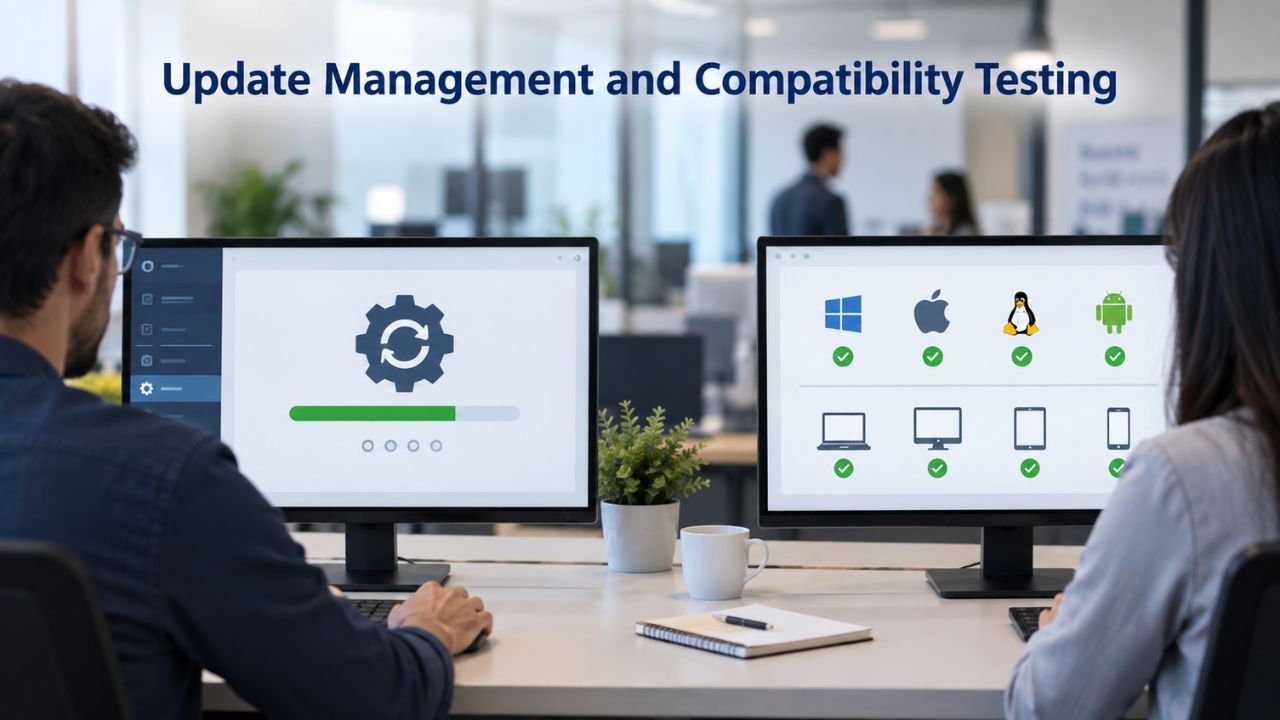
Updating WordPress core, themes, and plugins in a multisite environment is centralized but riskier: a breaking update affects all sites simultaneously. Staging environments are essential for testing before deploying to production.
Network Admin Update Workflows
Update WordPress core, themes, and plugins via the Network Admin dashboard, not individual site dashboards. This centralization ensures consistent updates across all sites but creates a single point of failure if an update breaks compatibility.
For multisite networks, establish a weekly update cadence: stage updates on a test network, confirm all sites pass functionality tests, then push updates to production. Never update multisite plugins or themes during business hours; a failed update during peak traffic can cause network-wide downtime.
Staging Environments for Safe Testing
A staging environment is an exact copy of the live network on a separate server, noindexed from search engines to prevent duplicate-content issues and keep testing activities hidden. For small networks, a single staging site that represents a sample of production sites suffices. Large networks benefit from full-network staging (a complete replica of all sites) but at a higher cost.
Confirm that your hosting provider includes staging environments with each plan or offers affordable staging add-ons. WordPress hosting support should include push-to-production workflows: after testing on staging, you should be able to push changes back to production with minimal manual work.
Choosing Control Panels and Management Tools
Your hosting control panel is the daily interface for managing domains, SSL certificates, email accounts, databases, and backups. The right panel reduces operational friction; a poor one multiplies the work of managing multiple sites.
Evaluating Hosting Control Panels
Plesk offers centralized management of multiple domains under a single account and includes a WordPress Toolkit for native WordPress-aware operations. cPanel requires separate cPanel accounts per domain in traditional setups but remains the industry standard for Linux hosting providers.
For WordPress hosting plans that support multiple sites, compare control panels for centralized domain management, SSL certificate automation, and built-in WordPress update/backup tools. If your host uses a custom dashboard instead of cPanel/Plesk, verify that WordPress-specific workflows (bulk updates, backup management, staging site creation) are supported natively.
Third-Party Management Dashboards
Many hosting providers offer a proprietary dashboard layered above the underlying server control panel. These dashboards often provide simplified WordPress-specific operations (e.g., one-click site cloning, centralized backup restore, multi-site update scheduling). Assess whether the third-party dashboard reduces operational overhead or adds complexity.
Site Migration and Scaling Strategies
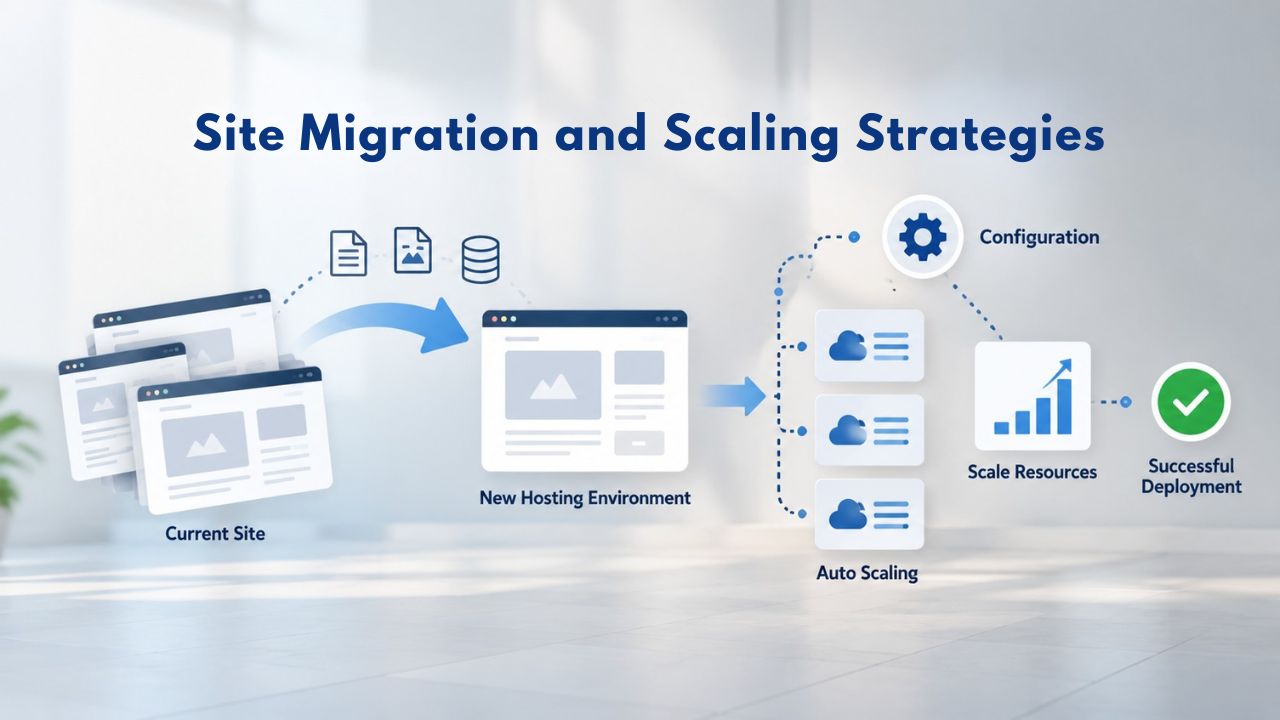
As your network grows, hosting requirements evolve. Early-stage networks may start on a small shared or managed plan; scaling to 20+ sites often requires infrastructure upgrades or a migration to a different host.
Planning Migrations Without Downtime
Migrating multiple WordPress websites to a new hosting provider requires careful sequencing. Standard migration tools support individual WordPress sites; multisite migrations are more complex because the entire network shares files and a single database. Migrating a 50-site network typically requires either a full-network database dump and restore (higher-risk) or a staged approach (migrate one or a subset of sites, verify, then continue).
Confirm that your prospective hosting provider offers WordPress site migration services or support for assisted migrations. Schedule the migration during low-traffic windows, and document rollback steps in case DNS changes don’t propagate or connections fail.
Planning for Long-Term Scalability
As a multisite network approaches resource limits on its current plan, you face a choice: upgrade to a larger plan on the same host, or migrate to a platform designed for scale. Evaluate your host’s upgrade path: do larger plans maintain the same infrastructure (risking continued contention) or move to dedicated/cloud resources with isolation?
For large networks (100+ sites), consider whether multisite remains the right architecture, or whether separate managed WordPress installations with a shared management dashboard (e.g., MainWP) offer better isolation and scaling. The answer depends on management overhead vs. infrastructure cost.
Making Your Hosting Decision: A Practical Comparison
Choosing between hosting providers requires comparing not just features but infrastructure reliability, support quality, and total cost of ownership over time. This section synthesizes the decision factors into actionable comparisons.
Feature and Support Maturity Assessment
Hosting providers are not interchangeable. A provider serving primarily small bloggers on shared hosting will not have the infrastructure expertise for a 20-site multisite network. Assess each prospective host’s maturity by asking:
Does their documentation explicitly cover multisite? Do they offer staging environments out of the box, or do you have to create them manually? Is WordPress expert support available 24/7 (not just weekdays)? Can they articulate their resource-scaling policy if one site experiences a traffic surge?
Immature providers will give vague answers; mature providers discuss technical details (e.g., “database connection pooling via PgBouncer,” “dedicated PHP-FPM workers per site,” “auto-scaling within plan limits without overage charges”). Technical competence predicts long-term reliability.
Migration Path and Vendor Lock-in Evaluation
Hosting choices should be reversible if the provider underperforms. Evaluate migration barriers: Can you export full backups (database + files) in standard formats? Does the provider support live-migration assistance? Are domain transfers unrestricted?
Providers that use proprietary backup formats, block domain transfers, or charge prohibitive migration-assistance fees extract lock-in costs. Choose hosts that treat migration assistance as a competitive advantage, not a penalty.
Advanced Strategies for Next-Level Performance and Scaling
Niya Digital’s managed WordPress hosting delivers these strategies out of the box: advanced caching, distributed performance monitoring, resource auto-scaling tuned to multisite behavior, and staging networks for safe testing. Explore how Niya Digital can accelerate your network’s growth without the operational overhead of managing infrastructure yourself.
Frequently Asked Questions
What is the difference between WordPress hosting and regular web hosting?
WordPress hosting is optimized for WordPress through pre-installed WordPress, automatic core updates, PHP/database configurations tuned for WordPress, and often includes WordPress-specific security tools. Regular web hosting is generic; it works for WordPress but often lacks WordPress-specific automation, leading to manual update management and slower performance.
Can I run multiple WordPress sites on shared hosting?
Yes, shared hosting can run multiple WordPress installations if your provider allows multiple accounts. However, shared hosting resources are thin; each site competes for the same CPU, RAM, and database connections. At 5+ sites or 20K+ combined monthly visits, resource contention becomes severe. Shared hosting suits only very low-traffic networks; managed or cloud hosting is recommended for multiple active sites.
Is WordPress Multisite better than separate installations?
Multisite consolidates management (one dashboard for all sites, one update cycle, one backup). Separate installations offer complete resource isolation (one site’s traffic surge doesn’t affect others). Multisite is better for related sites needing centralized control; separate installations are better for unrelated sites or those with unpredictable traffic. Evaluate your use case before choosing.
How much monthly traffic can shared hosting support?
Shared hosting typically supports 10K–20K monthly visits across all sites before contention becomes visible. At 50K+ visits across multiple sites, upgrade to managed WordPress hosting or cloud infrastructure.
What backup frequency should I use for multiple WordPress sites?
Daily backups are the minimum. Active networks with frequent content updates benefit from twice-daily backups. Off-site storage (separate from the web host’s data center) protects against data-center-wide failures.
Do I need a staging environment for every site?
For multisite networks, test updates on a staging copy of the network before deploying to production; you don’t need individual staging copies of each site. For separate installations, use staging before major updates (plugin/theme installations, code changes).
How do I manage SSL certificates for multiple WordPress sites?
For multisite using subdomains or subdirectories, a single wildcard certificate or root certificate covers all sites. For domain-mapped multisites (each site with its own domain), either purchase individual certificates or use a wildcard covering all subdomains of a single root. Most hosts offer free SSL via Let’s Encrypt with automatic renewal; verify this is automatic, not manual.
Can I switch hosting providers without downtime?
Migration time ranges from 1–24 hours depending on network size and complexity. Plan migrations during low-traffic windows. Hosting providers offering live-migration tools (data replication during transfer) minimize downtime. Avoid migrations during peak business hours or high-traffic events.
What is Time to First Byte (TTFB) and why does it matter?
TTFB measures the delay before the server sends the first byte of response. Slow TTFB directly slows page load speed and interactivity (LCP and INP), affecting search rankings and user experience. Hosting infrastructure is the primary TTFB lever; caching and optimization alone cannot compensate for a slow server.
Should I use multisite or separate WordPress installations for an agency managing client sites?
Multisite simplifies agency operations (one dashboard, centralized updates, one backup). However, multisite is a liability if clients expect complete isolation or the agency wants to migrate individual sites to client-controlled hosting later. Many agencies prefer separate installations managed via MainWP or ManageWP for per-site control while maintaining a unified dashboard.
What PHP version should my hosting support?
PHP 8.0+ is recommended; PHP 8.2+ is ideal. Older versions (PHP 7.4) still work but lack performance improvements and security updates. Confirm your hosting provider supports PHP 8.0+ and makes version upgrades easy.
How do I know if my hosting is causing performance issues versus plugins?
Use a performance-testing tool (e.g., Google PageSpeed Insights, WebPageTest) to measure TTFB on a minimal WordPress installation with no plugins. If TTFB is >1 second, hosting is the bottleneck. If TTFB is <500ms but full site TTFB is slow, plugins are the culprit. Repeat the test after disabling problematic plugins.
Can I upgrade my hosting plan without migrating to a new server?
Some hosting providers let you upgrade plans on the same server (often with an automatic transition). Others require migration to new infrastructure. Confirm with your host whether upgrades cause downtime or involve data migration.
What is object caching and do I need it?
Object caching (Redis or Memcached) stores frequently accessed database queries in memory, reducing database load and improving response speed. For multiple WordPress sites, object caching is valuable at 10K+ combined monthly visits; essential at 50K+ visits. Confirm your hosting provider includes it in the plan or allows inexpensive add-ons.
How long should I retain backups?
Minimum 30 days; ideal is 60–90 days. Longer retention lets you recover from delayed-discovery attacks (e.g., ransomware planted weeks before encryption). Confirm your hosting provider’s backup retention policy and cost of longer retention.
Glossary
Multisite: A single WordPress installation managing multiple distinct websites, sharing core files, database, and plugins while maintaining separate content and users per site.
Network Admin: The super-administrator dashboard in a WordPress multisite network where global settings, theme and plugin updates, and user permissions are centralized.
Subdomain: A URL structure for multisite where each site has its own subdomain (e.g., site1.example.com). Requires wildcard DNS and wildcard or multi-domain SSL certificates.
TTFB (Time to First Byte): The server-response time before sending the first byte of HTML; a primary factor in Core Web Vitals performance and page load speed.
Core Web Vitals: Google’s three page-performance metrics affecting search rankings: Largest Contentful Paint (LCP), Interaction to Next Paint (INP), and Cumulative Layout Shift (CLS).
PHP Memory Limit: The maximum amount of server memory (RAM) allocated per PHP request; determines how many plugins and concurrent processes can execute before timeouts or crashes occur.
Staging Environment: An exact copy of a live website on a separate server, used for testing updates and changes without affecting live traffic; typically noindexed from search engines.
Web Application Firewall (WAF): A security tool that inspects and filters HTTP requests before they reach the web server, blocking malicious traffic like SQL injection and DDoS attacks.