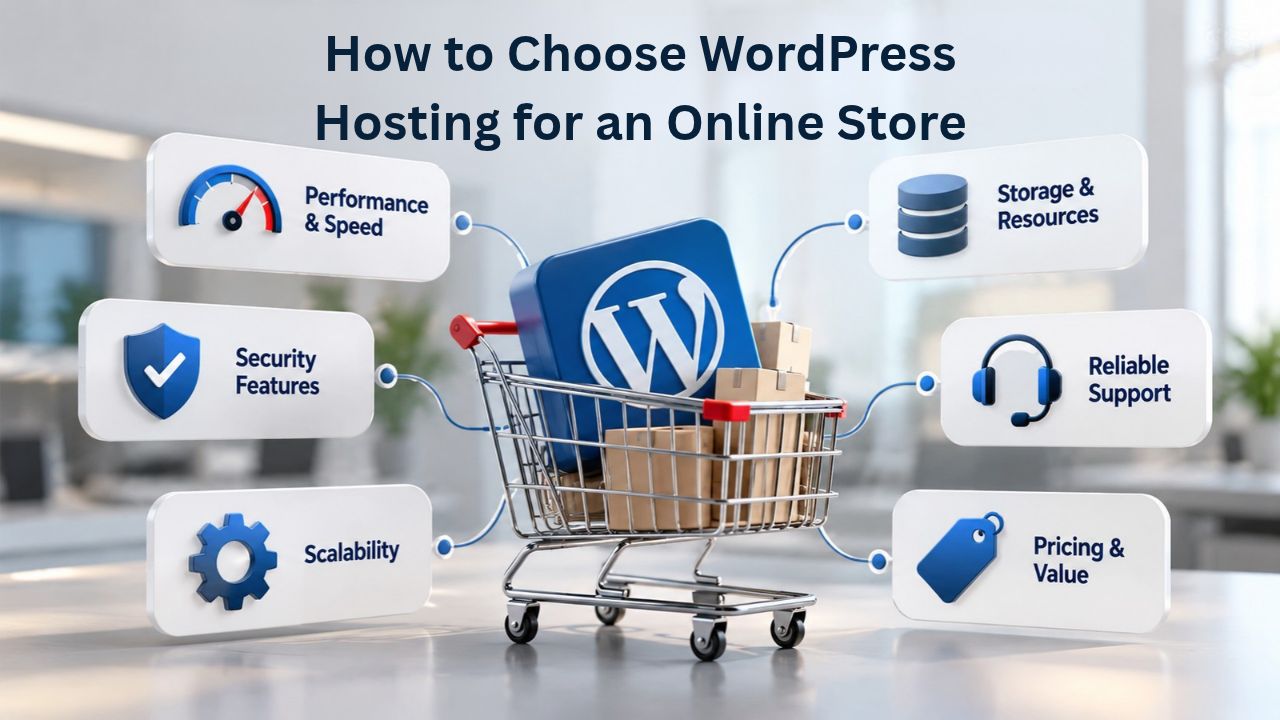
Your online store’s success depends on more than products and marketing. The hosting infrastructure beneath your WordPress site shapes everything from page load speed to customer trust. For e-commerce businesses, the right WordPress hosting can mean the difference between thriving conversions and abandoned carts. Niya Digital delivers WordPress hosting plans built on enterprise-grade cloud infrastructure, in partnership with an enterprise-grade cloud provider, ensuring your store runs fast, secure, and reliable.
Why Online Store Hosting Isn’t Generic Hosting
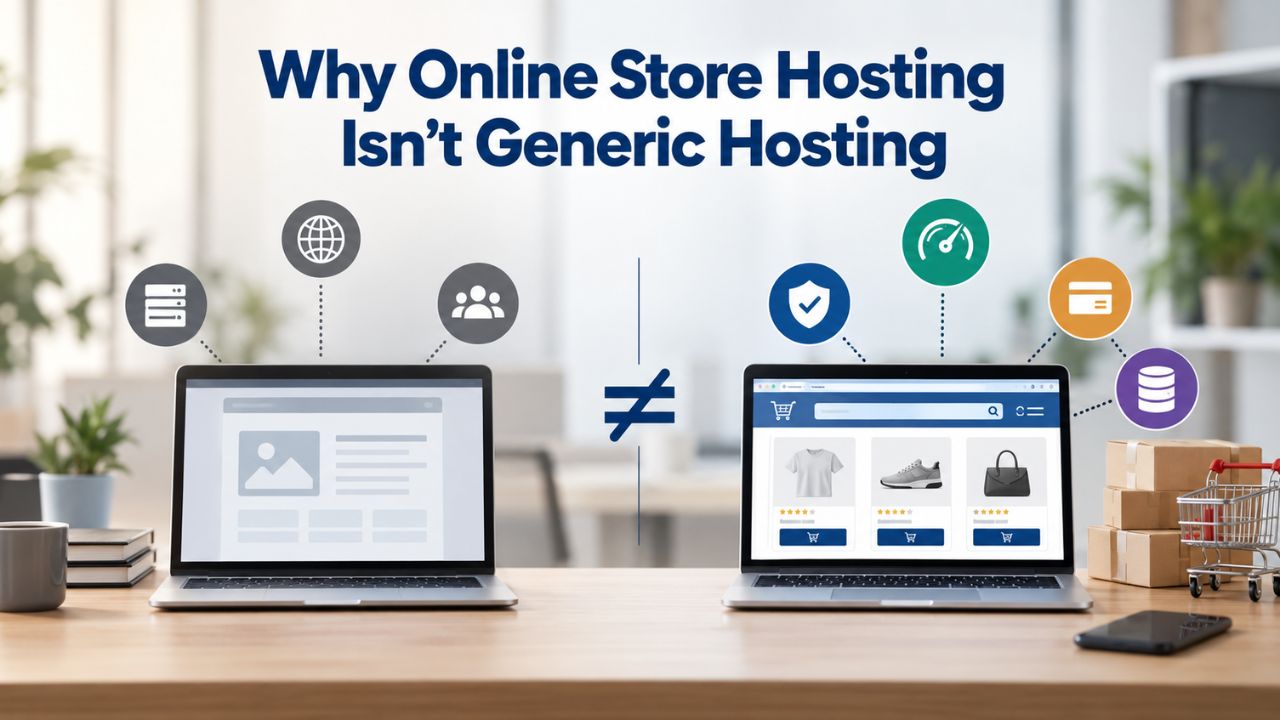
An online store isn’t a blog. While both run on WordPress, e-commerce sites face unique pressures: real-time inventory changes, payment processing, customer data at scale, and unpredictable traffic spikes during sales events. Generic hosting providers often lack the optimization, backup cadence, and security depth that online stores require. Slow checkout pages, downtime during peak sales, or data loss can cost thousands in direct revenue and permanently damage customer trust.
Payment Data Trust Drives the First Decision
Every transaction on your online store involves sensitive customer information, payment details, shipping addresses, and purchase history. WordPress security best practices recommend SSL/TLS encryption (required for HTTPS), firewalls, and malware scanning as foundational security layers. Your hosting provider must enforce these standards automatically, not make them optional features customers have to purchase separately.
When a customer sees the padlock icon and knows their payment is encrypted, they complete the purchase. Without visible security indicators, conversion rates drop sharply. WordPress-specific e-commerce hosting automates these protections: regular security updates, automatic malware scanning, and DDoS protection come built in rather than added later as expensive plugins. This isn’t convenience; it’s a business necessity that directly protects your revenue.
Speed Is Directly Tied to Revenue
Generic shared hosting, the cheapest option, creates unpredictable performance because hundreds of websites share the same server resources. When a neighbor’s site gets unexpected traffic or runs poorly written database queries, your site’s performance suffers without warning. For online stores, that’s unacceptable. Managed WordPress hosting and cloud infrastructure solve this by isolating your site’s resources or distributing load across a global network of servers.
WordPress Pricing Plans
Choose the WordPress hosting plan that fits your website needs, with reliable performance, security, storage, backups, and tools to help your site grow.
WordPress Basic
A great way to get started.
- 1 website
- 10 GB NVMe storage
- Unmetered bandwidth
- Free SSL Certificate *
- WordPress pre-installed
- Weekly backups
- Web Application Firewall
- Daily malware scans
- One-time malware removal

WordPress Deluxe
Improve your site performance with Cloudflare CDN.
- 1 website
- 20 GB NVMe storage
- Unmetered bandwidth
- Free SSL Certificate *
- WordPress pre-installed
- Daily backups
- Web Application Firewall
- Daily malware scans
- One-time malware removal
- Up to 2x faster performance with global Cloudflare CDN **
- Enhanced security with DDoS protection
- Staging site
WordPress Ultimate
Add online marketing with more sites, storage and security.
- 1 website
- 30 GB NVMe storage
- Unmetered bandwidth
- Free SSL Certificate *
- WordPress pre-installed
- Daily + on-demand backups
- Web Application Firewall
- Daily malware scans
- Unlimited malware removal
- Up to 2x faster performance with global Cloudflare CDN **
- Enhanced security with DDoS protection
- Staging site
- WordPress code optimizer
- Smart WordPress plugin manager
- Sell online with WooCommerce
Understanding Hosting Architectures for WordPress
Four main hosting models serve WordPress sites, each with different performance characteristics, cost structures, and levels of control. Understanding these distinctions helps you match your store’s current size and growth trajectory to the right infrastructure, avoiding overpayment or underpowered environments.
Shared Hosting: Entry Point but Performance Risk
Shared hosting places your website on a single server alongside dozens or hundreds of others, all competing for the same CPU, memory, and disk space. Costs run very low, making it attractive for new sites and side projects. Setup is simple: most plans include a one-click WordPress installation, a cPanel control panel, and basic backups. However, shared hosting carries real trade-offs that become problematic for any store processing real customer transactions.
When a neighboring site receives unexpected traffic or runs poorly written queries, your site’s performance suffers, a phenomenon called the “noisy neighbor” problem. Backup frequency is typically limited to once or twice a week, and security patches are applied to the entire server on the host’s schedule, not tailored to WordPress security vulnerabilities; for a personal blog or informational brochure site, shared hosting works acceptably. For an online store processing customer transactions and managing inventory in real time, the risk of downtime and performance degradation is too high to justify the cost savings.
Managed WordPress Hosting: Optimized for E-Commerce
Managed WordPress hosting is infrastructure optimized for WordPress, with automatic updates, daily or hourly backups, and WordPress-specialist support included. This tier costs more than shared hosting but provides much better reliability and performance. Unlike shared hosting, managed providers implement WordPress-specific performance enhancements: server-side caching with Redis or Memcached, PHP-FPM optimization, and often a built-in Content Delivery Network (CDN) to serve images globally.
Backup strategy improves dramatically at this tier; daily backups plus hourly snapshots on higher tiers mean data recovery is measured in hours, not days. WordPress security updates are applied automatically, without manual intervention or downtime risk. Plugin compatibility is audited; staging environments (test copies of your live site where you can safely test changes) are included as standard. Support staff are WordPress experts trained in e-commerce architecture, not generic tech support reading from a script.
Performance Benchmarks for E-Commerce
Page load time directly impacts whether customers complete checkout or abandon their cart mid-transaction. WordPress e-commerce sites should aim for a Largest Contentful Paint (LCP) under 2.5 seconds to retain 91% of visitors. This metric measures when the main content becomes visible to the visitor, and Google uses it as a primary performance signal that correlates directly with search ranking and conversion rate.
Aiming for Core Web Vitals “Good” Scores
Google’s Core Web Vitals measure three distinct user experience dimensions: LCP (loading speed), Cumulative Layout Shift (visual stability), and Interaction to Next Paint (responsiveness). A “Good” score on all three correlates with a 30% surge in conversion rates, an 8.3% reduction in bounce rates, and a 38% increase in customer recommendations. These aren’t vanity metrics; they directly impact your store’s revenue and growth trajectory.
Hosting architecture affects whether your site can consistently hit these benchmarks. Shared hosting often fails because of resource contention: when another site on the server experiences traffic, your PHP processes get starved for CPU. Managed WordPress hosting succeeds because the provider tunes PHP memory limits, enables caching at multiple layers, integrates a CDN, and allocates enough server resources to handle baseline traffic plus spikes. When evaluating a hosting plan, ask the provider: “Can you show me real customer data proving LCP under 2.5 seconds?” If the host hesitates or can’t provide specifics, move on.
Performance Comparison Table
| Performance Metric | Shared Hosting | Managed WordPress | Cloud Hosting |
|---|---|---|---|
| Typical LCP | 3–6+ seconds | 1.5–2.5 seconds | <1.5 seconds |
| Average TTFB | 0.8–1.5 seconds | 0.3–0.6 seconds | 0.1–0.3 seconds |
| Automatic Caching | No | Yes (Redis/Memcached) | Yes (multi-layer) |
| CDN Included | No | Optional add-on | Yes, included |
| Backup Frequency | 1–2 per week | Daily or hourly | Daily or hourly |
| Restore Speed | 2–4 hours | <1 hour | <1 hour |
| Handles Traffic Spikes | Poor | Good | Excellent |
| Support Quality | Generic | WordPress specialist | WordPress specialist |
| Ideal For | Blogs, test sites | Small–mid stores | High-traffic stores |
Load Time Thresholds and Conversion Impact
A load time of 1–2 seconds is optimal for conversion and creates a positive user experience; at 3 seconds, conversions drop noticeably; at 5 seconds, they drop significantly; and at 10+ seconds, conversions reach critically low levels. Bounce rates spike by 12 or more percentage points when load time extends from 2 to 3 seconds, meaning visitors leave without even viewing your products. For a store with 10,000 monthly visitors, a 12% bounce-rate increase means 1,200 lost opportunities every month, lost revenue that compounds annually.
Most online stores achieve optimal speed only with hosting that includes solid-state drive (SSD) storage, PHP 8.2 or newer, and built-in caching. Budget shared hosting rarely includes all three. When you see a host advertising “fast hosting” but storing sites on HDDs and running PHP 7.4, the claims don’t match the infrastructure. Verify performance claims against real Core Web Vitals data, not marketing language.
Security & Payment Data Protection
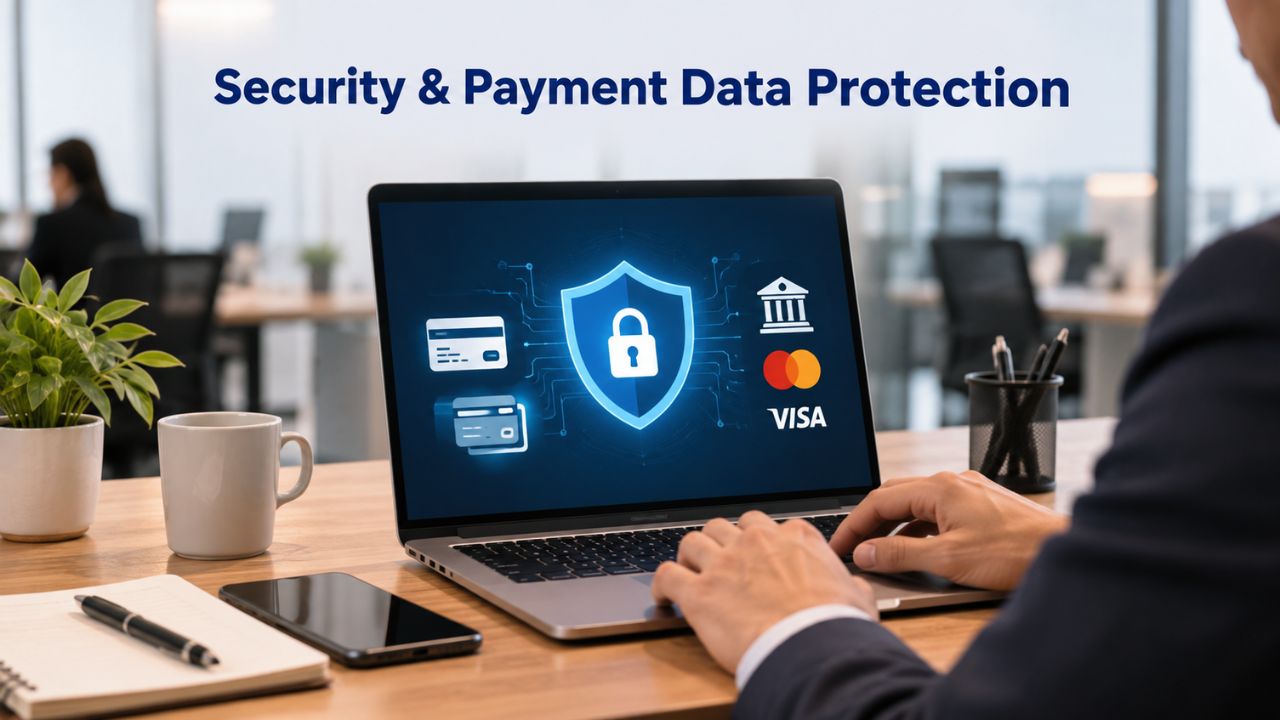
An online store is a target. Hackers attack WordPress sites to steal customer data, inject malware to redirect traffic, hijack admin accounts for spam, or demand ransom to restore encrypted data. E-commerce sites must prioritize SSL/TLS encryption, firewalls, DDoS protection, automated malware scanning, and brute-force login protection. Each layer addresses a different threat vector and reduces overall risk through defense in depth.
SSL, Firewalls, and DDoS Mitigation
An SSL certificate encrypts data transmitted between your site and visitors, protecting payment details, shipping addresses, and personal information from interception. Most quality hosting provides free SSL certificates with automatic renewal before expiration. This is non-negotiable for e-commerce; browsers now show alarming warnings for unencrypted sites, and Google’s search algorithm penalizes sites without HTTPS.
A Web Application Firewall (WAF) filters malicious traffic before it reaches your server, blocking known attack patterns, SQL injection attempts, and cross-site scripting (XSS). DDoS protection specifically mitigates Distributed Denial-of-Service attacks, floods of false traffic meant to crash your site. A single DDoS attack can take an online store offline for hours, costing thousands in lost sales and stranded customers. Managed WordPress hosts include infrastructure-level DDoS protection; shared hosts often don’t, leaving you vulnerable. Brute-force protection limits failed login attempts from the same IP address, preventing attackers from guessing admin passwords through automated attacks. Together, these layers reduce risk meaningfully without offering guarantees.
Backup & Recovery for Data Safety
Data loss is a catastrophe for online stores. A hacked WordPress installation, a failed plugin update, or a corrupted database can wipe product data, customer lists, and order history, the core of your business. Full backups must include the WordPress database (where posts, pages, and WooCommerce products live), the wp-content directory (themes, plugins, and uploaded images), and wp-config.php file; backups should be stored both locally and in cloud storage. This redundancy protects against single points of failure.
Backup frequency matters dramatically. Shared hosting typically offers one to three backups per week; if your store loses data on Wednesday, the best available backup is Monday, two days of orders, customer accounts, and product updates gone. Managed hosting offers daily or hourly backups, shrinking that window to hours or minutes. Always test your backups regularly by restoring one to a staging environment and verifying that all WooCommerce functionality works: products load correctly, customers can log in, the checkout process completes, and payment gateways respond properly. A backup that can’t be restored or that restores incomplete data is worthless.
Scalability When Traffic and Inventory Grow
A hosting plan that works today may become a bottleneck tomorrow. As your store grows, more products, more traffic, seasonal spikes during holidays or sales events, and resource limits on CPU, RAM, and disk space become real constraints. Shared hosting is the worst offender here: you can’t upgrade your slice of the server without moving entire hosting providers. Managed WordPress hosting and cloud infrastructure let you scale seamlessly without downtime or migration pain.
Auto-Scaling for Traffic Spikes
Cloud hosting uses a distributed network of servers with auto-scaling, meaning resources expand automatically when traffic spikes during a sale, marketing campaign, or viral moment. Your site stays fast even if visitors jump from 1,000 to 50,000 in an hour. Managed hosts often include this, so you don’t have to manually upgrade or risk downtime while scaling. This protects you from lost sales during your highest-revenue moments.
Shared hosting and entry-level VPS lack this flexibility. During Black Friday, Cyber Monday, or a successful marketing campaign, your store may slow to a crawl or become unreachable entirely. For growing e-commerce, scalability isn’t a luxury; it’s protection. Scaling costs money, but unplanned downtime during peak traffic costs far more in lost revenue.
Resource Allocation and PHP Memory Limits
WordPress recommends 256MB of PHP memory for optimal performance, and WooCommerce stores need 512MB or more to handle product catalogs and checkout operations without errors. Shared hosting often caps PHP memory at 128–256MB, causing timeout errors when customers browse large product catalogs or hit the checkout page during traffic spikes. Managed hosting allocates 512MB or more and lets you increase it as your catalog grows. This flexibility prevents frustrating errors that abandon sales mid-transaction.
Ready to Optimize Your Store’s Performance?
The right WordPress hosting is the foundation of a fast, secure, thriving online store. Whether you’re starting or scaling up, Niya Digital’s managed WordPress hosting is designed for e-commerce success. Explore our hosting plans to find the perfect fit for your store’s performance, security, and growth needs.
Backup & Disaster Recovery Strategy
An online store’s data is its inventory, customer relationships, and revenue history. Losing this data isn’t an inconvenience; it’s a business crisis that can take months or years to recover from, if recovery is even possible. A documented backup and recovery strategy is as important as business insurance.
Frequency, Storage, and Restore Speed
WooCommerce migrations require comprehensive backups of the entire site because data (customers, orders, inventory) changes in real time as sales happen. A backup made Monday is already missing Tuesday’s sales data. Daily backups are a minimum; hourly is better for high-traffic stores. Where backups are stored matters critically. Backups stored only on the same server that hosts your site are useless if the server fails catastrophically. Cloud storage (geographically distributed, redundant) protects against catastrophic hardware failure, regional data center disasters, or ransomware that encrypts local backups.
A backup restoration that takes 8 hours costs more than one that takes 15 minutes, because your store is offline the entire time. That’s 8 hours of lost sales, customers unable to place orders, and potential reputation damage. Managed hosting includes this by default: daily backups plus hourly snapshots on higher tiers, stored redundantly. Shared hosting rarely does; backups, if offered, are often on the same server and slow to restore.
Testing Backups Before You Need Them
A backup you’ve never tested is a backup you can’t trust. Before migrating to new hosting or making major updates, always restore a backup to a staging environment and verify that all WooCommerce functionality works end-to-end: products load correctly, customers can log in, shipping calculations are accurate, tax rates apply correctly, payment gateways respond as expected, and order confirmation emails send. This testing step prevents catastrophic mistakes where a migration succeeds technically but breaks your store functionally, a scenario that can take days or weeks to recover from.
Feature & Security Comparison Table
| Feature | Shared Hosting | Managed WordPress | Cloud Hosting |
|---|---|---|---|
| Free SSL Certificate | Yes | Yes | Yes |
| Automatic Security Updates | No | Yes | Yes |
| Firewall Included | No | Yes | Yes |
| DDoS Protection | No | Yes | Yes |
| Malware Scanning | No | Daily | Daily+ |
| One-Click Restore | No | Yes | Yes |
| Staging Environment | No | Yes | Yes |
| Migration Assistance | No | Yes | Yes |
| 24/7 Support | Partial | Full | Full |
| WordPress Expert Support | No | Yes | Yes |
| PHP 8.2+ | Often not | Yes | Yes |
| Recommended Extensions | No | Yes | Yes |
| Auto-Scaling | No | Limited | Full |
Site Migration Without Downtime
Growing stores often outgrow their current host due to poor performance, resource limits, inadequate support, or security concerns. Migration carries risk: downtime during cutover, data corruption, broken internal links (which harm SEO), or payment gateway failures that prevent checkout. Proper planning minimizes these risks dramatically.
Pre-Migration Planning and Staging
Before migrating your WooCommerce site, back up the entire installation, database, wp-content folder, theme and plugin files, and wp-config.php file. Verify plugin and theme compatibility with the new host’s PHP and MySQL versions by checking the plugin documentation and changelog. Test on the new host in a staging environment (a private, non-indexed copy) and run through your entire checkout flow: add products to cart, verify shipping calculations are correct, confirm payment gateway connectivity. Test customer login, password reset functionality, and order history retrieval. Verify that all WooCommerce features work the same as the live store. This staging validation is time-consuming but prevents catastrophic mistakes.
Niya Digital’s migration support helps minimize disruption by handling DNS cutover timing, SSL certificate re-issuance, and post-migration testing, services that reduce errors and downtime risk. Managed hosts often provide this at no additional cost because they know successful migrations lead to loyal, long-term customers.
Executing Cutover and Post-Migration Verification
Once staging validation passes, the cutover happens when you update DNS records to point your domain to the new server. This propagates globally over 24–48 hours (DNS propagation), but most visitors typically see the new host within 1–2 hours. During propagation, some visitors may briefly see the old site; this is normal and not a failure. Your site hasn’t been “hacked” or “moved incorrectly”; DNS’s just taking time to update everywhere.
After cutover, monitor error logs actively for the first 24 hours, verify that customer accounts sync correctly from the old database, and confirm that orders process end-to-end. Run a final test of every major feature. A successful migration is invisible to your customers; they notice only that your site is faster or more reliable.
Uptime, SLAs & Support Responsiveness
An online store that’s down is a store that’s losing money in real time. Every hour of downtime on a store averaging $10,000 in daily sales is approximately $400 in lost revenue, not counting reputation damage from disappointed customers and negative reviews.
Uptime Guarantees and SLA Clarity
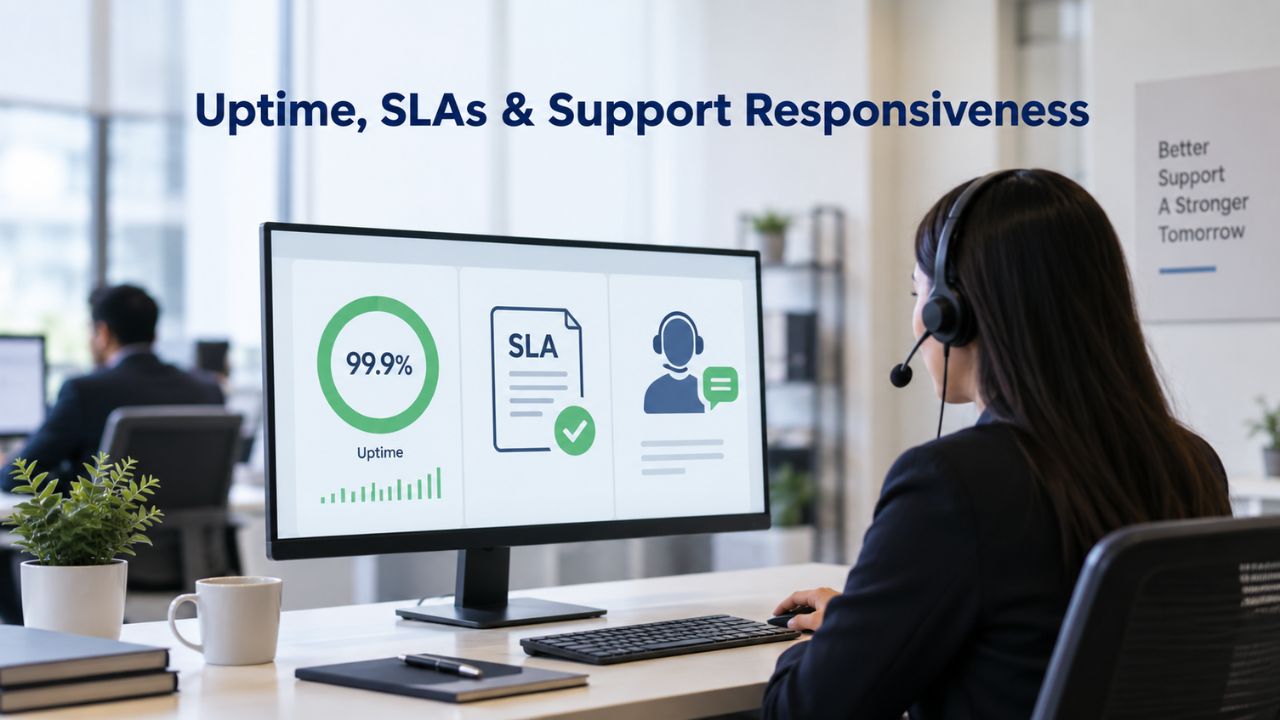
A hosting provider’s Service Level Agreement (SLA) typically guarantees 99.9% uptime or higher, meaning 43 minutes of downtime per month is acceptable. Lower guarantees (99.5%) allow 3+ hours per month of downtime, which is unacceptable for e-commerce. When evaluating hosting, ask: “What is your SLA, and what happens if you miss it?” Many providers offer service credits (partial refunds) if they fail to meet the guarantee, but credits don’t recover lost sales. Verify the SLA with real data. If a host claims 99.9% uptime, ask for uptime history over the past year. Many hosts publish this publicly; if they won’t share it, be skeptical.
24/7 Support with WordPress Expertise
E-commerce sites need 24/7 support because issues can arise anytime, especially during off-hours sales, across time zones, or during unexpected security events. Generic support (common with shared hosting) routes your question into a large queue and may take hours to respond. WordPress-specialist support (managed hosts) has staff trained specifically in WordPress architecture, WooCommerce functionality, and server tuning; they can troubleshoot faster.
When a critical WooCommerce plugin breaks and blocks checkout, a WordPress expert can resolve it in minutes; a generic support agent may take hours to ask basic questions. For online stores where every hour of downtime costs money, specialist support is worth the premium. Verify support responsiveness by asking: “What’s your average response time for critical issues?” Premium managed hosts typically respond within 1 hour.
WordPress-Specific Technical Requirements
WordPress and WooCommerce have specific server requirements that hosting must meet. Meeting these requirements is baseline; exceeding them is optimal for store performance.
PHP Version, MySQL, and Extensions
WordPress.org recommends PHP 8.3 or greater (8.2 as a minimum for security and performance) and MariaDB 10.11+ or MySQL 8.0+. These versions include security patches and performance optimizations unavailable in older versions. Legacy PHP (7.4 or earlier) has reached End of Life status and lacks critical security patches. Running old PHP on a store processing customer payments exposes you to known vulnerabilities that hackers actively exploit.
WordPress also functions best with recommended PHP extensions: curl (for external API calls), imagick (for advanced image processing), mbstring (for internationalization), openssl (for secure connections), and either Redis or Memcached for high-speed caching. Without these, WordPress installs, but features like image processing, secure API connections, and high-speed caching don’t work properly. Shared hosts rarely include all extensions; managed hosts include them by default.
Staging Environments and One-Click Backups
A staging environment is a private, non-indexed clone of your live store where you can safely test theme updates, plugin changes, or WooCommerce configuration adjustments without affecting paying customers. If a test breaks something, you can restore staging to a known-good state and retry without impacting sales. One-click restore functionality lets you roll back a problematic change instantly, a capability essential for e-commerce where a broken payment gateway means zero revenue.
Managed WordPress hosts include staging and one-click restore as standard features. Shared and basic VPS hosts rarely do, forcing you to either risk testing on live or spend hours manually cloning environments. This is a significant quality-of-life difference for store maintenance.
Performance Optimization in a Managed Environment
Once you’ve chosen managed WordPress hosting for your store, performance optimization continues beyond hosting infrastructure. Hosting provider-side caching, CDN integration, and PHP-FPM tuning are automatic, but site-level optimization, image compression, lazy loading, and minifying CSS and JavaScript remain your responsibility. Most managed hosts include tools or plugins to simplify this; a few even offer automated Core Web Vitals optimization.
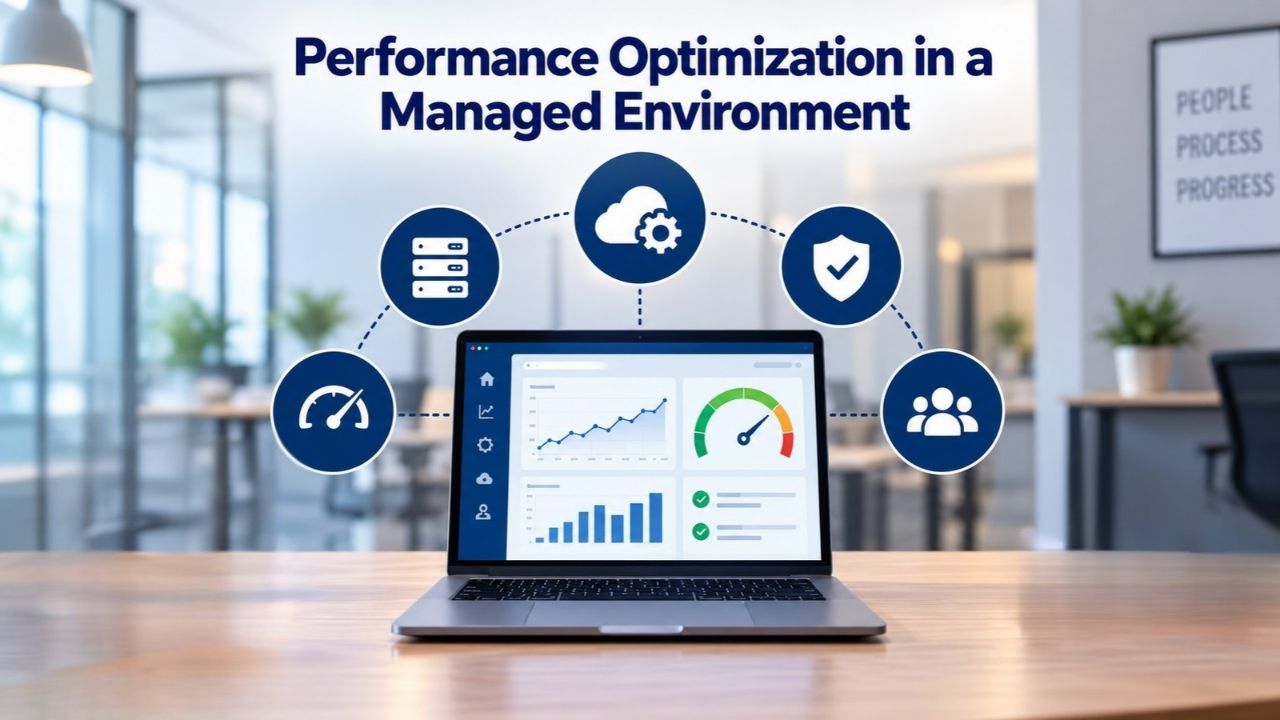
Image Optimization and Lazy Loading
Images account for 40–60% of page weight on e-commerce sites. Unoptimized JPG files from product photography can be 5–10MB each; when multiplied across dozens of product images, this creates massive page bloat. Compression reduces file size to 500KB–1MB without visible quality loss. Lazy loading defers image loading until a visitor scrolls near the image, reducing initial page load time dramatically and improving perceived performance.
Managed hosts often include image optimization plugins as part of the hosting environment; you enable them. Shared hosts leave this entirely to you, requiring manual plugin installation and configuration.
Caching Strategy: Server, Browser, and CDN
Server-side caching (Redis or Memcached) stores frequently-accessed data in RAM, dramatically reducing database queries. Browser caching stores static assets locally on the visitor’s device, cutting load time on repeat visits. A Content Delivery Network (CDN) serves images and static files from servers closest to each visitor’s geographic location, reducing latency globally. For an international store, a CDN is nearly essential; a visitor in Singapore shouldn’t wait for files to download from a server in London.
Managed WordPress hosts bundle these caching strategies. Shared hosts rarely include any, forcing you to research, purchase, and configure each layer separately.
Move to a Faster, Secure WordPress Hosting Today
Choosing the right hosting is a one-time decision that compounds daily. Every day on slow, insecure hosting costs conversions and customer trust. Every day on optimal hosting builds your competitive edge and protects your customers. Niya Digital’s WordPress hosting for online stores removes the guesswork; every plan includes security, performance, and expert support. Get your store on a platform designed to win.
Frequently Asked Questions
What’s the difference between shared hosting and managed WordPress hosting?
Shared hosting places your site on a server with hundreds of others, with all sites competing for the same CPU, memory, and disk space. One neighbor’s traffic spike slows your site. Managed WordPress hosting dedicates resources to WordPress optimization, includes automatic backups, security updates, and expert support. For e-commerce, managed hosting prevents downtime and performance problems caused by resource contention. Your conversion rate improves.
Can I use shared hosting for a WooCommerce store?
Technically yes, but with significant risk. Shared hosting’s resource limits (CPU, RAM, PHP memory) often trigger timeout errors during high traffic or large inventory operations. Load times exceed 5+ seconds, causing 30%+ bounce rate increases. For stores processing real customer transactions, the conversion loss from poor performance typically exceeds the hosting cost difference within months.
How often should I back up my online store?
Daily backups are the minimum for e-commerce. Hourly backups are better if your budget allows, because they limit data loss to minutes rather than hours. Test backup restoration regularly to ensure backups are complete and uncorrupted. A backup you’ve never tested cannot be trusted when disaster strikes.
What does 99.9% uptime really mean?
99.9% uptime allows 43 minutes of downtime per month (or approximately 4.3 hours per year). For an online store, 43 minutes of downtime can cost thousands in lost sales. Verify the SLA with real historical data, not just a promise. Also confirm what “downtime” includes; some hosts count only complete outages, not degraded performance.
Do I need a CDN for my WordPress store?
A CDN isn’t strictly necessary but improves performance significantly for global audiences. CDNs cache images and static files on servers worldwide, serving each visitor from a nearby location. This reduces latency, improves LCP scores, and reduces server load. Many managed WordPress hosts include a CDN; others offer it as an add-on.
How long does a WordPress migration take?
Technical migration (copying files and database) takes 1–4 hours. DNS propagation (informing the world of your new server) takes 24–48 hours. During propagation, some visitors see your old site, and some see the new one. This is normal. Most visitors see the new site within 1–2 hours.
What PHP version should my hosting support?
PHP 8.2 or 8.3 is the current best practice. PHP 7.4 and earlier have reached End of Life and no longer receive critical security patches. WordPress runs on older PHP versions but with reduced performance and security. For a new store, PHP 8.2 minimum is required. Upgrading existing stores to PHP 8.2+ typically improves performance by 10–20%.
Can I move my store between hosts without losing customer data?
Yes, with proper planning. A full backup includes your database (customer accounts, orders, product data). When you restore it to the new hosting and update DNS, all data transfers intact. Best practice: test the migration on a staging environment first, verify checkout and customer login work, then execute the live cutover. Many managed hosts provide migration assistance to reduce risk.
What’s a staging environment and why do I need one?
A staging environment is a private clone of your live store, used for testing theme updates, plugin changes, or configuration adjustments without affecting real customers. If a test breaks something, you roll back on staging and retry before touching production. For e-commerce, staging prevents catastrophic mistakes: a failed update to staging costs nothing; a failed update to live costs sales.
How do I know if my hosting is the reason my store is slow?
Use Google PageSpeed Insights to check your site’s real load time and Core Web Vitals. If LCP exceeds 2.5 seconds, drill into the report to identify bottlenecks. Common hosting-related issues include server response time (TTFB) over 0.5 seconds, lack of caching, missing image optimization, or maxed-out PHP memory. Good hosting providers offer speed optimization support; ask them to review your report.
Do I need SSL for a WordPress store?
Yes, absolutely. SSL/TLS encrypts data between your site and visitors, protecting payment details and personal information. All modern browsers now warn about unencrypted sites. Google ranks encrypted sites higher in search results. All quality hosting includes free SSL with automatic renewal; there’s no reason not to use it.
What should I do if my store experiences a security breach?
Immediately: change all WordPress admin passwords, revoke API keys, and isolate the store from payment processing if needed. Restore from a clean backup taken before the breach. Scan for malware. Notify your hosting provider and payment gateway immediately. For affected customers, notify them of the breach and recommend they change their passwords. Implement a WAF and malware scanning going forward to prevent recurrence.
Can I scale my hosting plan if traffic grows?
Yes, with managed WordPress hosting. Scaling typically involves upgrading to a higher tier with more CPU, RAM, and bandwidth. Shared hosting scaling is problematic; upgrading often requires migrating to a new server entirely. Cloud hosting auto-scales automatically, with no action needed. Choose hosting with clear scaling options before you need to scale.
What technical support does Niya Digital offer?
A: Niya Digital provides 24/7 support from WordPress experts. For critical issues, we prioritize fast response and resolution. Our team specializes in managed WordPress hosting and can troubleshoot performance, security, and compatibility issues. Migration support is included to help minimize downtime during server transfers.
Glossary
- TTFB (Time to First Byte): The server response time, how long a browser waits after requesting a page before receiving the first byte of data from the server. Slow TTFB indicates a server bottleneck or network latency; good TTFB is under 0.6 seconds. Hosting infrastructure and server configuration directly affect TTFB.
- Caching: A technique for storing frequently-accessed data in fast-access memory (Redis, Memcached) or browser cache to reduce database queries and repeat page load times. Server-side caching improves dynamic page generation speed; browser caching speeds repeat visits from the same device.
- DDoS Protection: Distributed Denial-of-Service mitigation, techniques and infrastructure for filtering and blocking traffic floods meant to overwhelm server resources. Often provided at the hosting infrastructure level, invisible to site owners. Critical protection for online stores.
- PHP Memory Limit: The maximum RAM allocated to PHP processes per request. WordPress typically requires 128–256MB; WooCommerce with large catalogs needs 512MB or more. Exceeding limits causes timeout errors, blank pages, and broken checkout.
- NVMe SSD Storage: Non-volatile memory solid-state drives with an NVMe interface, significantly faster read/write speeds than traditional SATA SSDs or mechanical HDDs. Reduces database query time and file access latency, improving overall site speed and user experience.
- Staging Environment: A private, non-indexed clone of your live WordPress site used for testing theme updates, plugin changes, or configuration adjustments. Changes on staging never affect your live store; you can promote successful tests to production.
- DNS Propagation: The process by which domain name changes (like switching hosting providers) spread across global DNS servers. It typically completes within 24–48 hours, but in practice visitors usually see the new server within 1–2 hours. During propagation, some visitors see the old site.