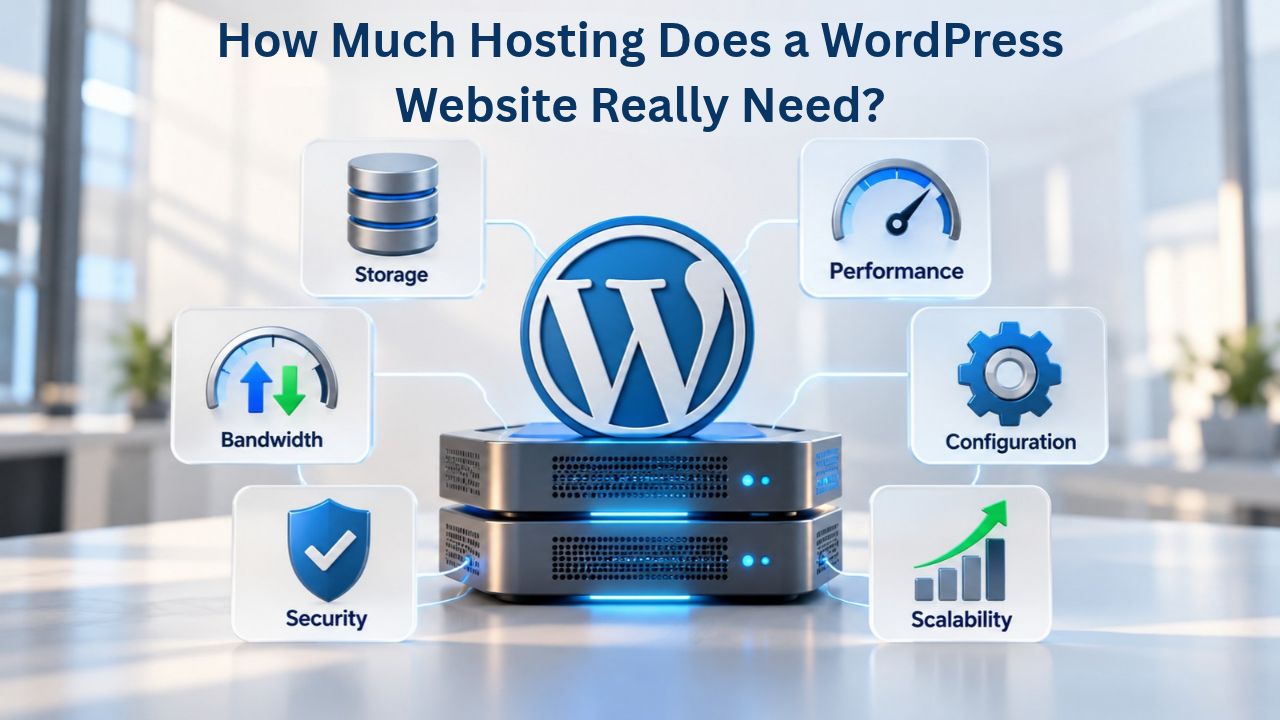
Your site goes slow during traffic spikes or hits memory limits. This is likely a hosting issue, often because your site demands more than your hosting can provide. WordPress needs little: PHP, a database, and HTTPS. Real WordPress sites need much more. A membership portal and a brochure site both run WordPress but require completely different hosting. Niya Digital delivers managed hosting in partnership with an enterprise-grade cloud infrastructure partner, referred to generically throughout this guide, and does not own or operate the underlying data-center hardware.
The Gap Between WordPress Minimums and What Sites Actually Need
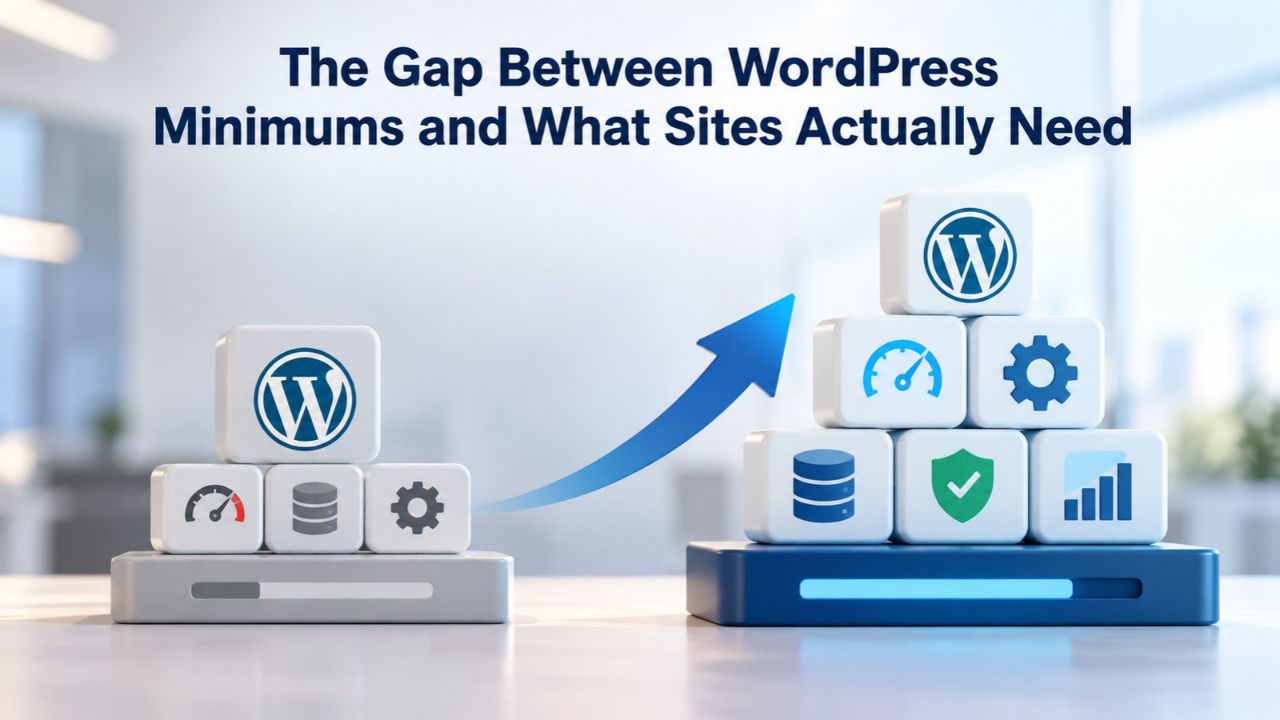
WordPress is deliberately designed to run on modest server resources. WordPress.org’s official requirements list PHP 8.3 or greater, MariaDB 10.6+ or MySQL 8.0+, and HTTPS support as sufficient. That’s technically true; WordPress will install and run. But those minimums describe “will it work?” not “will it perform?” The difference matters for every site that matters to your business. Production WordPress sites serving customers, generating revenue, or hosting sensitive data need additional architectural decisions that separate “compatible” hosting from “optimized” hosting.
WordPress Installation vs. WordPress Production
Default WordPress assumes low traffic and simple content. WordPress.org’s hosting documentation focuses on platform compatibility, not performance optimization. A production WordPress site needs dedicated capacity: proper PHP versions (8.2 or 8.3, not legacy 7.4), memory allocation for PHP processes, database optimization, and external caching layers like Redis or Memcached. Without these, a site hits memory limits during traffic spikes, database queries slow to a crawl, and backups fail mid-process.
Hosting providers often advertise “WordPress compatible” while meeting only the bare minimums. You get a server that runs WordPress, not one that runs WordPress well. The difference between “compatible” and “optimized” costs nothing in server resources but requires deliberate architectural decisions your hosting provider must make upfront. Shared hosting can technically run WordPress but doesn’t provide the infrastructure needed for business-critical performance. The gap between what WordPress requires and what production sites need is where hosting choice becomes critical to your success.
Why Production Requirements Differ by Site Purpose
A blog publishing one post per week has different hosting needs than an ecommerce store with 10,000 product pages or a membership portal with dynamic user accounts. Blog pages are mostly static; ecommerce pages hit the database on every view to fetch product details and inventory; membership pages can’t rely on caching because logged-in users see personalized content. No single hosting tier fits all three. The first step to right-sizing your hosting is understanding what your site actually does, not just how many visitors it receives.
Different site types impose radically different resource demands. A corporate brochure site might receive 50,000 monthly visitors but generate only light database load. A membership site with 500 active members might receive 100,000 monthly visitors but generate 50 times more database queries because every logged-in visitor bypasses page-level caching. Traffic volume alone is a poor predictor of hosting needs. Purpose-driven capacity planning- understanding what your site does, how often it changes, and how many concurrent users actually need database access- drives better hosting decisions than generic visitor counts.
WordPress Pricing Plans
Choose the WordPress hosting plan that fits your website needs, with reliable performance, security, storage, backups, and tools to help your site grow.
WordPress Basic
A great way to get started.
- 1 website
- 10 GB NVMe storage
- Unmetered bandwidth
- Free SSL Certificate *
- WordPress pre-installed
- Weekly backups
- Web Application Firewall
- Daily malware scans
- One-time malware removal

WordPress Deluxe
Improve your site performance with Cloudflare CDN.
- 1 website
- 20 GB NVMe storage
- Unmetered bandwidth
- Free SSL Certificate *
- WordPress pre-installed
- Daily backups
- Web Application Firewall
- Daily malware scans
- One-time malware removal
- Up to 2x faster performance with global Cloudflare CDN **
- Enhanced security with DDoS protection
- Staging site
WordPress Ultimate
Add online marketing with more sites, storage and security.
- 1 website
- 30 GB NVMe storage
- Unmetered bandwidth
- Free SSL Certificate *
- WordPress pre-installed
- Daily + on-demand backups
- Web Application Firewall
- Daily malware scans
- Unlimited malware removal
- Up to 2x faster performance with global Cloudflare CDN **
- Enhanced security with DDoS protection
- Staging site
- WordPress code optimizer
- Smart WordPress plugin manager
- Sell online with WooCommerce
How Site Type Determines Resource Demands
Every WordPress site performs a core job. Identifying that job, and how often it changes, tells you what resources hosting must provide. A five-word description of your site’s purpose often predicts hosting tier more accurately than months of traffic analysis.
Site Types and Their Resource Profiles
Personal blogs and small content sites publish articles that rarely change. Visitors see the same page over multiple visits, so page-level caching serves the same HTML repeatedly without touching the database. Ecommerce sites fetch product details, stock levels, and cart contents on every page load; caching helps but doesn’t eliminate database queries because every cart is unique. Membership and user-account sites bypass caching entirely for logged-in users because every visitor’s view is personalized to their membership tier or role. A membership site with 200 concurrent logged-in members generates 200 simultaneous uncached database requests, far more intense than 200 visitors to a cached blog receiving the same traffic level.
News and media sites sit between these extremes: constant content updates mean aggressive caching risks showing readers stale information. Corporate intranets and portals combine membership-style personalization with complex integrations to external systems, demanding robust database resources and secure infrastructure. WordPress Hosting for Agencies managing multiple client sites benefits from staging environments and WordPress-focused support to scale efficiently across dozens of projects.
| Site Type | Monthly Visitors | Concurrent Users | Recommended Tier | Key Resource Needs |
|---|---|---|---|---|
| Personal Blog | 1–10k | 5–10 | Shared or Entry Managed | Page caching, PHP 7.4+, basic backups |
| Small Business | 10–100k | 20–50 | Entry or Mid-Tier Managed | Staging, daily backups, object cache support |
| Membership Site | Varies | 50–500 logged-in | Mid/High Managed | Hourly backups, Redis/Memcached, 4+ GB RAM, 200+ DB connections |
| WooCommerce Store | 50k–500k | 100–500 | Mid/High Managed | Transaction reliability, inventory sync, 256+ MB PHP memory |
| News/Media | 500k+ daily | 200–2k | High/Enterprise | CDN included, constant updates, 99.95%+ uptime, hourly backups |
| Enterprise Portal | Custom | 500–5k | Enterprise/Custom | Load balancing, dedicated resources, DDoS protection, 24/7 security monitoring |
Scaling Across Growth Stages
A hobby blog and a seven-figure business might both run WordPress, but their hosting trajectories diverge dramatically as traffic grows. Early-stage sites often start on shared hosting and run fine for 10,000 monthly visitors with minimal optimization. At 100,000 monthly visitors, resource contention makes shared hosting unusable; shared servers hosting hundreds of sites mean your performance depends on your neighbors’ behavior, not just your own code. A managed WordPress hosting plan with dedicated resource allocation becomes necessary when you can’t control resource consumption on shared infrastructure.
At scale (1 million+ monthly visitors), even managed hosting may require custom cloud architecture or a move to a higher tier. Your hosting needs won’t stay static; successful businesses outgrow their hosting tier every 18–24 months if growth is genuine. Right-sizing now means planning for growth and choosing a hosting provider with clear upgrade paths rather than betting on a static tier. A host that can’t scale with you becomes a constraint on business growth, not an enabler.
Traffic Patterns, Concurrency, and Hosting Capacity
Monthly visitor count is a common metric but tells only part of the story. Hosting must handle concurrent users, the number making requests simultaneously, not just total traffic spread across 30 days. Two sites receiving identical monthly traffic can have drastically different hosting needs based on how that traffic arrives.
Concurrent Users vs. Monthly Traffic
Suppose your site receives 100,000 monthly visitors spread evenly across 30 days. That’s about 3,300 daily visitors, or roughly 140 per hour during business hours. If visitors arrive at random times throughout the day, peak concurrency might be 5–10 simultaneous users. Hosting for 5–10 concurrent users is modest; shared hosting handles this easily. Now imagine the same 100,000 visitors concentrated into a flash sale or campaign launch over 2 hours. Concurrency spikes to 500–1,000 simultaneous users. The same hosting that handled 5 concurrent users will fail.
Sudden traffic spikes, product announcements, press coverage, social media campaigns, seasonal promotions, demand capacity planning. Managed hosting with auto-scaling or cloud infrastructure automatically provisions additional resources during peaks; shared hosting has no scaling mechanism and crashes under load. Your hosting choice determines whether a successful marketing campaign amplifies your business or crashes your site at the worst possible moment. Identify your traffic pattern: Is visitor count steady or spiky? Do you run seasonal campaigns? Do you launch new products? Traffic modeling guides hosting choice more reliably than annual visitor counts alone.
Database Connections and Server Workers
Each concurrent user needs a PHP worker (a process handling that user’s requests) and a database connection slot. Shared hosting typically allocates 2–4 PHP workers and 10–20 database connections per account. At 5 concurrent users, you stay comfortably within limits. At 200 concurrent users, you exhaust both immediately, and the server refuses additional connections. Managed hosting and cloud platforms allocate 8–32 PHP workers and 50–500 database connections, scaling with your plan tier.
For membership sites, where every user is logged in and can’t rely on page caching, database connections become the critical bottleneck. A membership site serving 200 concurrent logged-in members requires at least 200 database connection slots. Shared hosting cannot support this; managed hosting is mandatory. Without adequate database connections, legitimate users see “too many connections” errors while the site appears to crash. Before committing to shared hosting for any database-intensive site, confirm that connection limits support your peak concurrent load.
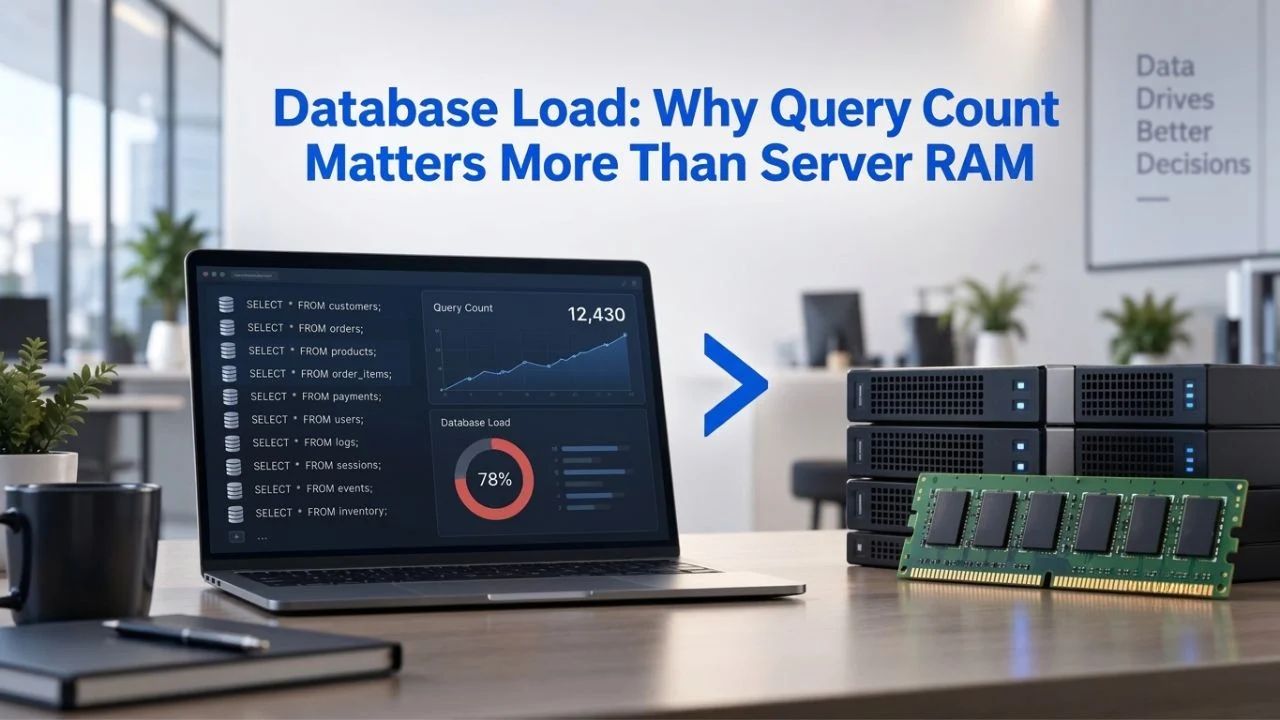
Database Load: Why Query Count Matters More Than Server RAM
A common misconception is that “more server RAM equals faster hosting.” In practice, database query efficiency drives performance far more than RAM alone. A site making 500 queries per page load on a server with 64 GB of RAM still loads slowly. A site making 20 optimized queries on a server with 4 GB of RAM loads quickly. The bottleneck is queries, not memory.
How Database Queries Consume Hosting Resources
Every time a visitor loads a WordPress page, the site asks the database: “What are my latest posts? What’s in my navigation menu? What are my theme settings? What plugins are active?” On a simple site, that might be 40 queries. On a complex site with 20 plugins and a media-heavy theme, it might be 200+ queries. Each query takes time; 40 queries take much longer than 4. The cumulative time across all concurrent users, multiplied by tens of thousands of daily page loads, determines whether your site feels fast or feels sluggish. This query overhead is especially severe during peak traffic, when database connections are scarce and queries compete for resources.
The problem compounds on shared hosting, where your site’s database queries compete with hundreds of other sites’ queries on the same database server. When a neighbor’s poorly optimized plugin runs a slow query, your site’s fast queries still slow down while waiting their turn. Database load becomes a shared resource problem on shared hosting, and you have no control over neighbors’ code quality or optimization discipline. Managed hosting isolates databases per site or small clusters, preventing resource contention between customers.
Object Caching as the Solution
WordPress’s built-in object cache temporarily stores database query results. By default, it remembers results only during a single page load, then discards them. Every next visitor re-runs the same queries from scratch. External persistent caching, using Redis or Memcached, remembers query results across page loads. The first visitor asks “What are my posts?” and the database responds. The second visitor’s request checks the cache first, gets the answer instantly from RAM, and never touches the database. Subsequent visitors for hours or days get the same cached result unless content changes.
Real-world impact: sites implementing Redis or Memcached object caching typically see a 60–80% improvement in page load speed within one week. Database query counts drop 70–80%. Sites that previously crashed at 80 concurrent users handle 400+ concurrent users smoothly. This transformation doesn’t add server RAM; it eliminates redundant database work. One ecommerce client saw database queries drop from 58 per product page to 12, page load time fall from 4.2 seconds to 0.8 seconds, and cart abandonment fall from 32% to 19% after implementing Redis. Hosting that includes object caching, or allows you to enable it, reduces database load dramatically. Shared hosting rarely supports persistent object caching; managed hosting and cloud platforms offer it as standard.
The Caching Hierarchy: What Hosting Needs to Support
Caching operates at multiple layers. Optimal performance requires all layers working together. Your hosting must support each one, or performance remains bottlenecked at the layer you’re missing.
Page-Level Caching (Full-Page HTML Cache)
When a visitor loads a page, WordPress executes PHP, queries the database, and generates HTML. Page-level caching stores the finished HTML, so the next visitor receives the pre-built page without running PHP or querying the database. On a public blog where every visitor sees identical content, page-level caching cuts server load by 90%+. Every shared hosting provider supports page-level caching; it requires only file storage. A cached page typically loads in under 100 milliseconds because it serves pre-rendered HTML.
Page-level caching fails for logged-in users because each logged-in visitor sees personalized content. A blog shows the same “Latest Posts” page to all visitors; a membership site shows different content based on membership tier or purchase history. Membership sites bypass page caching; every logged-in request runs PHP and hits the database fresh. This is why membership sites require more hosting resources than public blogs; they can’t benefit from caching’s dramatic performance improvements. Without page caching, every page load generates real work on the server.
Object-Level Caching (Query Results)
Object caching stores database query results, WordPress posts, user meta, menu structure, and theme settings in fast memory (RAM). When the next request needs the same data, WordPress retrieves it from cache instead of querying the database. This layer matters for all sites, especially membership sites and ecommerce platforms where page caching is unavailable. Object caching reduces database server load to a tiny fraction of uncached load because the same data answers thousands of requests without touching the database.
Shared hosting doesn’t support external object caching (Redis or Memcached). Managed hosting and cloud platforms include it as standard. If your site runs complex plugins, WooCommerce, or membership features, verify that your hosting provider supports Redis or Memcached object caching before signing up. Ask whether it’s included or costs extra; if included, ask whether it’s pre-configured or whether you enable it manually. Some hosts offer object caching support but don’t enable it by default, leaving you to discover the performance benefit yourself.
Browser Caching (Client-Side)
Browsers cache images, CSS, and JavaScript locally so they don’t download every time you visit a site. Hosting has little control over browser caching; HTTP headers that WordPress and hosting can set handle it. All modern hosting supports browser caching. Verify that your hosting sends appropriate Cache-Control headers (most do by default). Browser caching is the fastest caching layer because cached content never leaves the visitor’s device; page loads use local files. Modern browsers manage this layer automatically; you need to send the right HTTP headers.
Ready to Optimize Your WordPress Hosting Strategy
Niya Digital’s WordPress hosting plans provide managed optimization built for WordPress performance and scaling. Our team helps you evaluate your current hosting needs, select the right tier for your growth stage, and migrate seamlessly if you’re ready to upgrade from your current provider. No setup fees, straightforward support, and transparent feature alignment.
PHP Memory and Configuration: When Defaults Fall Short
PHP memory limits define the maximum RAM a PHP script can use per request. WordPress handles this setting; hosting must either allocate enough memory or allow you to increase it. Insufficient PHP memory is one of the most common causes of WordPress failures, and hosting providers can fix it.
Default Limits and Real-World Needs
Default PHP memory limits range from 32 MB to 128 MB. WordPress tries to set a minimum of 64 MB for core functionality. That suffices for simple sites with a few plugins. As soon as you add image-heavy themes, media processing plugins, WooCommerce with bulk operations, or backup plugins, 64 MB becomes insufficient. Plugin developers assume reasonable memory allocation; complex features consume it quickly.
WordPress memory limit errors appear as “Fatal error: Allowed memory size of X bytes exhausted.” This error means a plugin or theme needed more memory than allocated. The fix is increasing the limit, often to 256 MB or higher, but shared hosting frequently prevents this. Your hosting provider might cap memory at 128 MB regardless of your requests, or require a support ticket to increase it. Some shared hosts allow increases only within specific tiers, forcing upgrades to access more memory even if your traffic doesn’t require a higher tier. This limitation becomes especially frustrating when a simple theme or plugin upgrade suddenly requires more memory than your hosting tier allows.
Site Type and Memory Requirements
A simple blog runs comfortably on 96 MB. An ecommerce site with WooCommerce needs at least 256 MB because product pages, cart operations, and checkout processing use a lot of memory. A media-heavy site with Elementor, Advanced Custom Fields, and bulk image optimization needs 512 MB or more. Managed hosting and cloud platforms let you set memory limits freely; shared hosting forces you into one-size-fits-all tiers. Before committing to hosting, ask whether you can increase PHP memory limits without upgrading to a more expensive plan.
Memory requirements also scale with traffic. At low traffic, 256 MB suffices because requests are serialized. At high concurrency, multiple PHP workers consume memory simultaneously; a site with 8 concurrent PHP workers at 256 MB each needs 2 GB of server RAM just for active PHP processes. Hosting provisioning for expected concurrency is critical but often overlooked in hosting sales material.
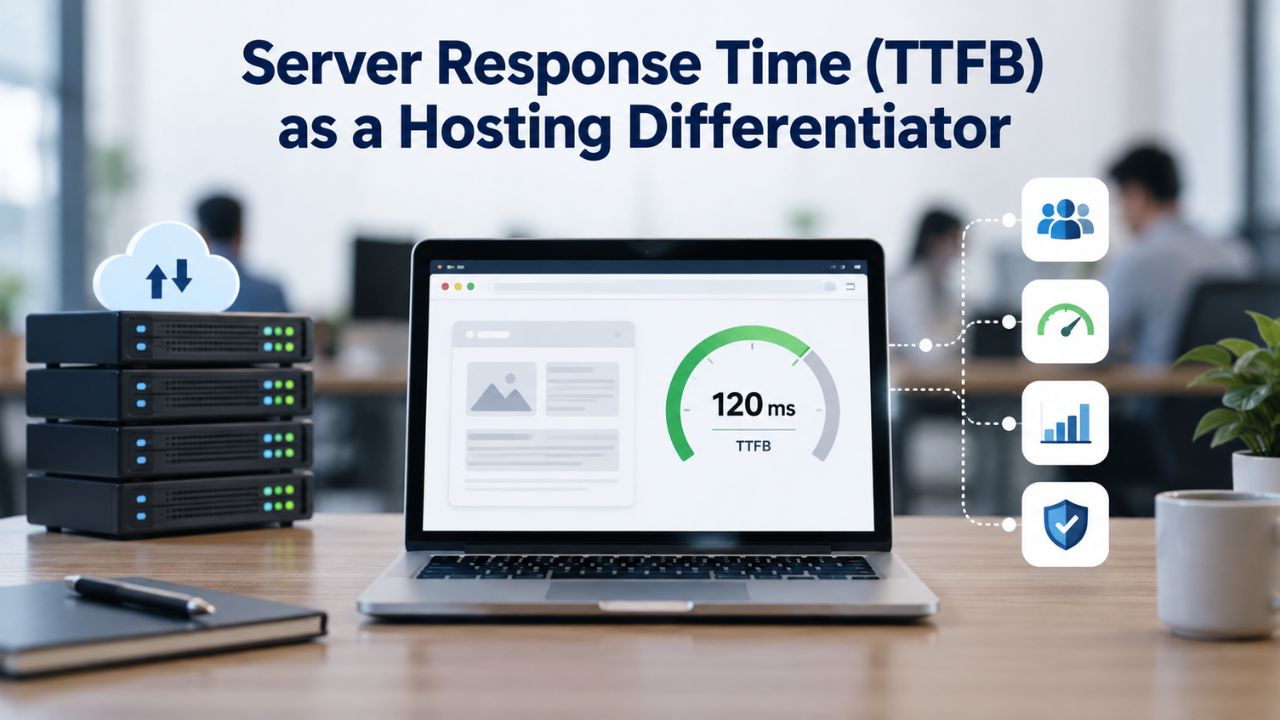
Server Response Time (TTFB) as a Hosting Differentiator
Time to First Byte (TTFB) measures how quickly your server responds after receiving a request. Google standards consider TTFB under 200 milliseconds excellent; over 700 milliseconds indicates problems. TTFB is the foundation for every other performance metric; if your TTFB is 2 seconds, your entire page load is at least 2 seconds, no matter how optimized your images are. Nothing renders until that first byte arrives.
What TTFB Reveals About Hosting Quality
TTFB encompasses three phases: DNS lookup (resolving your domain name to an IP address), connection handshake (establishing the TCP/TLS connection), and server processing. Of these, hosting directly controls server processing time. A server processing requests in 100 milliseconds produces a TTFB around 150 ms (including DNS and connection time). A server that processes requests in 1 second produces a TTFB of around 1.1 seconds. Server processing time depends on PHP execution speed, database query efficiency, and resource availability.
Shared hosting often produces TTFB over 500 milliseconds because server resources are pooled across hundreds of sites. Your site competes with neighbors for CPU and RAM; during peak hours, response time lags because your PHP script waits in a queue behind neighbors’ scripts. Fast WordPress Hosting typically produces TTFB under 300 milliseconds because resources are allocated per site or small clusters. Cloud hosting with load balancing and auto-scaling can maintain TTFB under 200 milliseconds even during traffic spikes. The server processes your request immediately instead of waiting its turn behind hundreds of other sites.
Evaluating Hosting Performance Capacity: Core Metrics and Benchmarks
To evaluate hosting, ask for TTFB benchmarks or test it yourself on a staging site before committing. Hosting that can’t deliver TTFB under 500 milliseconds isn’t suitable for business-critical sites. Many hosting providers publish TTFB benchmarks; if they won’t, that’s a warning sign that they’re not confident in their performance.
| Performance Factor | Why It Matters | Minimum Hosting Must Support | Warning Signs |
|---|---|---|---|
| TTFB | Server responsiveness; foundation for all metrics | Under 300 ms on managed; under 500 ms on shared | TTFB consistently over 1 second; worsens during traffic spikes |
| LCP (Largest Contentful Paint) | Core Web Vital; governs perceived load speed | LCP under 2.5 seconds; ideally under 1.5 seconds | LCP over 4 seconds; users perceive site as slow and leave |
| Object Caching | Reduces database queries 70–80%; essential for complex sites | Redis or Memcached support; pre-configured or one-click enable | Site database bottlenecks; no option to enable object caching |
| PHP Workers | Handles concurrent requests; more workers = higher concurrency | 4+ workers minimum; 8+ for membership sites | Site fails at 50+ concurrent users; “too many connections” errors |
| Database Connections | Each concurrent user needs a connection slot | 50+ minimum; 200+ for membership sites with 100+ members | “Max connections exceeded” errors during normal traffic |
| Memory Allocation | Allows plugins/themes to execute without exhaustion errors | 256 MB PHP limit minimum; no restriction on increases | Memory exhaustion errors; updates fail; backups fail mid-process |
| Uptime SLA | Reliability commitment; defines compensation for downtime | 99.9% minimum; 99.95% for business sites | Frequent unexpected downtime; no SLA enforcement mechanism |
| Backup Frequency | Recovery window if data loss/compromise occurs | Daily minimum; hourly for ecommerce/membership | Can’t restore beyond 7 days; malware discovered after backup window closes |
Uptime Reliability: What Does Your Site’s Downtime Cost?
Uptime percentage tells you how often your site is available. But the business impact of downtime varies wildly by site type and revenue model. A personal blog going down for 8 hours per year is inconvenient. An ecommerce store going down for 8 hours per year costs thousands in lost sales.
Uptime Tiers and Practical Impact
Shared hosting typically guarantees 99% uptime. During peak hours when demand is highest, resource contention is worst- the exact moment you’re most likely to go down. When a neighbor’s site gets a traffic spike or a poorly configured backup runs, your site suffers too. Managed hosting guarantees 99.9% or 99.95% uptime because dedicated resources remain available even at scale. Cloud hosting with redundancy across multiple data centers can maintain 99.99% uptime. Secure WordPress Hosting begins with reliable uptime and frequent backups to protect your site and your customers’ data.
When Uptime Guarantees Matter
Uptime SLAs (Service Level Agreements) are commitments with teeth. Hosting providers offer uptime guarantees; some back them with credits if downtime exceeds the threshold. Shared hosting rarely offers credits; managed hosting often does. Read the fine print: some providers exclude scheduled maintenance or customer-caused outages. Others define downtime as “site completely unreachable” but not “site running at 50% normal speed.” An SLA is only as valuable as its enforcement mechanism and exclusions.
Backup and Recovery: Hosting Frequency and Retention Matter
All hosting provides backups, but backup frequency, retention, and restore accessibility vary dramatically. A poor backup strategy creates false confidence that your data is safe when it’s actually vulnerable.
Backup Frequency and Real Recovery Needs
Daily backups retained for 7 days are common in shared hosting; hourly backups retained for 30 days are common in managed hosting. The difference matters enormously: a site compromised by malware and discovered 10 days later cannot restore from a shared hosting backup (only 7 days retained). The attacker had 3 days of undetected access; any changes to customer data or your database become permanent. The same site on managed hosting can be restored to its pre-compromise state, undoing all malicious changes.
For business sites, daily backups are often insufficient. Malware, ransomware, and data loss can go undetected for days or weeks. Hourly backups with 30+ days of retention dramatically reduce the recovery window. Membership sites and ecommerce platforms should demand at least hourly backups; anything less risks permanent data loss or regulatory violations if customer data is compromised. Ask whether backups are automated or manual, and whether they’re stored offsite (critical to survive server-level failures or data-center disasters).
Restore Speed and Accessibility
A backup is worthless if you can’t restore it quickly. Some hosts require manual restore requests that take hours or days; others provide one-click restore points you can trigger yourself. If your site is hacked, every hour of downtime while waiting for a restore escalates the incident. Test restore processes before committing; ask hosting support to restore a test site and measure the time. Managed hosting typically restores within 15 minutes; shared hosting might take hours or require support intervention, especially outside business hours.
Backup accessibility also matters for incremental recovery. Some hosts restore only full site backups; others let you restore individual files or databases. If you accidentally delete a single important page, restoring the entire site feels like overkill. Managed hosting platforms often provide granular restore options so you recover exactly what you need without touching everything else.
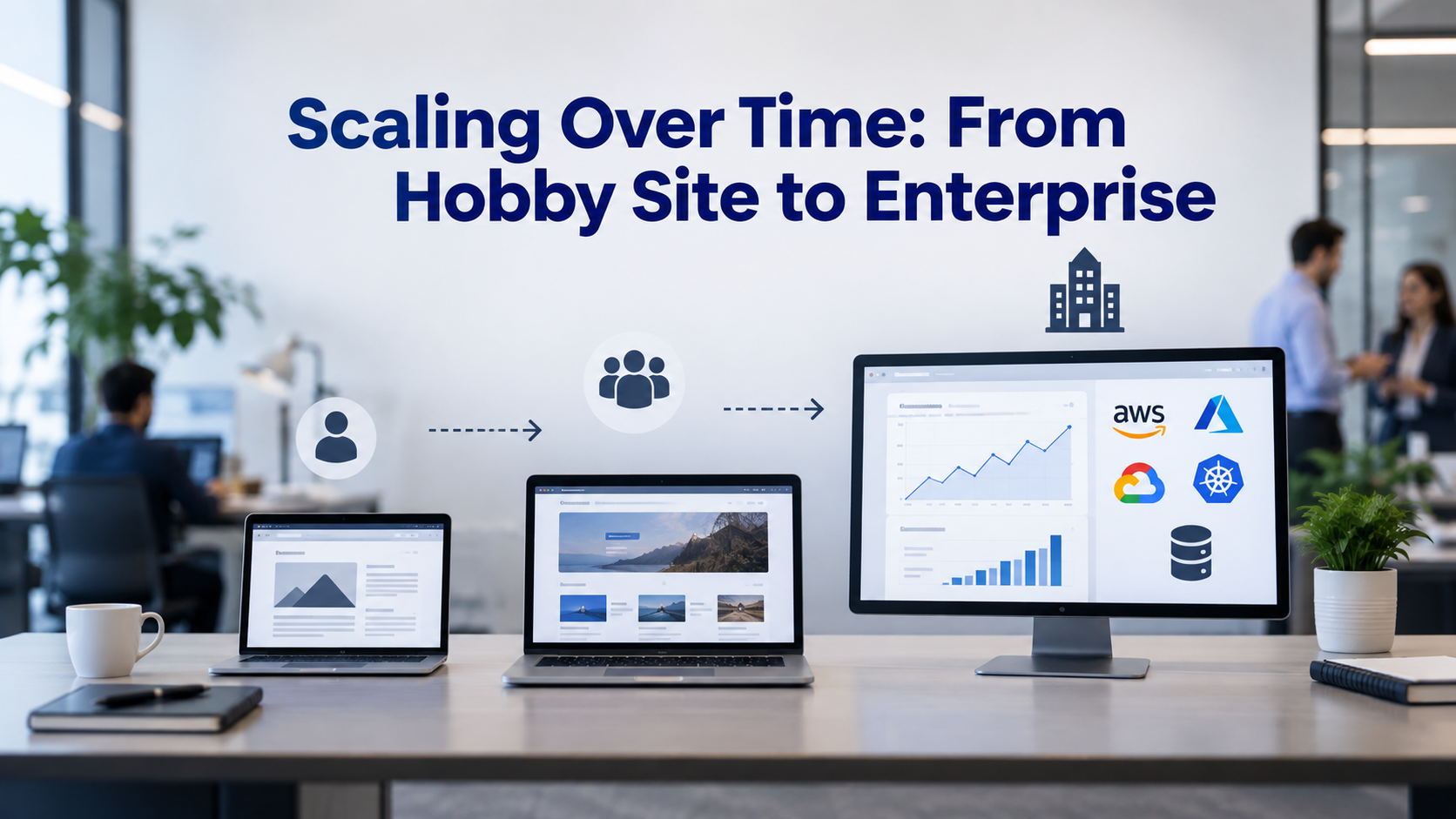
Scaling Over Time: From Hobby Site to Enterprise
Your hosting needs evolve as your site grows. Understanding growth stages helps you choose the right starting tier and plan upgrade paths. A tier that fits today might bottleneck you within months if growth is real.
Early Stage (Under 10,000 Monthly Visitors)
Hobby sites, landing pages, and new blogs run comfortably on entry-level shared hosting. WordPress.org’s minimum requirements suffice. Keep it simple: minimal plugins, a fast theme, and regular backups. Shared hosting is appropriate here because low traffic doesn’t stress shared resources.
You can grow on shared hosting to roughly 50,000 monthly visitors if traffic is steady and you optimize aggressively. Most successful businesses outgrow this tier before reaching 50,000 visitors because growth often brings traffic spikes that shared hosting can’t handle. Shared hosting fails not when traffic is steady but when traffic suddenly spikes. Upgrade when you start seeing slow page loads during peak hours or regularly hit memory limits. These are warning signs that shared hosting is approaching its limits.
Mid Stage (50,000 to 500,000 Monthly Visitors)
Businesses with steady revenue, regular traffic, and scaling requirements move to managed WordPress hosting or cloud hosting. Dedicated resources, object caching, and auto-scaling become essential. Performance expectations change: visitors expect sub-3-second load times; 99.95% uptime is standard; hourly backups are required.
Managed hosting handles this Stage well because it combines performance benefits (caching, optimization) with simplicity (WordPress-specific support, automatic updates). You don’t need to manage servers; hosting does it for you. Most growth-stage businesses stay in this tier for 18–36 months, upgrading to higher tiers as revenue scales further. The sweet spot for managed hosting is roughly 100,000–1,000,000 monthly visitors; beyond that, custom cloud architecture becomes necessary.
Late Stage (500,000+ Monthly Visitors or Mission-Critical Operations)
Enterprise sites need custom infrastructure: load balancing across multiple application servers, database replication, global CDN, DDoS protection, and dedicated security. At this scale, Niya Digital’s managed hosting with enterprise-grade cloud infrastructure provides the foundation; beyond that, custom engineering and consulting become necessary.
At enterprise scale, “hosting” becomes less about shared infrastructure and more about custom architecture designed for your specific traffic patterns and reliability requirements. Your engineering team works directly with your hosting provider to design infrastructure that handles your exact concurrency profile, backup needs, and disaster recovery requirements. This tier is appropriate when hosting infrastructure becomes a competitive advantage or when downtime costs exceed the hosting bill by orders of magnitude.
Ready to Right-Size Your WordPress Hosting?
Niya Digital’s WordPress hosting solutions support everything from hobby blogs to enterprise membership sites and ecommerce platforms. Our team evaluates your current hosting needs, identifies the right tier for your growth stage, and assists with seamless migration if you’re ready to upgrade. No setup fees, straightforward support, and transparent pricing aligned with features.
Frequently Asked Questions
What’s the difference between the PHP memory limit and server RAM?
PHP memory limit is the maximum RAM a single PHP process can use during a page load; it’s a per-process allocation. Server RAM is the total physical memory available to all processes on the server at the same time. A server with 64 GB of RAM but a 64 MB PHP memory limit per site can run 1,000 sites × 64 MB simultaneously, using only 64 GB total.
If each site’s memory limit is too low, PHP scripts fail even though server RAM is abundant. The constraint is per-process, not total. This distinction matters because shared hosting often allocates more memory to the server overall but caps individual sites at a low limit, forcing you to upgrade if any site needs more.
Can I run WooCommerce on shared hosting?
Yes, but with significant limitations depending on store complexity and traffic. Simple ecommerce stores (under 1,000 products, under 1,000 monthly orders) run fine on shared hosting with good optimization and caching. Complex stores (10,000+ products, thousands of monthly orders, heavy inventory integration) quickly outgrow shared hosting because of database load and concurrency requirements. Expect to upgrade to managed hosting within 6–12 months of reaching genuine profitability. Most WooCommerce stores on shared hosting start experiencing slowdowns around 5,000 orders per month.
How do I know if my hosting is causing slowness?
Test your site’s TTFB and Core Web Vitals using Google PageSpeed Insights. If TTFB consistently exceeds 500 milliseconds, hosting is the bottleneck. If Largest Contentful Paint exceeds 2.5 seconds, check whether your site has page-level caching enabled (if caching is enabled and LCP is still slow, hosting is the issue). If both TTFB and LCP are good but the site still feels slow, you need plugin or theme optimization, not hosting. Slow hosting feels like consistent slowness across all pages; slow plugins feel like specific pages or features lagging while others are fast.
What’s the difference between cPanel and managed WordPress interfaces?
cPanel is a generic hosting control panel for managing servers, email, databases, and files. It requires technical knowledge to use effectively. Managed WordPress interfaces provide WordPress-specific tools: one-click staging environments for testing, plugin/theme management, automatic backups with restore points, and WordPress-aware support staff. cPanel is powerful but requires Linux administration skills; managed WordPress interfaces prioritize ease and WordPress-specific functionality. Most non-technical users find managed WordPress interfaces dramatically easier; technical users often prefer cPanel’s flexibility.
Is object caching worth it?
Yes, especially for ecommerce, membership, and complex plugin scenarios where database load is substantial. Page-level caching helps public sites; object caching helps all sites by reducing database queries by 70–80%. Sites implementing Redis or Memcached report 60–80% load-time improvement within one week. Cost is usually included with managed hosting; if your host charges extra for object caching, it’s often worth paying because the performance improvement justifies the expense. Simple blogs benefit less from object caching; complex sites benefit dramatically.
What hosting should a nonprofit use?
Nonprofits hosting membership directories, donation processing, or volunteer coordination need reliability and support more than cutting-edge performance. Managed WordPress hosting strikes the right balance: good uptime, automatic security updates, expert support if issues arise, and scalability as the nonprofit grows. Many hosting providers offer nonprofit discounts or special nonprofit tiers with reduced cost. Shared hosting works for small nonprofits but becomes problematic when the site becomes essential to operations; managed hosting is worth the upgrade for mission-critical sites.
Can I migrate from shared to managed hosting without downtime?
Yes. Managed hosts typically provide migration assistance as standard service. The process: the hosting provider creates a copy of your site on the new server, you test it thoroughly, then you update your domain’s DNS to point to the new host. DNS propagates globally over 24–48 hours. Visitors gradually switch over; there’s no single moment of downtime. Ask your hosting provider about their migration service and timeline before signing up. Most managed hosts handle migration within 24 hours; you need to update DNS and wait for propagation.
What’s a staging environment and why do I need it?
A staging environment is a copy of your live site where you test plugin updates, theme changes, and content edits before pushing them live. If something breaks on staging, your live site remains unaffected, and your customers see no impact. You can test, fix, and deploy confidently. Shared hosting rarely includes staging; managed hosting includes it as standard. Staging is essential for any site where downtime costs money or damages reputation. It prevents accidental catastrophes from reaching production.
How often should I back up my site?
For hobby sites: weekly backups are sufficient because limited customer impact means less risk if data is lost. For business sites: daily backups minimum because regular changes occur, and loss means lost work for ecommerce and membership sites; hourly or continuous backups because customer data, orders, and transaction history are critical. Ask what backup frequency your hosting provides; if it’s insufficient for your site type, upgrade to a tier with more frequent backups or configure a third-party backup service. Most compliance frameworks (PCI-DSS for payment processing, GDPR for customer data) require daily backups minimum.
Does my hosting choice affect SEO?
Indirectly, yes, because Google considers site speed and uptime as ranking factors: slow hosting (high TTFB) and frequent downtime harm rankings. Most hosting tiers support good Core Web Vitals if properly configured; the advantage of managed hosting is consistent performance without requiring optimization effort from you. Shared hosting can achieve good Core Web Vitals through aggressive caching; managed hosting achieves them automatically. Your hosting choice doesn’t determine SEO directly, but it enables or prevents the performance that Google rewards.
What should I ask before choosing a host?
Ask: What’s the guaranteed TTFB benchmark under normal and peak load? What’s the uptime SLA and how is it measured (and what’s excluded)? What’s included in backups, and what’s the retention period? Can I enable object caching (Redis/Memcached)? What’s the PHP memory limit, and can I increase it without upgrading tiers? Do you provide staging environments? What’s the support availability and response time for critical issues? Can you assist with migration, and is it free? A host eager to answer these questions is worth considering; a host that’s vague is raising red flags.
How does a CDN differ from hosting?
Hosting runs your WordPress site on a server; it generates pages dynamically and serves them to visitors. A CDN (content delivery network) serves static files (images, CSS, JavaScript) from servers near your visitors, reducing latency. A CDN improves performance but doesn’t eliminate the need for good hosting. Many hosting providers include CDN access; others require you to purchase it separately. For global audiences, a CDN is worth the cost because it reduces load time for visitors far from your hosting server. A CDN without good hosting is like a fast delivery truck carrying slow-loading cargo.
What’s the easiest hosting for a first-time WordPress user?
Managed WordPress hosting is easiest because hosting providers handle WordPress updates, security patches, and backups automatically. You focus on content; hosting handles operations. Shared hosting with one-click WordPress installers is simpler initially but requires manual updates and optimization as your site grows. After three months of running a site, most users find managed hosting worth the cost because it eliminates tedious maintenance tasks. First-time users often start with shared hosting and upgrade to managed hosting within six months.
Should I worry about my hosting provider’s data center location?
You can host your site anywhere and serve global visitors reasonably quickly. Visitors near your server experience lower latency (faster page loads); visitors far away experience slightly higher latency. For global audiences, a CDN mitigates latency differences by caching static files on servers worldwide. For single-region audiences (like a local business), hosting in a nearby region noticeably reduces latency. Most hosting providers have multiple data centers; choose the region nearest your primary audience or one that meets data-residency compliance requirements (like GDPR, which requires EU data centers).
What’s included in “managed WordPress hosting”?
Managed WordPress hosting typically includes: automatic WordPress core, plugin, and theme updates; server-level caching; daily or hourly backups with restore points; staging environments for testing; SSL certificates; automated security scanning; DDoS protection; and WordPress-focused support staff. What’s NOT included varies: some include CDN, some charge extra; some include email hosting, some don’t; some include domain registration, some don’t. Ask specifically about each feature before signing up. Compare “included” vs “extra cost” features across providers because “managed WordPress hosting” is a loose category.
Glossary
- TTFB (Time to First Byte): The time elapsed from when a browser sends an HTTP request until the server sends the first byte of response. Measured in milliseconds; lower is faster. Google standards recommend TTFB under 200 milliseconds for optimal performance. TTFB underpins all other performance metrics because nothing renders until that first byte arrives.
- Object Caching: Storing the results of database queries in fast memory (Redis or Memcached) so subsequent requests retrieve cached results instead of querying the database again. Dramatically improves performance on ecommerce and membership sites by reducing database load by 70–80%. Most sites see 60–80% page load improvement within one week of enabling object caching.
- PHP Memory Limit: The maximum amount of RAM a single PHP script can consume while generating a page. Insufficient limits cause “memory exhausted” errors and broken functionality. Common defaults range from 32 MB to 128 MB; production sites often need 256 MB or higher. Different site types require different limits: blogs need 64–96 MB, ecommerce needs 256 MB, and media-heavy sites need 512+ MB.
- Concurrent Users: The number of visitors making simultaneous requests to your site at any given moment. Hosting must provision PHP workers and database connections to handle peak concurrency. Membership sites with 200 logged-in members require 200+ simultaneous database connections. Peak concurrency often differs from average traffic; traffic spikes create concurrency spikes.
- Core Web Vitals: Google’s set of performance metrics measuring real-world user experience: Largest Contentful Paint (LCP, load speed), Interaction to Next Paint (INP, responsiveness), and Cumulative Layout Shift (CLS, visual stability). These metrics affect search rankings and directly influence user experience and conversion rates.
- Managed WordPress Hosting: Hosting specifically optimized for WordPress with automatic updates, caching, security hardening, and WordPress-focused support. Costs more than generic shared hosting but eliminates server management tasks. Managed hosting suits business sites where reliability and performance matter more than low cost.