WordPress powers approximately 43% of all websites globally, and managing that scale demands reliable infrastructure. If you’re running WordPress on shared hosting, you likely juggle updates, backups, and security patches manually. This overhead pulls focus from growing your site. Managed WordPress hosting removes this burden entirely.
Understanding Managed WordPress Hosting
A managed WordPress hosting provider operates differently from generic hosting companies. They optimize every layer of infrastructure specifically for WordPress and pair that with 24/7 support from WordPress experts. The result is a hosting environment built around your site’s actual needs, not a one-size-fits-all approach.
What Makes Managed Hosting Different from Regular Hosting
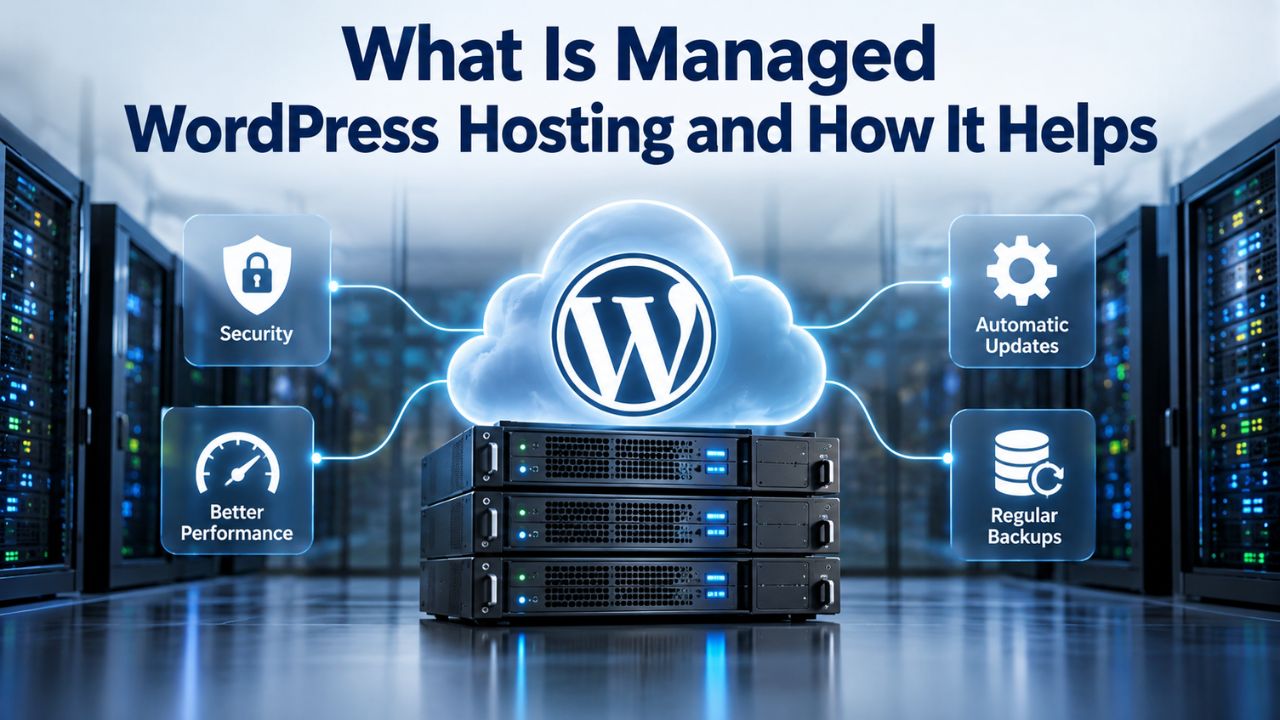
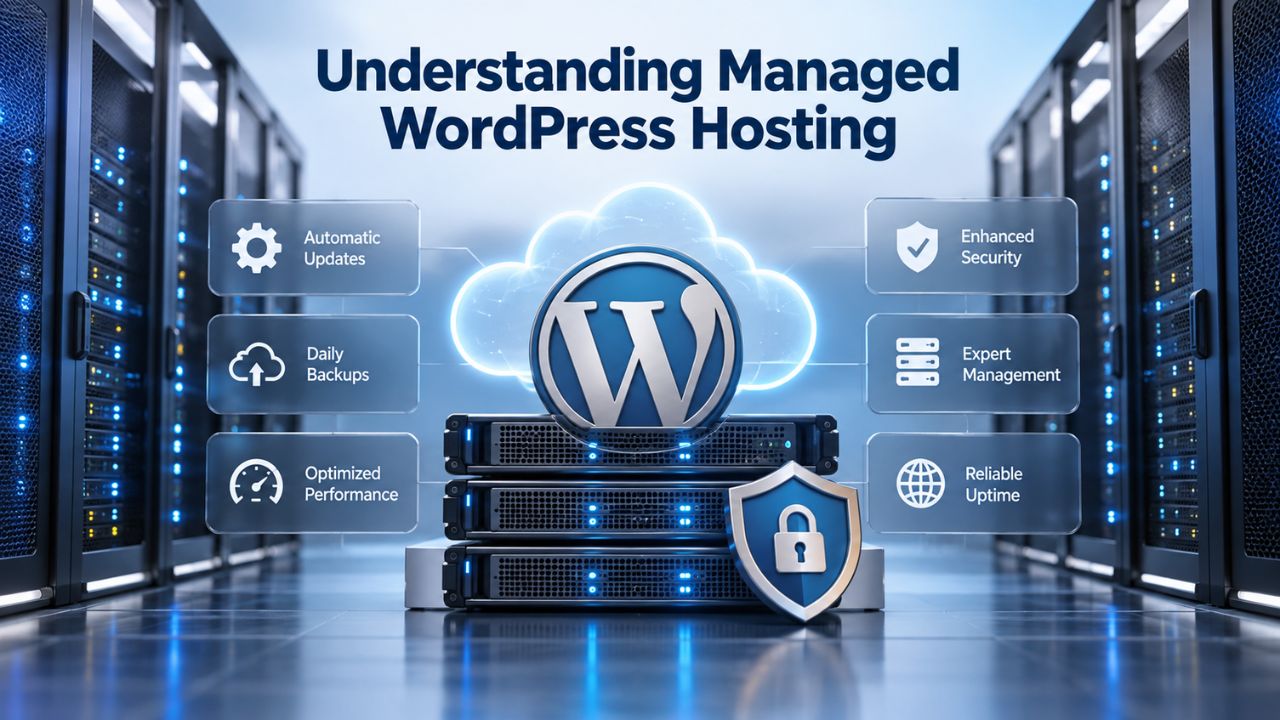
Managed WordPress hosting is a specialized service in which your hosting provider handles the technical infrastructure and operational tasks most site owners either neglect or maintain manually. Unlike regular hosting, which allocates server resources, managed hosts tailor their systems specifically to WordPress’s architecture, database patterns, and performance requirements. This means optimized PHP versions, MySQL configurations tuned for WordPress workloads, and web server software preconfigured with WordPress-specific modules and caching logic.
The term “managed” refers to the entire service model. Your hosting provider doesn’t just rent you server space; they actively optimize, maintain, and monitor it. They handle WordPress core updates, test plugin compatibility before updates deploy, create automatic backups, continuously scan for security threats, and provide expert support when issues arise. You’re purchasing not just infrastructure, but a complete managed service layer built around WordPress needs.
Managed WordPress Hosting Features and Business Impact
| Managed Hosting Feature | What Problem It Solves | Business Impact |
|---|---|---|
| Automatic WordPress Core, Plugin & Theme Updates | Security vulnerabilities go unpatched; site breaks due to compatibility issues; manual update burden | Eliminates security risk from outdated code; prevents compatibility errors; frees your time for growth |
| Automated Daily/Multi-Daily Backups | Data loss from hacks, crashes, plugin errors, or user mistakes; no restore points available | Data is always recoverable; disaster recovery is minutes, not days; peace of mind during growth |
| Offsite Backup Storage (3-2-1 Strategy) | Data center fire, hardware failure, or ransomware wipes everything, including local backups | Multiple geographic copies ensure recovery even if primary location fails; true disaster recovery |
| 24/7 Continuous Security Monitoring | Malware goes undetected for weeks; breach causes hidden damage; hackers maintain access invisibly | Threats detected within hours; early intervention prevents major damage; reduced breach scope |
| Automatic Malware Scanning & Removal | Infected site takes days to clean; requires hiring specialists; unclear if fully removed; SEO penalty | Issues resolved by experts included in hosting; quick removal; SEO recovery faster |
| SSL Certificate Auto-Installation & Renewal | Expired certificates break site access; browsers warn visitors; manual renewal forgotten | Security maintained automatically; visitor trust preserved; zero manual administration |
| Multi-Layer Caching (Page, Object, Edge) | Page load times 3-8 seconds; poor Core Web Vitals; high bounce rates; low conversions | Page load times 0.5-2 seconds; good Core Web Vitals; higher user engagement; more conversions |
| PHP & MySQL Optimization for WordPress | Generic server configuration; slow database queries; PHP bottlenecks; suboptimal performance | WordPress-specific tuning; fast queries; efficient code execution; responsive site experience |
| Dedicated Resource Allocation | Traffic spikes from neighbor sites crash your site; performance unpredictable; uncontrollable slowdowns | Performance predictable; traffic spikes don’t affect you; reliability you can depend on |
| WordPress Expert Support (24/7) | Plugin conflicts unresolved; slow site root cause unknown; support can’t help; must hire freelancer | Issues diagnosed and resolved in hours; expert knowledge available immediately; emergency support included |
| Staging Environment for Testing | Updates, theme changes, or plugin installation risks breaking live site; risky to test changes live | Test everything safely before deploying; confidence changes won’t break the site; rollback if needed |
| Free Site Migration Service | Migration technical complexity; downtime fear; risk of data loss; requires technical expertise | Experts handle entire process; minimal downtime; data integrity verified; no technical burden on you |
| Performance Monitoring & Alerts | Slow site performance goes unnoticed until visitors complain; degradation happens slowly; issues hidden | Performance issues detected immediately; you’re alerted before visitors notice; proactive optimization |
| Automatic Database Optimization | Database grows bloated with revisions, transients, spam; queries slow over time; performance degrades | Database stays lean and fast; automatic cleanup removes junk data; performance maintained long-term |
| DDoS Protection & Web Application Firewall | DDoS attacks bring site offline; malicious requests consume resources; brute-force login attacks succeed | Attacks absorbed at infrastructure level; site stays online; login attempts filtered; traffic remains clean |
The Provider’s Role: Behind-the-Scenes Optimization
When you choose managed WordPress hosting, the provider takes on responsibility for tasks that would otherwise fall to you. According to WordPress ecosystem documentation, these tasks include automatic updates for WordPress core, plugins, and themes; regular backup creation and tested restore procedures; malware scanning and security monitoring; performance tuning and caching layer management; and dedicated support from WordPress specialists.
Your hosting provider becomes an extension of your technical team. Instead of you researching PHP security patches, testing theme compatibility, or debugging slow page loads, these tasks are handled systematically. The provider invests in infrastructure specifically optimized for WordPress, employs staff trained to troubleshoot WordPress-specific issues, and maintains systems that watch your site 24/7. This lets you focus on content creation, business strategy, and audience growth.
WordPress Pricing Plans
Choose the WordPress hosting plan that fits your website needs, with reliable performance, security, storage, backups, and tools to help your site grow.
WordPress Basic
A great way to get started.
- 1 website
- 10 GB NVMe storage
- Unmetered bandwidth
- Free SSL Certificate *
- WordPress pre-installed
- Weekly backups
- Web Application Firewall
- Daily malware scans
- One-time malware removal

WordPress Deluxe
Improve your site performance with Cloudflare CDN.
- 1 website
- 20 GB NVMe storage
- Unmetered bandwidth
- Free SSL Certificate *
- WordPress pre-installed
- Daily backups
- Web Application Firewall
- Daily malware scans
- One-time malware removal
- Up to 2x faster performance with global Cloudflare CDN **
- Enhanced security with DDoS protection
- Staging site
WordPress Ultimate
Add online marketing with more sites, storage and security.
- 1 website
- 30 GB NVMe storage
- Unmetered bandwidth
- Free SSL Certificate *
- WordPress pre-installed
- Daily + on-demand backups
- Web Application Firewall
- Daily malware scans
- Unlimited malware removal
- Up to 2x faster performance with global Cloudflare CDN **
- Enhanced security with DDoS protection
- Staging site
- WordPress code optimizer
- Smart WordPress plugin manager
- Sell online with WooCommerce
How Managed Hosting Differs from Shared Hosting
Shared hosting and managed WordPress hosting serve different needs and deliver very different outcomes. Understanding the gap matters when deciding whether to upgrade from shared hosting.
The “Noisy Neighbor” Problem and Resource Isolation
Shared hosting allocates a single server’s resources across many websites simultaneously. A server with 256GB of RAM might host a thousand accounts, betting that most won’t be active at the same time. This model works until one site experiences a traffic spike, runs a resource-intensive backup, or hosts a runaway plugin that consumes CPU cycles. When that happens, every other site on that server suffers. Shared hosting resource competition multiplies performance issues when multiple websites compete for the same CPU, memory, and database connections.
Managed WordPress hosting eliminates this problem through resource isolation. Whether your host uses dedicated server allocation, containerization, or cloud infrastructure distribution, your site’s resources are separate from other accounts. When you encounter high traffic, run a backup, or experience any resource demand, your neighbors remain unaffected, and you do too. This isolation means predictable performance, no matter what other customers do.
Server Infrastructure Optimized for WordPress Specifically
Generic shared hosting serves many platforms: static websites, e-commerce systems, content management systems, custom applications. It’s configured broadly to accommodate diverse use cases. Managed WordPress hosts, by contrast, tune server infrastructure specifically for WordPress: modern PHP versions, MySQL configuration optimized for WordPress’s database patterns, web server software with WordPress-aware modules, and pre-configured caching that understands WordPress’s cache-busting rules.
This specialization translates into measurable speed and reliability gains from day one. We enable and tune the PHP opcode cache. We configure the MySQL query cache for WordPress workloads. We preconfigure object caching (Redis or Memcached) and make it ready to use. We optimize cron jobs and background tasks. Your site benefits from infrastructure decisions made specifically for WordPress, not compromises made for generic hosting.
Automation and Hands-Off Maintenance
Running a WordPress site involves repetitive tasks that should be automated yet often aren’t on shared hosting. Managed hosting automates these entirely, freeing your time and reducing security risk.
Automatic Updates and Compatibility Testing
The most important thing for WordPress security is keeping WordPress, plus all installed plugins and themes, up to date. Yet many site owners skip updates because they fear breaking something, or they forget. Managed WordPress hosting eliminates this problem through automation. WordPress core updates are tested on replica environments, tested for plugin compatibility, then applied automatically on a schedule you control.
Plugins and themes are handled similarly. When updates are available, managed hosts scan them for compatibility with your specific setup, test them in staging environments, then deploy them automatically or prompt you for approval depending on your settings. You avoid the entire cycle of manual checking, testing, and deploying. More importantly, you avoid the security risk of running outdated software simply because you forgot to update it.
Scheduled Backups and Continuous Security Monitoring
Managed WordPress hosting creates backups automatically on a regular schedule, daily, or sometimes multiple times per day depending on your plan. These backups follow the 3-2-1 strategy: three copies of your data, on two different storage types, with one stored outside your primary location. You can restore your site to any backup point with a single click, turning a potential catastrophe into minutes of downtime.
Managed hosts simultaneously run continuous monitoring and automated malware scans across your entire site. They watch for unusual file modifications, suspicious login attempts, known vulnerability patterns, and malware signatures. Early detection minimizes damage dramatically. If something goes wrong, the host detects it, alerts you, and often resolves it before you even notice. On shared hosting, you’re responsible for all of this, and most site owners discover the need for backups only after losing data.
Built-In Performance Optimization for Fast WordPress Hosting
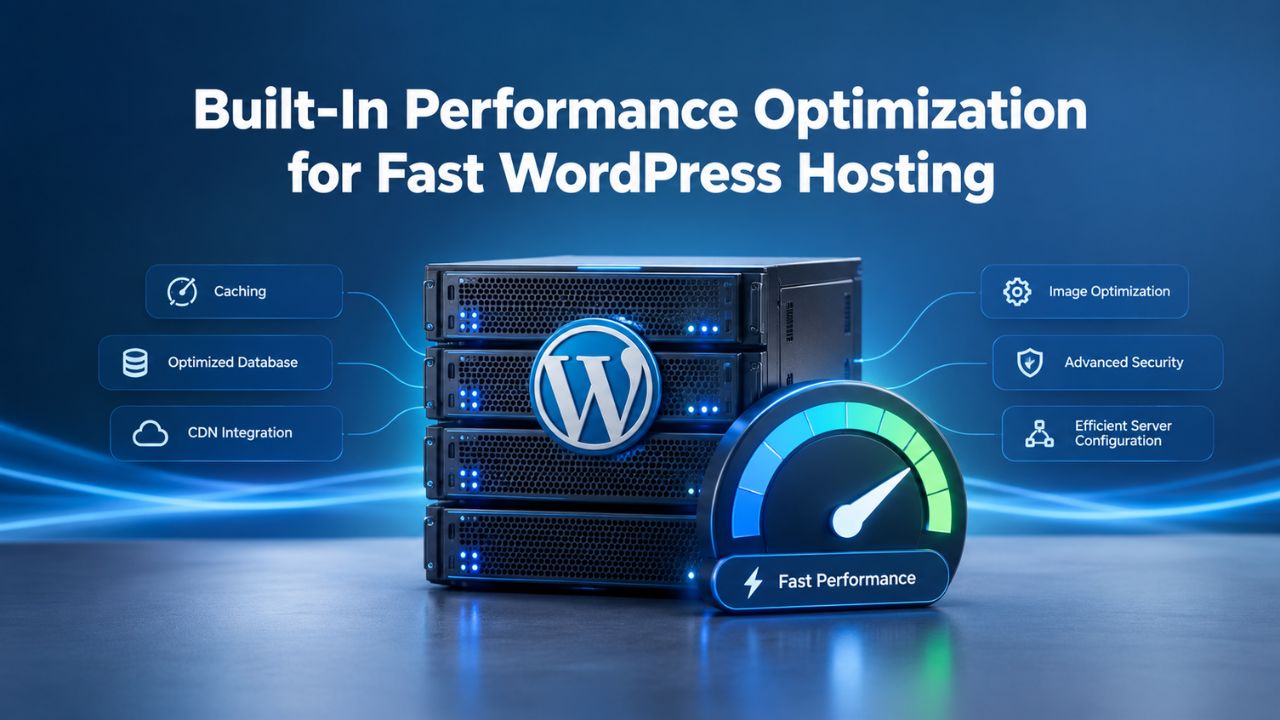
Performance is inseparable from hosting quality. Managed WordPress hosts don’t just provide infrastructure; they optimize it systematically for speed. Fast WordPress hosting means multiple caching layers, pre-tuned server configuration, and automatic scaling that handles traffic spikes without degradation.
Caching Architecture and Time to First Byte
Time to First Byte (TTFB) measures how long a server takes to start sending a response. It’s a critical component of Core Web Vitals and perceived page speed. Managed hosts implement layered caching: page cache serves pre-built HTML directly to browsers, bypassing PHP and database queries; object cache stores frequently queried data in memory via Redis or Memcached to reduce database load; and server-side caching, plus edge caching through CDN layers, adds further performance gains.
Page caching alone can reduce TTFB from 300–800 milliseconds down to under 50 milliseconds by serving the same cached HTML to multiple visitors. These caching layers are preconfigured, optimized, and ready to use. You don’t need to research caching plugins, test them for compatibility, debug configuration issues, or worry about cache invalidation logic. The host handles all of this systematically.
Core Web Vitals and SEO Ranking Impact
Google measures user experience through Core Web Vitals: Largest Contentful Paint (loading speed), Cumulative Layout Shift (visual stability), and Interaction to Next Paint (responsiveness). These metrics directly influence SEO rankings and correlate with user engagement and conversion rates.
Managed WordPress hosting’s optimized infrastructure and built-in caching help sites reach these benchmarks more reliably than shared hosting. Shared hosting resource constraints and lack of optimization make high Core Web Vitals scores difficult. Managed hosts eliminate these constraints. Your site has dedicated resources, automatic performance tuning, and expert support focused on speed. The result is faster Core Web Vitals scores, higher search visibility, and better user experience.
WordPress Hosting Security: Multiple Layers of Protection
Secure WordPress hosting requires multiple security layers working together. Managed WordPress hosting handles the infrastructure layer so you can focus on content decisions and plugin choices.
Risk Reduction Through Automated Hardening
WordPress security is fundamentally about risk reduction across multiple layers: keeping software current, enforcing HTTPS/SSL, controlling file permissions, limiting login attempts, and backing up data regularly. Managed hosts automate the infrastructure side systematically. Automatic updates ensure patches deploy as soon as they’re available. Managed hosts install SSL certificates automatically and renew them before expiration. Firewalls are preconfigured and monitored. DDoS mitigation runs continuously. Intrusion detection systems watch for attack patterns.
No single measure is “100% secure,” but the cumulative effect of these automated practices significantly reduces the likelihood of a breach. You’re not betting on remembering to update, or hoping you configured the firewall correctly, or assuming backups work. The system itself is hardened by design. Every account gets the same security infrastructure, monitoring, and expert support. This consistency prevents most breaches that occur simply because owners forgot a security step.
Continuous Monitoring and Malware Prevention
Managed hosts run regular malware scans across your file systems and databases, checking for suspicious code, unexpected file modifications, and known malware signatures. Early detection dramatically reduces damage and recovery time. A threat detected and removed within hours causes far less damage than one that goes unnoticed for weeks.
Many managed plans include one-click malware removal, turning a potential emergency into a handled issue with expert support included. If malware is detected, you’re not left to clean it up yourself or hire an emergency specialist. Your host handles it as part of the managed service. This combination of detection and remediation capability fundamentally changes how you approach security, from hoping nothing goes wrong to knowing threats will be caught and handled quickly.
Explore Managed WordPress Hosting Plans
Managed WordPress hosting removes the technical overhead of running WordPress so you can focus entirely on your business. If you’re managing updates manually, recovering from security incidents, losing sleep over backups, or watching shared hosting slow your site, managed hosting addresses all of these issues at once. Niya Digital’s managed WordPress hosting plans combine enterprise-grade infrastructure with 24/7 expert support, giving you the reliability and performance your site deserves.
WordPress Backup Services and Disaster Recovery
Backups are your insurance policy. Managed WordPress hosting makes them automatic, reliable, and recoverable. Quality WordPress backup services are included with managed hosting, automating the 3-2-1 backup strategy so you never face data loss.
Automated Backup Strategy and Offsite Storage
The 3-2-1 backup strategy, three copies on two different storage types with one offsite, is industry standard. Managed hosts implement this by default. Backups are created automatically on a regular schedule and stored both locally for fast restores and offsite for disaster recovery protection. Backups are retained long enough that you can restore from any recent point in time.
This approach eliminates the manual backup burden and single-point-of-failure risk that plague shared hosting users. You don’t have to remember to download backups. You’re not storing them locally on your computer where they’re vulnerable to theft or hardware failure. The host handles backup creation, storage, and retention systematically. Offsite storage means a data center failure, fire, or natural disaster doesn’t wipe out your backups along with your live site.
Testing, Restore Validation, and Recovery Time
A backup is only valuable if you can actually restore it when needed. Managed hosts encourage (or automate) restore testing so you know recovery will work in a real emergency. Many provide staging environments where you test a restore before applying it to your live site. Backups without tested restores are nearly useless in emergencies.
A well-managed host ensures you can recover quickly when needed, often within minutes instead of days. Their team has practiced restores thousands of times. They know which restore procedures work, which ones don’t, and how to handle edge cases. When you need a restore, the process is smooth, and your downtime is minimal. This combination of automation, testing, and expertise fundamentally changes your relationship with disaster recovery from “hopefully this works” to “I know exactly what will happen.”
WordPress Hosting Support: Expert Help When You Need It
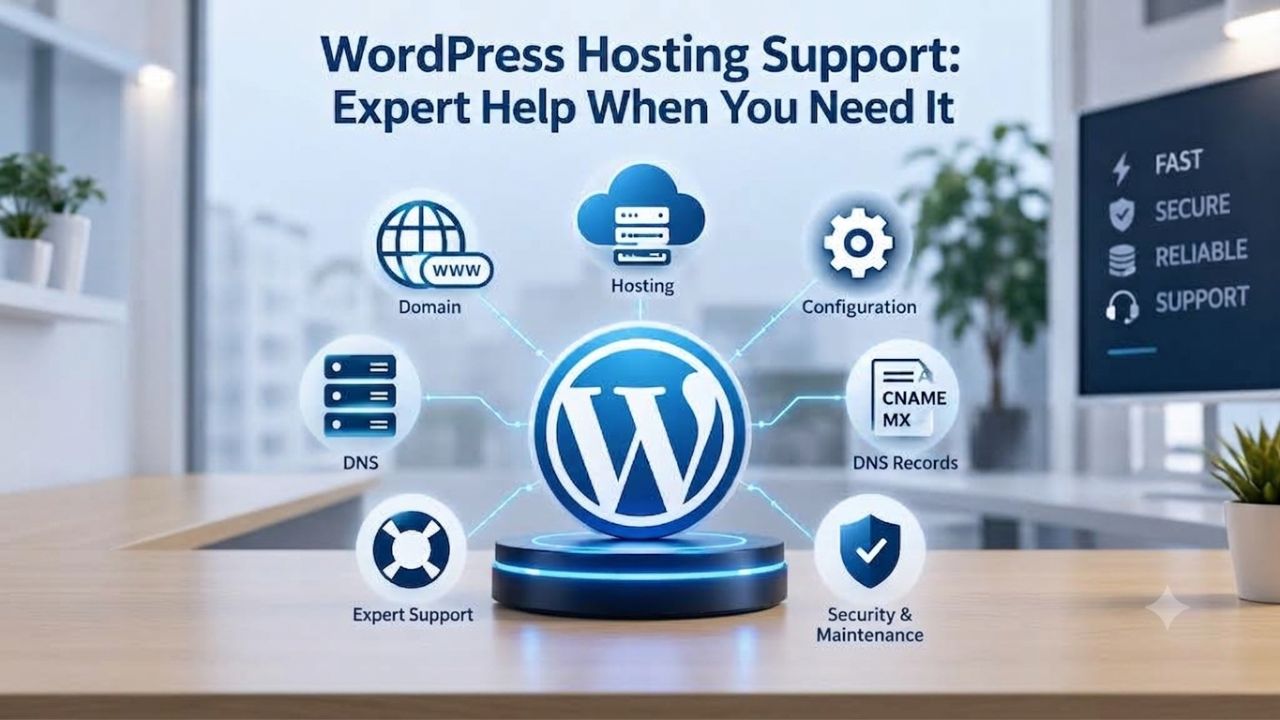
Support quality shapes your hosting experience entirely. Managed WordPress hosts staff teams with WordPress experts, not generic server administrators.
24/7 Availability and Expert Response
Managed hosts offer 24/7 support via chat, email, and phone. Average response times run from minutes to 1–2 hours, not days. This availability matters when your site is down or misbehaving. Support staff understand WordPress architecture deeply, recognize common plugin conflicts, diagnose database issues quickly, and have handled migrations hundreds of times.
This level of expertise makes a dramatic difference when problems occur. WordPress specialists diagnose and resolve complex plugin conflicts that would baffle generic support. They identify and fix slow database queries that require optimization knowledge. We roll back and debug failed updates. You won’t be stuck waiting for escalation or hiring a freelancer. Expert help is available immediately.
Expert Diagnosis, Troubleshooting, and Operational Insight
When your site is slow, returning errors, or behaving unexpectedly, expert support identifies the cause quickly through systematic diagnosis. Is it a plugin incompatibility? A runaway database query? A caching conflict? A resource limit? WordPress experts diagnose and resolve these issues in chat; generic support might escalate or suggest you hire a developer.
Niya Digital’s team has found that sites migrated to managed hosting see support ticket volume drop significantly within the first month, once automation handles routine maintenance and expert support handles edge cases. The combination of proactive monitoring and expert-led troubleshooting creates a hosting experience where problems are either prevented entirely or resolved quickly before they impact your site’s availability.
Site Migration to Managed Hosting
Moving to managed hosting is a critical decision point for many site owners experiencing friction on shared hosting. Migration fear is common, and managed hosts understand it, which helps keep the process smooth.
Staging-First Approach and Minimal Downtime
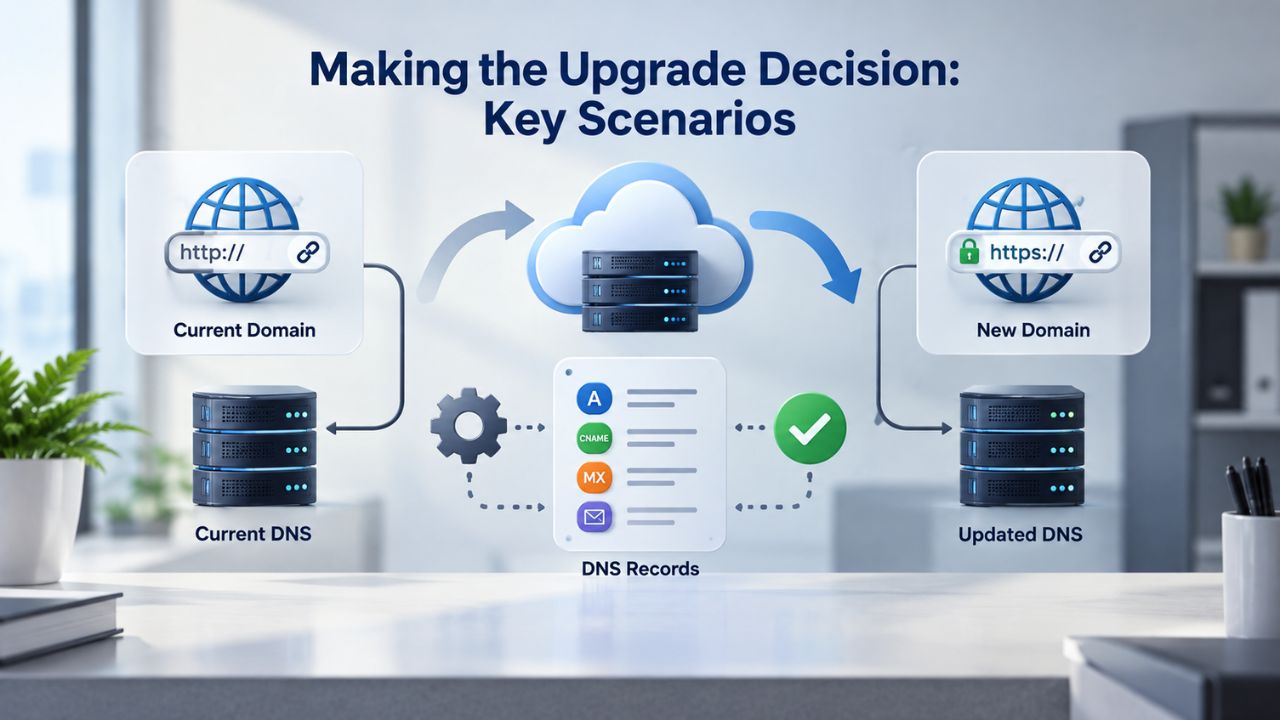
WordPress migration involves transferring files, database, and configuration to a new server. Downtime risk typically comes from DNS propagation delays, plugin compatibility issues, and configuration errors, not the actual transfer itself. Managed hosts minimize disruption using staging servers (a copy of your live site on their infrastructure). You test everything thoroughly, then switch over via a DNS change.
This process typically takes 1–4 weeks of careful planning to achieve near-zero downtime. During that time, your live site runs normally. The new host builds a replica, tests all plugins and themes, verifies all functionality, ensures SSL certificates work, and confirms email configuration. Only when everything is verified and tested do you switch DNS. Your visitors experience minimal or no downtime.
Free Migration Assistance and Onboarding Support
Many managed WordPress hosting plans include free migration services, handling technical steps so you don’t have to. Experts manage the entire process: file transfer via SFTP or migration plugins, database import and URL updates, SSL configuration, email setup, CDN configuration, and comprehensive testing. This support reduces migration anxiety significantly. You focus on communicating the change to your audience instead of managing complex technical procedures.
With thousands of migrations under their belt, the host has encountered and solved virtually every edge case. They handle custom post types, plugin-specific database tables, complex redirects, and third-party API integrations smoothly. Their goal is a migration you don’t have to think about, so you can launch on your new infrastructure with complete confidence.
Making the Upgrade Decision: Key Scenarios
Not every WordPress site needs managed hosting immediately. Knowing when the upgrade makes sense helps you make an informed decision based on actual needs.
Identifying Shared Hosting Pain Points
Shared hosting causes real problems as sites grow. Traffic spikes crash the server. Updates break functionality. Backups never happen. Support can’t diagnose issues because they lack WordPress expertise. Security threats go unnoticed. These aren’t theoretical problems; thousands of site owners experience them every month. If any of these sound familiar, managed hosting likely eliminates them.
The upgrade decision becomes simple: Does your site generate value? Will downtime cost you money or reputation? Is your time valuable? If you answered yes to any of these, managed hosting’s reliability and expert support likely justify the investment immediately. You’re not paying for luxury; you’re paying to eliminate problems that cost far more than hosting fees.
Upgrade Triggers and Scenarios
Several clear scenarios indicate managed hosting is the right choice. Growing businesses with revenue tied to site availability should move to managed hosting to eliminate downtime risk. E-commerce sites handling transactions need the security and performance managed hosting provides. Agencies managing multiple client sites benefit from reduced support overhead. Content publishers experiencing traffic growth need the scalability managed hosting provides.
| Scenario | Shared Hosting Outcome | Managed WordPress Hosting Outcome |
|---|---|---|
| Traffic spike or sudden load increase | Site slows significantly or goes offline; neighboring sites affected too; scaling options limited | Automatic resource scaling handles spikes; performance remains stable; neighbors completely unaffected |
| Slow page load times / Core Web Vitals failure | Generic shared server; minimal or no caching; manual plugin configuration; difficult to optimize | Pre-tuned multi-layer caching; TTFB typically 50–200ms; CWV optimization built in; automatic scaling handles traffic |
| Plugin conflict or fatal PHP error | Support escalates to “hire a developer”; you troubleshoot alone; extended downtime likely | WordPress expert diagnoses and resolves in chat within hours; staging environment available for testing |
| Security incident or suspected breach | Manual malware cleanup uncertain; no backup access; recovery takes days or weeks | Automated malware detection; expert removal included; clean backup restore available immediately; recovery in hours |
| Data loss or database corruption | Manual backup dependency; many sites have no backups; data often unrecoverable permanently | Automated offsite backups; 3-2-1 strategy; one-click restore to any point; multiple recovery points always available |
| Ongoing manual updates and maintenance | You manage WordPress core, plugins, themes; risk of outdated code; time-consuming testing; compatibility errors | Automatic updates with testing; compatibility verified before deployment; zero configuration; focus on content |
Scaling Your WordPress Site Over Time
WordPress sites grow, and successful hosting grows with them. Managed WordPress hosts offer ways to expand infrastructure as your needs grow.
Growth and Plan Expansion
Most managed WordPress hosts offer multiple plan tiers: starter for new sites, growth for expanding sites, performance for high-traffic sites, and enterprise for mission-critical installations. Seamless upgrades let your site stay on managed hosting without migration as traffic grows. Your site data, configuration, user accounts, and email settings move with you. You don’t outgrow your host; you upgrade your infrastructure as needs change.
This flexibility means you start with resources appropriate to your current traffic, then expand as success grows your audience. Early-stage sites don’t overpay for infrastructure they don’t need. Growing sites have the resources ready when traffic increases. Mission-critical sites have enterprise infrastructure and support when they need it.
Developer Support and Custom Functionality
Most managed hosts fully support custom development. You can hire developers to create custom plugins, themes, or functionality. Many managed hosts provide developer resources and staging environments to test custom code before deploying it to production. This ensures your customizations don’t break your site or conflict with managed host functionality.
The combination of managed infrastructure and developer freedom is powerful. You get the reliability, security, and performance benefits of managed hosting while maintaining the flexibility to customize WordPress exactly how you need. Custom code deployment is tested. Staging environments let developers work safely. Expert support helps troubleshoot custom code issues. You’re not locked into a templated solution; you’re on a platform that supports your specific needs.
Check Our WordPress Hosting Plans and Start Your Upgrade
Managed WordPress hosting removes technical overhead and gives you peace of mind. Your site runs faster, stays more secure, and requires less maintenance. Support is available immediately when you need it. Backups happen automatically. Updates are handled seamlessly. Niya Digital’s managed hosting plans provide enterprise-grade infrastructure with 24/7 expert support so that you can focus on your business instead of server management.
Frequently Asked Questions
What exactly does “managed” mean in managed WordPress hosting?
Managed WordPress hosting means your hosting provider automatically handles updates, backups, security monitoring, and performance optimization. You focus on content and business goals; the host handles infrastructure and WordPress-specific technical tasks. Think of it as outsourcing server administration entirely so you can concentrate on running your site, not maintaining it. This frees your time and expertise for activities that directly grow your business.
Is managed hosting more expensive than shared hosting?
Yes, managed WordPress hosting costs more than shared hosting upfront because you’re paying for automation, expertise, and dedicated support. However, the investment often pays dividends through reduced downtime, faster performance, and elimination of freelancer costs for routine maintenance. Faster sites convert better and generate more revenue. Expert support saves time when problems arise. For growing sites that generate value, managed hosting often pays for itself quickly through improved performance and reliability.
Can I install any plugin or theme on managed WordPress hosting?
Most managed hosts allow plugin and theme installation freely, though some restrict plugins that duplicate built-in features or create security or performance risks. Check your provider’s documentation first. This restriction is usually beneficial: it prevents accidentally installing malicious or poorly coded plugins that could harm your site’s stability or security. You maintain complete control over your site while avoiding dangerous edge cases.
How often are backups created on managed hosting plans?
Backup frequency varies by plan and provider, typically ranging from daily to multiple times per day. Many managed hosts let you schedule backups or create manual backup points before major changes. Some offer weekly and monthly retention periods. Check your specific plan’s documentation to understand the schedule and retention policy included with your plan. More frequent backups mean less data loss if something goes wrong.
Do I need to know coding or server administration to use managed WordPress hosting?
No. Managed WordPress hosting is designed specifically for non-technical users. Your hosting provider handles all server-level administration. You interact with WordPress through its familiar admin interface and your host’s control panel, both built for non-developers. You don’t need coding knowledge or server administration experience to run your site successfully or access advanced features.
What happens during migration to managed hosting?
Migration typically involves a staging phase where your site is copied to the new server and thoroughly tested, followed by a DNS switchover that points your domain to the new host. Managed hosts often provide free migration assistance or fully managed migration services. This reduces your involvement and minimizes downtime during the transition between hosts. Experts typically handle the process, with experience migrating thousands of sites.
Can I leave managed WordPress hosting if I decide it’s not for me?
Yes. You can leave managed hosting at any time without penalty. Most providers assist with outbound migrations or provide backups and exports to make the transition easier. Before committing, review your provider’s migration policy and exit terms to understand your options if circumstances change. You can change providers whenever needed.
What’s the difference between managed WordPress hosting and hosted site builders?
Hosted site builders are closed platforms where you build within their ecosystem and are locked into their service. Managed WordPress hosting means you run the open-source WordPress software on your host’s infrastructure, maintaining complete control and flexibility. With managed WordPress, you own your data; you can install any plugin or theme; and you’re not locked into one company’s platform. You maintain portability and freedom while getting managed infrastructure benefits.
How does managed hosting improve site speed and performance?
Managed hosts use multiple caching layers (page cache, object cache, edge cache), optimize server configuration specifically for WordPress, and pre-tune performance settings. Shared hosting lacks these optimizations. The result is faster Time to First Byte (TTFB), better Core Web Vitals scores, reduced bounce rates, and higher visitor satisfaction. Speed improvements are measurable and directly impact your revenue, rankings, and user experience.
Is managed WordPress hosting secure against all attacks?
Managed hosting significantly reduces security risk through automation, updates, monitoring, and expert support. However, no hosting is “100% secure.” You still need strong passwords, two-factor authentication, current plugins, and WordPress security practices. Managed hosting handles the infrastructure layer, so you handle the application layer. This shared responsibility approach provides the most robust security possible.
How do I know if I’m ready to move from shared to managed hosting?
You’re ready when shared hosting causes real problems: frequent downtime, slow performance, security concerns, frustrating manual updates, or poor support responses. If you’re spending your time on WordPress maintenance you’d rather spend growing your business, managed hosting automation likely pays for itself quickly through time savings and improved performance. Your revenue per visitor often increases when site speed and reliability improve.
What support can I expect from a managed WordPress hosting provider?
Expect 24/7 availability via chat, email, and phone with response times typically under 2 hours. Staff are trained in WordPress and help with plugin conflicts, slow performance, database problems, and migrations. Review your provider’s support documentation for specifics about what’s included in your plan. Quality managed hosts include WordPress expert support, not just generic server administration support.
Can I scale my site if it grows after signing up for managed hosting?
Yes. Most managed WordPress hosts offer multiple plan tiers (starter, growth, performance, enterprise) with seamless upgrades. Your site data, configuration, and email move with you as you scale up. Niya Digital’s managed WordPress hosting plans include growth flexibility, so you’re never forced to migrate to a new provider when your site expands or your traffic increases.
What happens if I need custom development on a managed WordPress host?
Most managed hosts fully support custom development. You can hire developers to create custom plugins, themes, or functionality. Many managed hosts provide developer resources and staging environments to test custom code before deploying it to production. This ensures your customizations don’t break your site or conflict with managed functionality. Custom development combined with managed hosting provides flexibility and reliability.
How does managed WordPress hosting compare to self-managed cloud hosting?
Self-managed cloud hosting requires you to handle server administration, security patches, performance tuning, and monitoring yourself. Managed WordPress hosting handles all that automatically. You pay more for managed hosting but save significant time and expertise. Self-managed cloud suits developers who want full control; managed hosting suits business owners who want results without overhead.
Glossary
- Managed WordPress Hosting: A hosting service where the provider handles updates, security, backups, performance optimization, and WordPress-specialist support, freeing the owner from server maintenance and infrastructure management.
- Shared Hosting: Multiple websites share one server’s resources (CPU, RAM, bandwidth) with no resource isolation between accounts, creating performance risk if one site consumes excessive resources.
- TTFB (Time to First Byte): The duration from when a browser requests a page until the server starts sending the response; critical to Core Web Vitals and perceived page speed.
- Core Web Vitals: Google’s user-experience performance metrics: Largest Contentful Paint (loading speed), Cumulative Layout Shift (visual stability), and Interaction to Next Paint (responsiveness); used in SEO ranking algorithms.
- Page Cache: Pre-built HTML stored and served directly to visitors, bypassing PHP execution and database queries to improve TTFB and page speed dramatically.
- Object Cache: In-memory storage (via Redis or Memcached) of frequently queried data, reducing database load and improving response time on dynamic pages and complex sites.
- Backup & Restore: Regular copies of site files and database that allow recovery to a prior state in case of data loss, corruption, or security breach.
- Migration: Transfer of a WordPress site from one hosting provider or server to another, requiring careful planning to minimize downtime and data loss risk.