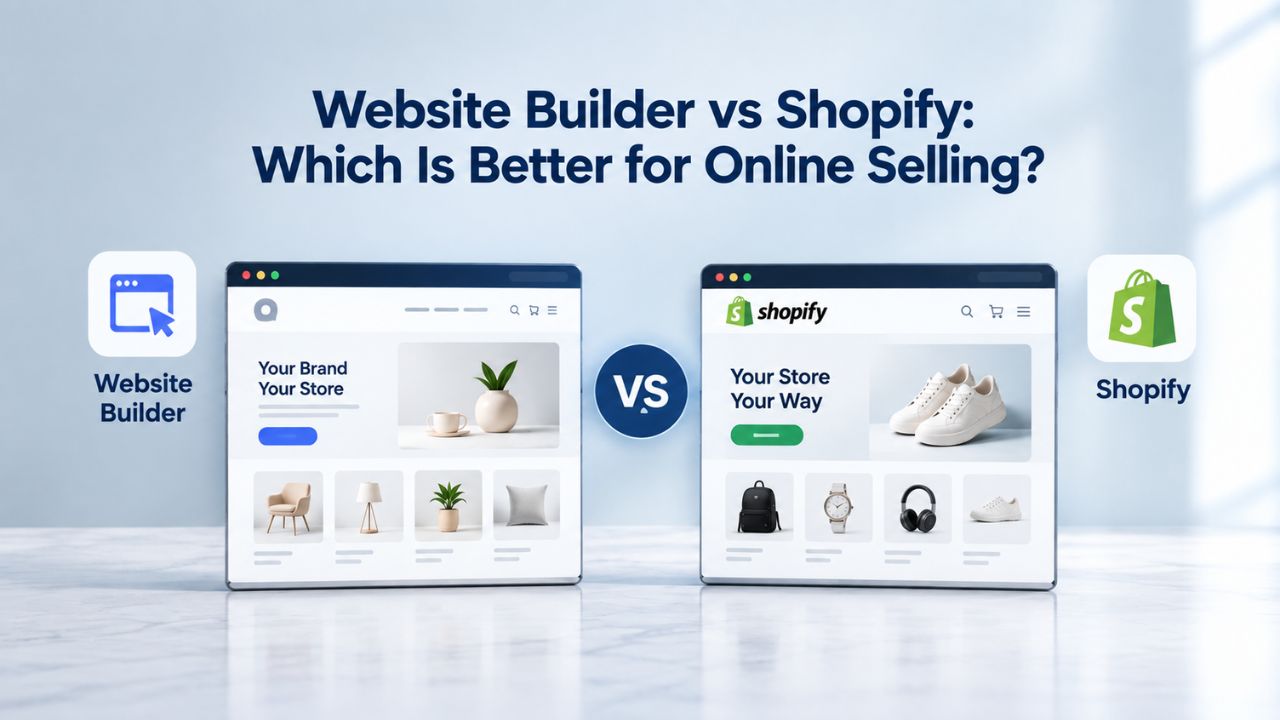
You’ve built something worth selling: handmade goods, digital products, or services your customers actually want. But your competitors already have online storefronts, and you’re losing sales because you’re not easy to find online. Niya Digital is an authorized reseller of that platform, not an operator of independent builder infrastructure. Overall site performance and sales results depend on many factors outside any single provider’s control: your product fit, content quality, ongoing marketing effort, and competition in your niche.
Setup Speed & Ease: Getting Online in Minutes vs. Hours
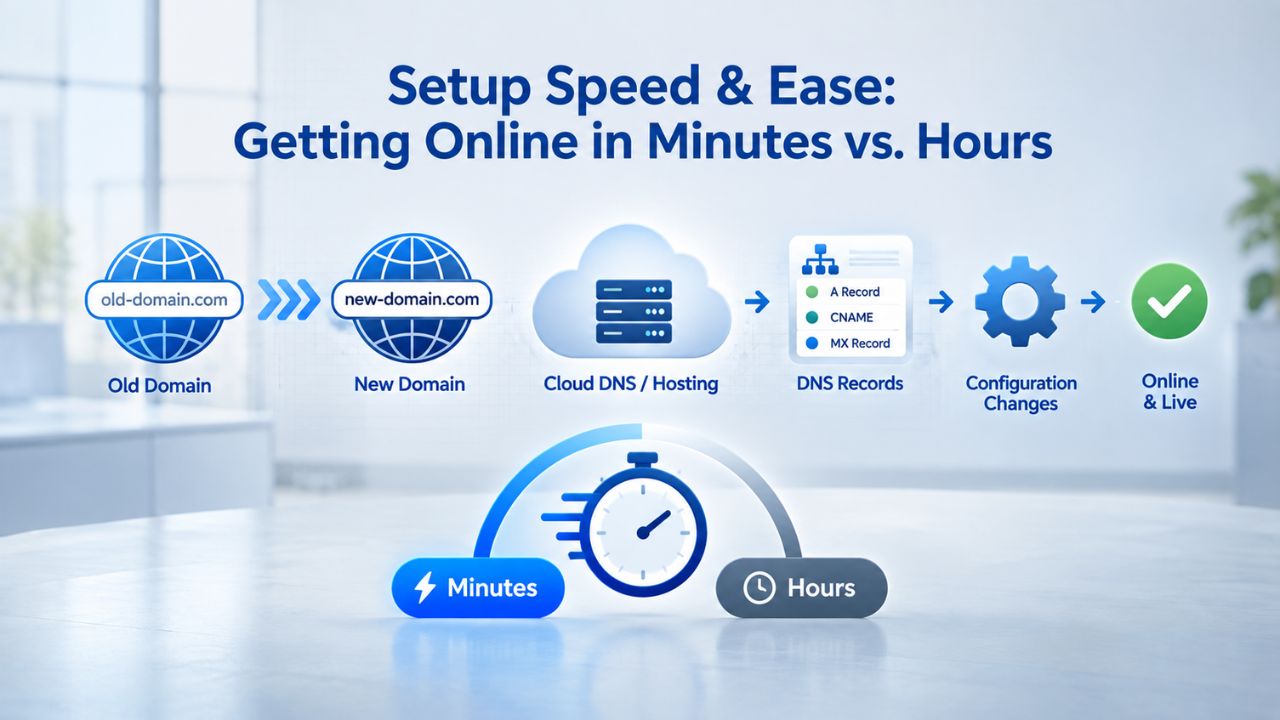
The clock is ticking. Your first potential customer might visit today. Website builders and Shopify both promise speed, but one gets you live significantly faster, while the other prioritizes configuration depth and feature richness. Understanding where you fall on the speed-versus-power spectrum is the first step in choosing your platform.
Fastest Launch: Website Builders Win the Race
Website builders prioritize zero setup friction. Powered by intuitive drag-and-drop editors and AI-assisted site generation, GoDaddy Website Builder’s platform typically gets a basic online store live in 5–30 minutes, sometimes even faster if you leverage the AI wizard to auto-populate your first store layout and generate product descriptions from your own content. The process is straightforward: you pick a professionally designed template, add your products with images and descriptions, connect a payment method, and publish. No technical knowledge is required: no coding, no complex API integrations to configure, and no developer consultations.
Niya Digital’s team has found that beginners move fastest when onboarding includes a guided setup checklist and hands-on support at each step, especially around payment setup and mobile preview, where confidence gaps often stall launches. The entire workflow lives in one centralized place: domain registration, hosting, email setup, basic analytics, and store management are all accessible from a single dashboard, eliminating context-switching and the need to learn multiple disconnected tools. For service-based businesses or creators selling fewer than 20 items, this speed advantage is decisive. You can have a live store accepting orders within an afternoon, validating your market before investing significant time or money into growth.
Website Builder Plans & Pricing
Create a professional website with flexible website builder plans designed for businesses, portfolios, and growing online brands. Choose a plan that matches your needs and build, customize, and manage your website with easy-to-use tools, responsive designs, and essential features for a strong online presence.
Website Builder Personal
Share your passion online.
- Responsive mobile design
- Website hosting
- Rapid Page-Load performance
- Create a blog
- Security (SSL)
- 24/7 support

Website Builder Business
Create an online presence for your business.
- Responsive mobile design
- Website hosting
- Rapid Page-Load performance
- Create a blog
- Security (SSL)
- 24/7 support
- PayPal Buy Now or Donate button
- Search Engine Optimization (SEO)
Website Builder Business Plus
Attract more customers.
- Responsive mobile design
- Website hosting
- Rapid Page-Load performance
- Create a blog
- Security (SSL)
- 24/7 support
- PayPal Buy Now or Donate button
- Search Engine Optimization (SEO)
- Social Media Integration
- Share content to Facebook
- Online Appointments
Website Builder Online Store
Sell products and services.
- Responsive mobile design
- Website hosting
- Rapid Page-Load performance
- Create a blog
- Security (SSL)
- 24/7 Support
- PayPal Buy Now or Donate Button
- Search Engine Optimization (SEO)
- Social Media Integration
- Share content to Facebook
- Online Appointments
- Built-in shopping cart
- Sell physical and digital products
- Accept credit and debit cards, PayPal and more
- Flexible shipping options
- Discounts and promotions
- Manage inventory
Shopify Takes Longer, But Builds Better Foundations
Shopify setup typically takes 1–2 hours to get a functional store running, even with its user-friendly admin interface and straightforward onboarding. You’ll choose a theme from the available library, add products with detailed variant options, set up payment processing through Shopify’s integrated options or third-party gateways, configure shipping rules for different locations or methods, and review tax settings before publishing your store. Each step is logically designed and clearly presented, but it requires more decisions than with website builders. You’re making choices about inventory management, customer authentication, order tracking systems, and app integrations- decisions that pay off later when your catalog grows but feel like overhead when you’re just starting.
Shopify’s 24/7 support and large community forum offset the longer setup time. Still, first-time sellers often face a steeper learning curve, especially if they’re also navigating the decision space created by 13,000+ available apps, each promising to solve a specific problem or unlock new capabilities. The platform assumes you’re building for the long term, so the initial setup focuses on sustainable operations, not a minimum viable presence. For experienced e-commerce operators or teams with divided responsibilities, this thorough foundation becomes an asset rather than a burden, but for solo entrepreneurs testing their first product, the extra complexity delays market validation.
Understanding Transaction Fees & Real Cost Structure
Buying visibility is meaningless if you can’t understand how much each sale actually costs you. Both platforms use different financial models, and the math behind each transaction directly impacts your profitability, especially in the early months when margins matter most.
Website Builders: Transparent, Payment-Processing-Only Fees
GoDaddy Website Builder’s Commerce plan charges zero platform transaction fees; no percentage of your sales goes to the platform itself. You pay only for payment processing: the fees credit card networks and payment processors charge to handle the transaction. This straightforward model means every dollar you make is yours, minus only the processor’s cost, with no additional platform surcharge. Without a platform transaction fee, your financial model stays simple and predictable.
This structure benefits sellers with modest order volume or tight margins who can’t absorb percentage-based platform cuts without cutting deeply into profit. A small-batch seller moving modest inventory each month can keep more of each sale and reinvest in inventory, marketing, or product development. Website builders’ all-in-one pricing (domain, hosting, email, basic store management bundled into a single monthly subscription) means you know your fixed costs upfront, making budgeting straightforward. No surprise app subscriptions or hidden feature limitations that suddenly require paid upgrades to handle basic business tasks.
Shopify: Tiered Pricing with Per-Transaction Rates
Shopify’s business model ties revenue to your sales volume through per-transaction fees that vary by plan tier. Higher-tier plans include lower per-transaction rates, creating a financial incentive for businesses to upgrade as they scale. The tiered structure means your fee burden as a percentage of revenue actually decreases as you grow, a feature designed to align Shopify’s success with merchant success. Understanding this model helps sellers see Shopify not as getting progressively more expensive, but as offering better economics at higher volumes.
Shopify’s per-transaction model means your fees decline as you scale, creating genuine long-term value for growing businesses that can justify the higher baseline cost. However, for a beginner testing with low volume, this same structure can feel less favorable than website builders’ fixed approach. Additionally, Shopify’s ecosystem includes optional apps for marketing, inventory management, analytics, and fulfillment, each with its own subscription costs that stack on top of your base plan. A seller using three or four popular apps to extend Shopify’s capabilities faces meaningfully higher total costs than the base plan alone, though those apps often deliver measurable returns that justify the cost.
Comparison Table: Feature Breakdown
| Feature / Factor | Shopify | Website Builder (GoDaddy Reference) |
|---|---|---|
| Setup Time | 1–2 hours | 5–30 minutes |
| Payment Processing | Multiple options available | Multiple options available |
| Platform Transaction Fee | Varies by plan tier | Zero platform fee |
| Product Limit | Unlimited | Unlimited |
| Inventory Locations | 10 (Basic) → Unlimited (Advanced) | 1 primary location |
| App Ecosystem | 13,000+ apps | <1,000 apps |
| Multichannel Integration | Native support | Limited; manual setup |
| Mobile Optimization | Built-in responsive design | Built-in responsive design |
| SEO Tools | Basic built-in + app ecosystem | Basic built-in |
| Email Marketing | Integrations available | Basic tools included |
| Support Model | Community-driven + premium options | Guided onboarding + support |
| Scalability Limit | Multi-million-dollar operations | $100k–$500k revenue range |
| Customer Reporting | Advanced analytics | Basic dashboard |
| Best For | Growing retail, multichannel, high-volume | Solopreneurs, testing phase, simplicity |
Managing Inventory: Simplicity vs. Sophistication
Your product catalog grows differently depending on your business model. How each platform handles inventory tracking, stock management, and product complexity will determine whether you work with your tools or fight them.
Website Builders: Built for Small-to-Medium Product Collections
Website builders prioritize clarity over complexity, making them ideal for businesses with focused product lines. GoDaddy Website Builder supports unlimited product listings with straightforward product pages where you enter the product name, description, images, pricing, and any variants like size or color. Inventory management is manual but transparent: you adjust stock quantities as you sell, and low-stock alerts remind you when to reorder. Stock updates appear across your site instantly, and the system prevents customers from buying out-of-stock products.
For a handmade jewelry maker with 30 items, a boutique coffee roaster with 15 signature blends, or a service provider with five core offerings, this inventory approach is more than sufficient, and the lack of advanced features means less to learn and fewer complex settings to manage. The limitation surfaces when you exceed 100–200 active products or need to track inventory across multiple warehouse locations or sales channels at the same time. There’s no native multi-location inventory sync, no real-time stock reservations that carry across your website and marketplace listings, and limited automation for reordering or low-stock alerts. Managing inventory at higher volume requires manual spreadsheet tracking or integration with third-party inventory management tools, adding complexity and increasing the risk of overselling or stockouts.
Shopify: Sophisticated Tools for High-Volume Sellers
Shopify’s inventory system treats product data as mission-critical infrastructure, built into every aspect of the platform. You can manage unlimited products across multiple warehouse locations, set up automatic reorder points triggered at specific stock thresholds, and sync inventory in real time across all sales channels, your website, Amazon, TikTok Shop, social media storefronts, and physical retail locations if you operate them. When a customer purchases through Instagram, the inventory count updates simultaneously across your website and other channels, preventing the nightmare scenario where you sell the same item twice and have to issue refunds and apologize to customers.
This sophisticated inventory management becomes essential when you’re operating at scale: a jewelry brand with 500+ SKUs across multiple product categories, each with size and color variants, operating both a physical retail location and multiple online marketplaces. Shopify includes advanced features like bundle pricing, bulk editing, and collection management that make large catalogs manageable. Detailed inventory reports show you which products are moving, which are stagnating, and where to focus your marketing efforts. AI-powered forecasting tools analyze your sales patterns and suggest optimal stock levels, preventing both the cash-drain of overstocking and the lost-sales frustration of stockouts. This sophistication comes at a cost: more setup, more ongoing management, and the need for specialized apps if you want advanced features beyond the platform’s built-in capabilities.
Selling Across Multiple Channels: One Store vs. Everywhere
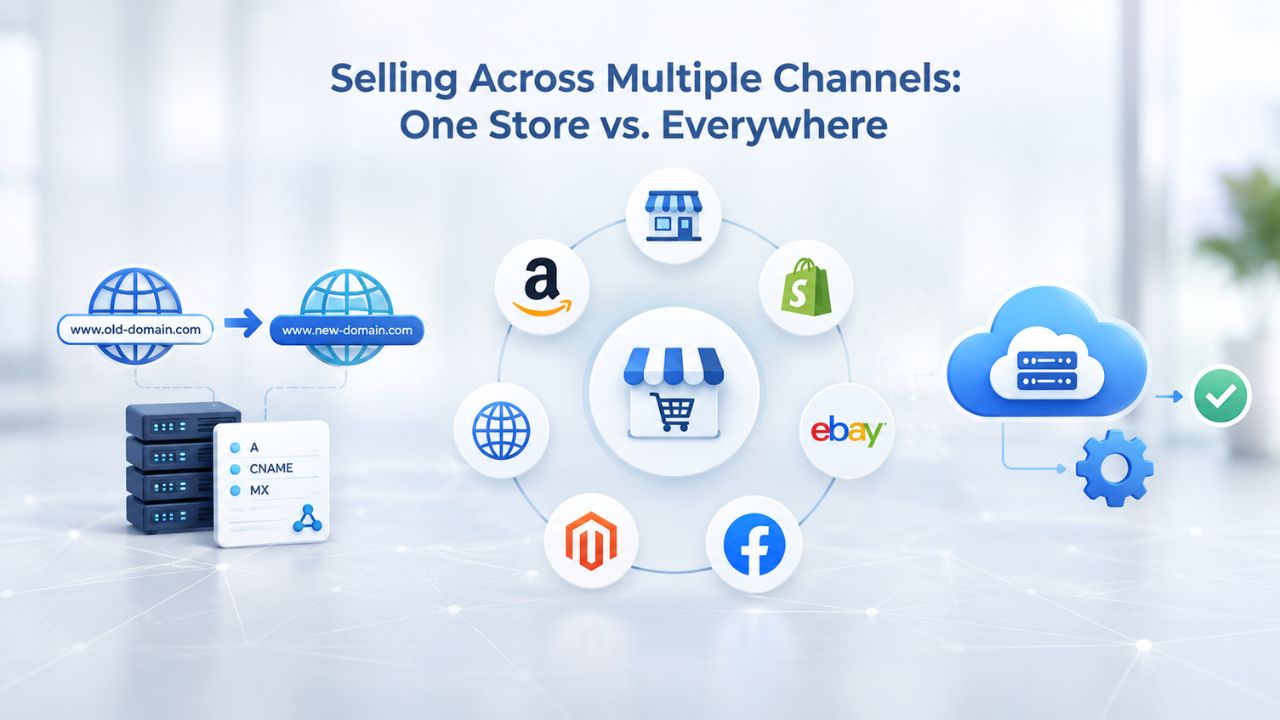
Modern commerce happens across multiple platforms simultaneously. Your customers browse on Instagram, check prices on Amazon, and discover you through TikTok organic content. The question is whether your platform can handle this reality or whether it forces you to manage separate storefronts manually.
Website Builders: Single-Channel Focus with Manual Cross-Posting
GoDaddy Website Builder is architected around one primary storefront: your website. You can add shopping posts to social media platforms (Facebook, Instagram, TikTok Business) and include links that direct interested buyers back to your main store, but the native integrations are limited, and inventory syncing requires manual effort. If you’re selling through your website and separately selling on Amazon, those inventory counts don’t automatically sync; a customer could purchase your last item on Amazon. In contrast, another customer adds it to their cart on your website, creating a double-sell situation that requires refunds, apologies, and customer service effort.
Most website-builder users treat their store as their primary sales channel and manually cross-post product announcements or use standalone social-selling tools to manage marketplace presence separately. This single-channel focus is actually a feature for solo entrepreneurs or small businesses just starting: you concentrate your energy on one sales channel, one set of customers, and one dashboard. You’re not juggling multiple admin panels or worrying about inventory syncing errors. For a creator just beginning to sell online, this simplicity eliminates decision fatigue and lets you focus on what matters: making great products and talking to customers.
Shopify: Purpose-Built for Omnichannel Operations
Shopify’s entire platform architecture assumes you’ll sell everywhere customers shop. Native integrations with Facebook, Instagram, Amazon, TikTok, and marketplace channels mean you list a product once, and it immediately becomes available across multiple sales channels. Inventory syncs automatically: when a customer purchases through Instagram, stock updates simultaneously across your website, Amazon storefront, and TikTok Shop, preventing oversells and eliminating manual reconciliation. A t-shirt brand can manage orders from their website, Amazon storefront, social media shops, and wholesale channels all from a single backend, with automatic inventory reconciliation and unified order management.
The difference in capability is substantial: Shopify’s ecosystem includes apps and integrations specifically designed for marketplace syncing, order aggregation from multiple sources, and fulfillment automation that make multichannel scaling realistic for small teams without hiring additional staff. If you’re already selling on social platforms or planning an Amazon launch, Shopify’s native multichannel foundation saves dozens of administrative hours per month. You’re not manually updating inventory counts or managing separate dashboards; the system keeps everything in sync automatically. For growing businesses where multiple sales channels drive revenue, this automation becomes invaluable and practically justifies Shopify’s higher baseline cost.
Getting Expert Support: Hands-On vs. Self-Service Learning
When you’re stuck at 11 PM on launch day, the type of support you get changes everything. Different platforms were designed around different support philosophies, each with distinct strengths depending on your learning style and confidence level.
Website Builders: Guided Setup & Dedicated Onboarding
Website builder providers typically offer structured onboarding designed to take you from “I have an idea” to “my store is live and processing orders” as quickly as possible. This often includes email walkthroughs for each major milestone, video tutorials showing exactly how to complete common tasks, and direct access to support channels during your first weeks. The goal is simple: reduce uncertainty through guidance. A setup checklist walks you through domain connection, payment processing setup, your first product upload, and pre-launch review, ensuring you don’t miss critical steps.
This human touch reduces the feeling of being dropped into a complex system and forces you to make decisions one at a time rather than facing an overwhelming dashboard full of options. Support hours are usually business-day focused, but the onboarding process is designed so you don’t need support; the platform itself guides you forward with prompts, explanations, and next-step suggestions built into every screen. For first-time online sellers who are learning e-commerce while trying to launch, this guided approach turns overwhelm into action.
Shopify: Self-Service Community with Premium Support Options
Shopify operates on a different support model: extensive documentation, video tutorials, and a large community forum (where thousands of merchants answer common questions) are free and immediately accessible. This community-driven approach scales efficiently but places responsibility on you to find answers. You’re choosing between dozens of community responses that might contradict each other, reading documentation that sometimes assumes e-commerce knowledge you don’t yet have, and potentially spending hours troubleshooting issues that experienced users could solve in minutes.
For experienced e-commerce operators, this self-service model is efficient: you know where to look, you understand the terminology, and you can quickly evaluate community advice. For first-time sellers, the wealth of information can feel overwhelming, and the asynchronous nature means there’s no guaranteed response time if you hit a blocker. Shopify offers optional premium support tiers that unlock 24/7 email and chat support, which can speed up resolution but adds to your overall costs. Neither approach is objectively “better”; they serve different learning styles and confidence levels. Website builders reduce uncertainty upfront with guided setup. Shopify excels at answering specific questions once you’ve hit a particular problem and understand what you’re asking.
Ready to Choose Your Sales Strategy?
Selling through one channel limits your growth. Selling everywhere multiplies it. Whether you’re starting simple on a website builder or planning multichannel from day one with Shopify, the platform you choose determines how much time you’ll spend managing operations versus growing your business. Niya Digital’s Website Builder Service helps you choose with confidence, with guided setup and ongoing support as your business scales.
Creative Control: Pixel-Perfect Designs vs. Professional Templates
Your storefront is your brand’s first impression, and the design sets expectations for quality and professionalism. How much creative control you need, and how much you want to hand off to professionals, significantly impacts both your timeline and your satisfaction.
Template-Based Design: Website Builders’ Simplicity Advantage
Website builders ship with 100s of professionally designed templates optimized for mobile devices and conversion-focused user flows. You customize colors, fonts, images, and layout through a visual drag-and-drop editor, no code required, no hiring designers, no learning new software. The tradeoff is real: the template’s structure limits design possibilities. You can’t move the header to the footer or create a completely custom checkout flow; you work within the template’s carefully designed framework.
For most sellers, this constraint is an advantage. Professional designers create templates, test them across devices and browsers, and optimize them based on e-commerce conversion research. A jewelry store using a jewelry-optimized template will launch faster and convert better than a solo founder who tries to build a custom website from scratch without design training. You benefit from professional design without hiring a professional designer. The template does the heavy lifting, and you personalize it with your brand colors, images, and copy. This approach lets small teams move fast while maintaining professional appearance and reliable functionality.
Shopify: Customization Depth for Unique Visions
Shopify offers 140+ themes ranging from free to premium, and experienced developers can modify the underlying code (Liquid templating language) to create near-infinite customization. Agencies build stunning Shopify stores with completely custom designs, bespoke checkout flows, and integrated third-party tools that make the store feel like a genuine brand expression rather than a template with your products added. If your brand identity requires a unique visual treatment that no existing template supports, Shopify’s flexibility enables you to achieve that vision.
This flexibility has real costs: custom designs require hiring a developer at hourly rates, paid premium themes often need customization work to match your brand precisely, and every platform update carries a small risk of breaking custom code. For a small business, this customization complexity is usually unnecessary; the professional templates available natively are more than sufficient and more reliable. But for brands where visual differentiation is core to the marketing strategy, or where you’re building in a niche market with no existing templates, Shopify’s customization depth justifies the investment and complexity.
Plan for Growth: Knowing When to Outgrow Your Platform
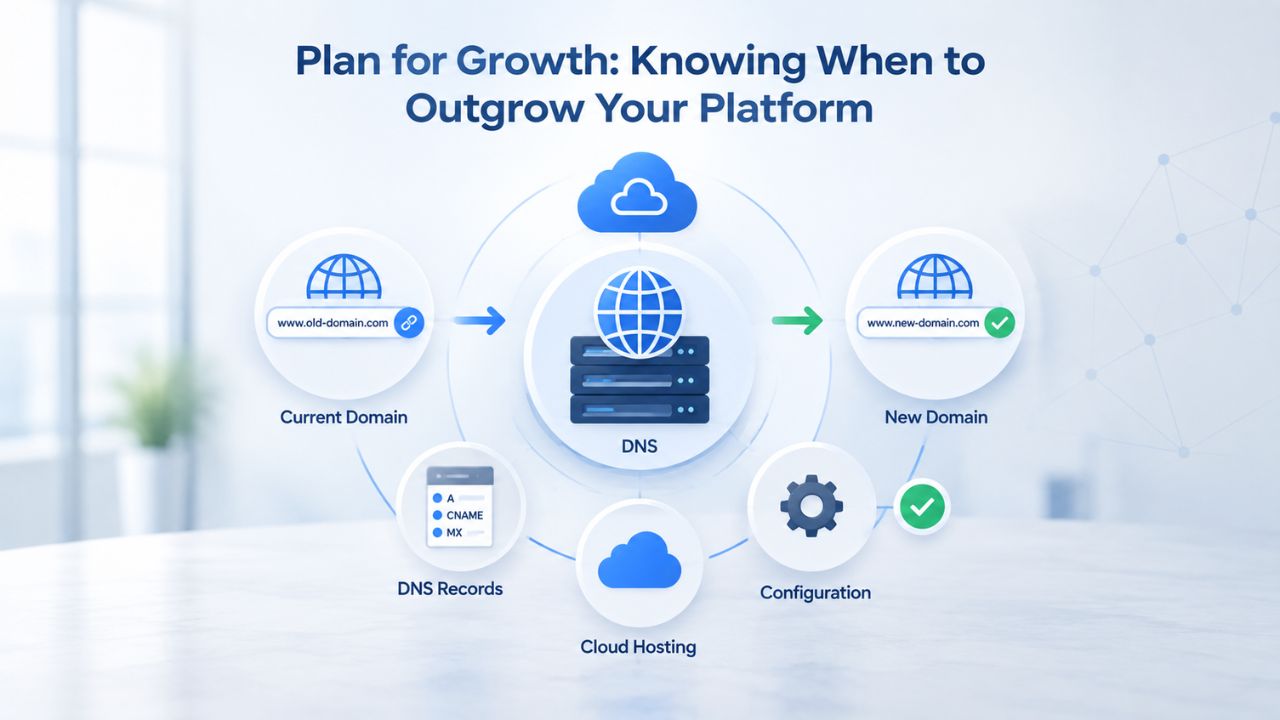
Your platform needs to grow with your business, not become a constraint that forces a painful migration when you’re successful. Understanding each platform’s growth ceiling helps you make a decision that works for years, not just months.
Website Builders: Growth Ceiling Around $100k–$500k Revenue
Website builders work wonderfully at the startup stage and continue serving well through early profitability, but they’re not designed for unlimited growth. As your business scales past 500–1,000 active products, inventory tracking becomes increasingly error-prone and time-consuming; there’s no native multi-location inventory sync, no real-time stock reservations across sales channels, and limited automation for reordering or low-stock alerts. Customer reporting remains basic: you can see total sales and fundamental customer data, but advanced segmentation, lifetime value analysis, and predictive forecasting require exporting data to spreadsheets and building custom dashboards.
Many successful sellers outgrow their website builder platform within 2–5 years and migrate to Shopify or a custom solution. This isn’t a failure; it’s a predictable lifecycle of growing businesses. Website builders excel at the launch and early-growth phases when speed and simplicity trump feature depth. They’re perfect vehicles for testing whether your business model works and validating market demand. Once you’ve proven the model and reached a scale where advanced inventory management and multichannel integration drive meaningful revenue, migrating to a more sophisticated platform becomes worthwhile.
Shopify: Engineered for Multi-Million-Dollar Operations
Shopify’s Advanced plan and Plus tier are purpose-built for high-growth sellers managing complex operations. Real-time analytics show customer lifetime value, cohort retention, revenue by channel, and conversion rates segmented by traffic source, data that lets you optimize pricing, identify your most profitable customer segments, and forecast demand. Advanced reporting goes beyond numbers: you can drill into which products drive repeat customers, which marketing channels acquire customers with the highest lifetime value, and how different campaigns affect your overall profitability.
Shopify hosts 1.7+ million active stores; many are multi-million-dollar annual revenue operations operating at scales that would be impossible on website builders. The platform scales with you through growth phases, from your first 100 sales through millions in annual revenue. The app ecosystem means you can add sophisticated forecasting, subscription billing, B2B wholesale portals, automated fulfillment integration, or custom analytics without rebuilding your store. Shopify’s infrastructure is designed for long-term scaling, making it ideal if you’re building a business you plan to operate for years and expect to grow significantly.
Extending Your Store: Apps and Integrations Ecosystem
Modern platforms gain much of their power not from built-in features, but from their ability to integrate with specialized third-party tools. The size and maturity of a platform’s app ecosystem directly affect what you can accomplish without hiring developers.
Website Builders: Curated Add-Ons for Focused Needs
Website builders typically offer 500–1,000 integrated apps and add-ons hand-picked for quality and compatibility with the platform. This curation means fewer broken integrations and simpler setup than more open ecosystems. Want email marketing integration? One-click connection to industry-standard providers. Abandoned cart recovery? Built-in to the platform or easily added. Customer reviews? A single app install handles the entire workflow. A carefully selected integration covers most common business needs.
The tradeoff is real: you’re limited to officially supported integrations. If you need a specialized tool, a niche fulfillment service, a custom accounting sync, or an integration with a local payment processor common in your region, it probably doesn’t exist for your builder. Add-ons range from free to monthly subscriptions that layer on top of your base plan. This limited app ecosystem works well for small businesses with straightforward needs. Still, it becomes frustrating if you operate in a niche market or have specialized requirements outside the mainstream use cases the platform anticipated.
Shopify: Massive Ecosystem Driving Innovation
The Shopify App Store hosts 13,000+ apps, more than a tenfold difference compared to website builders. This abundance creates intense competition, which drives down prices, encourages continuous innovation, and means nearly any business need you have is addressed by multiple app options at varying price points. Niche fulfillment service? Exists with dedicated integration. Advanced inventory forecasting? Three options serving different business sizes. Custom customer journey automation? Dozens of apps offering everything from basic abandoned-cart workflows to sophisticated multi-touch marketing orchestration.
But abundance creates decision paralysis and integration risk. An app that works today might break after a Shopify update; you’re responsible for testing updates, troubleshooting issues, and occasionally uninstalling incompatible apps and finding replacements. App subscriptions add up quickly; an average Shopify store using 3–5 apps to handle common needs pays meaningful monthly fees in combined app subscriptions. These apps often deliver measurable returns that justify their cost at scale, but they add complexity and ongoing management responsibility. Website builders’ simplicity comes from doing more out of the box; Shopify’s power comes from combining the base platform with specialized, best-in-class apps.
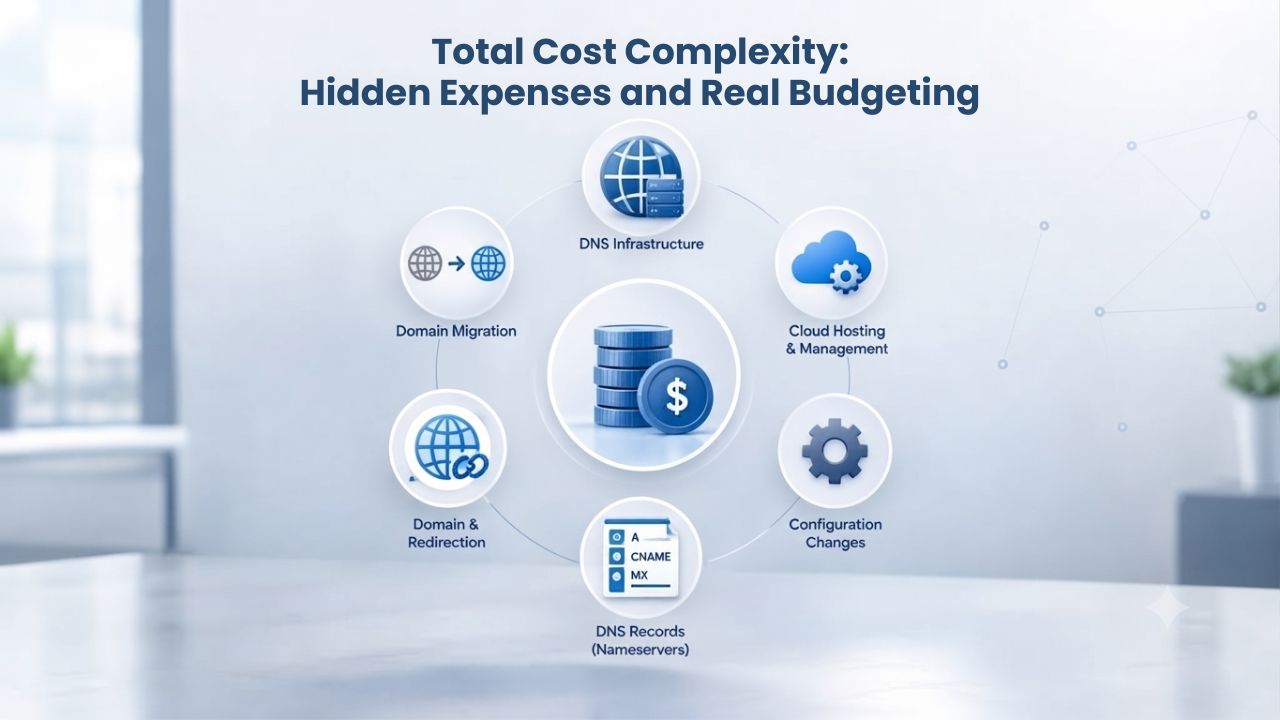
Total Cost Complexity: Hidden Expenses and Real Budgeting
The monthly subscription fee is just one part of your platform costs. Understanding the full financial picture, including optional features, transaction processing, and add-on services, helps you budget accurately and avoid surprises.
Website Builders: Predictable, All-Inclusive Costs
Website builder subscriptions are designed to be all-inclusive: your plan covers domain registration, hosting, email accounts, basic security, site analytics, and store management tools. You know your base monthly commitment going in, and most plans include optional features that scale with your subscription tier. Add-ons are genuinely optional: you can run a profitable store without any additional subscriptions if the built-in features meet your needs.
The all-in-one pricing model makes budgeting straightforward. Your total platform costs consist of your subscription fee plus payment processing costs (which vary with sales volume but follow a transparent percentage+fixed-fee structure). No surprise app subscriptions, no mandatory feature upgrades, and no hidden costs that suddenly appear when you try to do something basic. For a small business with tight cash flow, this predictability is valuable. You can project your annual platform costs with reasonable accuracy, knowing that your biggest variable will be payment processing fees that scale with your success.
Shopify: Higher Baseline with Variable App Costs
Shopify’s base subscription covers the core platform, but reaching your full business goals often requires combining it with third-party apps. The base platform handles basic store management, but email marketing integrations, advanced inventory tracking, review systems, and analytics often come from the app ecosystem. Your true annual platform cost is base subscription plus payment processing plus apps. The math works in Shopify’s favor once your business reaches a certain scale: the declining transaction rates on higher plans and the ROI from sophisticated apps offset the higher baseline cost.
But at lower volumes, the variable app costs add complexity to budgeting. You might start with just your base plan, but as your business grows and your needs become more sophisticated, you’ll gradually add apps, each adding another monthly line item. For a solo founder managing cash carefully, this gradual cost increase can feel like scope creep. Shopify’s strength is that these additional costs are genuinely optional: you can run a profitable store on the base platform alone if you’re willing to do manual work that apps could automate. The platform gets more expensive as you use it more fully, but you control the pace of that cost increase.
Business Type Decision Matrix
| Business Type / Need | Website Builder Recommended? | Shopify Recommended? | Primary Consideration |
|---|---|---|---|
| Solo artisan, <20 products, testing market | ✓ Best fit | ○ Overkill | Speed and affordability for validation |
| Growing retail store, 50–200 products | ○ Works initially | ✓ Better long-term | Inventory complexity and scalability |
| Multichannel seller (social + marketplace) | ○ Limited | ✓ Native support | Automatic inventory syncing |
| Service-based business, appointments/bookings | ✓ Best fit | ○ Overkill | Built-in calendar and reminders |
| High-volume niche retailer, 500+ SKUs | ○ Hits ceiling | ✓ Designed for this | Advanced reporting and automation |
| First-time online seller, low budget | ✓ Best fit | ○ Overkill | Launch risk minimization |
| Business scaling toward $100k+ revenue | ○ Outgrows | ✓ Better | Fee structure favors higher volume |
| Established retail operating physical + online | ○ Limited | ✓ Designed for this | Unified inventory across channels |
Finding Your Fit: Which Platform Matches Your Business?
Your specific situation, not general category assumptions, determines which platform serves you best. Every business type has different priorities, growth trajectories, and operational complexity.
Best for Website Builders: Solo Creators & Service Providers
Solo creators, artisans, and early-stage entrepreneurs typically find website builders ideal. You make handmade jewelry, photography prints, or digital courses; you’re selling 5–50 items; you want to launch within a month; you’re not yet sure online selling is your primary revenue stream; you value simplicity and guided onboarding over feature depth; you need platform costs to stay under control while you test market demand. Website builders meet all these needs by prioritizing speed and simplicity while keeping monthly costs affordable and predictable.
Service-based businesses, personal trainers, consultants, freelancers, and coaches selling packages or hourly sessions also thrive on website builders. The integrated booking system handles appointment scheduling, automatically sends reminders to reduce no-shows, and lets customers pay deposits or full fees online without requiring a separate payment processor. You get a professional storefront, calendar, and email marketing in one place, so you don’t have to juggle multiple tools. Local businesses with physical locations (restaurants, salons, retail shops) benefit too: you need a fast, reliable way to accept online orders or reservations without the complexity of managing large inventory catalogs across multiple channels. Website builders were designed exactly for this use case.
Best for Shopify: Retail Businesses & Growth-Minded Sellers
Growing retail businesses find Shopify indispensable. You operate a brick-and-mortar store or already sell 50+ products; you’re planning to hit meaningful revenue within 2 years; you sell across multiple channels (your website plus Amazon plus social media); you have (or plan to hire) team members to handle operations; you need detailed reporting to optimize pricing and inventory decisions; your products have variants like sizes, colors, or subscription options that create operational complexity. Shopify’s infrastructure was built exactly for these scenarios.
E-commerce entrepreneurs aiming for significant growth also choose Shopify: you’re potentially raising capital, operating a niche brand with a 2–5 year growth plan, and the platform needs to support hiring, sophisticated automation, and integration with accounting and fulfillment partners. High-volume sellers managing thousands of SKUs, subscription billing, or B2B wholesale channels almost always use Shopify or custom solutions because website builders don’t scale to that complexity. If you’re uncertain whether you’ll reach this scale, starting on a website builder and migrating to Shopify later (once you have revenue to justify the cost and you’re sure you need the features) is the smart approach. Migration is straightforward; scaling down is rare because success justifies the investment.
Start Your Online Store Today
Niya Digital’s Website Builder Service helps beginners and small businesses launch professional online stores with guided onboarding and dedicated support every step of the way. Explore which approach matches your timeline and business model, then take action.
Frequently Asked Questions
Can I move my website builder store to Shopify later if my business grows?
Yes, you can migrate. Both platforms support exporting your product data, customer information, and order history. Dedicated migration tools exist (some free, some charged fees) and handle the technical transfer. The process typically takes 1–4 weeks depending on your catalog size and complexity. The sooner you migrate, the fewer historical orders you’ll have to transfer. Planning a migration should happen once you’re confident that you’ve outgrown your current platform, usually around when your inventory exceeds what you can comfortably manage manually, and multichannel selling becomes essential.
Which platform is better for complete beginners with no e-commerce experience?
Website builders are designed for this exact audience. The guided setup, simpler dashboard, and faster launch dramatically reduce overwhelm. You’ll be live and selling within days, which builds confidence and provides real customer feedback much faster than spending weeks planning on a more complex platform. Beginners learn more from actually operating a store for a month than from planning for three months on paper.
Do I have to use the platform’s payment processor, or can I choose my own?
Both platforms support multiple payment processors. Website builders typically don’t charge extra transaction fees, regardless of the processor you choose, so you can optimize for the best rates in your region. Shopify supports multiple processors as well, though using third-party gateways instead of Shopify’s native option may involve additional transaction fees on certain plans. If you operate outside countries with standard Western payment infrastructure, factor local payment-processing options into your platform choice.
What happens if the platform raises fees or changes its terms?
Legitimate platforms rarely shut down without notice, but terms do change. Both Shopify and GoDaddy have adjusted features and fees over the years; it’s part of how mature platforms evolve. Read the terms of service carefully and review recent changes to understand historical patterns. Both platforms allow you to export your data, so you’re not permanently locked in. If a platform makes a change that fundamentally conflicts with your business model, you have options.
Can I sell digital products like e-books, courses, or software on either platform?
Both support digital product delivery; they host files and automatically deliver them to customers after purchase. Website builders typically limit individual file sizes (2 GB per product is common); Shopify accommodates larger files. For digital creators selling 10+ products, either works fine. For 100+ digital products or specialized delivery requirements, Shopify’s admin and app ecosystem scale better and handle complex scenarios like tiered access, delivery delays, or multiple file formats per product.
If I don’t like the templates, how expensive is hiring a designer for a custom store?
Website builders: Hiring a designer for template tweaks costs $500–$2,000; full custom design is rare because the templates are already professional-grade. Most sellers customize within template constraints, which takes hours but costs nothing. Shopify: Professional custom design often runs $5,000–$15,000+ depending on customization depth and the designer’s experience. Many sellers hire designers for custom layouts on premium themes rather than building from scratch, splitting the difference between pre-built and fully custom. Most successful sellers customize within template frameworks rather than build entirely from scratch.
Which platform offers better search engine optimization tools?
Both support on-page SEO fundamentals: customizable meta tags, heading hierarchy, URL structure, and XML sitemaps. Shopify’s ecosystem includes specialized SEO apps and integrations (Yoast, Semrush) that larger stores use for advanced optimization. Website builders include basic SEO tools built into most plans. For small businesses, differences in search visibility usually come from content quality and ongoing marketing effort, not platform choice. Shopify’s advantage appears at scale (50+ products) where granular optimization of each product page can meaningfully impact organic traffic.
Do these platforms automatically handle tax and shipping calculations?
Website builders handle basic tax rules (flat rate, weight-based, location-based) and simple shipping calculations. For complex tax scenarios (sales tax by state and local jurisdiction, international VAT) or integrations with 3PL logistics providers, Shopify’s app ecosystem is more developed. Website builders are sufficient for straightforward models: flat shipping rates, free shipping above certain order values, or simple regional variations. As complexity grows, you may need manual calculations or a more sophisticated platform.
Can I run my store in multiple languages and currencies simultaneously?
Website builders offer basic multi-language support through manual content translation; you typically manage separate language versions rather than automatic site-wide translation. Shopify supports unlimited languages via dedicated apps (Translations, Weglot) and has stronger native multi-currency support built into the platform. For stores targeting international markets or serving multilingual customer bases, Shopify’s infrastructure scales better and requires less manual effort.
How long does platform migration actually take, and how disruptive is it?
Website builder to Shopify typically takes 2–4 weeks (depending on product count and whether you hire help). The process: export products, create listings in Shopify, set up pages and store settings, test thoroughly, then switch DNS. Plan migrations for slower sales periods to minimize disruption. Shopify to website builder rarely happens. Shopify to custom platform takes 4–12 weeks. Most migrations succeed without data loss if you plan carefully and test before switching traffic.
What if I want to run both platforms simultaneously while testing?
You can run parallel stores for a month or two as a low-cost experiment. Many sellers test on website builders, then launch on Shopify when validation metrics meet their threshold. This parallel approach is actually smart risk management: you gather real data from a fast, cheap test environment before committing to a more complex platform. Just make sure you use separate inventory tracking so you don’t accidentally double-sell products.
Is there a platform better for selling primarily through social media (Instagram, TikTok, Facebook)?
Shopify has native integrations with all major social platforms for direct sales. Website builders have basic social posting and links back to your store but lack native Shop integrations for TikTok and Facebook. If social selling is core to your strategy (you’re making product announcements to your followers and customers buy directly through Instagram or TikTok), Shopify’s native Shop integrations eliminate friction. For businesses selling primarily through their website with social as a traffic driver, website builders are sufficient.
If my business is very niche, will either platform support my specific needs?
Website builders serve most common niches well: jewelry, photography, digital products, services. If your business requires very specialized features (custom subscription billing, B2B ordering portals, integrations with industry-specific software), Shopify’s app ecosystem is more likely to have solutions. Some ultra-specialized niches require custom platforms. Start by checking each platform’s app marketplace to see whether other businesses in your niche have solved your specific problems using available tools.
What level of customer support can I expect on each platform?
Website builders typically offer business-hours email support, knowledge base articles, and sometimes live chat. The emphasis is on guided onboarding during your first weeks. Shopify offers community forums (free), knowledge base articles, and optional 24/7 email/chat support through paid add-ons. For 3 AM technical issues, Shopify’s premium support option provides faster help. Most small businesses solve 90% of issues through documentation and community forums; premium support is valuable mainly for complex technical problems.
Should I choose my platform based on where I hope to be in five years, or my current situation?
Choose based on your current situation and your next 12 months. You can always migrate later if you outgrow your platform. Choosing an overly complex platform before you need it wastes money and distracts you with features you won’t use. Conversely, starting on the simplest possible platform lets you learn and validate your market before committing to infrastructure. Your first platform should match your current reality, not your aspirational future.
Glossary
- Drag-and-Drop Editor: A visual website-building tool that lets you move elements (text blocks, images, buttons, forms) around your page by clicking and dragging, without writing code. This approach makes web design accessible to non-technical users while maintaining professional results.
- E-Commerce / Online Store: A website where customers browse products or services, add items to a shopping cart, review their order, and complete a purchase using online payment processing. Distinct from informational websites, blogs, or content platforms.
- Template: A pre-designed website layout tailored to specific industries (jewelry, photography, consulting) or use cases (portfolio, online store, service booking). Templates provide a professional design foundation that you customize with your own branding, images, and content.
- Transaction Fee: A percentage of each sale that an e-commerce platform keeps as its cut, separate from payment processing fees charged by banks or payment processors. Some platforms charge platform transaction fees; others charge only payment processing fees.
- Inventory Management: The operational system for tracking product quantities, updating stock levels when customers purchase, coordinating inventory across multiple sales channels, and alerting you when stock runs low so you can reorder in time.
- Multichannel Selling: Operating your business across multiple sales channels simultaneously, your website, Amazon, TikTok Shop, social media storefronts, and potentially physical retail locations. Inventory and orders sync automatically across channels to prevent overselling and streamline fulfillment.
- Responsive Design: Website design that automatically adjusts its layout, spacing, and formatting based on the device viewing it, desktop, tablet, or smartphone. Critical for e-commerce since most shoppers now browse on mobile devices.