
Managing multiple client websites feels like juggling while riding a unicycle; one slip, and everything falls apart. Agencies that bundle hosting into their service offering gain a critical advantage: they control the infrastructure, own the client relationship, and build recurring revenue. But managing dozens or hundreds of sites without the right hosting infrastructure turns into a liability. Niya Digital does not itself operate independent data centers or physical servers; instead, it provides the customer-facing storefront, onboarding support, account management, and setup guidance on top of that infrastructure partnership. Website performance, uptime, and security depend on many factors outside any single provider’s control, including site configuration, application code, traffic patterns, and the site owner’s and agency’s security practices.
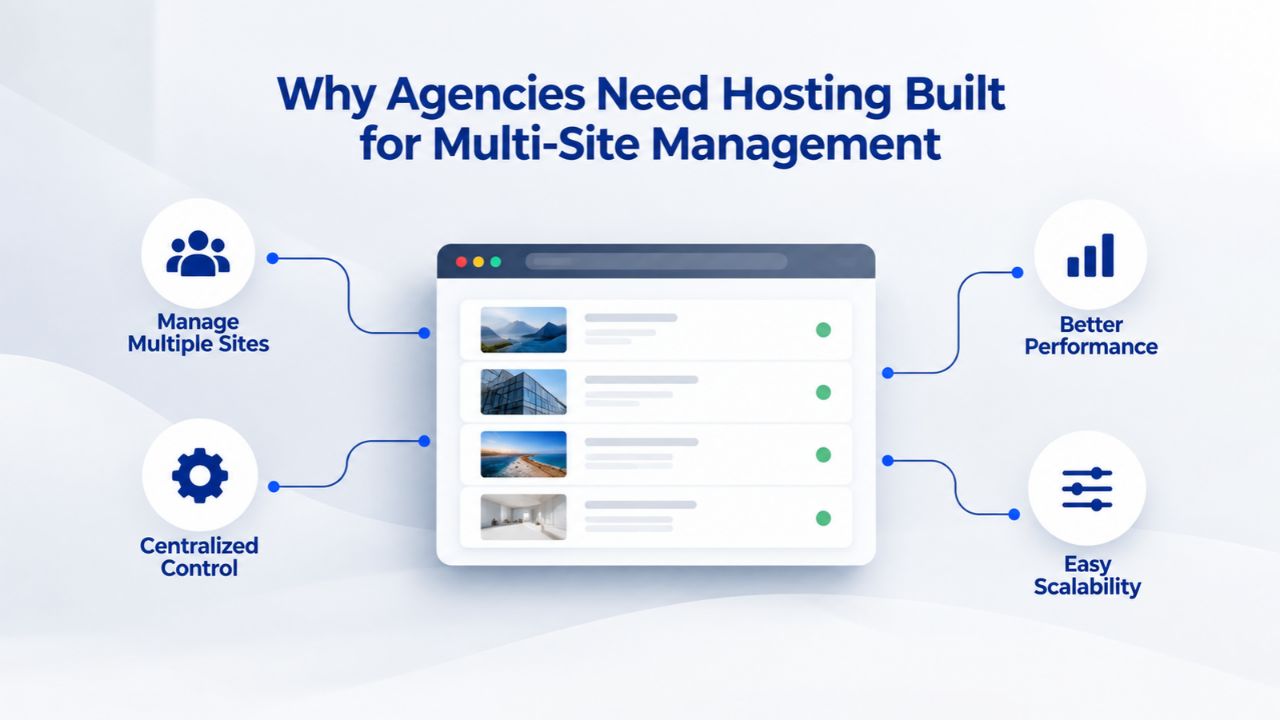
Why Agencies Need Hosting Built for Multi-Site Management
An agency’s reputation lives or dies by website availability. When a client’s site goes down or runs slowly, they call the agency first, not the hosting provider. That accountability means agencies must treat hosting as a strategic asset, not a commodity to hand off to a third party and forget about. The moment you bundle hosting into your service offering, you own the outcome. Managing client websites also means managing relationships at scale, and the infrastructure you choose determines whether that growth becomes an operational asset or an overwhelming burden.
The Agency-Hosting Accountability Gap
Clients expect one contact for everything: design, development, support, and infrastructure. When site speed suffers, client data gets exposed, or backups fail, they don’t separate “that’s your developer’s fault” from “that’s the hosting provider’s fault.” You take the hit regardless of where the problem originated. Smart agencies treat hosting as an extension of their own service, not a vendor handoff. That means choosing hosting designed for agencies, configuring it to isolate each client’s environment, and documenting who’s responsible for what.
Niya Digital’s team has found that agencies who treat hosting as part of their core offering, bundled into retainers, managed centrally, backed by clear SLAs, retain clients longer and reduce emergency support tickets because infrastructure problems are anticipated and prevented rather than discovered after the fact. The agencies that succeed at multi-site management treat infrastructure as part of client delivery, not an afterthought. They document hosting policies, establish clear escalation paths, and maintain backups and security protocols as religiously as they maintain code repositories.
When Hosting Becomes a Revenue Stream
Hosting doesn’t have to be a cost center. Agencies that offer managed hosting and maintenance as a bundled or à la carte service transform hosting from a pass-through expense into recurring monthly revenue. A portfolio of fifty client sites, each receiving regular backups, security monitoring, and maintenance support, can generate meaningful recurring revenue for the agency without requiring additional technical staff beyond what you already have. By bundling hosting into your retainer model, you create predictable monthly cash flow while deepening client relationships.
Many agencies find clients prefer this bundled approach. Instead of juggling separate vendor relationships- one for design, one for development, one for hosting, one for email- clients can work with a single trusted partner. This consolidation reduces friction in the client relationship, simplifies billing, and positions your agency as a full-service provider rather than a specialist. The hosting you choose becomes an extension of your brand and your values as an agency.
Business Web Hosting Plans & Pricing
Choose the hosting plan that fits your website, WordPress site, or growing business. Compare features, storage, performance, security, and website capacity to find the right hosting environment for your needs.
cPanel Starter
cPanel Hosting that's easy, reliable and lightning-fast.
- 1 website
- 30 GB storage
- Unmetered bandwidth*

cPanel Economy
cPanel Hosting that's easy, reliable and lightning-fast.
- 1 website
- 100 GB space
- Unlimited bandwidth*
- 100 email accounts**
- 10 MySQL databases (1 GB ea.)
cPanel Deluxe
cPanel Hosting that's easy, reliable and lightning-fast.
- Unlimited websites
- Unlimited space
- Unlimited bandwidth*
- 500 email accounts
- 25 MySQL databases (1 GB ea.)
cPanel Ultimate
cPanel Hosting that's easy, reliable and lightning-fast.
- Unlimited websites
- Unlimited space
- Unlimited bandwidth*
- 1000 email accounts
- Unlimited MySQL databases (1 GB ea.)
- 2X Processing power & memory (available for Linux/cPanel only)
- Premium DNS
- 1-year SSL certificate to secure customer data and increase search rankings
*We don't limit the amount of storage and bandwidth your site can use as long as it complies with our Hosting Agreement. Should your website bandwidth or storage usage present a risk to the stability, performance or uptime of our servers, we will notify you via email and may be required to upgrade, or we may restrict the resources your website is using.
**Email account storage is limited to 100 email accounts with 100 MB of total storage.
WordPress Basic
A great way to get started.
- 1 website
- 10 GB NVMe storage
- Unmetered bandwidth
- Free SSL Certificate *
- WordPress pre-installed
- Weekly backups
- Web Application Firewall
- Daily malware scans
- One-time malware removal

WordPress Deluxe
Improve your site performance with Cloudflare CDN.
- 1 website
- 20 GB NVMe storage
- Unmetered bandwidth
- Free SSL Certificate *
- WordPress pre-installed
- Daily backups
- Web Application Firewall
- Daily malware scans
- One-time malware removal
- Up to 2x faster performance with global Cloudflare CDN **
- Enhanced security with DDoS protection
- Staging site
WordPress Ultimate
Add online marketing with more sites, storage and security.
- 1 website
- 30 GB NVMe storage
- Unmetered bandwidth
- Free SSL Certificate *
- WordPress pre-installed
- Daily + on-demand backups
- Web Application Firewall
- Daily malware scans
- Unlimited malware removal
- Up to 2x faster performance with global Cloudflare CDN **
- Enhanced security with DDoS protection
- Staging site
- WordPress code optimizer
- Smart WordPress plugin manager
- Sell online with WooCommerce
*An SSL certificate is included with every site and free for the life of the hosting plan. Certificates are automatically installed, validated and renewed.
Web Hosting Plus Launch
For multiple basic sites.
- 100 GB storage*
- 4 GB RAM
- 2 CPUs
- Unmetered traffic
- 50 websites & databases
- Free, unlimited SSL for all your websites**

Web Hosting Plus Enhance
For high-traffic WordPress, Joomla, and other sites.
- 200 GB storage*
- 8 GB RAM
- 4 CPUs
- Unmetered traffic
- 100 websites & databases
- Free, unlimited SSL for all your websites**
Web Hosting Plus Grow
For advanced eCommerce sites like Magento.
- 300 GB storage*
- 16 GB RAM
- 8 CPUs
- Unmetered traffic
- 150 websites & databases
- Free, unlimited SSL for all your websites**
Web Hosting Plus Expand
For multiple basic sites.
- 400 GB storage*
- 32 GB RAM
- 16 CPUs
- Unmetered traffic
- 200 websites & databases
- Free, unlimited SSL for all your websites**
*The total amount of usable storage capacity for your particular Hosting Service(s) may differ from the represented capacity as there is required space for the operating system(s), system file(s) and other supporting file(s).
**If you cancel the Web Hosting Plus product, you will lose the associated SSL certificate as well.
Account Isolation and Security: Protecting Your Client Portfolio
One compromised client site can expose your entire agency to liability. If a hacked WordPress plugin on Client A’s site is used to pivot into Client B’s database, both clients suffer, and your agency’s reputation takes the biggest hit. The hosting infrastructure’s job is to make that kind of cross-site contamination as hard as possible. Understanding the different levels of isolation available and choosing the right strategy for your client portfolio is one of the most important infrastructure decisions you’ll make.
Account isolation means each client’s website runs in its own managed environment, separate from others on the same server. GoDaddy’s cPanel hosting supports this through separate cPanel accounts per client, each with its own file system, databases, and FTP credentials. When you add a domain as an addon domain within a single cPanel account, files and databases for that domain are isolated from other addon domains in the account, but still share the same cPanel login and system user. Understanding this distinction helps you choose the right isolation strategy for your agency’s size and security requirements.
Separate Accounts vs. Addon Domains: The Isolation Tradeoff
A single cPanel account with add-on domains is cheaper and simpler to manage. All domains live under one login, one set of resources, and one backup job. For a small agency with 3–5 sites, this works well and keeps infrastructure overhead low. But as your portfolio grows, the risk of a single compromised credential exposing multiple client sites rises. This approach adds administrative overhead, but provides a real security boundary that prevents breach contagion.
Separate accounts cost more (more hosting plans to purchase) and require more admin overhead (managing multiple cPanel logins). But they provide genuine security isolation: a breach in one client’s account doesn’t cascade to others. For agencies managing 20+ sites, the cost of dedicated accounts is worth the security boundary. For smaller portfolios, add-on domains under a single account can work if you layer in additional controls, firewall rules per domain, SSL certificates per domain, and regular malware scans using tools like Imunify360 for site-level protection. The key is being intentional about your choice, not defaulting to the cheapest option and hoping for the best.
Application-Layer Security Beyond Hosting
Hosting infrastructure security is one piece of the puzzle; application security is another layer entirely. Even on an isolated cPanel account with firewalls and SSL, a WordPress site running outdated plugins or a custom application with SQL injection vulnerabilities is at risk. Agencies should enforce baseline hardening practices across all client sites: remove abandoned themes and plugins, keep CMS and application code updated, use strong passwords and role-based access control for admin accounts, and run regular malware scans. The hosting provider’s infrastructure protects against network-layer attacks and provides isolation; the agency’s site maintenance discipline protects against code-level vulnerabilities.
Think of hosting security and application security as complementary layers. Your hosting provider provides the foundation, firewalls, DDoS protection, and account isolation. Your agency then builds on that foundation by maintaining code hygiene, enforcing access controls, and running regular security audits. Neither layer is sufficient alone. An agency that relies entirely on hosting provider security while allowing outdated plugins and weak passwords is vulnerable. Conversely, an agency with perfect code hygiene on a poorly isolated hosting environment is vulnerable to breach contagion if one site is compromised.
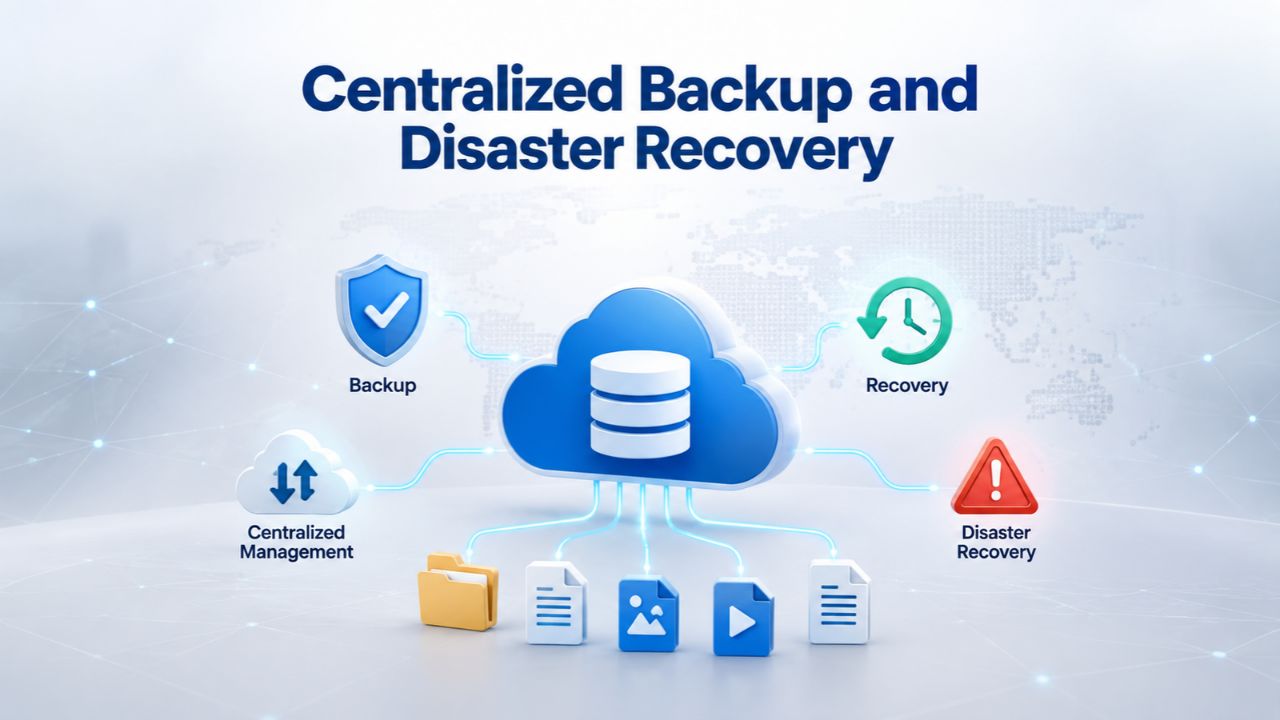
Centralized Backup and Disaster Recovery
A backup is only useful if it works. An untested backup is a liability waiting to happen. Hosting providers offer automated daily backups as a standard feature; GoDaddy includes daily backups on all cPanel plans. Still, the agency must verify that backups are actually being taken, stored off-site, and restorable on demand. The nightmare scenario haunts every agency: a client’s site gets hacked, or database corruption corrupts data. The agency attempts a restore, discovers the backup is corrupted or missing, and loses months of client data. After that happens once, the agency understands why backup testing is non-negotiable.
Backup testing means actually attempting a restore on a test environment, confirming the backup file is readable, and running the restored site to verify data integrity. Many agencies assume backups work but have never tested them. This is a critical operational blind spot. Build backup testing into your monthly operational routine: select one or two backups at random each month, attempt a full restore, and document the results. If a restore fails, escalate immediately to your hosting provider. Testing backups is like fire drills for your infrastructure; it’s not fun, but it prevents panic when an actual emergency occurs.
Setting Up Automated Backups Across Multiple Sites
Managed hosting platforms automate daily backups per site or per cPanel account. Most services retain backups for 30–90 days; you can restore a site to any point within that window. The agency’s workflow should be:
(1) confirm the hosting provider’s backup schedule and retention policy in writing,
(2) document the backup location and restore procedure in your internal runbook,
(3) once a quarter, test a restore on a staging environment, and
(4) alert the client if any restore test fails.
This systematic approach ensures backups aren’t just happening, but are actually usable when you need them.
For agencies managing 20+ sites, manual backup testing isn’t scalable. Centralized dashboards in cPanel/WHM enable bulk restore operations and backup status monitoring. Hosting providers like Niya Digital can simplify this further with managed backup services, where the provider handles backup automation and testing on the agency’s behalf. When you outsource backup management, you’re not abdicating responsibility; you’re transferring execution while maintaining oversight. Always verify your provider’s backup practices independently.
Off-Site Backups and Geo-Redundancy
Backups stored on the same server as the live site are vulnerable to total data-center failure. Best practice is to store backups off-site, with copies in a geographically separate location. GoDaddy’s infrastructure operates multiple global data centers with redundant backup systems. When you host with a provider using that infrastructure, backups are automatically off-site by default. Confirm this for your chosen provider; if backups are stored only on the same server, request a policy upgrade or choose a different provider.
Geo-redundancy means that if one data center goes down because of fire, flood, power failure, or another disaster, your data survives in another location. This isn’t paranoia; data-center disasters happen, and agencies that have experienced them without geo-redundant backups never make that mistake twice. When evaluating a hosting provider, ask explicitly: Where are backups stored? Are they in a different geographic region from the live server? How long are backups retained? Can you access backups yourself, or are you dependent on the provider to restore them? Clear answers to these questions indicate a provider that takes data protection seriously.
cPanel and WHM for Agency Management
cPanel is the control panel software that powers hosting on most shared and reseller hosting plans. It presents a user-friendly dashboard for site owners to manage files, email, databases, backups, and domains. WHM (Web Host Manager) is the administrative layer above cPanel, the control tower from which resellers and agencies manage multiple cPanel accounts, allocate resources, and monitor server health. For an agency managing client sites, cPanel is what each client might access to update their own site (if you grant them access) or modify email settings. WHM is what you, the agency administrator, use to create new client accounts, adjust resource allocations, monitor uptime and disk usage, and apply global security policies.
Understanding the distinction between cPanel and WHM is crucial for agencies. cPanel is the user-facing tool; WHM is the administrative tool. As your agency grows, WHM access becomes more valuable than anything else, because it consolidates management of dozens or hundreds of accounts into one place. A hosting provider that doesn’t offer WHM access for resellers or agencies is essentially forcing you to manage client accounts manually, one login at a time. This overhead scales linearly with the number of sites; it becomes untenable at 20+ sites.
Single-Dashboard Multi-Account Oversight
WHM’s core value is consolidating all account management into one interface. Instead of logging into 50 separate cPanel accounts to check disk usage or apply an update, you log into WHM once and see the status of all 50 accounts at a glance. You can create new accounts, suspend or terminate old ones, adjust resource limits per account, and configure shared security settings like firewall rules. This operational efficiency compounds as your agency grows. A small agency with 5 sites might manage cPanel logins manually. An agency with 50 sites might spend hours each week logging in and out of different cPanel instances, changing passwords, and monitoring individual accounts.
WHM access, typically included with a reseller hosting plan from providers like Niya Digital, eliminates that friction. With WHM, you can see at a glance which accounts are approaching disk limits, which have high bandwidth consumption, and which need attention. You can apply security patches across all accounts at once. You can generate reports for billing or client communication. The time savings alone justify upgrading to a hosting plan that includes WHM access as soon as your agency reaches 10+ sites.
Addon Domains vs. Separate Accounts Revisited (Operationally)
Operationally, addon domains under one cPanel account mean fewer accounts to manage in WHM, fewer separate backups to restore, and a simpler resource picture. One account with 10 addon domains has one disk-usage quota, one bandwidth allocation, and one backup schedule. Management is simpler, but security and performance isolation are lighter. Separate cPanel accounts per client mean more accounts to manage in WHM, but clearer client separation and stronger security isolation. Choose based on your agency’s size and security requirements: small portfolios or low-security-risk sites use add-on domains under shared accounts; growing portfolios or security-sensitive clients use separate accounts per client.
The decision between add-on domains and separate accounts isn’t just technical; it’s an operational choice that affects how you manage your agency. With add-on domains, you can onboard a new client quickly: add the domain to an existing account and configure email and backups. With separate accounts, onboarding takes longer, but the client’s data is more secure. As your agency matures, you’ll likely move toward separate accounts because the operational burden becomes worthwhile when security and client isolation matter more than onboarding speed.
Ready to Scale Your Agency Hosting with Confidence
Managing multiple client sites demands the right infrastructure foundation. Niya Digital’s Web Hosting service supports agencies at every stage, from your first client site to your fiftieth and beyond. With cPanel for centralized management, automated backups and security hardening, and support designed for agencies managing multiple client sites, you can focus on client work instead of wrestling with hosting infrastructure. Explore Web Hosting plans that grow with your business and provide the isolation, backup reliability, and management efficiency your agency needs.
Resource Allocation and Performance Across Client Sites
Shared hosting means your client sites share server resources with many other sites on the same server. That’s the tradeoff for affordability; you don’t pay for dedicated resources you might not use. But shared hosting also introduces risk: if another site on the same server gets hit with malicious traffic (a DDoS attack, a brute-force login attempt, or a resource-hogging backup job), your client’s site suffers the fallout. Resource isolation is crucial when hosting multiple websites to prevent one high-traffic site from consuming excessive resources and affecting others. On shared hosting, the server enforces limits: each account is allocated X GB of disk space, Y bandwidth per month, and roughly Z portion of CPU/RAM.
Understanding resource constraints helps you choose the right hosting tier and manage client expectations. Most hosting outages aren’t due to the hosting provider failing, but rather a site exceeding its allocated resources. When those limits are hit, the site either slows dramatically or goes offline. An agency that understands resource limits can educate clients, monitor consumption, and recommend upgrades before problems occur. This proactive approach prevents emergencies and builds client trust.
Estimating Resource Needs for Your Client Portfolio
A small WordPress blog with 500 monthly visitors needs about 10 GB of storage and 50 GB of bandwidth per month. A mid-market e-commerce site with 5,000 monthly visitors might need 50 GB of storage and 200 GB of bandwidth. An agency with 20 sites across that spectrum has different resource needs than an agency with 20 identical sites. Estimate conservatively: calculate total storage and bandwidth across all client sites, then add 50% overhead for growth and seasonal peaks. For 20 sites averaging 50 GB storage and 100 GB bandwidth each, you’re looking at 1,000 GB total storage and 2,000 GB total bandwidth.
A single shared hosting plan with unlimited storage/bandwidth (offered by many providers) covers that easily. But if you’re managing each client site on a separate hosting account for security, you need to budget for 20 separate plans and aggregate the total cost across them. The decision between one large plan with add-on domains versus multiple separate plans is both a financial and a security decision. Factor in the cost of your time managing each approach, not just the hosting cost.
When to Scale to VPS or Managed Reseller Plans
Shared hosting scales to roughly 50–100 client sites before resource contention becomes a real problem. Beyond that, or if you have high-traffic client sites, scaling to VPS (Virtual Private Server) or managed reseller hosting gives you dedicated CPU and RAM per account, better performance isolation, and the ability to fine-tune resources per client. VPS hosting costs more but eliminates the “noisy neighbor” problem where one site’s traffic spike affects everyone else on the server. Niya Digital offers hosting plans sized for different agency portfolios. Start with shared hosting and add-on domains if you’re managing under 10 sites; graduate to a managed reseller plan or VPS if you’re managing 50+.
The upgrade path should be smooth within your hosting provider; you shouldn’t have to migrate sites between providers as you grow. Before signing up with any hosting provider, ask about their upgrade path. Can you start on shared hosting and upgrade to reseller or VPS without migrating? Does your hosting provider offer all the tiers you’ll need as you scale? A provider that only offers shared hosting limits your agency’s growth trajectory. A provider that offers shared, reseller, VPS, and cloud options in one place lets you grow without disruption.
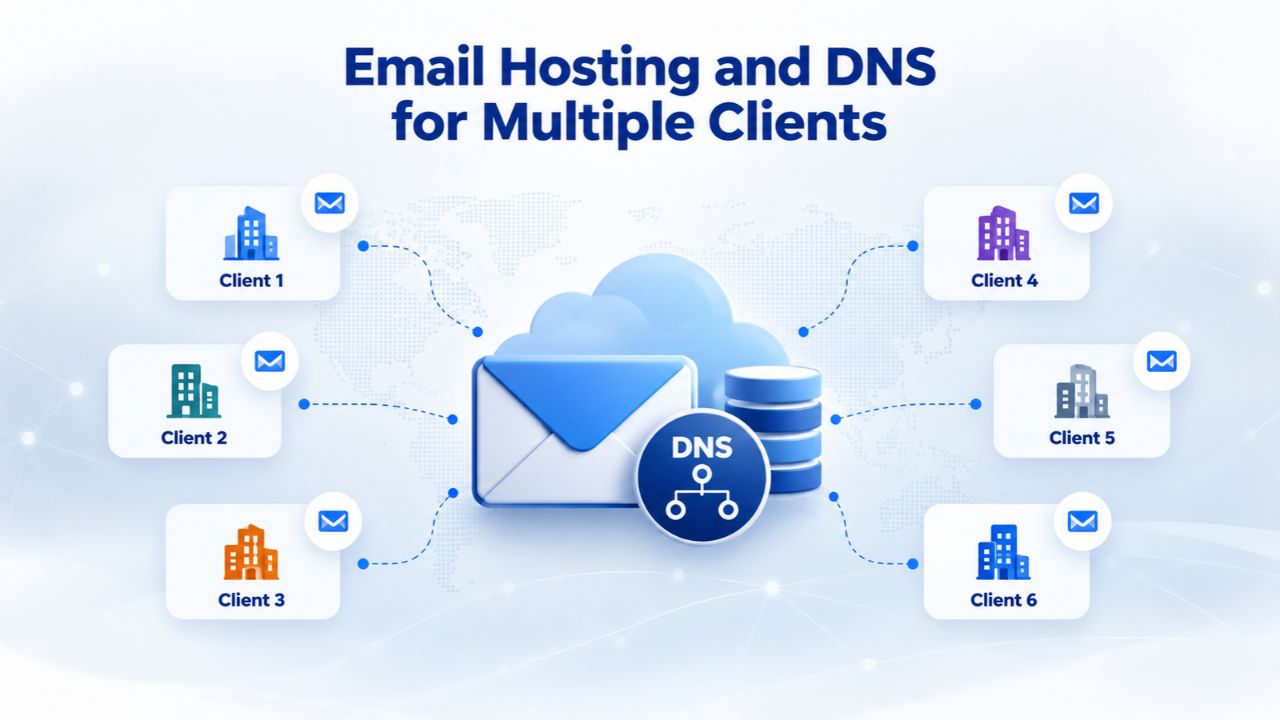
Email Hosting and DNS for Multiple Clients
Email and DNS are easy to overlook, but they’re critical infrastructure for every client site. cPanel simplifies email management by letting you create email accounts per domain. Each client domain can have its own mailboxes (info@clientdomain.com, support@clientdomain.com, etc.) with separate passwords and spam filtering. DNS management, the system that translates domain names to IP addresses, is also centralized in cPanel. These two services are foundational to every website, yet many agencies treat them as afterthoughts or delegate them entirely to clients.
When you take ownership of email and DNS for client sites, you simplify the client experience and create another layer of value in your agency offering. Clients don’t have to figure out email configuration; they receive credentials and get to work. You handle updates, security, and troubleshooting. This consolidation makes you indispensable to the client and gives them another reason to stay with your agency.
Centralized Email Account Management
Instead of managing email through separate interfaces for each client or each domain, cPanel centralizes all email under one dashboard. You create mailboxes per domain, set disk quotas, configure forwarding and autoresponders, and adjust spam filtering. Clients can access their email through webmail or connect via IMAP/POP3 to Outlook, Gmail, or other mail clients. For agencies managing client email, this centralization is a game-changer. Instead of telling each client “set up your email in Outlook yourself,” you can offer managed email as a service, included in the hosting plan.
The business value is significant: you configure client email once, provide the credentials, and handle support issues centrally. Clients get a seamless experience. Your support burden is lower than if each client managed their own email differently. You can also monitor email accounts for abuse or unusual activity, adding another layer of security. Managed email is a service many agencies undercharge for, but it’s valuable to clients and low-overhead once you set up centralized management.
DNS and Domain Propagation for New Client Sites
Every domain needs DNS records that tell the internet where the site is hosted. cPanel provides a DNS zone editor for managing A records, CNAME records, MX records for email, and other DNS configurations. When a client brings a domain to your hosting, you update the domain’s nameservers to point to your hosting provider’s nameservers, then configure the DNS zone within cPanel. This process is straightforward in cPanel but critical: misconfigured DNS means a domain won’t resolve, email won’t reach the right server, and SSL certificates won’t validate.
Agencies that manage DNS configuration for clients should document the process and test it thoroughly before handing off access. DNS changes can take 24–48 hours to fully propagate across the internet, so misconfigurations aren’t immediately obvious. Create a checklist for DNS setup: update nameservers, configure A record, configure MX records for email, configure CNAME for www, test DNS resolution, wait for propagation, test site accessibility. This systematic approach prevents most DNS-related emergencies.
Client Access and Transparency
An agency can manage client sites with complete transparency or keep clients at arm’s length from hosting details; both approaches work, but each has tradeoffs. The client-managed model grants each client their own cPanel login. They can view their own file system, manage email, install applications, and monitor site performance. You, the agency, handle the backend infrastructure and security. Clients feel empowered; they can make minor changes without calling you. Downside: clients might make breaking changes, accidentally delete files, or install insecure plugins without understanding the risk.
The agency-managed model keeps sole access to cPanel with the agency. Clients don’t see hosting details; they interact with you for support. You maintain tighter control, but clients must call you for every small change, and you become a bottleneck. Most mature agencies use a hybrid approach: you keep administrative access, but clients get a simplified, branded interface to view status, monitor uptime, and request changes.
White-Label Dashboards and Client-Facing Reporting
Many hosting providers, including those powering Niya Digital’s Web Hosting service, offer white-label client dashboards. The client sees a branded interface (your agency’s branding, not the hosting provider’s) where they can view site stats, uptime, and backups. Behind the scenes, you manage everything through WHM and cPanel; the client sees a simplified view customized to their needs. This middle ground works well for agencies: clients get transparency without direct access to the underlying hosting infrastructure. You control what they see and when, reducing support tickets for misconfiguration or accidental changes.
White-label dashboards also build trust. Clients can see that their site is being monitored, backups are running, and uptime is being tracked. This visibility reduces anxiety and creates confidence in your agency’s operations. Clients appreciate being able to check status themselves instead of always asking you. When choosing a hosting provider, ask whether white-label dashboards are included or available as an add-on. This feature is worth the extra cost because it directly reduces your support burden and improves clients’ perception of your professionalism.
Managing Access Permissions and Change Requests
If you grant clients direct cPanel access, you’re giving them powerful tools that can break their site if they misuse them. Role-based access control (RBAC) helps you grant only the permissions each person needs. In cPanel, you can restrict what a user can see and modify: one team member might only manage email, another only FTP file access, another only DNS. This granular control reduces the risk of accidental damage while still giving clients flexibility. When a client requests a significant change (installing a new plugin, modifying DNS, creating a database), require them to submit the request through a ticketing system where you can review it, test it on staging, and approve it before it goes live.
Scaling Your Agency: From Startup to Growth
No agency starts at scale. Early-stage agencies might manage one or two sites, your own portfolio projects, or early clients. As you grow, your infrastructure needs evolve. Understanding the scaling path helps you make smart infrastructure decisions that support growth without requiring constant migration or rebuilding.
The Four Stages of Agency Infrastructure Growth
| Stage | Site Count | Infrastructure | Key Benefits | Key Considerations |
|---|---|---|---|---|
| Stage 1 | 1–5 sites | Shared hosting with add-on domains | Lowest cost; simple management | Very limited security isolation |
| Stage 2 | 5–20 sites | Separate shared hosting accounts | Better security isolation; WHM useful | Higher total cost; more account management |
| Stage 3 | 20–50 sites | Managed reseller or agency plan | Cost per site decreases; centralized management | Requires understanding of reseller model |
| Stage 4 | 50–100 sites | VPS reseller or dedicated agency infrastructure | Performance isolation; resource predictability | Higher cost; more technical management |
| Stage 4+ | 100+ sites | Managed VPS, cloud hosting, or custom infrastructure | Unlimited scalability; dedicated support | High cost; may need custom solutions |
Stage 1 (1–5 sites): Start with a single shared hosting plan. If your provider supports it, add client sites as add-on domains on your main account. Cost is minimal. Backups and updates are simple because everything is in one place. Downside: security isolation is very limited; if one site is hacked, others on the same account are at risk. This stage is fine for beginners or very small agencies, but you’ll outgrow it quickly once security concerns arise.
Stage 2 (5–20 sites): Graduate to separate hosting accounts per client. Each site gets its own cPanel login, separate backups, and stronger security isolation. The cost per site is higher, but the security and management boundaries are worth it. You can still manage all accounts from WHM if your hosting provider includes it. This stage is where many agencies discover the value of reseller hosting with WHM access.
Stage 3 (20–50 sites): A managed reseller plan or agency-specific hosting tier might be more cost-effective than purchasing 50 separate shared hosting plans. Reseller plans bundle multiple client accounts under one umbrella, with WHM access for bulk management. Cost per site drops because you’re buying in bulk. The challenge at this stage is operational complexity: you’re now running a hosting business within your agency.
Stage 4 (50+ sites): At this scale, you might invest in VPS or managed hosting infrastructure dedicated to your agency. Performance isolation improves, resource contention is minimal, and support becomes more responsive. Cost is higher, but operational complexity also decreases because you’re managing fewer, larger accounts. Many agencies at this scale consider whether to continue managing hosting themselves or partner with a specialized managed hosting provider.
Planning Your Infrastructure for Growth
Before choosing a hosting provider and plan, project your growth: How many client sites do you expect to manage in 1 year? 2 years? Choose a provider with a clear upgrade path from shared hosting to reseller to VPS to dedicated, so you don’t have to migrate sites between providers as you scale. Niya Digital’s hosting plans are designed to grow with agencies: start small, upgrade as your portfolio expands, and avoid moving sites. This continuity is valuable because migrating sites between providers introduces risk and downtime. A provider that offers all the tiers you’ll need as you grow is worth more than a provider that’s slightly cheaper today but forces migration later.
Choosing the Right Hosting Plan for Your Agency Size
Estimating your infrastructure needs starts with understanding resource consumption and then matching it to a plan tier. The table below reflects general industry patterns; actual needs vary by client mix and traffic. Run the numbers for your specific portfolio before committing to a plan.
| Client/Site Count | Typical Storage Need | Typical Bandwidth Need | Recommended Plan Tier | Key Consideration |
|---|---|---|---|---|
| 1–5 sites | 50–100 GB | 100–300 GB/month | Shared (addon domains) | Lowest cost; security isolation limited |
| 5–15 sites | 100–300 GB | 300–1,000 GB/month | Shared (separate accounts) or entry-level reseller | Security isolation improves; WHM access valuable |
| 15–50 sites | 300–1,000 GB | 1,000–5,000 GB/month | Managed reseller or agency plan | Cost per site decreases; centralized management essential |
| 50–100 sites | 1,000–3,000 GB | 5,000–15,000 GB/month | VPS reseller or dedicated agency hosting | Performance isolation; dedicated support recommended |
| 100+ sites | 3,000+ GB | 15,000+ GB/month | Managed VPS, cloud hosting, or custom infrastructure | Custom scaling; likely need multiple servers |
Bundling Additional Services and Tools
Choosing a hosting provider isn’t just about the base plan. Many hosting providers, including Niya Digital, offer add-ons that bundle naturally with hosting: managed SSL certificates, uptime monitoring, malware scanning, or client reporting dashboards. Evaluate whether these add-ons save you labor or duplicate tools you already own. A managed SSL add-on is worth it if you manage 20 sites (saves issuing 20 free Let’s Encrypt certs individually). An uptime monitoring add-on is worth it if your SLA to clients includes uptime guarantees and you need alerts when sites go down.
The real value of bundled services is operational simplification. Instead of managing five different vendor accounts, you manage one hosting provider. Updates are coordinated. Support is unified. Billing is consolidated. This operational simplification pays dividends as your agency grows. Evaluate the total cost of ownership, not just the per-site hosting cost.
Understanding Resource Limits and Upgrade Triggers
Every hosting plan has limits: disk space, bandwidth, number of email accounts, database size. As your agency grows and sites mature, you’ll approach these limits. A hosting provider that alerts you as you approach limits and offers easy upgrades is better than one that lets you hit a wall silently. Document your resource limits for each plan, monitor actual consumption monthly, and schedule upgrades before you hit them.
A site that runs out of disk space goes offline without warning. A site that exceeds its bandwidth allocation slows to a crawl. An email account that fills up stops receiving mail. These aren’t hosting provider failures; they’re resource management failures. Plan to upgrade when you’re at 70–80% of a limit, not when you hit 100%. This proactive approach prevents emergencies and keeps client sites running smoothly.
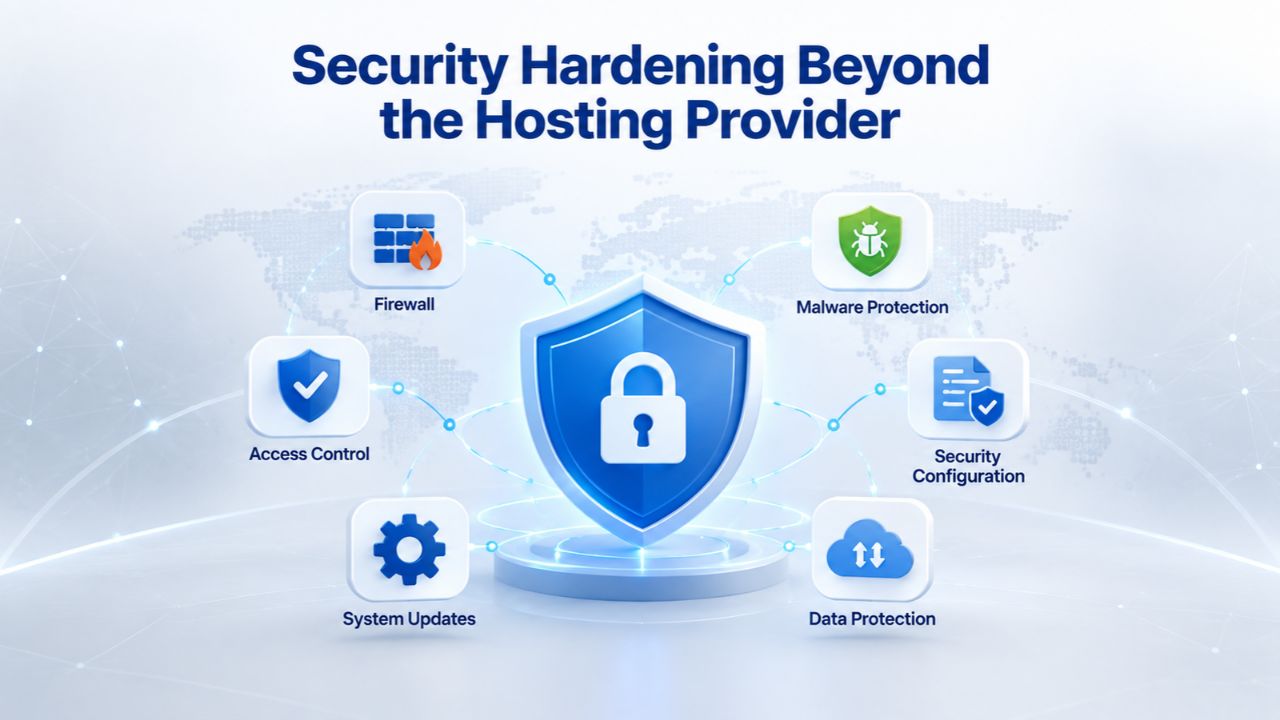
Security Hardening Beyond the Hosting Provider
Even though GoDaddy’s infrastructure provides baseline network security, DDoS protection, and firewalls, agencies must layer additional hardening on top. The hosting provider secures the server; the agency secures the applications and access controls. This shared responsibility model is standard across the hosting industry. Understanding where your responsibility ends and the provider’s begins prevents dangerous gaps.
Think of hosting security like home security. The building contractor (hosting provider) builds a strong house with locks on the doors (server firewalls). The homeowner (agency) then installs an alarm system, keeps doors locked, and doesn’t leave windows open (application security). Both layers are necessary. If either layer fails, the house is vulnerable. A fortress with no locks on internal doors is still vulnerable. A house with perfect locks but no walls is also vulnerable.
Application-Level Hardening Checklist
Remove abandoned themes, plugins, and unused software from every site. Old code is the most common compromise vector. Many WordPress sites are running themes or plugins last updated years ago, creating security gaps that attackers actively exploit. Make plugin and theme cleanup part of your regular maintenance routine.
Keep WordPress, Drupal, PHP, and databases updated to the latest stable versions. Many breaches exploit known vulnerabilities in outdated software. Set up automatic updates where possible, and test updates on staging before production. If you can’t automate updates, schedule monthly update days and test thoroughly before going live.
Enforce strong passwords for admin accounts; use a password manager to store credentials securely. Admin passwords should be 16+ characters with mixed case, numbers, and symbols. Avoid password reuse across sites. Store passwords in a secure password manager, never in unencrypted files or email.
Limit login attempts using tools like fail2ban or a plugin-based rate limiter; this defeats automated brute-force attacks. After 5 failed login attempts, lock the account for 15 minutes. After 10 failed attempts in an hour, lock for a day. Most brute-force attacks give up after a few attempts.
Use SFTP instead of FTP; FTP sends credentials in plain text and is vulnerable to interception. SFTP encrypts the connection. Ensure all file transfers happen over encrypted channels.
Disable file editing from the WordPress/CMS admin dashboard; require code changes to go through staging and formal deployment. This prevents compromised accounts from modifying code directly.
Install malware detection and removal tools; many hosting providers include Imunify360 or similar on cPanel-based plans. Run scans weekly and investigate any findings immediately.
Monitoring and Alerting
Set up monitoring to alert you when unusual activity occurs: sudden spike in login attempts, new users created, files modified, database queries spiking. Centralized monitoring dashboards available through WHM and cPanel allow bulk monitoring across all client sites. Respond quickly to alerts; many compromises are caught and cleaned up within hours if monitoring is in place. Ignoring alerts is like ignoring a fire alarm.
Create an incident response plan: What do you do if a site is compromised? Who do you notify? How quickly can you respond? Document the steps so any team member can execute them. Practice the plan quarterly, so your team knows what to do when an incident occurs.
Ready to Build a Secure Multi-Site Hosting Foundation
Your agency’s reputation depends on reliable, secure infrastructure for every client site. Niya Digital’s Web Hosting service gives agencies the tools to manage dozens of client sites with confidence: centralized cPanel and WHM management, automated backups with off-site redundancy, built-in security hardening, and support designed for growing agencies. Start with the hosting tier that fits your portfolio today, then scale as you add more clients—no migration required.
Start Hosting Securely
Frequently Asked Questions
What’s the difference between addon domains and separate cPanel accounts?
Addon domains host multiple unrelated websites under one cPanel account, sharing the same login credentials and system user. They’re cheaper and simpler to manage but offer lighter security isolation. Separate cPanel accounts fully isolate each website; each has its own login, files, databases, and backup schedule. Separate accounts are more expensive but provide stronger security boundaries. Choose addon domains for small portfolios (under 5 sites) or low-risk sites; choose separate accounts as you scale or handle security-sensitive clients.
How often should I test backups?
At minimum, quarterly. Run a full restore test on a staging environment, verify the restored site is functional, and confirm data integrity. For security-sensitive or high-value client sites, test monthly. Never assume a backup works without testing; the only backup that matters is one you’ve successfully restored.
Do I need WHM access if I only manage a few client sites?
No. WHM becomes valuable when you manage 10+ accounts and need bulk operations (creating accounts, monitoring all accounts at once, applying global security policies). For 3–5 sites, manual cPanel logins are fine. As you grow, WHM access becomes essential for operational efficiency.
What happens if one client’s site uses all available disk space?
If each site is on a separate cPanel account with its own plan, only that client’s account is affected; others keep running normally. If multiple sites share an addon-domain account under one plan with limited total space, the entire account can hit the quota, affecting all sites. This is why separate accounts work better as you scale.
Should I offer email hosting as a service to clients, or let them manage it themselves?
Offering managed email simplifies the client experience: you configure it, provide credentials, and handle support. Clients manage their own email through webmail or mail clients, but you control the backend. This also creates an additional revenue opportunity. If you don’t want to manage email, direct clients to use Gmail, Outlook, or another third-party email provider and avoid email-hosting support.
How do I know if my hosting plan is right-sized for my portfolio?
Monitor actual usage over 3 months: average storage consumption across all sites, average bandwidth per site, peak bandwidth usage. If you’re regularly hitting 80%+ of your plan’s limits, upgrade. If you’re consistently under 30%, you might be over-provisioned and could downsize. Most hosting providers offer monitoring dashboards showing real-time usage.
What should I do if a client site gets hacked?
Isolate the affected site immediately (take it offline or move it to a staging environment). Restore from the most recent known-clean backup. Scan the restored site for malware to confirm the backup is clean. Investigate the root cause (unpatched software, weak password, compromised plugin) and fix it before going live. Document the incident for your records; notify the client once you’ve confirmed the breach is contained.
Can I host multiple client sites on a single IP address?
Yes, using hostname-based virtual hosting, which is the default for shared hosting. All sites share one IP address; the hosting software routes traffic based on the domain name. This works for all HTTP/HTTPS traffic. If a client needs a dedicated IP (rare, usually for legacy reasons), most providers offer it as an add-on.
Do I need to offer an SLA (Service Level Agreement) to my clients?
That’s your choice. An SLA is a contractual commitment to uptime (e.g., “99.9% uptime averaged per month”). If uptime fails, you provide service credits or compensation. If you offer an SLA, you’re liable for breaches, so choose a hosting provider with a strong track record. GoDaddy’s hosting includes a 99.9% SLA. Many small agencies choose not to offer an SLA, instead providing best-effort support without guarantees. Be transparent with clients about what you’re committing to.
How do I migrate a client site from another hosting provider without downtime?
The process involves:
(1) Set up the site on new hosting and test thoroughly.
(2) Once ready, lower the DNS TTL (time-to-live) on the domain to reduce propagation time.
(3) Update the domain’s nameservers to point to the new hosting.
(4) Monitor the transition; DNS propagation typically takes 24–48 hours.
(5) Once fully propagated, deactivate the site on the old hosting.
Most hosting providers offer migration assistance; ask your provider for help.
Should client sites share the same server, or should each get its own infrastructure?
Shared server (multiple clients on one server) is standard for shared and reseller hosting and is cost-effective and secure if properly isolated. Dedicated infrastructure (one client per server or server cluster) is overkill for most small businesses. Hybrid approach: secure critical or high-traffic client sites on their own infrastructure or VPS; smaller clients on shared hosting. This balances cost and security.
What’s the most common cause of client site outages I can prevent?
Unpatched software causing breakage (incompatible plugin updates, database corruption from old PHP versions). The second most common is running out of disk space or bandwidth. The third is accidentally deleting files or databases. Prevention: centralize update management, monitor disk usage, and automate backups so you can recover from accidental deletions.
How do I reduce support requests for hosting issues?
Document common tasks (password reset, email setup, domain changes) in self-service guides for clients. Provide a client dashboard (cPanel or white-label) where clients can handle routine tasks themselves. For agencies that prefer full management, clear documentation for yourself (internal runbooks for common tasks) reduces resolution time. Proactive monitoring catches issues before clients notice them.
What should be in my hosting maintenance runbook?
Include: backup testing procedures, update schedules, security monitoring steps, disk-space monitoring thresholds, incident response procedures, and escalation contacts. Document the specific tools you use (cPanel sections, WHM functions, monitoring dashboards) so any team member can execute procedures. Update the runbook quarterly and review it with your team.
How should I handle renewal pricing increases from my hosting provider?
Renewal pricing is often higher than promotional pricing for first-year plans. Negotiate with your provider before renewal or be prepared to move to a competitor. Lock in multi-year plans at promotional rates if renewal prices are steep. Track renewal dates and review pricing 60–90 days before renewal so you have time to decide whether to stay or migrate.
Glossary
Web Hosting: Server space rented to store website files, databases, and email, making your site accessible over the internet. The hosting provider operates the servers; you (or your clients) own the site files and content.
cPanel: A control panel software that provides a user-friendly interface for managing hosting accounts. Through cPanel, users can manage files, email, databases, domains, SSL certificates, backups, and applications without command-line access.
Addon Domain: A feature in cPanel that allows hosting multiple unrelated websites within a single hosting account. Each addon domain has its own files and email but shares the same cPanel login and server resources.
WHM (Web Host Manager): The administrative control panel used by resellers and hosting providers to manage multiple cPanel accounts from one interface. WHM allows bulk account creation, resource allocation, server monitoring, and global security policies.
Backup and Restore: A backup is a copy of website files and databases stored for recovery. Restore is the process of recovering a website to a previous state using that backup. Regular backups protect against data loss, hacking, and accidental deletion.
SSL Certificate: A digital certificate that encrypts data in transit between a visitor’s browser and your website server (HTTPS). SSL is necessary for secure login forms, payment processing, and protecting visitor privacy.
Uptime: The percentage of time a hosting service is available and online. An SLA typically guarantees 99.9% uptime, allowing up to 8–9 hours of downtime per year.
Account Isolation: The separation of one client’s hosting environment (files, databases, email) from other clients on the same server. Isolation prevents a security breach or resource spike in one account from affecting others.
SLA (Service Level Agreement): A contractual agreement between a hosting provider and customer that specifies uptime guarantees, performance standards, and compensation if those standards are not met.
Reseller Hosting: A hosting model where an agency purchases hosting resources from a provider in bulk and resells them to clients under its own brand. The agency handles client relationships; the provider handles infrastructure.


