
What Separates Professional Email from Free Email
Free email services like Gmail and Outlook.com were designed for personal use. They’re convenient, reliable, and cost nothing, which is why so many small business owners default to them. But the moment you use that account for business communication, you’ve accepted a set of trade-offs that compound over time.
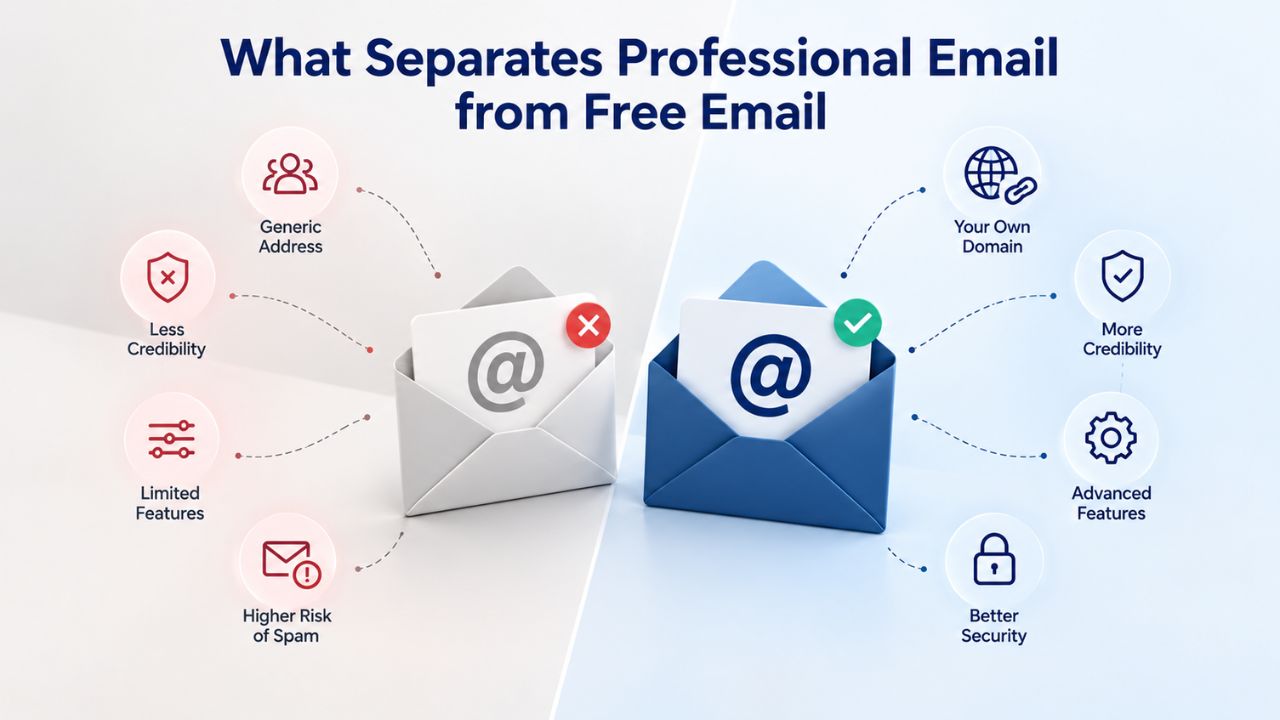
The Domain Problem
Free email ties your identity to a provider’s domain. When a customer sees yourname@gmail.com, they’re seeing Google’s brand, not yours. A custom domain email, hello@yourbusiness.com, is fundamentally different. The domain itself is an asset you own and control, one that stays with your business even if you change email providers or web hosts. Professional business email puts your brand front and center, not in the background.
That distinction matters more than most small business owners realize. A study commissioned by Verisign found that 85% of respondents view businesses using branded email addresses as more credible than those using free email accounts. For freelancers, consultants, and B2B service providers, this credibility gap can mean the difference between landing a contract and being ignored entirely.
Why Free Email Looks Unprofessional
Free email is free because you’re not the customer; your data and attention are. Consumer Gmail and Outlook accounts come with limited customization, minimal business features, and a support model built around forums and hope rather than direct assistance. When a client receives an invoice from your @gmail.com address, they don’t consciously think “that’s a free account.” Still, they do register a subliminal signal that this person or company hasn’t invested much in their infrastructure.
Professional business email sends the opposite message. Research shows that for most businesses, one extra job or client won directly because they looked more professional can pay for years of the professional email service. The ROI isn’t measured in months; it’s often recouped in a single deal.
The Credibility Factor: How Email Addresses Shape Customer Trust
Beyond first impressions, a branded email address builds tangible trust with customers, partners, and prospects. This goes beyond psychology; it’s embedded in how business communication works.
Professional Identity & Brand Consistency
A custom-domain email extends your business identity. When every team member sends emails from sales@yourbusiness.com, support@yourbusiness.com, or hello@yourbusiness.com, you’re reinforcing your brand with every outbound message. This consistency creates a polished, established appearance, even if you’re a solopreneur working from home.
Free email, by contrast, fragments your identity. If your team uses personal Gmail accounts, each person’s email looks independent and unaffiliated with the business. Customers have no easy way to confirm they’re contacting the right company. This matters most in high-stakes contexts, invoicing, contracts, and sensitive inquiries, where recipients want assurance they’re communicating with the genuine business entity.
Control Over Your Data & Business Communication
When you use personal Gmail for business, the employee still owns the account. If they leave your company, the inbox, including years of client history, project notes, and vendor relationships, can walk out the door with them. Free consumer email accounts give the individual user ownership; the company has no access rights to personal email accounts or their contents, meaning business-critical communications may be locked away or lost when staff changes.
Professional business email hosted on a custom domain puts control in your hands. You can manage multiple mailboxes, archive communications, and keep business data within the business. This isn’t just convenient; it’s essential for compliance, continuity, and protecting your competitive knowledge.
Understanding Email Deliverability & Inbox Placement
A professional email address is only valuable if your emails actually reach people’s inboxes. Free email accounts and custom-domain email face very different odds in the inbox-or-spam lottery.
Why Free Email Lands in Spam Folders
Free email domains like Gmail, Yahoo, and Hotmail are widely used by spammers, so receiving servers treat them with suspicion; a legitimate business email from a free address may land in spam folders, costing sales and frustrating clients. The receiving server doesn’t know you’re legitimate; it only knows that thousands of scammers also use the domain you’re sending from.
This problem intensifies if you send email in volume. Consumer Gmail and Outlook accounts are configured for personal use; when you start using them to send bulk communications, newsletters, invoices, marketing messages, or sequences of similar emails to multiple recipients, you’re operating outside the bounds of what those services expect. Spam filters treat the account as potentially malicious. Your legitimate project update gets flagged as spam, and your client never sees it.
How Professional Email Hosting Improves Deliverability
Professional email hosting providers like Titan Email invest in infrastructure specifically designed for business communication. Titan Email provides features including flawless IP reputation, advanced security measures such as 2FA and custom DKIM, and data encryption to keep accounts safe and help emails reach their destination. These aren’t theoretical advantages; they’re measurable improvements to your odds of landing in the inbox.
The difference comes down to sender reputation. A mail server’s IP address builds a reputation over time based on how many emails bounce, how many recipients mark messages as spam, and whether the sending domain authenticates correctly. Professional email hosting services manage these signals carefully because their business depends on deliverability.
Email Authentication Standards: SPF, DKIM, DMARC Explained
Email authentication sounds technical, and it is, but understanding the basics explains why professional email hosting works and free email doesn’t. The IETF (Internet Engineering Task Force) publishes these standards, and they are now baseline requirements for inbox placement.
SPF: Declaring Your Authorized Mail Servers
Sender Policy Framework (SPF) is defined in RFC 7208 (published 2014) and allows a domain owner to publish a policy declaring which mail servers may send emails on behalf of that domain. When your receiving server gets an email claiming to be from hello@yourbusiness.com, it checks your SPF record to confirm that you actually authorize the sending server.
Without SPF, anyone can send email claiming to be from your domain. With SPF published, receiving servers can verify that your emails are legitimate. Titan Email supports SPF configuration, letting you update DNS records with your domain registrar to publish your SPF policy. A free Gmail account can’t do this; Google controls the SPF records for @gmail.com, and you can’t publish a custom policy for your own domain.
DKIM: Cryptographic Proof of Origin
DomainKeys Identified Mail (DKIM), defined in RFC 6376 (published 2011), attaches a cryptographic signature that survives forwarding, so receivers can verify that the message came from your domain and wasn’t altered in transit. The signature is checked by looking up your public key in your domain’s DNS records.
DKIM is particularly valuable because it works even when an email is forwarded. If a client forwards your message to a colleague, the DKIM signature remains valid, proving that the original message came from you. Again, this requires access to your domain’s DNS records, something free email doesn’t permit.
DMARC: Setting Policy for Authentication Failures
DMARC, Domain-based Message Authentication, Reporting and Conformance, ties SPF and DKIM together, allowing the administrative owner of a domain to publish a policy in DNS records specifying how to check the From field and how the receiver should deal with failures. It also provides reporting on actions performed under those policies.
With DMARC, you can tell receiving servers: “If an email claims to be from my domain but fails SPF or DKIM, quarantine it” or “Reject it outright.” This prevents attackers from impersonating your domain in phishing attacks. As of February 2025, Google and Yahoo require SPF or DKIM authentication, DMARC with p=none or stronger, and low spam-complaint rates for inbox placement. These aren’t optional nice-to-haves; they’re baseline requirements from the world’s largest email receivers.
Security & Phishing Protection: A Real Risk for Small Businesses
Email security isn’t abstract. Phishing and spam attacks directly threaten small businesses, and the gap between free and professional email protection is material.
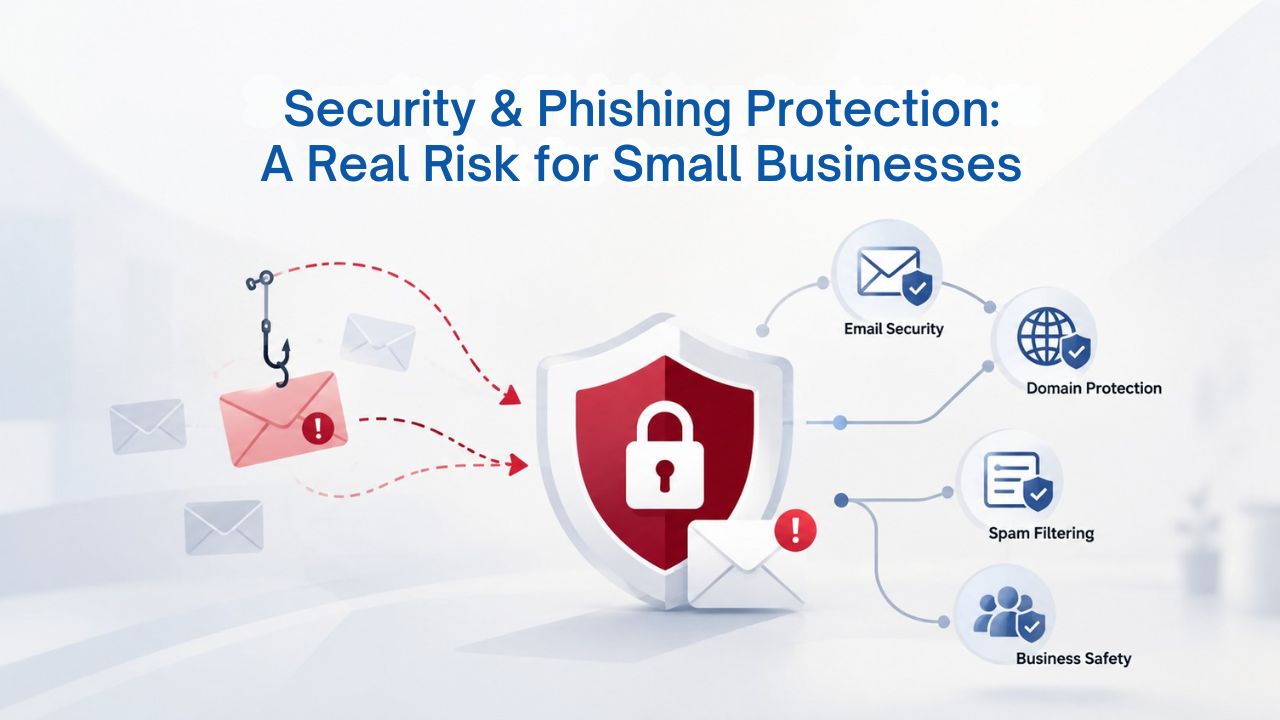
The Scale of the Phishing Threat
Small businesses aren’t exempt from phishing. 35% of micro-businesses reported experiencing phishing in the past year, and the FBI’s IC3 logged 193,407 phishing complaints in 2024 alone. The financial impact is severe; the average cost of a phishing incident reached $4.88 million in 2025.
These attacks don’t target household-name companies. Phishing campaigns deliberately target small businesses because security defenses are often lighter and employees less trained. A successful phishing attack on a small business can compromise email accounts, leading to stolen credentials, stolen data, and business disruption that can take months to recover from.
How Free Email Increases Your Exposure
Consumer Gmail and Outlook accounts don’t offer the layered security that business email provides. Free personal email accounts lack enforceable security settings, centralized control, and audit visibility, all things that matter for protecting your business from a breach. You can set a password and enable two-factor authentication, but you can’t enforce these requirements across your team, audit who accessed what data, or configure advanced threat protection.
Professional email hosting is built for this. Niya Digital’s team has found that implementing standard email authentication (SPF, DKIM, DMARC) and centralized security policies across a small business team dramatically reduces the likelihood of successful phishing and account compromise. Titan Email provides advanced anti-spam and anti-virus filtering, where all inbound email messages pass through a spam filter before reaching your inbox, reducing junk mail and vulnerability to viruses and malware.
What Proper Email Security Looks Like
Professional business email includes multi-factor authentication (MFA), encryption, advanced spam filtering, and security monitoring. Free personal email doesn’t include these features.
When your entire team uses individual Gmail accounts, you have no central visibility into security incidents. With professional email hosting, you can enforce MFA company-wide, review login activity, and respond quickly to suspicious access.
Protect Your Business with Professional Email Security
Stop risking phishing attacks and data breaches with free personal email. Niya Digital’s Professional Email Hosting gives you enterprise-grade security, centralized team management, and full control over your business data. Secure your inbox and build credibility with every email sent from your branded domain.
Setup & Device Access: How Easy Is Professional Email?
One common hesitation about switching to professional email: “Won’t it be complicated to set up?” In reality, modern email hosting has made setup straightforward, and device access is seamless.
Getting Started in Minutes, Not Days
Titan Email lets you send your first email from your domain within minutes and includes fast webmail and mobile apps that require zero setup. You don’t need to install software or configure servers. You create your mailbox, and the provider handles the backend infrastructure. The main one-time step is updating your domain’s DNS records to route email to the new provider, a task your domain registrar’s support team can walk you through in under an hour.
Webmail access is instant. Once your account is created, you can log in to a browser-based inbox from any computer without any additional configuration. This is nearly identical to the Gmail experience you’re already familiar with, just running on your own domain.
Mobile, Tablet, and Desktop Apps
Professional email doesn’t lock you into webmail. Titan Email works in all major web browsers and has native apps for Android and iOS. You can also connect to desktop clients like Outlook, Apple Mail, or Thunderbird using standard IMAP/SMTP protocols. This flexibility means your team can use whatever device and app they prefer while all data stays synchronized.
The experience is identical to free Gmail, but every email is branded with your domain. Employees working from home, traveling, or in the office all have the same seamless access.
| Capability | Free Gmail | Professional Email (Titan) |
|---|---|---|
| Custom domain address | No | Yes (@yourbusiness.com) |
| Webmail access | Yes | Yes |
| Native mobile apps (iOS/Android) | Yes | Yes |
| Desktop client support (IMAP/SMTP) | Yes | Yes |
| Multi-account management | No | Yes (sales@, support@, etc.) |
| Shared team mailboxes | No | Yes |
| Advanced anti-spam | Limited | Yes |
| Two-factor authentication | Yes | Yes, with enforcement |
| Email authentication control (SPF/DKIM/DMARC) | No (Google controls) | Yes (you control) |
| Business data ownership | Individual | Company |
Migrating to Professional Email: Is the Switch Risky?
The perceived risk of switching email providers is one of the biggest barriers for small businesses. The reality is far less daunting than most expect.
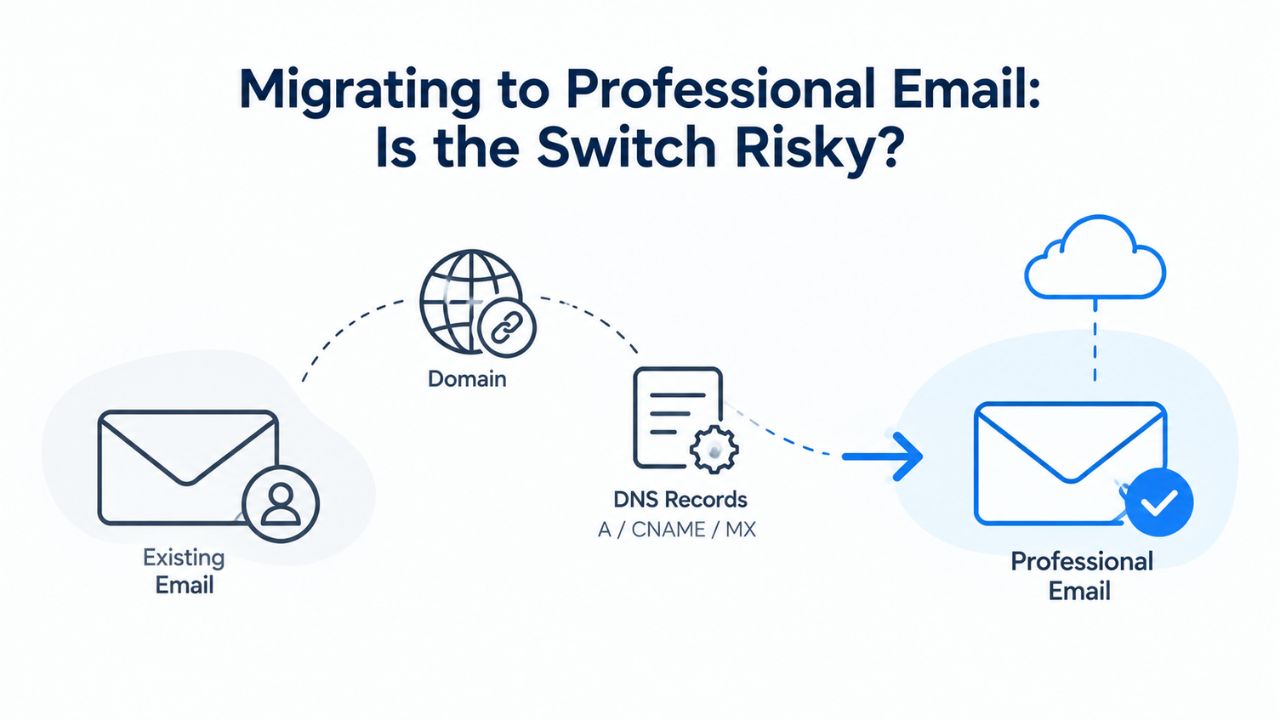
How Long Does Migration Actually Take?
Email migration timelines vary by mailbox size and data volume, but for small businesses, the process is surprisingly fast. Small mailboxes under 5GB typically complete migration in 3–4 hours; medium mailboxes (5–25GB) need 12–24 hours; large mailboxes (25–100GB) require 1–2 days. For most small businesses, the entire data transfer happens in under a day.
The full project timeline, including planning, setup, testing, and cutover, typically spans 1–3 weeks. But actual downtime (the window when email might be interrupted) is usually measured in hours, not days. Downtime is primarily driven by updating MX records (DNS records that route email to the new provider); if you implement a pre-stage strategy such as moving recent emails first and copying the rest in the background, you only face downtime the moment you update the MX records, during which DNS propagation takes 24–48 hours.
Data Loss Is Preventable
Stories about email migrations gone wrong circulate in small business circles. Still, most data loss is preventable. 23% of organizations experience some data loss during migration. Still, you can avoid it by running comprehensive backups, using official export tools, and verifying file integrity after export. Professional email providers, including Titan Email, offer migration tools and support specifically to prevent this.
Titan Email includes built-in migration tools to help you move existing email data from other accounts; if you run into trouble, Titan’s dedicated support staff is available 24/7 to help. This isn’t a DIY process where you’re on your own. The provider has an incentive to make your migration successful.
| Stage | Action | Typical Duration |
|---|---|---|
| Planning | Audit email volume, backup data, plan DNS updates | 3–7 days |
| Setup | Create mailboxes, configure apps, test access | 1–2 hours (with support) |
| DNS & Authentication | Update MX records; publish SPF/DKIM/DMARC | 1–2 hours (setup) + 24–48 hours (propagation) |
| Data Transfer | Migrate existing emails, contacts, calendar | 3–4 hours (small) to 2 days (large) |
| Cutover | Switch email routing; test end-to-end | 1–4 hours |
| Post-Migration | Verify deliverability, monitor, remove old access | 1–2 weeks |
Multi-Account & Team Management: Scaling Beyond Solo
Professional email hosting isn’t designed just for solopreneurs. As your small business grows, email management becomes more complex, and that’s where professional hosting starts to shine.
Creating Role-Based Email Addresses
As a solo business, you might use hello@yourbusiness.com for everything. But once you hire, you’ll want sales@yourbusiness.com for customer inquiries, support@yourbusiness.com for service requests, and info@yourbusiness.com for general questions. With Titan Email, you can create as many email accounts as needed, so every employee, department, and service can have its own custom business email account ending in @yourdomainname.
This capability is built into professional hosting but impossible with free personal email. You could set up email forwarding or aliases through your domain registrar, but you’d still lack a centralized inbox. With professional email hosting, each role-based address has its own mailbox, visible to the people who need it, without exposing it to the entire team.
Shared Calendars and Centralized Contact Management
Small teams need to coordinate. Professional email hosting includes shared calendars and contact directories. Titan Email lets you share your calendar with teammates and contacts and view it by day, week, or month. This eliminates scheduling back-and-forth and keeps your team in sync.
Free personal Gmail accounts don’t offer this kind of team integration. You can share a Google Calendar separately, but it’s a patchwork of different tools. Professional email hosting bundles these capabilities together in one interface.
Cost vs. Value: What Does Professional Email Actually Cost?
Cost is the first objection most small business owners raise. But comparing free email to professional hosting requires asking: free to whom?
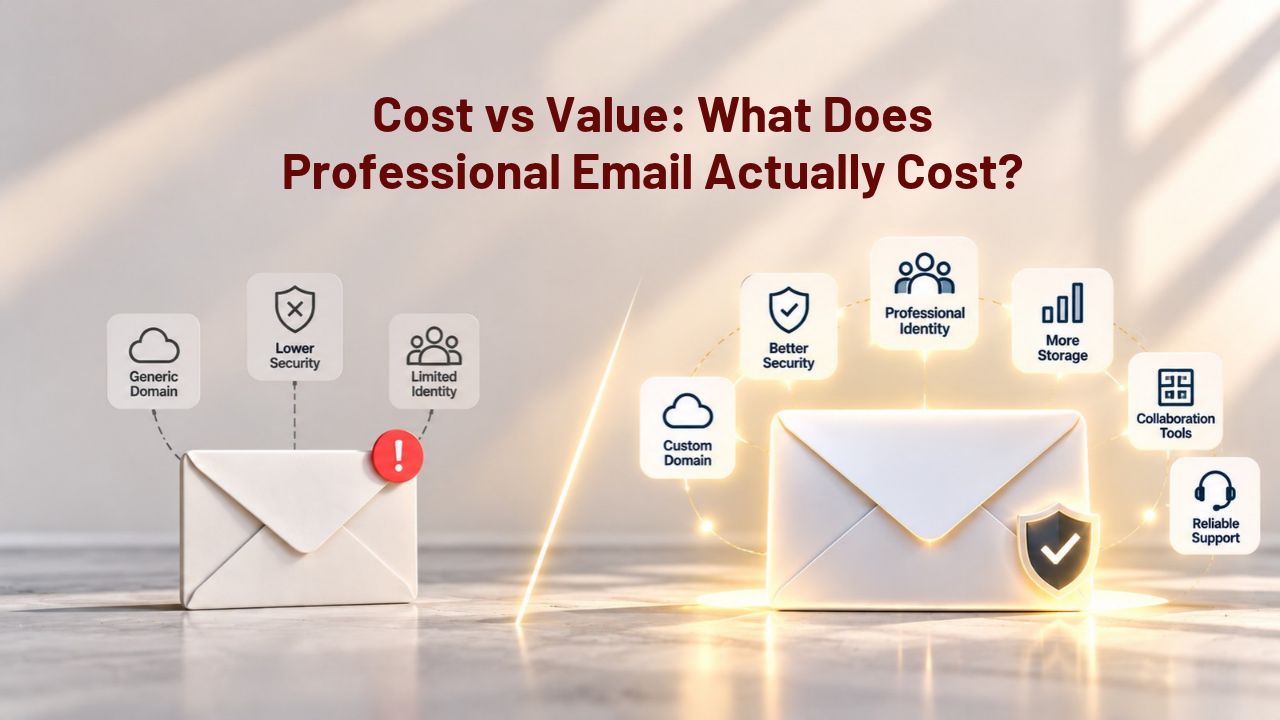
General Market Pricing for Business Email
The business email hosting market offers many options. Pricing varies significantly by provider, plan tier, and region; check the provider’s current plans for exact figures, but entry-level professional email is typically affordable.
For a solo business, that’s $60–120 per year. For a small team of 3–5 people, you’re looking at $180–600 annually. Put that in context: most small business owners report that one additional job or deal won through appearing more professional quickly pays for years of professional email service.
What Free Email Actually Costs
The real cost of free email isn’t monetary; it’s opportunity cost. Every professional prospect who receives a message from your @gmail.com address makes a split-second trust assessment. Free email doesn’t cost you money, but it may cost you business.
The free email model exists because the provider extracts value from your data; consumer Gmail and Outlook accounts scan your email for advertising targeting, product improvement, and other purposes. Your business communication becomes a third-party data point. Professional email hosting gives you control and privacy. Your business data stays yours.
Long-Term Business Value: When Does Professional Email Pay for Itself?
Switching to professional email isn’t a technical upgrade; it’s a business decision. The long-term value compounds across credibility, security, and operational efficiency.
Credibility as a Competitive Asset
Over the life of your business, how many emails will you send? Thousands. Tens of thousands. Each one signals your professionalism. That signal is invisible when you’re the recipient. Still, it shapes how people perceive your business. Research consistently shows that B2B recipients trust domain-based email more than consumer addresses, making professional email a tangible differentiator for freelancers, consultants, and small businesses pitching to enterprise clients.
This advantage compounds. Early in your business, the credibility bump might land you one extra deal per quarter. As you grow and send more emails, the impact scales. By year three or year five, professional email will have influenced hundreds of business decisions in your favor.
Security as Risk Mitigation
Phishing and account compromise aren’t one-time events; they’re ongoing threats that grow as your business grows. Small businesses are increasingly targeted because they’re seen as easier targets than large enterprises. Professional email with proper authentication, enforced multi-factor authentication, and centralized security monitoring significantly reduces your breach risk.
The cost of a breach- financial, reputational, and operational- dwarfs the cost of professional email. Think of it as business insurance that also makes you look better to customers.
Ready to Upgrade Your Business Email?
Professional email hosting powers your credibility, protects your data, and improves how reliably your messages reach customers. Niya Digital’s Professional Email Hosting, powered by Titan Email, includes everything you need: custom-domain addresses, mobile and desktop access, anti-spam protection, and support with email authentication setup. Start your setup today and send your first branded email within minutes.
Flexibility as Your Business Evolves
Free email locks you into a particular approach: one person, one inbox, limited customization. Professional email hosting scales with your business. As you grow, you can add team members, create role-based inboxes, implement security policies, and archive years of business history without worrying about losing access.
This flexibility is worth paying for. When you’re ready to scale, you won’t regret having built your email infrastructure professionally from the start.
Frequently Asked Questions
What exactly is professional email hosting, and how is it different from Gmail?
Professional email hosting is a service that provides custom-domain email addresses (yourname@yourbusiness.com) with webmail, mobile/desktop access, and spam protection managed by a dedicated provider. Gmail is a free consumer email service using Google’s domain. Professional email gives you full control over your domain, business data, and security settings; Gmail locks you into a personal account and Google’s domain.
Will my emails actually reach more inboxes if I switch to professional email?
Yes, but it depends on proper setup. Professional email providers invest in IP reputation and infrastructure designed for business communication. Email receivers treat messages from authenticated business domains more favorably than messages from free consumer domains. Proper SPF, DKIM, and DMARC configuration significantly improves deliverability, but setup matters; your provider should guide you through it.
Is professional email hard to set up?
No. Most professional email hosting, including Titan Email, requires only updating your domain’s DNS records to point to the new provider, a one-time task that takes under an hour. Webmail access is instant, and mobile apps sync automatically. Your team experiences it the same way they’d use Gmail, just on your own domain.
Can I use professional email on my phone and computer?
Yes. Professional email includes webmail access from any browser and native mobile apps for iOS and Android. You can also connect desktop clients like Outlook or Apple Mail using IMAP/SMTP. All devices sync automatically, so your inbox stays consistent everywhere.
How long does it take to migrate my existing emails to a new provider?
For small mailboxes (under 5GB), migration typically completes in 3–4 hours. Medium mailboxes take 12–24 hours. Actual downtime (the window when email routing changes) is usually 1–4 hours; DNS propagation for the mail routing update takes 24–48 hours. Most small businesses experience minimal disruption with proper planning.
What happens to my emails if I change web hosts or domain registrars?
Email stays with your email provider, not your web host or domain registrar. As long as your DNS records point to your email provider (via MX records), your email continues working regardless of where your website is hosted. This is why keeping email and web hosting separate matters: it gives you the flexibility to change hosts without losing email continuity.
Will I lose data during email migration?
Data loss during migration is rare if you follow best practices: back up before you start, use official migration tools from your email provider, and verify file counts after the transfer. Most email providers, including Titan Email, offer migration support and tools to prevent data loss. Keep your old account active for at least 30 days after cutover to ensure you didn’t miss anything.
What’s SPF, DKIM, and DMARC, and why do I need them?
SPF, DKIM, and DMARC are email authentication standards that prove your emails are legitimate and prevent impersonation in phishing attacks. SPF declares which servers can send email for your domain; DKIM adds a cryptographic signature to prove the message came from you; DMARC ties them together and tells receiving servers how to handle failures. Modern email receivers (Google, Yahoo) require them for good inbox placement.
Can I still use my old email address after I switch?
Yes. You can set up email forwarding from your old address to your new professional email, or keep both active during the transition. Most providers recommend running both for 2–4 weeks to catch any messages sent to the old address. After that, you can close the old account or keep it forwarding indefinitely if you prefer.
Is professional email secure?
Professional email includes multi-factor authentication, encryption, advanced spam/phishing filtering, and centralized security monitoring, features not available in free personal email. Your business data stays under your control and isn’t scanned for advertising purposes. Security depends on setup and employee practices, but the infrastructure is significantly stronger than consumer email.
Can my team see each other’s emails or just their own inboxes?
By default, each team member has a private inbox only they can access. Professional email lets you set up shared mailboxes (like sales@yourbusiness.com that multiple people can access) when needed, while keeping personal inboxes private. You configure sharing per mailbox.
What if someone on my team leaves the company?
With professional email, the account belongs to the business, not the individual. You can transfer important messages to other team members, archive the account, or delete it entirely. Unlike free Gmail accounts, no business data is locked in a personal account that leaves with the employee.
Do I need a website to use professional email?
No. You need only a domain name. Your domain is yours whether or not you have a website. Many businesses use professional email on their domain without hosting a website; the domain routes email to your mailbox. This separation gives you flexibility: your website can move to a different host, but your email stays independent.
Will switching to professional email help me reach the inbox or reduce spam complaints?
Professional email infrastructure and proper authentication (SPF, DKIM, DMARC) can help improve deliverability and reduce the chance of legitimate messages landing in spam. Still, they don’t guarantee inbox placement or eliminate spam complaints. Deliverability depends on many factors: sender reputation, recipient engagement, content quality, and recipient spam-complaint rates. Professional email provides the tools; your practices matter too.
Glossary
- Custom Domain Email: An email address using your own business domain (hello@yourbusiness.com) instead of a generic provider domain (yourname@gmail.com).
- DKIM (DomainKeys Identified Mail): An email authentication standard that adds a cryptographic signature to your emails to prove they came from your domain and weren’t altered in transit.
- DMARC (Domain-Based Message Authentication, Reporting and Conformance): An email authentication policy that ties SPF and DKIM together and tells receiving email servers how to handle messages that fail authentication checks.
- DNS (Domain Name System): The infrastructure that translates domain names into IP addresses and stores email routing records (like MX records).
- Email Hosting for Business: A service that provides custom-domain email addresses, webmail and mobile access, spam protection, and email authentication support for business use.
- MX Record: A DNS record that routes incoming email to the correct mail server for your domain.
- SPF (Sender Policy Framework): An email authentication standard that publishes a DNS record declaring which mail servers are authorized to send emails on behalf of your domain.