

When Your Current Hosting Isn’t Cutting It
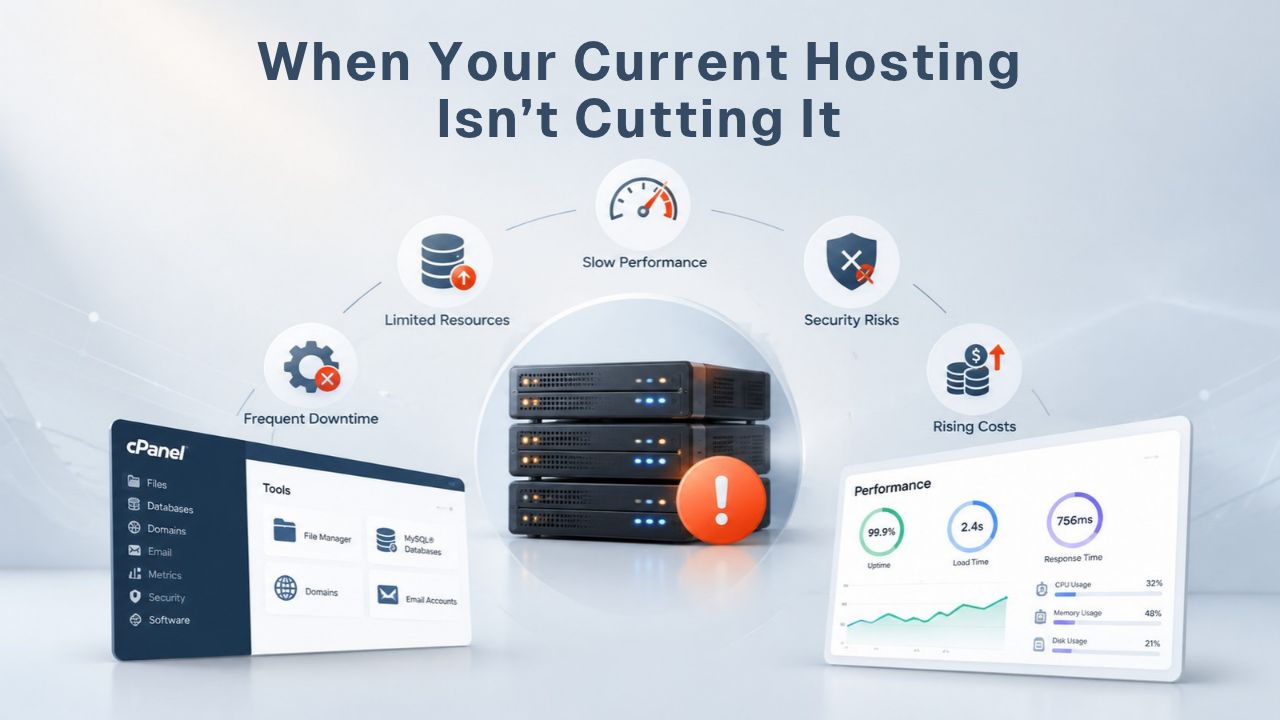
When a site starts feeling slow on shared web hosting or hits resource limits, the instinct is to upgrade immediately. But slow performance and resource constraints have different root causes, and diagnosing the real problem is the critical first step toward the right solution. Understanding what your hosting tier actually includes, and where its real boundaries sit, helps separate true outgrowth from fixable inefficiency that might be solved through optimization instead.
Traffic & Resource Limits You’ll Actually Hit
Shared hosting typically supports 100–500 concurrent users comfortably on a standard plan. Once your site regularly brings together more than a few hundred people at the same time, the shared server’s CPU, RAM, and I/O start to strain noticeably. Hosting providers oversell shared plans, packing more sites per server than the hardware can handle simultaneously, so one neighbor’s traffic spike affects your site’s speed, and your spike affects theirs. This is the fundamental trade-off of shared hosting: affordability in exchange for shared resources and variable performance during high-traffic periods.
A managed VPS solves the noisy-neighbor problem by isolating your resources from other customers. You get a dedicated chunk of a physical server’s resources- CPU cores, RAM, and disk space- guaranteed to your account. GoDaddy’s managed VPS plans typically handle 500–5,000 concurrent users, depending on the resource tier you choose. Most small-to-medium sites, including e-commerce stores with annual revenue in the hundreds of thousands to low millions, run comfortably on a managed VPS and never need to upgrade to dedicated hosting. The VPS sits in a practical middle ground: more stable than shared hosting, but significantly less expensive than dedicated infrastructure.
Performance Degradation Signals
Not every slow site is suffering from hosting limits. A site hosted on shared web hosting can deliver one- to two-second page-load times if the application code is efficient, the database is well-tuned, and a caching layer is in place. The same site with unoptimized queries and missing caching can deliver -five- to ten-second load times, even on dedicated hardware. This distinction matters enormously because it determines whether your next step is an upgrade or an optimization project.
Common performance-degradation signals include: consistent page-load times over three seconds (measured in your browser’s developer tools under real traffic), frequent HTTP 502 or 503 errors (gateway errors that mean the server is overwhelmed), CPU usage constantly above 80% during normal business hours (check in your control panel or hosting dashboard), or database queries running for longer than a few milliseconds when they should run instantly. If you’re seeing these on shared web hosting, upgrading to VPS or dedicated may help, but start by checking whether caching, database indexing, or code optimization can fix them first. Many sites achieve the same performance boost through optimization alone at zero cost.
Business Web Hosting Plans & Pricing
Choose the hosting plan that fits your website, WordPress site, or growing business. Compare features, storage, performance, security, and website capacity to find the right hosting environment for your needs.
cPanel Starter
cPanel Hosting that's easy, reliable and lightning-fast.
- 1 website
- 30 GB storage
- Unmetered bandwidth*

cPanel Economy
cPanel Hosting that's easy, reliable and lightning-fast.
- 1 website
- 100 GB space
- Unlimited bandwidth*
- 100 email accounts**
- 10 MySQL databases (1 GB ea.)
cPanel Deluxe
cPanel Hosting that's easy, reliable and lightning-fast.
- Unlimited websites
- Unlimited space
- Unlimited bandwidth*
- 500 email accounts
- 25 MySQL databases (1 GB ea.)
cPanel Ultimate
cPanel Hosting that's easy, reliable and lightning-fast.
- Unlimited websites
- Unlimited space
- Unlimited bandwidth*
- 1000 email accounts
- Unlimited MySQL databases (1 GB ea.)
- 2X Processing power & memory (available for Linux/cPanel only)
- Premium DNS
- 1-year SSL certificate to secure customer data and increase search rankings
*We don't limit the amount of storage and bandwidth your site can use as long as it complies with our Hosting Agreement. Should your website bandwidth or storage usage present a risk to the stability, performance or uptime of our servers, we will notify you via email and may be required to upgrade, or we may restrict the resources your website is using.
**Email account storage is limited to 100 email accounts with 100 MB of total storage.
WordPress Basic
A great way to get started.
- 1 website
- 10 GB NVMe storage
- Unmetered bandwidth
- Free SSL Certificate *
- WordPress pre-installed
- Weekly backups
- Web Application Firewall
- Daily malware scans
- One-time malware removal

WordPress Deluxe
Improve your site performance with Cloudflare CDN.
- 1 website
- 20 GB NVMe storage
- Unmetered bandwidth
- Free SSL Certificate *
- WordPress pre-installed
- Daily backups
- Web Application Firewall
- Daily malware scans
- One-time malware removal
- Up to 2x faster performance with global Cloudflare CDN **
- Enhanced security with DDoS protection
- Staging site
WordPress Ultimate
Add online marketing with more sites, storage and security.
- 1 website
- 30 GB NVMe storage
- Unmetered bandwidth
- Free SSL Certificate *
- WordPress pre-installed
- Daily + on-demand backups
- Web Application Firewall
- Daily malware scans
- Unlimited malware removal
- Up to 2x faster performance with global Cloudflare CDN **
- Enhanced security with DDoS protection
- Staging site
- WordPress code optimizer
- Smart WordPress plugin manager
- Sell online with WooCommerce
*An SSL certificate is included with every site and free for the life of the hosting plan. Certificates are automatically installed, validated and renewed.
Web Hosting Plus Launch
For multiple basic sites.
- 100 GB storage*
- 4 GB RAM
- 2 CPUs
- Unmetered traffic
- 50 websites & databases
- Free, unlimited SSL for all your websites**

Web Hosting Plus Enhance
For high-traffic WordPress, Joomla, and other sites.
- 200 GB storage*
- 8 GB RAM
- 4 CPUs
- Unmetered traffic
- 100 websites & databases
- Free, unlimited SSL for all your websites**
Web Hosting Plus Grow
For advanced eCommerce sites like Magento.
- 300 GB storage*
- 16 GB RAM
- 8 CPUs
- Unmetered traffic
- 150 websites & databases
- Free, unlimited SSL for all your websites**
Web Hosting Plus Expand
For multiple basic sites.
- 400 GB storage*
- 32 GB RAM
- 16 CPUs
- Unmetered traffic
- 200 websites & databases
- Free, unlimited SSL for all your websites**
*The total amount of usable storage capacity for your particular Hosting Service(s) may differ from the represented capacity as there is required space for the operating system(s), system file(s) and other supporting file(s).
**If you cancel the Web Hosting Plus product, you will lose the associated SSL certificate as well.
Understanding the Hosting Tier Hierarchy: Shared, VPS, and Dedicated Web Hosting
Web hosting tiers differ in how resources are allocated, not in how the underlying server software itself works. Shared, VPS, and managed web hosting all run the same control panels (cPanel or Plesk), the same operating systems (Linux or Windows), and the same application stacks. The difference is isolation: who else’s workload can interfere with yours, and how much control you have over server-level settings and configurations.
How Resource Sharing Actually Works
In shared hosting, one physical server runs dozens or hundreds of separate customer sites through a shared operating system kernel. Each site gets a cPanel or Plesk account that abstracts server management; you configure your site, install WordPress or other applications, and manage email and databases through the control panel interface, without touching OS-level commands or worrying about system administration. But the underlying CPU, RAM, and disk I/O are genuinely shared. If one neighbor’s site gets a traffic surge or runs a resource-intensive script (like an image resizer or backup process), your site’s performance suffers because you’re competing for the same finite hardware resources.
A managed VPS partitions a physical server into multiple isolated virtual machines, each running its own operating system instance. According to GoDaddy’s infrastructure documentation, each VPS gets guaranteed CPU cores and RAM allocated directly to it, so you don’t have to compete with other customers for those resources. If another VPS on the same physical server experiences CPU spikes or a memory leak, your allocation stays protected and unaffected. Managed VPS providers handle OS updates and security patching automatically, so you get isolation without managing the underlying server or worrying about staying current on patches.
Shared vs. VPS vs. Dedicated Resource Model
Dedicated hosting gives you exclusive access to an entire physical server; all its CPU cores, RAM, storage, and I/O bandwidth belong to one customer only. You (or your hosting provider, if you choose managed dedicated hosting) control OS updates, security patches, firewall rules, and server monitoring. GoDaddy’s dedicated hosting documentation shows that dedicated servers typically support 5,000 to 50,000+ concurrent users depending on the resource tier you select. However, real concurrency depends heavily on your application’s memory footprint, database efficiency, and code optimization, not server horsepower alone.
Most site owners misjudge their resource needs because they don’t measure concurrency correctly. Monthly pageviews and daily visitors are marketing metrics; concurrent users, the number of people actively using your site right now at the same moment, is the hosting metric that actually matters. A site with 100,000 monthly visitors might have only 50 concurrent users during peak hours. A site with 10,000 monthly visitors might have 500 concurrent users during a flash-traffic event like a viral social-media mention. Measure your actual concurrent users in your hosting control panel, web server logs, or analytics tool before deciding you need a tier upgrade. This measurement drives the right decision far better than guesswork or assumptions.
| Hosting Tier | Typical Concurrency | Resource Sharing Model | Best For | When to Consider Upgrading |
|---|---|---|---|---|
| Shared Hosting | 100–500 concurrent users | Multiple sites per server | Blogs, portfolios, small business sites, starter projects | When response time exceeds 2–3 sec consistently under load or 502/503 errors appear regularly |
| Managed VPS | 500–5,000 concurrent users | Isolated virtual machine with guaranteed resources | Small e-commerce, SaaS applications, custom code, growing agencies | When VPS CPU and RAM consistently max out during peak traffic or during marketing campaigns |
| Dedicated Hosting | 5,000–50,000+ concurrent users | Exclusive physical server, all resources reserved for one customer | High-traffic e-commerce, strict compliance requirements, resource-intensive applications, multi-tenant platforms | When single-server capacity is needed or strict data isolation is required for regulatory reasons |
| Cloud/Scalable | Unlimited (auto-scaling across multiple servers) | Distributed across cloud infrastructure with automatic scaling | Very high traffic, variable load patterns, multi-region global presence | When traffic is unpredictable, approaching multi-server scale, or requires automatic scaling |
Real Signs Your Site Is Outgrowing Its Current Plan
Most web hosting plans publish their resource limits: storage (disk space for your site files and databases) and bandwidth (data transfer to and from your visitors per month). Some older plan tiers cap these artificially low, and once you hit those caps, your site stops accepting new uploads or slows dramatically until the month resets. But storage and bandwidth are rarely the real bottleneck on modern hosting plans anymore. CPU and RAM, how much processing power your site can use at one time, are the actual limits that drive tier upgrades and performance issues.
Measuring Actual Traffic & Concurrency
Check your hosting control panel’s resource monitor or your web-server logs carefully to find your actual peak concurrent users during the busiest day or week you have on record. Compare that number against your web hosting plan’s typical concurrency threshold: shared plans handle approximately 100–500, managed VPS handles approximately 500–5,000, and dedicated handles 5,000 and above. If your peak concurrency is comfortably within your plan’s range, you’re not actually outgrowing the tier based on concurrency alone, and an upgrade may not be the right next step.
If you’re seeing regular HTTP 502 or 503 errors (which mean your web server ran out of available processes to handle incoming requests) or consistent 80% or higher CPU usage during peak hours, your concurrency is genuinely bumping against your plan’s limit and straining the system. But before upgrading, verify that the spike isn’t caused by a temporary traffic surge you can handle, a poorly configured plugin causing runaway processes, or a database query running out of control. Many site owners see a one-time spike (a post going viral on social media, a marketing campaign launching) and upgrade permanently, when a temporary scale-up and then scaling back would have been far more cost-effective.
Database & Application Slowdowns
If your pages load fast during quiet hours but slow down noticeably under traffic and load, the bottleneck is usually the database or application code, not the hosting tier itself. Inefficient queries that weren’t optimized properly, a missing database index on frequently-searched columns, or an N+1 query pattern (making one database query per row returned instead of batching them into a single query) can make even a powerful dedicated server feel slow and unresponsive.
Connect to your database using your hosting provider’s database GUI tool (usually phpMyAdmin through cPanel or Plesk) and check the slow-query log to see which queries are running slow. Add database indexes to frequently searched columns, refactor queries for efficiency, or use query caching to speed them up dramatically. If your application code is making synchronous API calls to external services (payment processors, email providers, analytics platforms, weather services) and those external services are slow, the problem isn’t your hosting; it’s the external dependency. Upgrading your hosting plan won’t fix an external service’s latency or intermittent downtime, so identify the real bottleneck before spending money.
Security & Compliance: When Isolation Matters
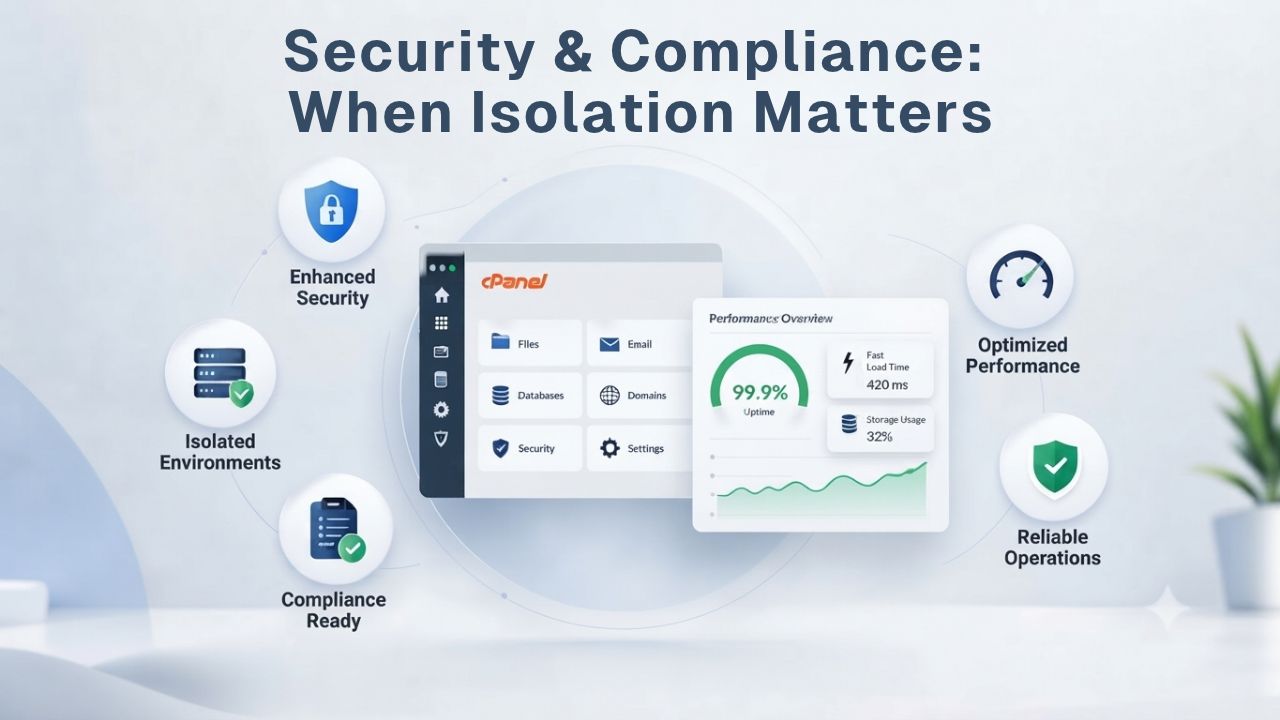
Shared hosting is secure for most websites and businesses. Still, sites handling sensitive customer data (medical records, payment information, user authentication credentials, personally identifiable information) often face compliance requirements that strongly favor dedicated or isolated infrastructure. Isolation itself doesn’t make a site secure; that’s the responsibility of your application code, database encryption, and the site owner’s security practices, but isolation reduces the attack surface and significantly simplifies compliance audits.
Dedicated Isolation for Sensitive Data
A compromised site on a shared server could theoretically be used as a jumping-off point to attack other sites on the same server, or to steal other customers’ data from shared temporary directories or shared database servers. In practice, hosting providers maintain filesystem and database isolation carefully, and this risk is relatively rare in professional hosting environments. But if your business model includes handling customer payment information or medical records directly, compliance auditors will almost certainly push back on shared hosting as insufficient for their requirements.
PCI DSS (Payment Card Industry Data Security Standard) does not technically prohibit shared hosting. Still, many PCI compliance assessors and payment processors require dedicated infrastructure (or isolated database servers on a different machine) to pass an audit. HIPAA (Health Insurance Portability and Accountability Act) compliance similarly favors isolated infrastructure for medical data. If you’re subject to these or similar regulatory frameworks, check with your compliance officer or auditor before committing to shared hosting, but also confirm that your data-handling practices (encryption at rest and in transit, access controls, secure backup procedures) meet the standard. Upgrading hosting alone won’t make a negligent site compliant if the application code doesn’t follow security best practices.
Compliance Requirements That Drive Tier Selection
Compliance frameworks vary significantly by region and industry. No single hosting tier universally satisfies all requirements. GDPR (General Data Protection Regulation) applies to sites handling personal data of EU residents and mandates data-residency requirements, but those are met through your hosting provider’s data-center location and security practices, not necessarily through dedicated hosting; a compliant shared hosting provider in the EU works fine. CCPA (California Consumer Privacy Act) applies to California residents and requires data deletion capabilities and access controls, met through application-level practices and proper database management, not hosting tier.
The underlying pattern is consistent: compliance frameworks mandate data protection and handling practices; hosting-tier isolation helps you meet those practices, but doesn’t replace them entirely. Site owners often upgrade to dedicated hosting believing it makes them compliant, then discover they still need encrypted databases, secure backups, proper access-control policies, and audit logging. Before upgrading, confirm whether your compliance requirement mandates a specific hosting tier or whether the practices and controls really matter. Sometimes a compliant shared hosting provider with strong security practices will satisfy your regulatory requirements.
Web Hosting Cost vs. Benefit: Does the Upgrade Make Sense?
A managed VPS tier typically costs two to three times more than a shared plan; managed dedicated hosting typically costs three to eight times more than shared, depending on the resource tier and the provider you choose. This is a significant cost increase over time, and the upgrade only makes genuine financial sense if the benefit, increased revenue, reduced downtime costs, or compliance audit success, exceeds the extra expense you’ll incur month after month.
Calculating True ROI
Managed web hosting options range from affordable shared hosting at the low end to VPS tiers and, at the higher end, managed dedicated hosting, depending on the resource tier and provider. Each tier represents a different level of resource guarantee and isolation. First, decide which tier fits your site’s measurable needs based on concurrency and resources; then compare the cost to the expected business benefit realistically.
An e-commerce site generating significant revenue can justify a substantial hosting upgrade if it delivers even a modest revenue improvement through better performance or reduced downtime. The math becomes straightforward: calculate how much revenue you lose per hour of downtime or per second of additional page-load time, then compare that loss to the hosting upgrade cost. If your upgrade recouped its cost in a few weeks through reduced downtime or improved conversions, it’s economically justified. A nonprofit blog generating no revenue cannot justify an expensive upgrade based on technical improvements alone. For a bootstrapped startup or side project with a limited budget, optimizing your current tier makes more sense than an expensive hosting tier until revenue supports the upgrade.
Hidden Costs Beyond the Monthly Bill
Introductory pricing (often 50–70% off the renewal rate in the first year) can significantly disguise the real, ongoing cost of hosting. A plan advertised at a very low rate for year one might renew at substantially higher rates in year two and beyond. A dedicated server advertised at a certain rate initially might renew at much higher rates when the introductory period ends. When calculating ROI, use the renewal rate, not the intro rate, because you’ll be paying the higher price for years two, three, and beyond. This matters far more for long-term decision-making than the exciting first-year deal.
Migrating from one hosting tier to another involves labor costs and operational disruption, either Niya Digital’s setup support (which is included in onboarding as part of the service) or your own time and effort if you’re migrating manually. A zero-downtime migration also requires staging the new tier, syncing data over time, and coordinating the DNS switchover carefully during a low-traffic window, which can take several days. Factor this transition time, effort, and any potential disruption into your upgrade decision. If the upgrade doesn’t deliver the expected benefit (faster load times, better uptime, compliance audit success), backing out and downgrading is possible but costly and time-consuming, so validate your assumptions before committing to the change.
Start Your Hosting Upgrade Assessment
Figuring out which tier fits your site starts with understanding your real traffic volume, application architecture, and compliance requirements, not marketing claims or plan tier names alone. Niya Digital’s Web Hosting service offers shared, managed VPS, and managed dedicated plans with onboarding support to help you choose the right tier and migrate without downtime affecting your visitors.
Optimize Before Upgrading: High-Performance Web Hosting Starts With Efficiency
Upgrading hosting is expensive and operationally disruptive. Before you commit to a new tier, exhaust the quick wins in application optimization and caching; they often deliver the same performance boost at a fraction of the cost and effort. Niya Digital’s team has found that most site owners underestimate their optimization opportunities before upgrading tiers; a quick audit often reveals caching, indexing, or code-efficiency improvements that deliver better ROI than a hosting tier jump.
Caching, Database Tuning, & Code Efficiency
A content-delivery network (CDN) caches your site’s images, CSS, and JavaScript files across geographically distributed servers, so visitors download static assets from a location closer to them geographically, reducing latency dramatically. Page caching (storing rendered HTML pages in fast memory storage and serving them without hitting your database every time) is the single biggest performance improvement for most WordPress and e-commerce sites. Opcode caching (storing compiled PHP bytecode in fast memory) speeds up PHP application execution by three to five times compared to recompiling on every request. None of this requires a hosting upgrade; it just requires configuration.
Unindexed database columns, missing LIMIT clauses on large SELECT queries, and missing JOINs to pre-fetch related data are common slow-query patterns that plague many sites. Adding an index to a frequently-searched column can speed a query from two seconds to twenty milliseconds, a one-hundred-times improvement from a simple change. A good database auditing tool (usually built into most control panels or available as a WordPress plugin for open-source databases) can identify these issues automatically and point you toward fixes. These optimizations take a few hours of engineering effort and cost nothing beyond your time, making them the highest-ROI improvements available.
When Optimization Stops Making Sense
Optimization hits diminishing returns eventually. After caching, indexing, and code efficiency improvements, the next performance gains come from upgrading your hosting tier to gain more CPU, more RAM, and more concurrent request capacity. If your site is already optimized, your application is well-written, your database is properly tuned, and you’re still hitting performance limits under traffic load, then a hosting upgrade is genuinely needed, but don’t start with tier upgrades if optimization work remains undone.
Measure your optimization impact before and after making changes. If caching and tuning cut your page-load time from three seconds to one-and-a-half seconds but that’s still slower than you want, quantify the remaining gap. An upgrade from shared to VPS might deliver another third-to-half-second improvement if CPU is the bottleneck, or almost no improvement if the remaining slowness comes from your application code or a distant API call. Upgrade only when optimization can’t close the gap any further and when the performance improvement you’d gain will deliver measurable business value through increased conversions or reduced bounce rates.
Managed vs. Unmanaged Dedicated Web Hosting: Where Does Control Fit?
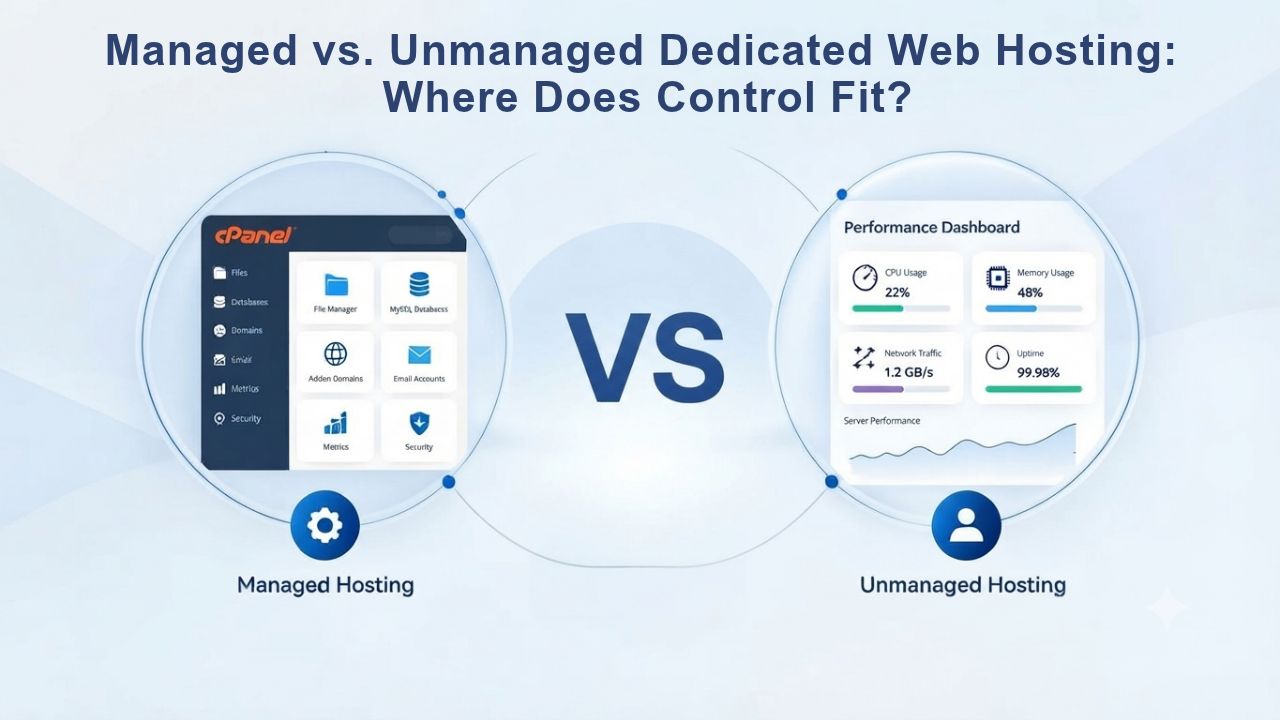
Dedicated hosting comes in two fundamentally different flavors: managed (the provider handles OS updates, security patches, and server monitoring; you manage site-level configuration through a control panel) and unmanaged (you handle all server administration from the command line). This choice sits at the intersection of control, expertise, and cost, and it’s often where new dedicated hosting customers stumble.
Handling OS Updates & Security Patches
An unmanaged dedicated server gives you root access and complete control over every server setting, the operating system version, installed packages, firewall rules, software versions, and even the web-server configuration itself. This control is powerful for customization but also carries full responsibility: you must monitor security advisory sites for patches, apply them on a regular schedule, debug server-level issues, manage server backups yourself, and handle monitoring to catch problems before they affect visitors.
Most site owners lack the Linux administration expertise or time to manage an unmanaged server safely and securely. A missed security patch can leave your server open to compromise for weeks or months. A misconfigured firewall rule can break email delivery or unexpectedly deny legitimate traffic. A full disk can crash the server silently. Unmanaged servers are cheaper upfront (typically 30–40% less than managed equivalent) but require a DevOps engineer or server-admin contractor on staff, which usually costs far more than the hosting savings over time. The hidden cost of unmanaged hosting is expertise.
Choosing the Right Management Level
Managed dedicated hosting (available through Niya Digital’s Web Hosting service via GoDaddy’s managed dedicated plans) gives you a control panel (cPanel or Plesk) for site-level tasks while the provider handles OS updates, security patches, server monitoring, and baseline backups automatically. You get most of the control benefits of dedicated hosting without the expertise requirement or the constant vigilance for security updates. Niya Digital’s support team can help with domain setup, DNS configuration, email hosting configuration, and control-panel guidance during your dedicated hosting tenure, so you’re not alone during migration or troubleshooting.
If your team includes a DevOps engineer and you need custom server configurations that a control panel doesn’t expose (custom runtime environments, specific kernel tuning, bespoke monitoring), unmanaged dedicated hosting gives you that level of control and customization. Otherwise, managed dedicated hosting is the pragmatic choice for most growing businesses: you get isolation and control over your application and data, professional management of server-level operations and security, and support when things go wrong, without requiring specialist server-administration expertise on your team or as a contractor.
Migration Planning: Getting to Dedicated Without the Downtime
Upgrading from shared hosting to dedicated hosting involves carefully migrating your site’s files, databases, email, and DNS configuration to a new server. With proper planning and staging, this can be a zero-downtime migration. Handled carelessly without testing, it can cause business disruption lasting hours or days and affect your customers.
Typical Provisioning & Switchover Timeline
A new dedicated server is typically provisioned and ready within 24–48 hours after you purchase it. The server arrives with a bare operating system and control panel installed, but without your site data or configuration. Migrating your site data (files and databases) typically takes one to seven days depending on site size and complexity. A simple WordPress blog with a 500 MB database migrates in a few hours; a custom application with gigabytes of data, complex database constraints, and real-time components takes several days.
A zero-downtime migration follows this proven process: stage your site on the new dedicated server and verify everything works correctly there, then switch DNS records to point to the new server. Visitors’ browsers cache DNS lookups for 24–48 hours (governed by a TTL, time-to-live, value), so the switchover isn’t instantaneous for all visitors, but most visitors see the new server within minutes to a few hours. Email migration happens separately: email can route to both old and new servers during the transition period, and once you’re confident the new server is handling email correctly, you can decommission the old server’s mailboxes. This staged approach minimizes disruption.
Working With Your Provider During Transition
Niya Digital’s support team can coordinate the entire migration workflow for you: pointing you to backup tools in your current control panel, ensuring your current provider exports domain and email configurations in a portable format, staging your site on the new dedicated server for testing, and scheduling the DNS switchover for a low-traffic window to minimize disruption risk. They can’t directly access your current hosting account (your previous provider won’t permit that). Still, they can guide you through every step of the migration checklist and troubleshoot any compatibility issues that arise during testing.
Schedule the migration during a low-traffic window, late evening or early morning in your primary users’ time zone, so that any brief DNS propagation delay or misconfiguration affects fewer people and causes less business impact. Keep your previous hosting account active for at least 48 hours after switching DNS, in case something goes wrong and you need to revert quickly to the old server. Test the new server thoroughly before switching DNS: verify all applications work as expected, all emails deliver correctly, and all external integrations (payment processors, analytics, APIs) connect and function as expected. This testing prevents surprises after go-live.
Long-Term Planning: Dedicated Hosting as a Waypoint, Not a Destination
Dedicated hosting is powerful but ultimately finite in capacity. Once a single server is fully utilized and running at maximum capacity, the next scale requires a fundamentally different architecture: load-balancing traffic across multiple servers, or migrating to cloud infrastructure (AWS, Google Cloud, Azure) that scales automatically. Dedicated hosting is a waypoint on your scaling journey, not the final destination.
Scaling Beyond Dedicated
A dedicated server supporting 50,000 concurrent users is an expensive, powerful machine running at capacity. Adding another 50,000 users requires another server and a load balancer to distribute traffic between them, which adds significant operational complexity. At that point, cloud infrastructure, which auto-scales servers up and down based on real-time traffic, often becomes more cost-effective and easier to manage than managing multiple physical dedicated servers yourself. Cloud platforms handle the complexity of load-balancing and scaling.
Cloud platforms like AWS or Google Cloud offer hosting services similar to what you’d get from a dedicated server, but with automatic scaling up and down based on load, built-in global content distribution, automatic database backups and failover, and pay-for-what-you-use pricing. They’re more expensive if traffic is stable and predictable (you pay for always-on resources); they’re cheaper if traffic spikes unpredictably (you pay for only what you use). Dedicated hosting is usually the sweet spot for businesses with moderate, stable traffic (5,000–50,000 concurrent users regularly) and predictable monthly usage patterns.
When Cloud or Multi-Server Architecture Makes Sense
If your business model depends on handling sudden, unpredictable traffic surges (flash sales, viral social media mentions, major marketing campaigns), cloud infrastructure’s auto-scaling capability is worth the operational learning curve and API complexity. If your traffic is stable, predictable, and well within a single dedicated server’s capacity, dedicated hosting is simpler and usually more cost-effective. If you need global presence with low latency (serving users in Europe, Asia, and the Americas simultaneously with fast response times), you’ll need multi-region cloud or a CDN in front of your dedicated server.
Think of your hosting tier as a temporary fit for your business’s current size and growth trajectory, not a permanent decision. A typical startup scales from shared hosting (year one to two) to managed VPS (year two to three) to dedicated hosting (year three to five) to cloud or multi-server architecture (year five and beyond), but those timelines vary significantly based on growth rate and traffic. Plan for what you genuinely need now and what’s immediately foreseeable, not for speculative needs five years out. This keeps costs reasonable while maintaining enough capacity for growth.
Making the Final Decision: A Checklist for Your Situation
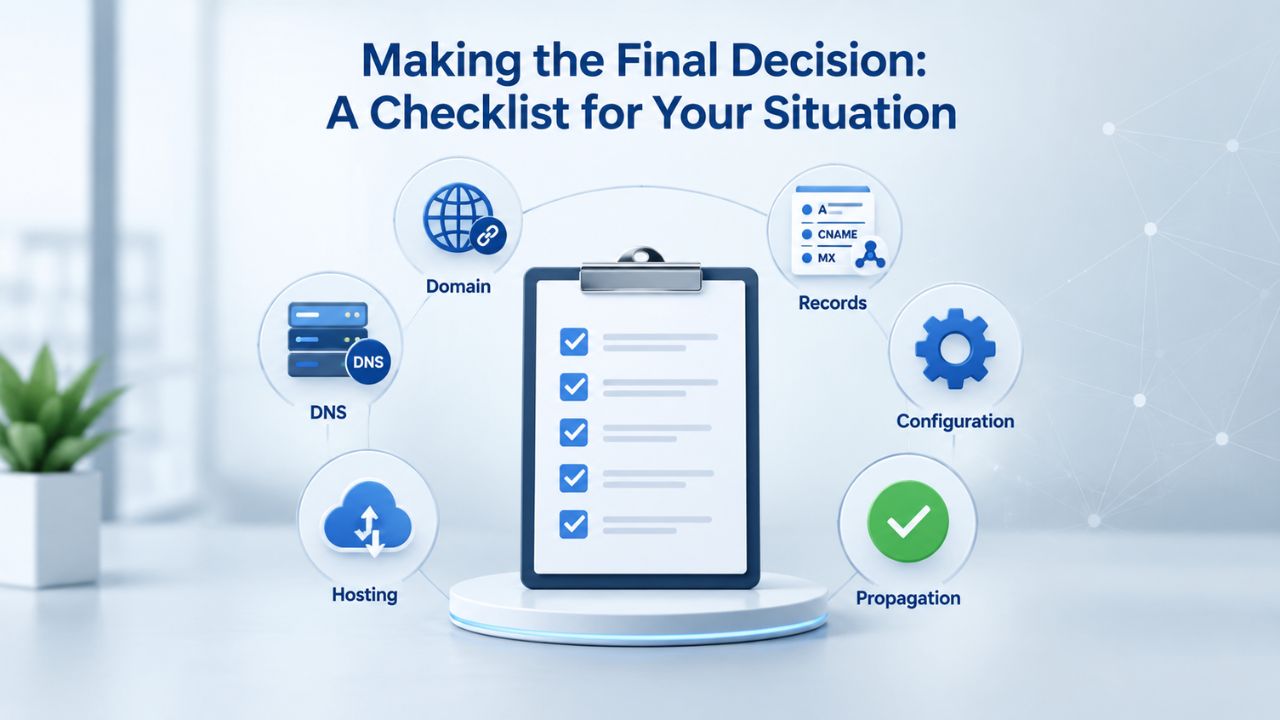
By this point, you’ve diagnosed your actual resource constraints, assessed optimization opportunities, understood the cost and management trade-offs, and considered your long-term trajectory. This section puts it all together into a practical decision framework you can use.
Use-Case Decision Matrix
Use this framework to map your situation against real upgrade criteria honestly. If most of your answers land in the left column, your current tier is still working fine. If they land in the right column, a dedicated upgrade makes genuine sense for your situation.
| Decision Factor | Stay on Current Tier | Consider an Upgrade |
|---|---|---|
| Current traffic volume | Fewer than 10,000 monthly unique visitors OR fewer than 1,000 concurrent users at peak | More than 50,000 monthly visitors OR more than 5,000 concurrent users at peak |
| Site complexity | WordPress, Drupal, standard e-commerce platform with standard plugins | Custom application, real-time processing, heavy database workload, multiple background jobs |
| Current performance | Page load time one to two seconds, no regular 502/503 errors, CPU usage under 60% during peak | Page load time consistently over three seconds, frequent 5xx errors, CPU maxed during peak |
| Database size | Under one gigabyte | Over ten gigabytes with complex, resource-intensive queries |
| Budget & ROI | Small business, side project, hobby site, low revenue impact if speed improves | Significant revenue or compliance audit tied to performance and uptime |
| Compliance requirements | Standard website, no regulatory data-handling mandates | Handling payment cards, medical records, EU customer data (GDPR requirements) |
| Management capacity | Team uncomfortable with server administration; prefer provider-managed everything | Team includes DevOps expertise or willing to hire managed support |
| Growth trajectory | Traffic stable or growing under 20% annually | Traffic growing 50% or more annually or experiencing unpredictable spikes |
Next Steps if Dedicated Is Right for You
If your checklist points to a dedicated upgrade, start by carefully benchmarking your current performance and resource usage over the past 30 days. Download your hosting control panel’s resource report (CPU, RAM, bandwidth, concurrency) for peak days, and note the dates and times. Calculate the cost of the dedicated tier against your projected revenue or compliance benefit, using the renewal rate (not the introductory rate), and confirm the ROI is positive before committing.
Then contact Niya Digital’s support team to discuss your situation openly, verify which dedicated tier actually fits your resource profile, and schedule a migration timeline that works for your business. They can walk you through the full process: provisioning the new server, migrating your site data and email, thoroughly testing on the new server, and coordinating the DNS switchover. If optimization on your current tier is still possible, Niya’s team can point you toward quick wins before upgrading, potentially saving you substantial cost if a tier bump isn’t actually necessary yet.
Compare Hosting Tiers for Your Growing Site
Choosing a hosting tier means balancing cost, control, and performance against your actual business needs and measured traffic patterns. Niya Digital’s Web Hosting service offers shared, managed VPS, and managed dedicated plans with built-in onboarding support and a team familiar with migrations, troubleshooting, and long-term growth planning. Get a personalized recommendation for your site’s current situation and next steps.
Frequently Asked Questions
How do I know if my site is actually outgrowing shared hosting?
Check your hosting control panel’s resource monitor carefully for CPU and RAM usage during your busiest day of the week or month. If you consistently see 70 percent or higher CPU usage during peak hours, or frequent HTTP 502 and 503 errors, shared hosting may be struggling to meet your site’s needs. But also check for slow database queries or missing cache layers first, those are often the real culprit, not hosting tier limits.
Is Shared Web Hosting Secure? What About Data Protection and Uptime?
Shared hosting is as secure as the provider’s security practices plus your application security. Compliance frameworks like PCI DSS and HIPAA don’t technically prohibit shared hosting, but many compliance auditors require data isolation or specific controls that favor dedicated infrastructure for regulated data. The provider typically isolates the web server and database, but confirm your specific compliance requirements with your auditor before assuming shared hosting is sufficient.
Can I upgrade from shared web hosting to dedicated hosting with zero downtime?
Yes, with proper planning. Stage your site on the new dedicated server and verify everything works correctly there, then switch DNS records to point to the new server. Most visitors see the new server within minutes to hours. Email can route to both servers during transition seamlessly. The entire zero-downtime process typically takes two to seven days depending on site complexity and testing needs.
Managed vs. Unmanaged Dedicated Web Hosting: Which Is Right for You?
Managed dedicated hosting: the provider handles OS updates, security patches, and monitoring automatically; you manage site-level configuration through a control panel. Unmanaged dedicated hosting: you handle everything from the command line and manage all server administration tasks. Managed is easier and more appropriate for most site owners; unmanaged is cheaper but requires server administration expertise or a contractor on staff.
How much does a dedicated hosting upgrade cost?
Dedicated hosting involves an investment in resources and management. The exact cost depends on the provider, the resource tier you choose, and whether you select managed or unmanaged hosting. Introductory rates often differ from renewal rates, so budget for renewal costs. Check your hosting provider’s current plans for specific figures and compare renewal rates when calculating the true cost of ownership.
Can I optimize my site instead of upgrading hosting tiers?
Often, yes. Caching, database indexing, and code efficiency improvements often deliver the same performance boost as a tier upgrade at a fraction of the cost and effort. Start with optimization, measure the improvement you achieve, and upgrade only if performance is still limited by hosting capacity, not application efficiency or configuration.
Will upgrading to dedicated hosting fix a slow site?
Only if the slowness is caused by CPU or memory limits on your current tier, not by application code issues or external dependencies. If your database queries are slow, images aren’t optimized, or third-party APIs are sluggish, upgrading hosting won’t fix those problems. Always diagnose the actual bottleneck before upgrading, since most site slowness originates in the application, not the hosting tier itself.
What happens to my email when I migrate to a new server?
Email can be migrated alongside your site by exporting email accounts from your current provider and importing them into the new server. During the transition, email can route to both old and new servers until you’re confident the new server is handling it correctly. Full email migration typically completes within 24–48 hours after testing.
How long does server provisioning and migration typically take?
A new dedicated server is typically ready within 24–48 hours after purchase. Migrating your site data, databases, and email takes one to seven days depending on site size and complexity. A full zero-downtime migration, including proper testing and DNS switchover, takes two to seven days total. Plan accordingly so the migration doesn’t significantly disrupt your business.
Is dedicated hosting necessary to meet compliance requirements like HIPAA or PCI DSS?
Compliance frameworks mandate data-handling practices and security controls, not a specific hosting tier automatically. Dedicated hosting can simplify compliance by isolating data. Still, a compliant shared hosting provider can meet most compliance requirements through application-level practices like encryption, access controls, and secure backups. Confirm with your compliance officer which specific controls your situation requires.
Do I need server administration skills to use managed dedicated hosting?
No. Managed dedicated hosting includes provider-managed OS updates, security patches, and server monitoring automatically. You manage site-level configuration through cPanel or Plesk, the same way you would on shared hosting or VPS. Niya Digital’s support team helps with setup and troubleshooting throughout your tenure.
What’s the difference between concurrent users and monthly pageviews?
Concurrent users are the number of people actively using your site right now at the same moment. Monthly pageviews are the total pages viewed in a month across all sessions. Concurrent users, not pageviews, determine hosting capacity. A site with 100,000 monthly pageviews might have only 50 concurrent users during peak hours.
How do I choose between upgrading to managed VPS and upgrading to dedicated hosting?
Managed VPS is a good stepping stone if your peak concurrency is between 500 and 5,000 users. Dedicated hosting is appropriate if you’re approaching or exceeding 5,000 concurrent users, need strict data isolation for regulatory reasons, or run custom applications with unpredictable resource demands. Most sites step from shared hosting to VPS before considering dedicated hosting as a future step.
What if I upgrade to dedicated hosting and realize I didn’t need it?
Downgrading is possible but operationally disruptive, you’ll migrate your site back to a lower tier, which takes time and effort. Avoid unnecessary upgrades by thoroughly benchmarking your traffic and application performance before committing. Niya Digital’s support team can help validate your assumptions before you upgrade, potentially saving you substantial money.
Will my site still be slow after upgrading to dedicated hosting?
A dedicated upgrade will improve CPU-bound slowness (query execution, PHP processing, concurrent request handling) but not application-level slowness (unoptimized queries, missing caching, unoptimized images, slow third-party APIs). Diagnose the bottleneck first; fix application issues before upgrading hosting to ensure you get the performance improvement you’re paying for.
Glossary
- Web Hosting: A service that provides server infrastructure (hardware, operating system, control panel, email system, and baseline security) so websites and applications can be accessed reliably by visitors over the internet.
- Shared Hosting: A hosting model where multiple customer sites run on one physical server and share CPU, RAM, and disk I/O resources. The most affordable tier, suitable for small sites and blogs with predictable traffic.
- Managed VPS (Virtual Private Server): A hosting model where one physical server is partitioned into isolated virtual machines. Each VPS gets guaranteed resources (CPU cores, RAM) and its own operating system, and the provider automatically manages OS updates and security.
- Dedicated Hosting: A hosting model where one customer has exclusive use of an entire physical server, including all CPU cores, RAM, storage, and I/O bandwidth. Provides maximum resources and isolation.
- Uptime/SLA (Service Level Agreement): Uptime is the percentage of time a server remains available and responsive to requests. An SLA is a provider’s published commitment, typically 99.9 percent, meaning approximately 43 minutes of downtime per month.
- Bandwidth: The amount of data transferred between your site and visitors’ browsers, measured in gigabytes or terabytes per month. Most web hosting plans include monthly bandwidth.


