The Difference Between Cheap and Good Value in VPS Hosting
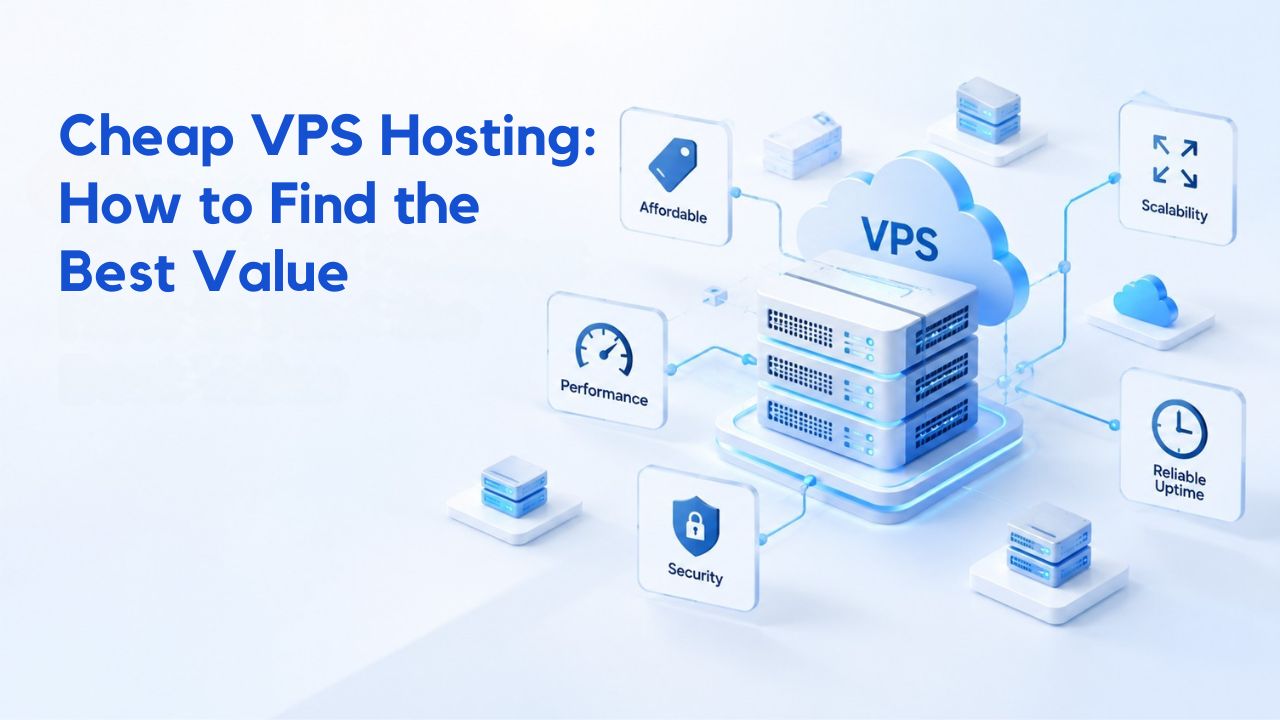
Cheap and valuable are not the same thing. Many buyers equate lowest sticker price with best value, but entry-level VPS plans often come with hidden restrictions that create unexpected costs later. A hosting plan that looks affordable in month one can become expensive if undersized resources force mid-contract upgrades, trigger expensive renewal rate jumps, or require costly migration to a different provider.
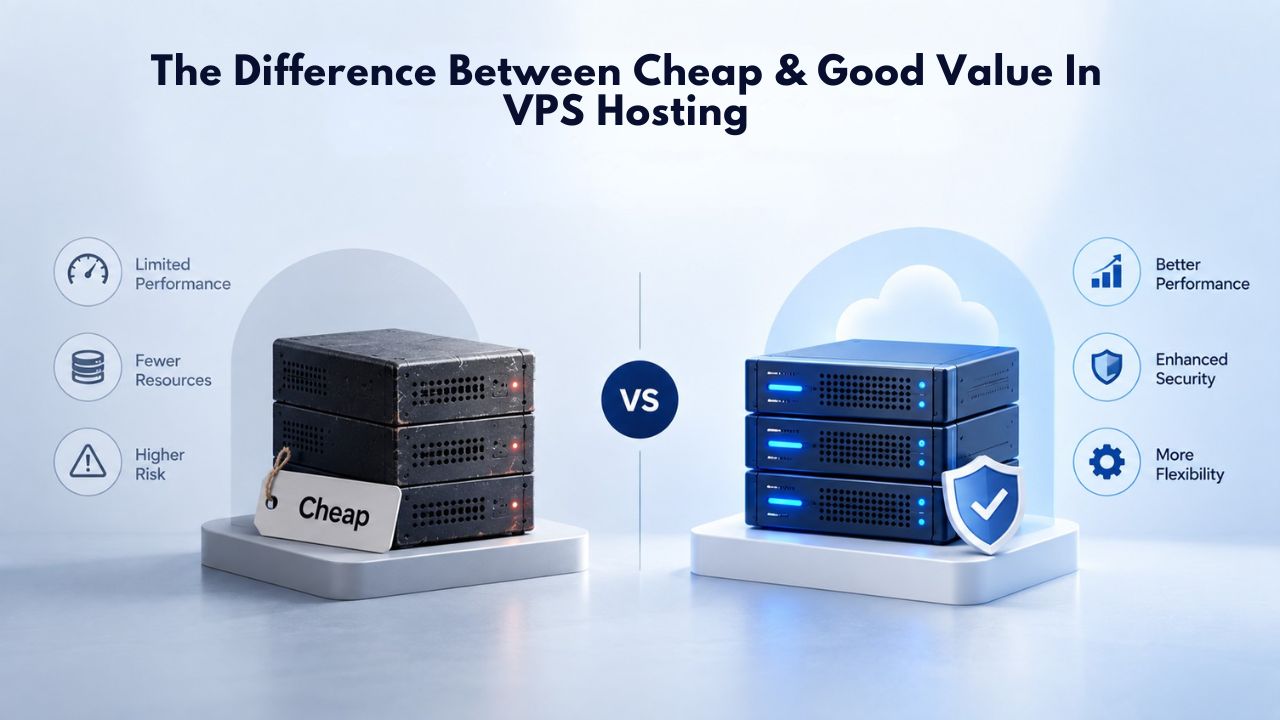
When Ultra-Low Pricing Becomes a False Economy
Entry-level Virtual Private Server offerings are ubiquitous, and they can seem enormously attractive at first glance. Entry-level VPS plans typically operate in specific resource bands but are often underprovisioned for production use. A plan with minimal CPU and RAM works fine for static sites, personal projects, or testing environments. Still, the moment real traffic arrives, or your database grows, that same server becomes a bottleneck that affects user experience and search engine rankings.
At that point, the “savings” evaporate entirely. You either pay premium renewal rates to upgrade mid-contract, spend time and resources migrating to a new provider with associated downtime, or accept poor performance that costs you users and damages your reputation. Niya Digital’s team has found that customers who picked plans solely by sticker price often spend more time troubleshooting and more money on surprise upgrades than those who sized correctly from the start. The real cost equation includes reliability, scalability headroom, and support availability, not just the monthly bill.
Where Mid-Range Pricing Delivers Actual Affordability
The middle tier of VPS hosting offerings represents where most small businesses, growing applications, and development agencies find genuine value. Mid-range production VPS hosting balances cost and capacity in a way that serves most small businesses, agencies, and growing applications. This tier delivers genuine performance isolation from other users, enough resource headroom for traffic spikes, and support quality that prevents small issues from becoming emergencies.
The value here is predictability. You know your infrastructure won’t fail during a customer surge, you have resources left over for caching and background jobs, and if something breaks, you have someone to call who understands VPS infrastructure. For many teams, this is the zone where cost and reliability meet without compromise. The infrastructure won’t frustrate you with constant slowdowns or force you to upgrade every few months.
VPS Hosting Plans & Pricing
Choose the VPS hosting plan that fits your website, application, or business requirements. Select a self-managed VPS for complete server control or a fully managed VPS with a dedicated team of experts to help manage your server.
Self Managed VPS 1 vCPU
1 GB RAM
Entry-level VPS hosting for lightweight websites and applications.
- 1 CPU Core
- 1 GB RAM
- 20 GB SSD Storage
- Linux only, no control panel

Self Managed VPS 2 vCPU
4 GB RAM
VPS hosting with additional CPU and memory for growing websites and applications.
- 2 CPU Cores
- 4 GB RAM
- 100 GB SSD Storage
Self Managed VPS 2 vCPU
8 GB RAM
Additional memory for more demanding websites and applications.
- 2 CPU Cores
- 8 GB RAM
- 100 GB SSD Storage
Self Managed VPS 4 vCPU
8 GB RAM
Increased processing power for business websites and applications.
- 4 CPU Cores
- 8 GB RAM
- 200 GB SSD Storage
Self Managed VPS 4 vCPU
16 GB RAM
High-memory VPS hosting for resource-intensive workloads.
- 4 CPU Cores
- 16 GB RAM
- 200 GB SSD Storage
Self Managed VPS 8 vCPU
16 GB RAM
Powerful VPS resources for demanding business applications.
- 8 CPU Cores
- 16 GB RAM
- 400 GB SSD Storage
Self Managed VPS 8 vCPU
32 GB RAM
Maximum self-managed resources for demanding workloads.
- 8 CPU Cores
- 32 GB RAM
- 400 GB SSD Storage
Fully Managed VPS 1 vCPU
2 GB RAM
Managed VPS hosting with expert server management.
- 1 CPU Core
- 2 GB RAM
- 40 GB SSD Storage
- Dedicated team of experts to fully manage your server
Fully Managed VPS 1 vCPU
4 GB RAM
Managed VPS resources for websites and business applications.
- 1 CPU Core
- 4 GB RAM
- 40 GB SSD Storage
- Dedicated team of experts to fully manage your server
Fully Managed VPS 2 vCPU
4 GB RAM
Managed VPS hosting with additional CPU resources.
- 2 CPU Cores
- 4 GB RAM
- 100 GB SSD Storage
- Dedicated team of experts to fully manage your server
Fully Managed VPS 2 vCPU
8 GB RAM
Managed VPS hosting with additional memory for growing workloads.
- 2 CPU Cores
- 8 GB RAM
- 100 GB SSD Storage
- Dedicated team of experts to fully manage your server
Fully Managed VPS 4 vCPU
8 GB RAM
Higher-performance managed VPS for demanding applications.
- 4 CPU Cores
- 8 GB RAM
- 200 GB SSD Storage
- Dedicated team of experts to fully manage your server
Fully Managed VPS 4 vCPU
16 GB RAM
High-memory managed VPS for resource-intensive workloads.
- 4 CPU Cores
- 16 GB RAM
- 200 GB SSD Storage
- Dedicated team of experts to fully manage your server
Fully Managed VPS 8 vCPU
16 GB RAM
Powerful managed VPS hosting for demanding business workloads.
- 8 CPU Cores
- 16 GB RAM
- 400 GB SSD Storage
- Dedicated team of experts to fully manage your server
Fully Managed VPS 8 vCPU
32 GB RAM
Maximum managed VPS resources for demanding workloads.
- 8 CPU Cores
- 32 GB RAM
- 400 GB SSD Storage
- Dedicated team of experts to fully manage your server
Understanding Resource Allocation and Right-Sizing for Your Workload
The most expensive VPS hosting mistake any buyer can make is choosing the wrong size. Oversizing wastes money on unused capacity; undersizing forces migration or causes downtime that damages your business and reputation. The only solution is to measure what your workload actually needs, not guess from a vendor’s price list or follow generic recommendations that may not apply to your situation.
How to Match CPU, RAM, and Storage to Real Demand
Understanding which resources your workload stresses is the foundation of right-sizing. Different applications stress CPU, RAM, and storage differently, so generic sizing guidelines are only starting points for your own evaluation. A static website barely uses CPU but needs enough storage for logs and backups. A database server stresses RAM and I/O but may sit idle on CPU most of the time. A real-time application needs CPU more than storage.
| Workload Type | CPU Priority | RAM Priority | Storage Priority | Typical Requirements |
|---|---|---|---|---|
| Landing pages / small sites | Low | Low | Low | Stable performance, minimal traffic |
| WordPress / business blogs | Medium | Low | Low | Moderate traffic, database queries |
| eCommerce stores | High | High | High | Catalog, checkout, analytics |
| SaaS applications | High | High | Medium | Concurrent users, APIs, background processes |
| Database servers | High | High | High | Fast storage and RAM for query performance |
| CI/CD runners / build pipelines | High | Medium | Medium | Compute-intensive workflows, temporary storage |
| AI/ML inference workloads | High | High | Medium | Vector databases, model serving, VRAM needs |
Most buyers start with the cheapest plan in a category and hope it scales naturally over time. Instead, measure or estimate three things: baseline resource use under normal load, headroom for spikes (multiply baseline by 1.5–2×), and growth projections over your contract term. A database at 90% RAM capacity behaves much worse than one at 60%, and a disk at 95% full triggers performance cliffs that affect everything downstream. Size RAM and storage generously; size CPU moderately, since most servers sit idle most of the time anyway.
Signs Your Current Plan Is Undersized (and When to Resize)
If your VPS monitoring shows consistent CPU saturation during peak hours, high swap usage (memory spilling to disk), or slow query times despite small datasets, one resource has become the constraint. The fix depends on which resource is the bottleneck: CPU saturation during genuine compute work means upgrade CPU; swap growing or out-of-memory events mean upgrade RAM; disk waits or repeated inefficient database queries mean storage speed or query optimization.
The key is measuring over a full business cycle, not a single synthetic test run. A small traffic spike looks different from sustained overload. Capture resource data during normal peak hours, identify which resource consistently hits high utilization, and upgrade only that specific resource if possible. This prevents you from paying for unused capacity on three resources while fixing the real constraint. Many hosting providers, including those Niya Digital partners with, make this easy through their control panel monitoring tools.
Managed vs Unmanaged VPS: Cost and Control Trade-Offs
The cost difference between managed and unmanaged VPS hosting isn’t just the monthly fee; it also includes your labor, expertise, or third-party support costs if something breaks. Understanding this trade-off prevents buying based only on sticker price and then discovering hidden operational costs later.
Why Managed VPS Costs More, and When It’s Worth It
Managed VPS hosting includes provider-handled operating system updates, security patches, backups, monitoring, and 24/7 technical support. This professional management layer costs more per month than the unmanaged equivalent tier. For a business without dedicated IT staff, that premium buys peace of mind: you focus on applications and websites; the provider handles infrastructure reliability.
An unmanaged VPS grants full root access and a lower monthly cost but puts all operational responsibility on you. You must apply kernel and application patches the day they ship, configure firewalls and backups, tune performance, set up monitoring, and respond to alerts at any hour of the day or night. For experienced developers and sysadmins, this flexibility and control is worth the trade-off. For agencies or businesses managing multiple client sites, managed support often pays for itself in time saved and incidents prevented.
Calculating the True Cost of Unmanaged VPS
Even if unmanaged VPS appears cheaper on the monthly invoice, hidden costs arise through time investment, expertise gaps, and third-party support services you may need to hire. If managing server security, patching, and troubleshooting requires several hours every week, you need to value that time at your effective hourly rate or what you’d pay a freelancer to handle those tasks. If a misconfigured firewall causes a breach, incident response and recovery costs far exceed any monthly savings from cheaper hosting.
For small teams and startups, outsourcing server management to a managed VPS often costs less in total than hiring part-time sysadmin labor or fielding expensive emergencies that disrupt revenue. For large organizations with dedicated infrastructure teams, unmanaged makes sense because those teams already exist and have the expertise. The decision hinges entirely on your actual operational capacity and business tolerance for downtime, not just the sticker price.
Why Uptime SLAs Matter and How to Evaluate Them
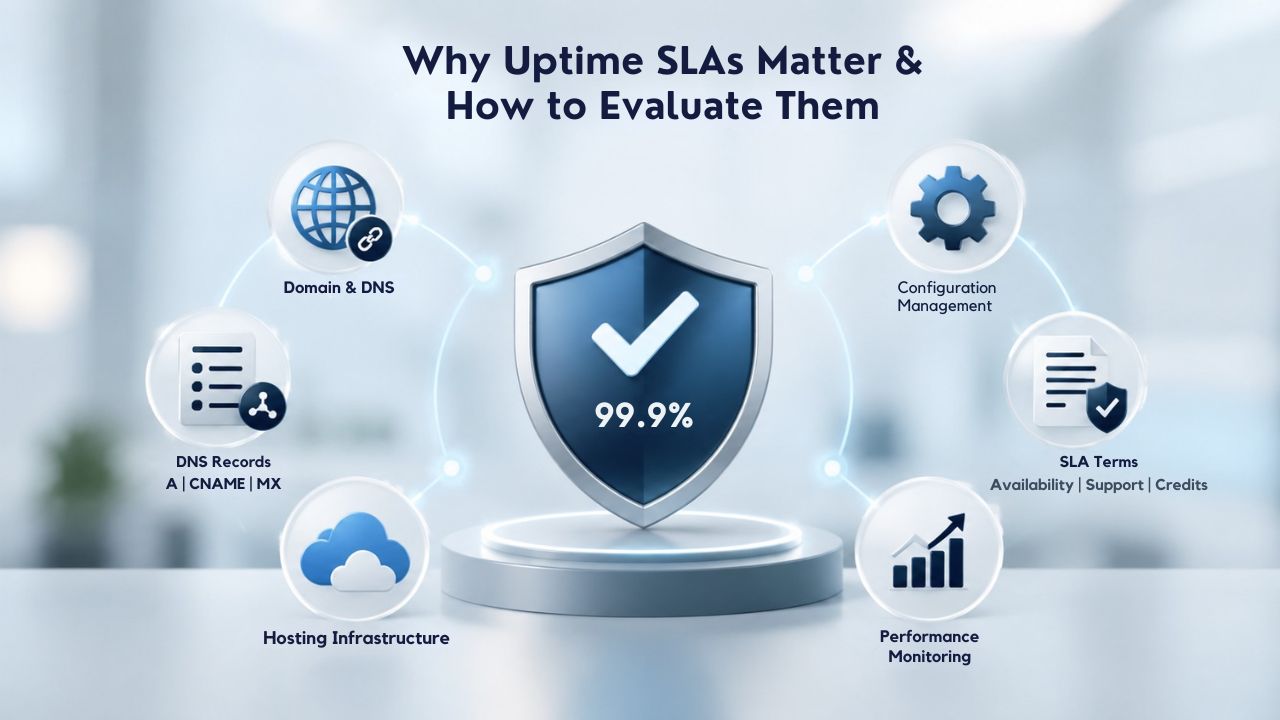
An uptime guarantee is only as meaningful as the fine print. Many buyers focus on the headline percentage (99.9%) and ignore exclusions, measurement methods, and credit structures that actually weaken the protection. Understanding how to read an SLA prevents buying false confidence in reliability.
Translating Uptime Percentages into Real Downtime
Every hosting provider advertises uptime percentages, but these numbers mean different things depending on what counts as “downtime” and how it’s measured. 99.9% uptime allows about 43.8 minutes of downtime per month; 99.95% allows about 21.6 minutes; 99.99% allows about 4.4 minutes. For a transactional e-commerce site, 43 minutes of monthly downtime might mean thousands of dollars in lost sales and abandoned carts. For a personal blog or portfolio, 43 minutes is barely noticeable.
Beyond the headline percentage, you need to understand what “downtime” means under that provider’s definition. Does a single failed connection count as downtime, or only full network loss? Are degraded speeds counted as downtime? How are outages measured, by independent monitors, or only after you report a problem? An SLA that only counts downtime after you submit a support ticket creates a perverse incentive for the provider to delay acknowledgment.
Reading SLA Exclusions and Credit Terms
Most SLAs exclude scheduled maintenance announced in advance, customer-caused outages, and force majeure events like natural disasters. The breadth of these exclusions determines how much real-world downtime the guarantee actually covers. Similarly, service credits are often structured at 10% of monthly fees for partial outages, on a plan that results in a small credit for several hours of downtime that doesn’t compensate for the actual business impact on a revenue-generating site.
When evaluating an SLA before purchasing, ask these specific questions: How is downtime measured (by independent monitoring or only after a customer report)? What’s excluded from the guarantee? What’s the service credit structure, and is it proportional to actual business impact? If answers are vague, the guarantee is weaker than the headline number suggests. Transparent SLAs that clearly define terms and offer meaningful credits are worth paying more for, especially if uptime directly affects revenue.
Security Isolation and What It’s Worth (vs Shared Hosting)
VPS hosting’s security advantage over shared hosting is genuine but often misunderstood by buyers new to the category. The isolation is real and enforced by technology; you still have to maintain secure practices, not the provider alone.
How VPS Isolation Reduces Attack Surface
On shared hosting, multiple users’ websites share the same operating system, often running in the same process space with minimal separation between accounts. A breach or misconfiguration by one user can expose files belonging to others on the same physical server. On a VPS, each virtual server has its own isolated kernel, file system, and process space; a security breach affecting one customer’s VPS doesn’t compromise neighboring instances or other customers’ data.
The hypervisor enforces this isolation; it is the virtualization layer that runs the physical hardware. GoDaddy VPS hosting uses KVM (Kernel-based Virtual Machine) virtualization to provide this isolation between accounts, which the industry widely recognizes as reliable and well-tested. Isolation isn’t a guarantee against breaches; misconfigurations, weak passwords, and unpatched applications can still expose your server, but it does eliminate shared-hosting cross-contamination risks.
The Shared Responsibility Model
VPS security responsibility is split between provider and customer: the provider secures the hypervisor, physical infrastructure, and network; you secure the operating system, applications, and access controls on your server. Many buyers expect the provider to handle all security and are surprised when they discover patching responsibilities they missed or misunderstood. Reading the SLA’s security terms up front prevents this misalignment and sets clear expectations.
For compliance-sensitive workloads handling health data, payment information, or personally identifiable information, regulations often require VPS isolation. But isolation alone doesn’t satisfy compliance requirements; you still need to configure firewalls, apply patches, enable encryption, and audit access logs. Security on a VPS takes more work than managed shared hosting but offers more control and compliance flexibility than shared hosting.
Find Your Best-Value VPS Solution
Stop evaluating VPS hosting solely on sticker price. Calculate true total cost of ownership, including renewal rates, support response times, upgrade flexibility, and the financial impact of downtime on revenue. Niya Digital helps you avoid cheap-but-costly traps with transparent plans, responsive technical support, and right-sizing expertise that matches your infrastructure needs and growth trajectory.
Performance Benefits That Justify Moving Beyond Cheap Shared Hosting
Shared hosting appeals because it’s simple and low-cost. Its critical drawback is performance unpredictability: if a neighboring site gets traffic, your site slows. VPS solves this through dedicated resources that no neighbor can steal.
Why Dedicated Resources Matter for Real-World Traffic
On shared hosting, your website’s performance depends on CPU, RAM, and I/O shared with dozens or hundreds of other users, all competing for the same physical resources. If another user’s site goes viral or launches a marketing campaign, your database queries slow to a crawl, and your users see timeouts. On a VPS, your CPU cores are reserved for your workload; performance stays consistent regardless of other users’ activity or traffic spikes on neighboring servers.
This consistency is not a minor benefit. Search engines reward fast load times in ranking algorithms; users abandon slow sites after a few seconds; and e-commerce conversion rates drop with every 100 milliseconds of additional latency. A VPS dedicated to your application typically delivers 2–5x faster response times than a similarly tiered shared hosting plan, especially under traffic spikes. For any site generating revenue or requiring consistent uptime, the performance improvement often pays for the upgrade cost within months.
When Performance Improvement Becomes ROI
The financial case for VPS hosting becomes clear when you model performance’s revenue impact. A mid-tier VPS that reduces page load time by one second and prevents 5% of traffic from bouncing can add tens of thousands in annual revenue for an online store. A low-cost shared plan might handle 100 concurrent visitors reliably; a mid-tier VPS can comfortably handle 1,000. Once your business exceeds shared hosting’s capacity, any downtime or slowness costs more than the VPS upgrade itself.
The decision point is not “when will I run out of resources” but “when is my current hosting costing me more in lost revenue or customer frustration than a migration would cost.” For most growing businesses, that threshold comes sooner than expected, making a proactive VPS upgrade a financial decision, not just a technical one. The upgrade is an investment in revenue protection and growth enablement.
Common VPS Buying Mistakes and How to Avoid Them
Buyers across all industries repeat the same hosting mistakes, and knowing them in advance prevents expensive mid-contract surprises and forced migrations.
Confusing Cheapest with Affordable
The cheapest plan from any provider often isn’t the best value; it may have restrictions that force costly upgrades or surprise renewal rate increases. A promotional first-year rate that’s remarkably cheap but renews at much higher rates, or a plan with strict limits on sites or email accounts, can cost more in the long run than a straightforward mid-tier plan with transparent, stable pricing.
Before selecting a plan, always check renewal terms by asking the provider directly or reading the terms of service. Many providers offer deep first-year discounts that jump substantially on renewal. Check upgrade and downgrade policies, account limits, and what “unlimited” actually means; some providers limit by fair-use policy, others throttle after a usage threshold, and still others honor true unlimited. The fine print reveals the real total cost.
Undersizing RAM, Undersizing Storage, Oversizing CPU
The most common VPS hosting failure patterns are RAM constraints (swap grows, caches evict, databases slow) and full disks (backups fail, logs fill up), not CPU saturation. Buyers often size CPU first based on pricing tier names and neglect RAM and storage growth over time. This pattern consistently causes mid-contract problems.
Size RAM generously; undersizing costs more in migration or emergency upgrades than oversizing. Size storage for your data plus logs, backup retention, and growth projections. Size CPU moderately; most servers idle most of the time, and CPU is the resource workloads most often overestimate in initial planning. This resource-sizing discipline prevents costly failure patterns.
Ignoring Support Quality Before a Crisis
A 24/7 support SLA matters only if providers back claims with real responsiveness and infrastructure-level expertise. Many providers promise rapid response but fall short during actual incidents. Reviews from current customers are your best indicator. If a provider’s community forum is filled with reports of multi-hour support delays or unhelpful responses, that provider’s competitive pricing won’t feel competitive when you’re waiting for help during an outage.
Check support response-time commitments in the SLA, read recent customer reviews on third-party sites, and treat support quality as a purchasing factor alongside price. When something breaks at 2 a.m. on a weekend, you want a provider that answers immediately with expertise, not one where you’re on your own.
Scalability: Accounting for Growth in Value Calculation
A hosting plan’s value includes not just whether it works today but whether it scales affordably as your business, traffic, and data grow over months and years.
Upgrade Flexibility Without Vendor Lock-In
The best VPS providers allow you to upgrade resources without service interruption, without forced long-term contract extensions, and with transparent upgrade pricing. Plans that require you to terminate and rebook, or that lock you into 3-year terms the moment you request an upgrade, create financial disincentives to scaling and trap you in undersized infrastructure.
Check upgrade policies before committing to a provider. If you anticipate growth but your current plan is adequate, a provider that allows seamless month-to-month upgrades is worth more than a slightly cheaper provider with rigid tier structures. The flexibility prevents you from outgrowing your infrastructure or overpaying for unused resources.
Planning for Data and Traffic Growth
Your VPS may be appropriately sized today but undersized in six months if your data or traffic grows predictably. Projects growing 10 GB per month in data or 20% annually in traffic need storage and RAM projections built into the initial sizing decision. Buying a 100 GB storage plan when you’ll need 200 GB within a year forces a mid-contract upgrade and potentially higher renewal rates.
Plan for one to two years of growth within your initial resource commitment. This keeps your price stable and avoids emergency upgrades at premium rates. If growth is unpredictable, choose a provider with affordable upgrade paths rather than trying to guess perfectly at signup.
Support Quality and Its Role in True Hosting Cost
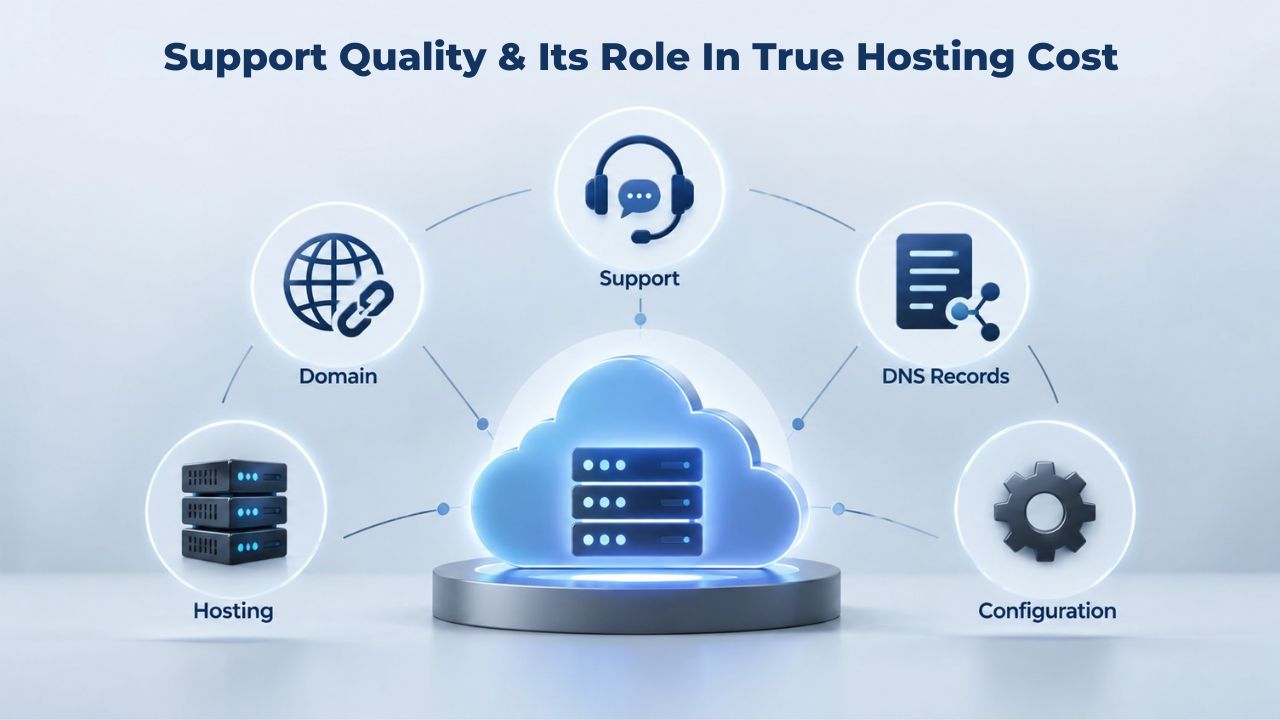
The total cost of VPS hosting includes support availability and quality, especially when something breaks or needs guidance. Cheap hosting with poor support often costs more in lost time and revenue than premium hosting with responsive, expert support.
24/7 Support Is Only Valuable If It’s Responsive
An SLA that promises 24/7 support is meaningless if average response time is 4 hours or if support staff lack the expertise to solve infrastructure-level issues. The best providers commit to specific response times in writing (e.g., “reply within 15 minutes”) and measure availability through independent monitoring, not just customer reports.
When evaluating support, check whether the provider separates hosting infrastructure issues (network, hypervisor, data center) from application-level issues (code, database tuning). A good provider helps with the former, sets clear expectations about the latter, and escalates appropriately. Providers that blame every issue on your application code are untrustworthy.
Self-Support Resources Lower Real Support Costs
Providers that invest in comprehensive documentation, knowledge bases, and community forums reduce the support burden on both sides. A thorough guide to VPS hardening, common deployment patterns, and troubleshooting prevents the need to contact support for routine problems. Niya Digital maintains detailed onboarding and configuration resources to help customers solve common issues independently.
When comparing providers, review their documentation depth and community activity level. A provider with strong self-service resources costs less over time because you can solve routine issues independently, saving both your time and the support team’s bandwidth for genuine emergencies.
Making the Final Decision: Comparing Total Cost, Not Just Monthly Price
Choosing a VPS provider and plan comes down to one question: what does your entire infrastructure cost over the commitment term, including price, resources, growth, support quality, and downtime risk?
Building a Total Cost of Ownership Comparison
Start with monthly cost but don’t stop there. Factor in renewal rates (does the price jump substantially after year one?), upgrade costs if you outgrow the plan, tax or currency considerations (pricing varies by region and should be checked), support quality if you need to escalate, and compliance or performance costs if you choose poorly.
| Cost Factor | What to Check | Why It Matters | Red Flags |
|---|---|---|---|
| Renewal rates | What does the price become after the promotional period ends? | A discounted first year at much higher renewal costs more in total | Renewal pricing higher than 50% of promotional rate |
| Upgrade path | Can you upgrade CPU/RAM mid-contract without setup fees or penalty? | Outgrowing a plan forces emergency upgrades at premium pricing | Setup fees for upgrades, forced contract extensions |
| Support response time | Does the SLA commit to specific response times (15 min, 1 hour)? | Slow support turns small issues into revenue-losing outages | “24/7 support available” without specific response SLA |
| SLA credit structure | Does the 99.9% credit match your hourly revenue impact? | A $1,000/hour revenue site loses more in one hour than monthly credits cover | Credits capped at 10% require extensive proof of outage |
| Migration and exit | Can you export data easily without fees or holds? | Poor exit policies trap you even if service quality degrades | Vague migration terms, export fees, DNS held after cancellation |
| Managed vs. unmanaged labor | What’s the hourly cost of your time managing an unmanaged server? | A “cheaper” unmanaged plan often costs far more in your labor | No accounting for patching time, backup configuration, troubleshooting |
| Compliance add-ons | Are compliance features included or optional paid add-ons? | HIPAA, PCI-DSS, DDoS protection can be hidden in add-on pricing | Advertised low price but compliance features cost extra monthly |
When Niya Digital’s VPS Hosting Fits Your Needs
Niya Digital’s VPS Hosting service runs on GoDaddy’s server, virtualization, and network infrastructure. Niya Digital adds a customer-facing onboarding and provisioning experience, account management, and support layer on top of that infrastructure. If you want a provider that offers straightforward plan selection, guided setup, responsive reseller-partner support, and expertise in helping you right-size your server, explore Niya Digital’s plans and features.
For most small businesses and growing applications, a mid-tier managed VPS from a reputable provider delivers better value than either ultra-cheap commodity options that undersell capabilities or premium enterprise hosting you don’t need. The middle tier balances cost, reliability, support, and scalability to support real growth.
Start Right-Sizing Your VPS Today
Proper VPS sizing prevents costly mistakes, wasted money, and forced mid-contract migrations. Understanding actual resource needs, support quality, and true total cost of ownership separates genuine value from cheap sticker prices and upgrade traps. Niya Digital simplifies this with transparent plan guidance, responsive technical support, and sustainable pricing that grows with you.
Frequently Asked Questions
What’s the minimum server specification I need to run WordPress?
A single WordPress blog without WooCommerce or heavy page builders typically runs reliably on one to two vCPU cores, two to four gigabytes of RAM, and 40–60 gigabytes of storage. A WordPress site with WooCommerce enabled, large product catalogs, or active plugins may need two to four vCPU cores, four to eight gigabytes of RAM, and 60–120 gigabytes of storage to handle traffic spikes without slowdowns or timeouts. Measure peak resource use on a staging environment first; it beats guessing based on generic recommendations.
Should I choose managed or unmanaged VPS hosting?
Choose managed if you lack time to handle routine server maintenance, security patching, and configuration; if your business can’t afford downtime from misconfiguration mistakes; or if you’re managing multiple client sites and want consistent uptime guarantees. Choose unmanaged if you have in-house sysadmin skills, enjoy learning infrastructure management, or need maximum customization for specialized or legacy workloads. For small businesses without dedicated IT staff, managed hosting almost always costs less in total effort and emergency expenses.
How much server downtime can my business actually tolerate?
That depends entirely on your revenue impact. An e-commerce site might lose a thousand dollars per hour during outages; a blog loses search engine visibility and reader engagement but no direct revenue. Match your SLA tier to business impact. 99.9% uptime suits most small businesses; 99.95% suits retail or SaaS platforms; 99.99% suits mission-critical systems in banking or healthcare. Premium uptime costs more money, but downtime on a revenue-generating site costs far more.
What’s the actual difference between VPS hosting and cloud hosting?
VPS hosting allocates fixed CPU, RAM, and storage to your virtual server for the contract term; you pay the same amount regardless of usage. Cloud hosting typically bills by resource use (hourly or per request) with automatic scaling up and down. VPS is ideal for steady-state workloads with predictable costs; cloud is better for bursty traffic that spikes unpredictably. Most small businesses start with VPS and migrate to the cloud as applications grow more complex and traffic patterns become unpredictable.
Is cheap VPS hosting actually secure?
Cheap VPS is no less secure than expensive VPS if you maintain it properly, apply security patches, configure firewalls, use strong authentication, and audit logs. Cheap VPS often lacks built-in support for complex compliance requirements like HIPAA, PCI-DSS compliance features, advanced DDoS protection, or dedicated security monitoring. For straightforward e-commerce or SaaS, a cheap VPS may be secure enough; for sensitive, regulated workloads handling protected data, you may need managed or premium security support.
Can I upgrade my VPS plan mid-contract without penalties?
Most reputable providers allow upgrades with new terms starting immediately; downgrades are typically less flexible. Always check upgrade policies before signing a contract with any provider. Providers that charge setup fees for upgrades or force contract extensions with upgrades are less flexible than those allowing month-to-month scaling. Upgrade flexibility prevents you from overpaying for resources you outgrow or getting stuck with an undersized plan.
What is root access and why does it matter for my VPS?
Root access gives you full administrator-level control over the operating system; you can install any software, configure services, tune performance, and change settings down to the kernel level. On shared hosting, customers don’t have root access. On a VPS, root access is standard. It’s powerful and useful (you can customize everything) but risky (you can misconfigure and break things); it’s essential for custom applications and compliance requirements.
How do I know if my current VPS is undersized for my workload?
Monitor CPU, RAM, and disk usage over a full business cycle, including normal peak hours. Signs of undersizing: CPU consistently maxing out during peak hours; swap memory growing (RAM spilling to disk); disk filling toward 90% or higher; slow database queries despite small datasets; out-of-memory errors in application logs. Any of these signals it’s time to upgrade that specific resource. Use tools like “top” on Linux or Task Manager on Windows to measure real resource consumption.
What happens if I outgrow my current VPS plan?
Most reputable providers allow you to upgrade resources or migrate to a larger plan. Some migrations require brief downtime to copy data and repoint traffic; others offer live migration with minimal or zero downtime. Before signing up with any provider, confirm upgrade and migration policies in writing. A provider with seamless upgrade paths and zero-downtime migration costs more initially but prevents costly emergencies and service interruptions later.
Do I need my own backups if my VPS provider includes backups?
Yes, absolutely. GoDaddy VPS includes 7 days of automated snapshots as standard, but that’s not your only backup defense. Provider snapshots protect against hardware failure but not accidental data deletion, ransomware, or application bugs that corrupt data on the live server. Maintain your own backups offsite (cloud storage or separate server) for redundancy and protection against scenarios provider backups don’t cover.
What’s the typical provisioning time for a new VPS from signup to ready?
Most reputable providers deploy a VPS within minutes to a few hours after billing verification completes. GoDaddy VPS and authorized resellers like Niya Digital offer rapid provisioning. However, exact times vary by data center load and billing verification requirements. Always check provisioning SLAs before signing; some providers reserve the right to delay activation for fraud verification or DNS propagation.
Can I migrate my existing site from shared hosting to VPS without significant downtime?
Yes, you can minimize downtime by staging the migration on the VPS first, verifying everything works correctly, then cutting over DNS and traffic (usually less than five minutes of service interruption). Most migrations happen during off-peak hours to reduce user impact. Some providers, including Niya Digital, offer migration assistance as part of onboarding. Plan 24–48 hours total for a complete site and database migration, including testing.
What’s the difference between Linux VPS and Windows VPS hosting?
Linux VPS runs a free, open-source operating system with lower monthly costs and lower memory footprints, making it ideal for PHP, Python, Node.js applications, and databases. Windows VPS runs Microsoft Server OS and costs more monthly but is required for .NET applications, Active Directory integration, or legacy Windows software. Choose based on your application stack requirements, not personal OS preference.
How often should I patch and update my VPS operating system?
On an unmanaged VPS, apply security patches and OS updates within days of release, especially security patches for vulnerabilities. On a managed VPS, the provider handles OS patches and offers scheduled maintenance windows with advance notice. Application-level patching remains your responsibility in both cases. Regular patching is non-negotiable; delays leave you vulnerable to known security exploits.
Do I need a dedicated IP address for my VPS?
For most websites and applications, a shared IP address (common to multiple VPS on the same physical server) is completely fine and standard. You need a dedicated IP address only if you’re sending bulk email from the server (shared IPs often have poor mail reputation), you require SSL/TLS on your own domain without SNI support (rare in modern hosting), or you have specific compliance requirements (some PCI-DSS configurations require it). Check whether your provider charges extra for dedicated IPs; many include them as standard now.
Glossary
- Virtual Private Server (VPS): A virtualized server environment that allocates dedicated CPU, RAM, and storage resources to a single customer while running multiple isolated VPS instances on a shared physical server. Offers more performance, control, and reliability than shared hosting at a lower cost than dedicated servers.
- Managed VPS Hosting: A VPS plan where the provider handles operating system updates, security patches, backups, monitoring, and technical support for infrastructure issues. Costs more monthly than an unmanaged equivalent but significantly reduces the customer’s operational burden.
- Root Access: Full administrator-level control of the operating system, allowing unrestricted software installation, service configuration, and system-level changes up to the kernel. Essential for custom applications and compliance requirements; unavailable on shared hosting.
- Uptime SLA: A Service Level Agreement that specifies guaranteed server availability (e.g., 99.9%), defines what constitutes downtime, lists exclusions, and details service credits if the guarantee is missed.
- NVMe SSD: Non-Volatile Memory Express solid-state drive technology that delivers three to five times faster read/write speeds than traditional hard drives or older SSD technology, significantly improving application and database performance.
- Hypervisor: Virtualization software (e.g., KVM, Xen) that runs on physical hardware and creates isolated virtual servers. The hypervisor allocates CPU, RAM, and storage to each VPS and prevents one VPS from accessing another’s data or resources.
- Bandwidth: The amount of data your VPS allows to transfer per month or billing period. Most VPS plans include unlimited bandwidth or very high monthly allowances (measured in terabytes), counted as inbound and outbound traffic combined.
- Snapshot Backup: A point-in-time copy of your VPS’s entire disk state, including the operating system, files, databases, and all configurations. You can restore it instantly if data is lost or misconfigured. Unlike incremental backups, snapshots capture the complete server state.