Niya Digital is an authorized reseller of website builder services powered by GoDaddy Website Builder’s site-building engine, hosting infrastructure, and domain-publishing technology. Niya Digital adds hands-on onboarding and account management support on top of that foundation. Website success ultimately depends on your design choices, content quality, ongoing SEO effort, and competitive positioning, factors that extend beyond any single provider’s control.
Understanding Wix: What It Does Well and Why You Might Look Elsewhere
Wix has built a reputation as one of the most approachable website builders on the market, attracting millions of small businesses, freelancers, and entrepreneurs. Before exploring alternatives, it’s worth understanding why Wix works for so many and what limitations might push you to consider other platforms for your specific situation.
Wix’s Strengths and Market Position
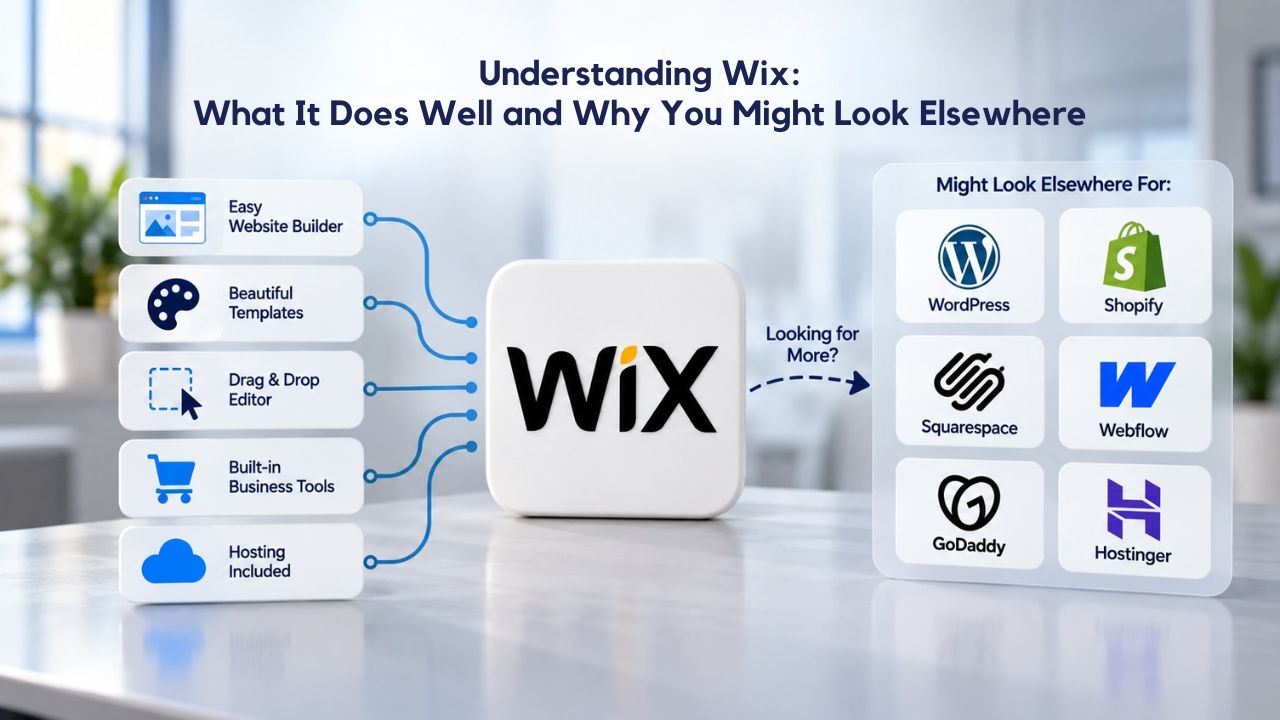
Wix dominates the no-code website builder category with an intuitive drag-and-drop interface backed by a powerful AI Site Generator. Over 8.7 million live websites run on Wix globally, supported by more than 2,000 templates that span every business type imaginable. The platform’s strength lies in its breadth: whether you’re building a simple brochure site, adding a booking calendar for appointments, or launching an online store with international payment processing, one platform handles it all without separate tools or complex integrations.
The editor lets you place design elements anywhere on the page, giving more visual freedom than competitors that lock you into rigid template structures. Wix includes built-in SEO tools, email capture forms, email marketing automation, and analytics- everything a small business needs to maintain and grow a web presence. The AI Site Generator, introduced more recently, can build a first draft of your entire site from simple prompts, dramatically reducing the initial setup burden for users intimidated by blank-canvas design.
Common Reasons Businesses Explore Wix Alternatives
Despite Wix’s popularity, it isn’t the universal solution. Many businesses explore alternatives because they need different pricing structures as they scale, require features that Wix doesn’t prioritize, or want a platform that specializes more deeply in their specific industry. Some builders offer significantly lower entry costs, while others unlock deeper customization options or focus exclusively on e-commerce power.
Niya Digital’s support team has observed that businesses often look beyond Wix when they value dedicated onboarding assistance, prefer a different approach to plan tiers, need advanced e-commerce capabilities that rival platforms specialize in, or expect their site to evolve in ways that builders with template constraints can’t easily accommodate. Site migration takes real planning and effort, so explore alternatives carefully against your specific needs, budget, and 18-month business outlook.
Website Builder Alternatives Compared: Full Feature Overview
| Platform | Best For | Standout Capability | Genuine Strength |
|---|---|---|---|
| Wix | All-in-one builders | AI Site Generator + 2,000+ templates | Exceptional breadth, design freedom, ease of use |
| Squarespace | Design-focused businesses | Responsive-first templates, clean interface | Beautiful out-of-the-box design, intuitive editor, mobile-optimized |
| Shopify | E-commerce scaling | Multichannel selling, advanced inventory | Unmatched sales infrastructure, scalability, app ecosystem |
| Hostinger | Budget-conscious startups | Lowest cost, AI-assisted launch | Affordable entry, bundled hosting, fast setup |
| WordPress | Advanced customization | 60,000+ plugins, full code ownership | Maximum flexibility, SEO power, site ownership, long-term control |
| Webflow | Designers and agencies | Code-level control, professional results | Pixel-perfect design, advanced animations, custom interactivity |
| Niya Digital’s Website Builder Service | Small-to-mid service business | Hands-on onboarding + GoDaddy technology | Reseller support, professional guidance, bundled hosting |
Website Builder Plans & Pricing
Create a professional website with flexible website builder plans designed for businesses, portfolios, and growing online brands. Choose a plan that matches your needs and build, customize, and manage your website with easy-to-use tools, responsive designs, and essential features for a strong online presence.
Website Builder Personal
Share your passion online.
- Responsive mobile design
- Website hosting
- Rapid Page-Load performance
- Create a blog
- Security (SSL)
- 24/7 support

Website Builder Business
Create an online presence for your business.
- Responsive mobile design
- Website hosting
- Rapid Page-Load performance
- Create a blog
- Security (SSL)
- 24/7 support
- PayPal Buy Now or Donate button
- Search Engine Optimization (SEO)
Website Builder Business Plus
Attract more customers.
- Responsive mobile design
- Website hosting
- Rapid Page-Load performance
- Create a blog
- Security (SSL)
- 24/7 support
- PayPal Buy Now or Donate button
- Search Engine Optimization (SEO)
- Social Media Integration
- Share content to Facebook
- Online Appointments
Website Builder Online Store
Sell products and services.
- Responsive mobile design
- Website hosting
- Rapid Page-Load performance
- Create a blog
- Security (SSL)
- 24/7 Support
- PayPal Buy Now or Donate Button
- Search Engine Optimization (SEO)
- Social Media Integration
- Share content to Facebook
- Online Appointments
- Built-in shopping cart
- Sell physical and digital products
- Accept credit and debit cards, PayPal and more
- Flexible shipping options
- Discounts and promotions
- Manage inventory
Squarespace: The Designer’s Choice for Polished, Responsive Websites
Squarespace positions itself as the website builder for creatives, designers, small retail shops, and service professionals who refuse to compromise on aesthetics. If your brand identity depends on beautiful visual presentation and you want a platform that makes responsive design effortless, Squarespace’s approach rewards that priority with an unusually polished experience.
Responsive Design and Interface Clarity
All Squarespace templates use a responsive-first architecture, so they automatically adjust layout, typography, and spacing for mobile, tablet, and desktop without extra configuration. This structural advantage sets Squarespace apart from builders where some templates demand manual mobile tweaking to avoid looking cramped or broken on smaller screens. The editor itself is notably cleaner than many alternatives; you spend less time hunting through feature menus and more time actually designing your site.
The template library numbers around 190 options, carefully curated and professionally designed. Each template represents a complete aesthetic direction, and Squarespace’s design team ensures visual consistency and polish across the entire collection. If your brand is fashion, photography, coaching, or any field where visual presentation directly influences buyer perception, Squarespace’s template quality and responsive defaults work significantly in your favor.
Design Flexibility Constraints and the Right Business Fit
Squarespace’s main limitation is that while templates are beautiful, they’re also less malleable than Wix’s. Once you select a template, switching to a different one partway through your project is difficult; the platform doesn’t encourage mid-project template changes the way some competitors do. Squarespace also lacks an app marketplace; third-party integrations rely on built-in connections and manual API linking, which limits your options if you need specialized tools beyond Squarespace’s native features.
Squarespace excels for service providers like photographers, salons, coaches, consultants, and boutique retail shops. The platform’s strength in portfolio presentation and beautiful product displays make it ideal for businesses where visual storytelling drives customer decisions. If your business model demands rapid feature pivots, complex workflow automation, or connecting to specialized industry software, Wix’s larger app ecosystem or WordPress’s plugin library may serve you better. For businesses staying within Squarespace’s native capabilities, however, its responsive-first design and polished interface deliver a professional result that reflects directly on your brand.
Shopify: The E-Commerce Powerhouse for Scaling Online Stores
Shopify is purpose-built for selling online, with its entire architecture optimized around the specific challenges of running a growing e-commerce business. If your primary focus is moving products and scaling revenue, Shopify’s feature depth and specialized design create advantages that general-purpose builders can’t match.
Advanced E-Commerce Features and Multichannel Selling
Shopify’s core strength is commerce: you can sell simultaneously across your web store, Facebook, Instagram, TikTok Shop, Amazon, and other marketplaces from a single backend system. Advanced inventory management tracks stock across channels, preventing oversells. The checkout flow is highly customizable, letting you test different payment options, offer promotional discounts, and optimize the path to purchase. Shopify’s app ecosystem is built around e-commerce workflow: subscription management, upsell automation, advanced analytics, shipping optimization, and fulfillment integrations connect seamlessly.
The platform includes built-in tools for order management, customer segmentation, email marketing to past buyers, and analytics that reveal exactly where customers drop out of your funnel. For stores with large product catalogs, complex shipping rules, or international sales, Shopify’s infrastructure and reporting surface insights that simpler builders’ dashboards never will. Payment processing integrations include over 100 payment gateways, shipping providers, and fulfillment services.
Complexity, Learning Curve, and Cost Considerations
Shopify’s depth is genuinely overkill for a single-location service business or a small product line you’re testing. Setup is more involved; customizing themes typically requires familiarity with Liquid, Shopify’s templating language, or hiring a developer. Many businesses start on Shopify’s free trial and realize they’re paying for features they don’t yet need, making a leaner platform more practical for phase one.
Shopify shines once you’re handling five or six figures in annual revenue, managing dozens of products, or selling across multiple channels. If scaling an online store is your primary focus, and you can absorb learning curves and added complexity, Shopify’s specialized e-commerce infrastructure justifies the investment. For businesses where selling is secondary, or you’re still determining product-market fit, Wix’s bundled commerce features or Squarespace’s simpler e-commerce approach may be more pragmatic.
Hostinger Website Builder: Maximum Affordability for Bootstrapped Startups
Hostinger’s website builder targets solopreneurs, freelancers, and bootstrapped businesses that need a professional web presence on a minimal budget. If cost is your main constraint and you’re willing to accept simpler features for dramatic savings, Hostinger offers an unconventional but practical choice.
AI-Assisted Launch and Bundled Hosting
Hostinger’s website builder stands out for its affordability. The platform includes drag-and-drop editing, AI-assisted site generation that can outline your entire site from a brief questionnaire, email marketing tools, and hosting bundled into one package. You can have a live website with a custom domain and professional email within days, not weeks, and without navigating complex configuration.
The AI tools are genuinely useful for overcoming the blank-canvas problem. If you’re not a designer and stare at an empty editor unsure where to start, Hostinger’s AI can generate a first draft that you then customize. This dramatically lowers the barrier to entry for non-technical founders. Hosting, SSL security, and backups are included, so you won’t face surprise add-on costs for infrastructure basics. For launching fast on a shoestring budget, Hostinger removes financial and technical friction.
Renewal Pricing, Feature Depth, and Upgrade Path
Hostinger’s catch: introductory promotional rates reset at higher renewal rates after your initial term. The builder is simpler than Wix or Squarespace; customization is more limited, and there’s no app store to expand functionality. If your business grows and you need features beyond Hostinger’s native toolset within the first 12 months, you’ll either stay limited or migrate to a more capable platform, offsetting your initial savings with switching friction.
Hostinger is perfect for testing whether an online presence drives business before investing significantly. If you’re launching a new venture, proving concept-to-market fit, or need a basic web presence that won’t eat up your budget, Hostinger lets you go live without betting the farm. As your business scales and needs grow, you can evaluate whether to stay or migrate to a feature-richer platform that justifies higher costs.
WordPress: Maximum Customization for Evolving, Complex Websites
WordPress powers approximately 43 percent of all websites globally and offers unmatched customization and flexibility. If you expect your site to evolve in ways that builders can’t support, custom integrations with business software, specialized functionality, or absolute ownership of your site’s code, WordPress removes the constraints that builders impose.
Open-Source Flexibility and Massive Plugin Ecosystem
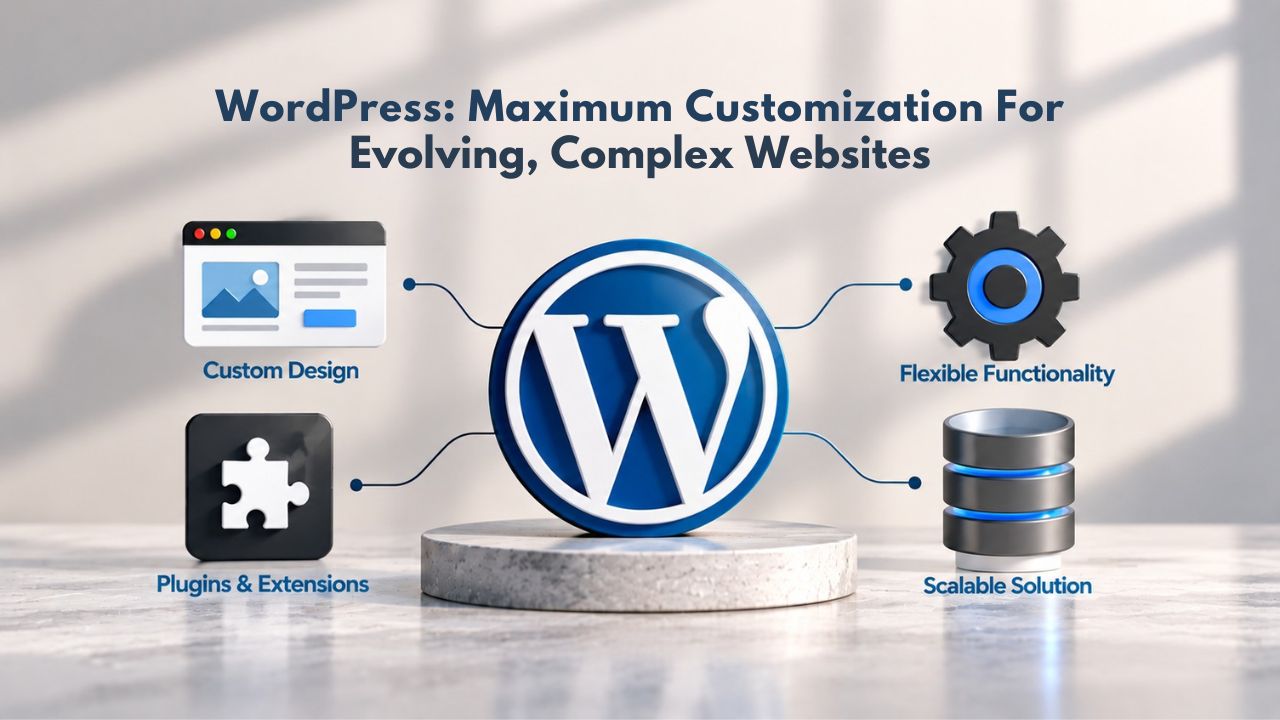
WordPress is open-source, meaning you own your site’s code and data in a way that Wix, Squarespace, and Shopify never grant. Over 60,000 plugins extend functionality: specialized e-commerce systems (WooCommerce), membership sites, appointment booking, advanced SEO control, subscription management, and integration with nearly any business tool you use. WordPress itself is free; you pay separately for hosting, which gives you more control over infrastructure and often lower costs than builders who bundle it.
The platform serves complex websites, content publishers, e-commerce stores, membership communities, and businesses with custom requirements. If you anticipate building functionality that doesn’t exist as a native builder feature, WordPress’s extensibility keeps you from being locked into a vendor’s roadmap. You can hire developers to build custom features, connect to proprietary business systems, or move your site to a different host if you choose. WordPress is the closest you can get to owning your website outright.
Steeper Learning Curve and Ongoing Maintenance Burden
WordPress’s power comes with added responsibility. Setting up a professional WordPress site requires more technical knowledge than Wix or Squarespace. If you self-host (hosting on your own server), you manage server security, perform backups, update plugins and themes to patch vulnerabilities, and monitor performance- ongoing tasks that builders handle automatically. Many small businesses hire developers for WordPress setup and maintenance, eroding the cost advantage that WordPress’s free core initially promises.
Choose WordPress if you expect your site to evolve beyond builder constraints, need absolute ownership of data and code, or plan to integrate deeply with custom business software. If simplicity out of the box is your priority and you want a vendor to manage infrastructure and security, WordPress adds friction compared to purpose-built builders. WordPress is a powerful platform for the right projects; it’s also a responsibility for teams without technical depth.
Ready to Evaluate Your Website Builder Options?
Choosing between Wix and its alternatives comes down to matching your business needs, budget, and growth timeline to the right platform. Whether you prioritize design polish, e-commerce power, affordability, or hands-on support, this guide has mapped the genuine strengths and trade-offs of each option. The best builder isn’t universally “best”; it’s the one that solves your specific problem without forcing you to pay for unused features or compromise on must-have capabilities.
Webflow: Professional-Grade Design Control for Agencies and Designers
Webflow blurs the line between a visual website builder and a code editor, giving designers and developers the power of hand-coded sites without requiring you to write code from scratch. If you’re a designer, agency, or professional who demands pixel-perfect control and interactive polish, Webflow unlocks capabilities that template-based builders fundamentally cannot.
Visual Builder With Underlying Code Control
Webflow’s defining feature is that you design visually with a drag-and-drop canvas, but underneath, you’re working with actual HTML, CSS, and JavaScript. This combination lets you create custom animations, advanced responsive behavior, and layouts that look and perform like professionally built sites, not template derivatives. The CMS and hosting are included, making Webflow a complete website platform. You can white-label sites for clients and host them on Webflow’s infrastructure, which appeals to agencies managing portfolios of client projects.
The template library caters to professionals; default components are clean and sophisticated. Sites built on Webflow tend to feel custom-built because many projects go beyond templates into truly bespoke design. For portfolios, agencies, studios, and design-forward brands where visual differentiation is crucial, Webflow’s design capabilities reward the extra effort with results that stand apart from template-based competition.
Complexity and Premium Positioning
Webflow’s power is also its barrier: the interface has a significant learning curve. Designers familiar with Adobe tools or hand-coding adapt more quickly; non-technical users will struggle. The platform costs more than generalist builders, especially if you add e-commerce, CMS features, or team collaboration. For a solo freelancer or small agency, Webflow can be cost-prohibitive compared to Wix.
Webflow is the pick if you’re a designer, agency, or professional who refuses template constraints and can justify the added complexity and investment. For solo service providers or small e-commerce shops, the added capabilities rarely repay the learning investment.
Niya Digital’s Website Builder Service: Guided Setup With Professional Support
Niya Digital is an authorized reseller of website builder services powered by GoDaddy Website Builder’s underlying site-building engine, hosting infrastructure, and domain-publishing technology. What distinguishes Niya Digital from buying GoDaddy Website Builder directly is the reseller-side value: hands-on onboarding, setup guidance, template customization assistance, and dedicated account management throughout your site’s lifecycle.
White-Glove Onboarding and Account Management
Niya Digital’s Website Builder Service runs on GoDaddy Website Builder’s proven platform, drag-and-drop editor, responsive templates, bundled hosting, built-in SEO tools, e-commerce setup, and domain connection. Niya Digital’s team provides guided setup support for users who prefer hands-on assistance over self-service tutorials. If DIY builders feel overwhelming, or you want human guidance configuring your online store, connecting your domain, or setting up professional email, Niya Digital bridges that gap without requiring you to hire a developer.
This approach appeals to small- to mid-market service businesses and hybrid stores that want a professional website without extensive technical learning or developer expenses. You get the same capable platform you’d access by buying GoDaddy Website Builder directly, plus onboarding support that speeds launch and reduces setup friction. Niya Digital’s team can assist with template selection, customization, domain configuration, and post-launch support.
When Guided Setup Justifies the Investment
Niya Digital’s value is convenience and human support, not different underlying technology. If you’re technically confident and want the absolute lowest cost, buying GoDaddy Website Builder directly, Hostinger, or Wix’s free plan is cheaper. If human support and guided onboarding are your real barriers to launching, Niya Digital removes that obstacle and accelerates your path to a live site. Explore Niya Digital’s Website Builder Service and available plans at Niya Digital Website Builder.
The investment is worthwhile if you value time savings, want professional guidance during setup, or need post-launch account management support. If you’re comfortable learning independently, you can access the technology through cheaper direct channels. Evaluate your comfort level with self-service setup; if support matters, Niya Digital’s guidance is worth the investment.
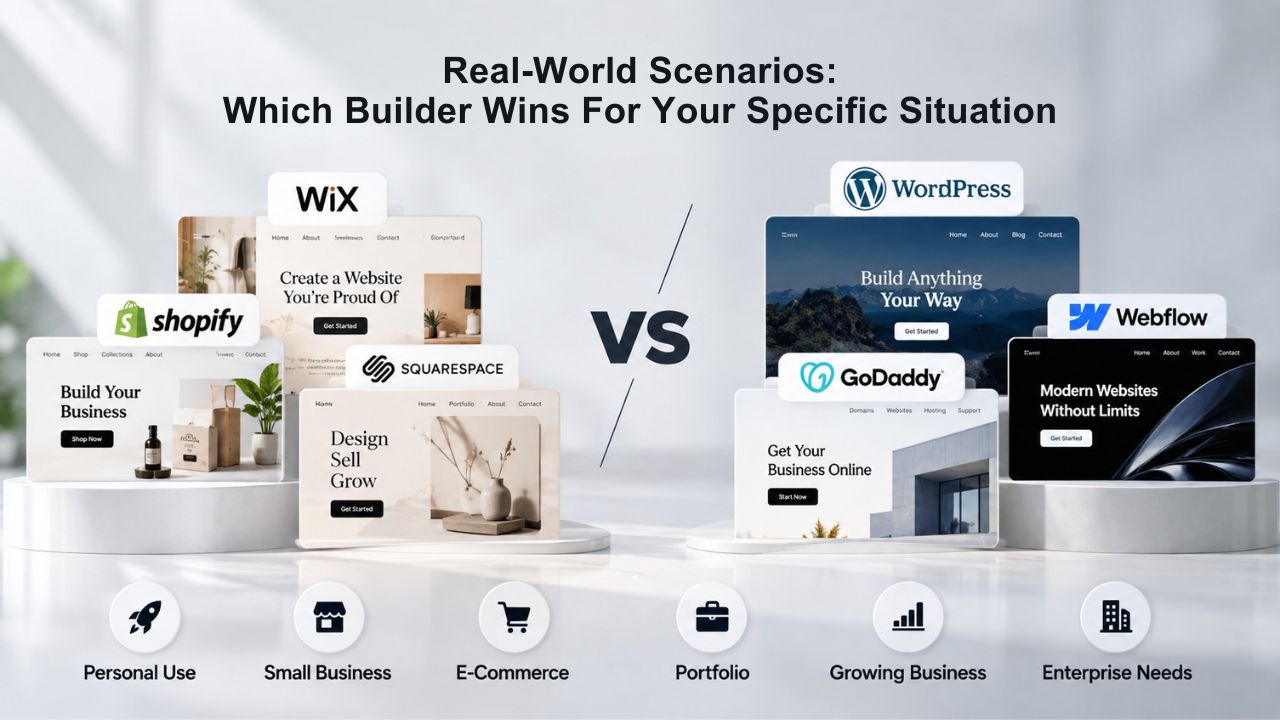
Real-World Scenarios: Which Builder Wins for Your Specific Situation
Comparing builders in the abstract is useful, but your decision becomes clear when you map your actual business situation against real-world outcomes. This section walks through five common business scenarios and explains which platform best fits each, along with practical trade-offs and expected results.
The Freelance Designer Launching a Portfolio
A freelance graphic designer, web designer, or photographer needs a portfolio showcasing visual work, a way to capture client inquiries, and ideally booking or estimate request forms. Design quality is non-negotiable; the portfolio itself demonstrates capability to prospective clients. Budget is modest because design services income is unpredictable early on. For this scenario, Squarespace or Webflow are the strongest options. Squarespace offers beautiful portfolio templates and responsive design that make your work look polished without requiring technical knowledge.
The platform prioritizes visual presentation, and all templates adjust perfectly to mobile devices where potential clients browse portfolios. Webflow is ideal if you want complete design freedom and plan to showcase advanced interactions or animations alongside static portfolio pieces. Both platforms signal professionalism in ways Wix or Hostinger cannot match. GoDaddy Website Builder would undermine your credibility; its utilitarian templates won’t reflect your design expertise. Shopify is unnecessary without products to sell; WordPress adds complexity without proportional benefit for a visual portfolio.
The Local Service Business Seeking Local Search Visibility
A plumber, electrician, salon, HVAC contractor, or other service business needs a simple brochure website with service descriptions, contact information, appointment booking capability, and strong local search visibility. Customers discovering you through Google Maps and local search matter more than design awards. The website is a credibility signal and booking funnel, not a brand statement.
GoDaddy Website Builder is pragmatic here; it bundles domain registration, email hosting, built-in Google Business Profile sync, and local SEO tools. Your site goes live quickly, and GoDaddy’s local-search integration helps customers find you on Google Maps. Niya Digital’s Website Builder Service (powered by GoDaddy Website Builder) adds hands-on setup support if you prefer guided onboarding over self-service. Wix works equally well if you prefer its larger app ecosystem or want appointment booking features beyond what GoDaddy provides. Squarespace is overkill for this scenario; you don’t need design-forward templates, and the cost-to-value ratio isn’t favorable. Shopify, WordPress, Webflow, and Hostinger are unnecessary for this straightforward use case.
Choosing Between Generalist and Specialist Builders: Strategy for Long-Term Fit
The alternatives above fall into two categories: generalist platforms that serve many business types, and specialists built for specific niches. Understanding which category fits your current needs and expected growth trajectory clarifies which platform is worth serious evaluation.
Generalists Excel at Breadth; Specialists Win at Depth
Generalist builders like Wix, Squarespace, and GoDaddy Website Builder handle multiple functions in one interface: blogging, product sales, appointment booking, email marketing. If your business spans several functions- you sell products, publish content, and take client bookings simultaneously- a generalist builder handles everything under one roof, simplifying account management and avoiding tool-switching.
Specialist platforms excel in focused domains: Shopify dominates e-commerce, WordPress powers content at scale, Webflow serves designers, and Hostinger targets budget-conscious launchers. Specialists prioritize depth within their niche; their feature sets, user experience, and integrations all assume your primary job aligns with their specialty. If you’re purely selling online, running a publishing operation, or building design-heavy portfolios, specialists offer workflows and capabilities optimized for that single focus.
Future-Proofing Your Platform Choice
Evaluate not just your current state but your 18-month business outlook. A service provider using Squarespace today might add product sales in two years; Squarespace handles that, though with less e-commerce power than Shopify. A content publisher on Wix might need custom integrations; WordPress offers more flexibility but at higher complexity costs. A retailer on Shopify might expand into content marketing; Shopify’s blogging is functional but not WordPress-grade.
Choosing a platform with some growth runway is wise; picking something with overkill features you’ll never use wastes your investment and complicates learning. Assess where your business realistically evolves. If you’ll likely stay small and focused on one primary function, a specialist builder is efficient. If you expect rapid change or your business spans multiple activities, a generalist builder is more forgiving, even if you don’t use all its capabilities.
Matching Your Business Type to the Right Builder
| Business Type | Primary Need | Recommended Builder | Key Factor |
|---|---|---|---|
| Solopreneur or Freelancer | Simple brochure site + contact form | Wix, Squarespace, or Hostinger | Ease of use, affordability, minimal e-commerce needs |
| Service Business (consulting, design, coaching) | Portfolio + appointment booking | Squarespace, Wix, or Niya Digital | Clean design, appointment scheduling, professional appearance |
| E-Commerce Store | Selling products online at scale | Shopify or Wix Business tier | Robust e-commerce features, payment processing, inventory management |
| Content Publisher | Blogging, publishing, search visibility | WordPress or Wix | Content structure, SEO optimization, publishing workflow |
| Design-Heavy Brand | Custom visuals, portfolio, brand control | Webflow or Squarespace | Design flexibility, responsive layouts, visual distinctiveness |
| Agency or Reseller | Multi-client management, white-label | Duda, Webflow, or Niya Digital | Client management tools, bulk operations, agency pricing |
Planning Your Migration: Making the Switch Without Losing Ground
Switching website builders isn’t as seamless as staying put, but it’s entirely feasible with planning. Understanding the migration process and potential pitfalls helps you make informed decisions and execute a smooth move if you decide to switch.
Content Export, Domain Transfer, and Redesign Workflow
Switching platforms requires exporting your content (text, images, product details, structured data), recreating your site design in the new builder’s interface, reconnecting your domain, and setting up redirects from old URLs to new ones. Most modern platforms provide export tools; large or complex sites may benefit from developer support to preserve SEO value during the move.
Domain transfers are straightforward: you update your DNS records to point to the new host, and traffic follows your domain to the new location. Email accounts tied to your domain need re-setup on the new platform’s email system. The biggest friction is rebuilding your site’s visual design in a new interface; this takes time but isn’t technically difficult. Search engine optimization is preserved if you implement proper 301 redirects, which tell search engines your content moved permanently and pass along ranking value.
Minimizing Downtime and Preserving Search Visibility
Plan migrations during low-traffic periods, weekends, nights, or slow seasons for your business. Build your entire new site, test it thoroughly across devices and browsers, and prepare a comprehensive map of old URLs to their new equivalents. This redirect planning is the difference between a seamless transition and a temporary traffic dip while search engines recrawl your site under its new addresses.
Avoid letting old pages go dark; broken links can drop rankings and frustrate visitors who bookmarked your old URLs. If migrating from Wix, export your content first, audit your URL structure to plan redirects, and give yourself at least a week of testing before flipping the switch. Most migration headaches come from rushing; taking time to document URL mappings and test redirect functionality prevents most problems.
Compare Website Builders and Find Your Perfect Platform
Choosing the right website builder depends on your business model, budget, technical comfort, and growth trajectory. Each alternative above solves specific problems: Squarespace for design priority, Shopify for e-commerce scale, Hostinger for bootstrapped budgets, WordPress for customization, Webflow for professionals, GoDaddy Website Builder for speed and simplicity, and Niya Digital for guided support.
Frequently Asked Questions
Can I migrate my Wix site to another platform without losing search rankings?
Yes, you can migrate successfully with proper planning. Export your content from Wix using their export tools, recreate your site design in the new builder, reconnect your domain, and implement 301 redirects from every old URL to its new equivalent.
This redirect strategy tells search engines your content moved permanently and preserves accumulated ranking value. Larger sites may benefit from developer support to ensure redirect accuracy. Plan migrations for low-traffic periods and allow a week for testing before switching DNS.
Which website builder offers the lowest startup cost?
Hostinger and GoDaddy Website Builder offer the most affordable entry points with bundled hosting included. Wix provides a permanent free plan with platform branding; Squarespace, Shopify, and Webflow have no free tier but offer trial periods. Your choice depends on whether you prioritize the lowest initial cost, baseline features, or paying for professional support during setup.
Do I own my website if I use Wix, Squarespace, or Shopify?
You own your content, text, images, products, and customer data, but the platform owns the underlying site structure and code. You can export your content, but you can’t transplant the site design itself to another host. WordPress and self-hosted solutions give you full code ownership; Webflow sits in the middle, offering more control than builders but not true open-source ownership.
Can I sell products on Wix without using Shopify?
Yes. Wix includes built-in e-commerce called Wix Stores with payment processing, inventory management, shipping calculations, and sales tax automation. Shopify is a more powerful alternative if you need advanced multichannel selling, complex workflows, or plan to scale beyond several hundred products. For small to mid-market stores, Wix’s native e-commerce is fully functional.
Which platform has the best built-in SEO tools?
WordPress and Webflow offer the deepest SEO customization with control over meta tags, schema markup, redirects, and URL structure. Wix, Squarespace, and Shopify include solid built-in SEO tools sufficient for most small businesses, including site audits, keyword recommendations, structured data, and meta tag management. GoDaddy Website Builder includes basic SEO and Google Business Profile sync, which aids local search. For advanced SEO control, WordPress is your strongest choice.
Do I need to know how to code to use these website builders?
No. Wix, Squarespace, Hostinger, Shopify, and GoDaddy Website Builder are no-code platforms with visual editors. WordPress and Webflow support no-code workflows but allow code customization if you hire a developer. Webflow has the steepest learning curve of all visual builders but doesn’t require coding knowledge to produce professional results.
How long does it typically take to launch a website using these builders?
Hostinger and GoDaddy Website Builder can launch a basic site within hours using AI templates. Wix, Squarespace, and Shopify typically require days to a week of hands-on customization. WordPress and Webflow take longer because they offer more customization. Niya Digital’s onboarding support can speed up setup if you need guided help.
Is it easy to switch builders later if I outgrow my current platform?
Switching is feasible but requires planning. You’ll export content, redesign in the new builder’s interface, transfer your domain, and implement URL redirects. Most migration challenges come from rushing; taking time to map old URLs to new ones prevents search ranking drops. Expect one to two weeks of effort for a moderately complex site.
Which website builder provides the best customer support?
Shopify and Squarespace offer 24/7 email and chat support. Wix offers phone, email, and chat, but support quality varies by plan. Hostinger and GoDaddy Website Builder provide email and chat support.
Niya Digital offers direct account management and personalized onboarding support. WordPress and Webflow rely primarily on community forums and documentation; professional support requires hiring a developer.
Is there a genuinely free website builder with a custom domain?
Wix offers a permanent free plan with platform branding on your domain; you get all core features at no cost, but it displays Wix ads. Hostinger and GoDaddy Website Builder offer free trials.
Squarespace, Shopify, and Webflow have no perpetual free plans. WordPress.com has a free tier with limitations. For a truly free, permanent option that supports custom domains, Wix’s free plan is your best option among these platforms.
How much does domain registration and renewal typically cost?
Domain registration typically costs between annual renewal fees set by registrars. Most website builders include a free domain for the first year on annual paid plans; renewal costs match standard registration pricing set by your registrar or the builder’s domain service. Some builders like Hostinger and GoDaddy Website Builder bundle domain costs into their plans.
What happens if my builder doesn’t offer a feature I need?
Wix and Shopify have large app marketplaces for third-party integrations. Squarespace has fewer apps but supports manual API connections for custom workflows. WordPress has over 60,000 plugins extending functionality.
Webflow and others support Zapier for connecting to hundreds of external services. If a critical feature isn’t available, you may need to migrate to a platform that offers it or hire a developer for a custom solution.
Can I use my own email address with these website builders?
Yes. All these platforms allow you to connect a domain-based email address to your site. Some builders include professional email in certain plans; others require separate email hosting or integration. Niya Digital can assist with email configuration during onboarding.
Which platform is most mobile-friendly for visitors?
Squarespace prioritizes mobile responsiveness across all templates with responsive-first design principles. Wix, Shopify, and Hostinger offer responsive design but require more configuration to ensure a polished mobile experience.
GoDaddy Website Builder and WordPress require testing to verify mobile appearance. Webflow gives complete control but demands more design effort optimizing for mobile screens.
How do these builders handle analytics and visitor tracking?
All major builders include basic analytics showing visitor count, traffic sources, and page views. Wix, Squarespace, and Shopify provide reasonable analytics dashboards. WordPress integrates with Google Analytics for deeper insights.
Shopify’s analytics are particularly strong for e-commerce metrics like conversion rates and average order value. Webflow provides good analytics; advanced tracking often requires integrating Google Analytics or other third-party services.
Glossary
- Website Builder: A software platform that lets you create a professional website without writing code, using visual editing tools and pre-designed templates.
- Drag-and-Drop Editor: An interface where you click and drag visual elements (text boxes, images, buttons, sections) to position them on a page without any coding required.
- Responsive Design: A website layout that automatically adjusts its appearance, spacing, and structure to fit any screen size, smartphone, tablet, or desktop, ensuring consistent usability across devices.
- Template: A pre-designed page layout with placeholder content and styling that you customize with your own text, images, branding, and color choices.
- Hosting: The service that stores your website’s files on a server and keeps your site online and accessible to visitors continuously.
- Domain: Your website’s web address (such as yourname.com). A custom domain creates a professional, memorable identity instead of using a builder’s subdomain.
- E-Commerce: Website functionality that lets you display products, manage inventory, collect customer payments, and fulfill orders directly through your site.
- SEO (Search Engine Optimization): Techniques and practices that help your website rank higher in search engine results, driving more organic visitor traffic to your site.