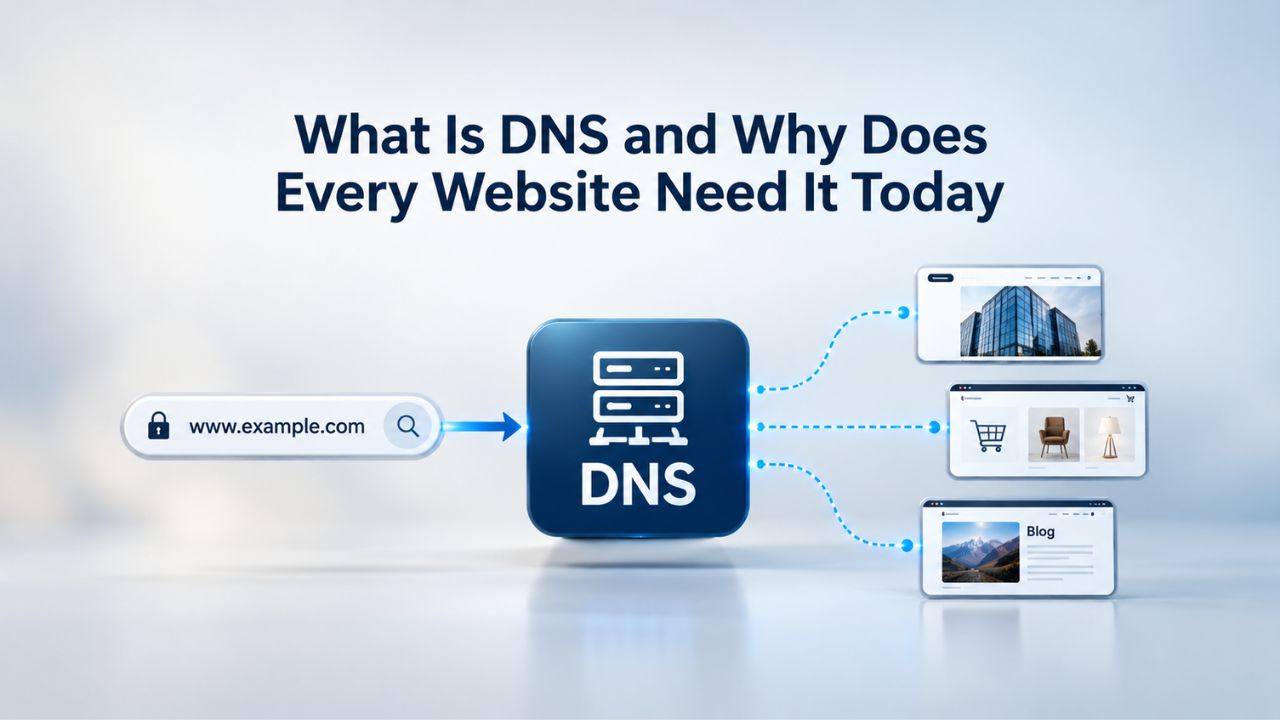
DNS Is the Internet’s Address Book
The Domain Name System (DNS) is the foundational infrastructure that translates human-readable domain names into the IP addresses computers use to communicate. ICANN coordinates the DNS globally, ensuring each domain name maps to the correct address and that no two domains share the same IP. When you register a domain name online to establish your web presence, this system works behind the scenes at every step.
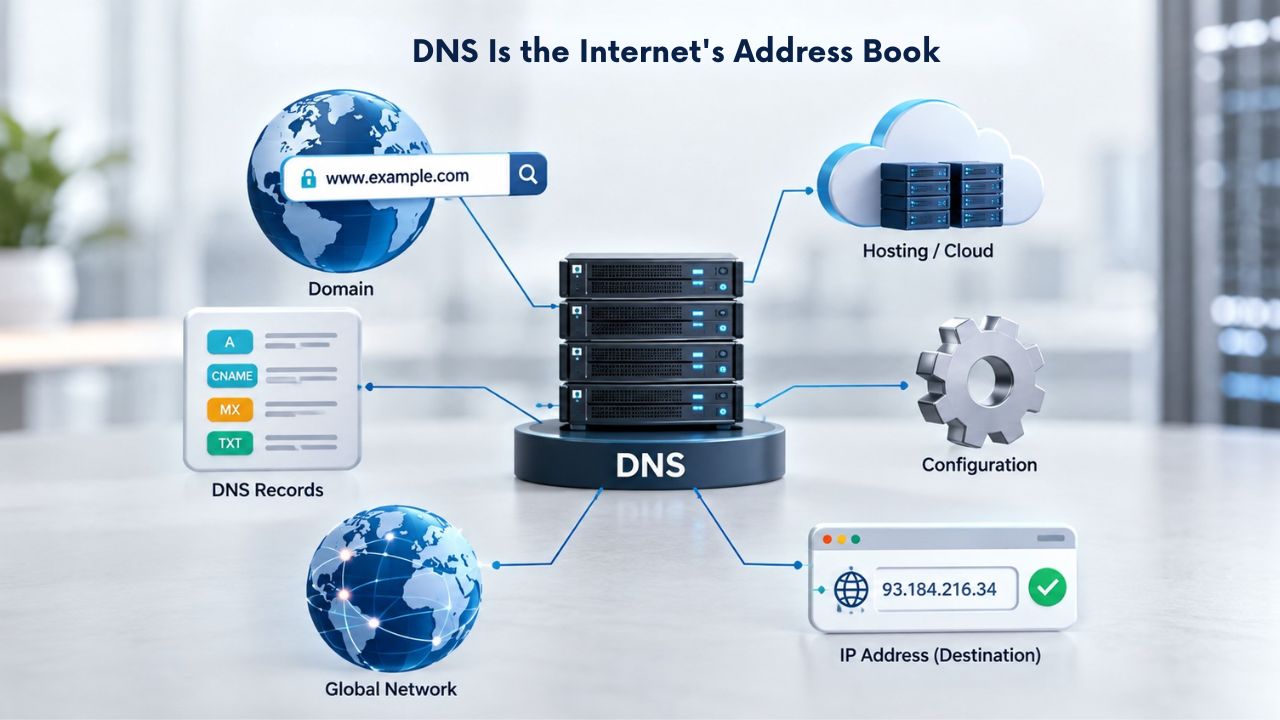
How DNS Coordinates Global Connectivity
ICANN operates an accreditation system for domain registrars, ensuring a stable, reliable environment for domain names. Domain registrars operating under this accreditation, including those partnering with Niya Digital, meet strict standards for domain registration and DNS hosting services. This system creates consistency and security across every domain registered globally.
The DNS hierarchy is distributed across multiple levels, root servers, top-level domain (TLD) servers, and authoritative nameservers, all coordinated to ensure rapid resolution and redundancy. ICANN draws up contracts with each registry and runs an accreditation system for registrars, providing a consistent and stable environment for the DNS. This decentralized design lets billions of DNS queries resolve daily without a single point of failure.
DNS as Critical Infrastructure for Business
For any organization with a website or email presence, DNS is non-negotiable. When DNS is misconfigured or unavailable, your website becomes unreachable, and your email stops working, often simultaneously. Proper DNS management is essential to maintaining business continuity and protecting your online reputation.
Many organizations underestimate DNS’s importance until a failure occurs. The challenge is that DNS failures are often silent: servers may be running, applications may be healthy, but somewhere in the DNS resolution chain, something is wrong. Proactive domain name management and monitoring prevent these invisible failures from disrupting your operations.

Domain Name Registration
Each and every domain name comes with all you need to get online.
- Domain Forwarding and Masking: Direct any domain name you own to your website. Anyone who types that domain name into their browser is taken directly to your website.
- Domain Locking: Domain locking prevents accidental or intentional transfers of domain ownership and stops anyone from redirecting your nameservers.
- Total DNS Control: Manage your domain nameserver (DNS) records and set your email, FTP, sub-domains and website location all from one control panel.
- Change of Registration: Assign your domain name to someone else or change the contacts for your domain online anytime.
- Status Alerts: Monitor the status of your domain and get instant alerts if there's been a change.
- Auto Renew Protection: No need to watch expiration dates to make sure you renew on time! Auto renew keeps your domains, hosting, website builders, and other products in your name and under your control.
Domain Disclaimers:
- Special savings apply only to first year of registration. You must purchase entire section to qualify for special savings.
- The final price may differ because of additional sales, fees, and promotions.
- Products will automatically renew until cancelled. You may turn off the auto-renewal feature by visiting your account.
- Change of registration may require a fee for certain domains.
How DNS Resolution Actually Works
When you type a domain name into your browser, a multi-step query process unfolds in milliseconds. Understanding this flow helps clarify why DNS configuration matters and why even small mistakes can disrupt your entire online presence.
The Step-by-Step Resolution Chain
| Step | What Happens | Typical Timing |
|---|---|---|
| Query Initiation | User enters a domain in the browser; the device first checks its local DNS cache. | Instant (if cached) |
| Recursive Resolver Query | The device sends the DNS request to an ISP or public recursive DNS resolver. | Milliseconds |
| Root Nameserver Query | The recursive resolver contacts a root nameserver to identify the correct TLD nameserver. | Milliseconds |
| TLD Nameserver Query | The root nameserver directs the resolver to the appropriate TLD nameserver for the domain extension. | Milliseconds |
| Authoritative Nameserver Query | The TLD nameserver refers the resolver to the domain’s authoritative nameserver. | Milliseconds |
| Response & Caching | The authoritative nameserver returns the requested IP address, and the resolver caches it according to the TTL. | Instant |
| Browser Connection | The resolver returns the IP address to the browser, which then connects to the destination web server. | Milliseconds |
If the recursive resolver doesn’t have the answer cached, it contacts a root nameserver to begin the resolution process. The root server responds by directing the resolver to the appropriate top-level domain (TLD) server for the domain extension (.com, .org, .uk, etc.). The resolver then queries the TLD server, which provides the address of the authoritative nameserver, the server that holds the actual DNS records for that domain.
Once the resolver has the authoritative nameserver’s address, it queries that server directly for the IP address corresponding to the domain name. The authoritative server responds with the requested information, and the resolver sends that IP address back to the browser. The browser then connects directly to the web server and loads the website. This entire process typically takes milliseconds, though speed depends on cache status and network conditions.
Why Caching and TTL Matter
When a DNS resolver receives a response, it stores the result in its local cache. The TTL (Time To Live) value, set by the DNS administrator, determines how long the resolver keeps the cached entry valid. A TTL of 3,600 seconds means the resolver caches that entry for one hour before re-querying.
Short TTLs (300–900 seconds) allow near-real-time updates; medium TTLs (3,600–14,400 seconds) offer balance; long TTLs (86,400+ seconds) are efficient for static setups but delay changes. This caching mechanism speeds up browsing by reducing lookups to authoritative servers, but it also means DNS changes don’t take effect instantly everywhere.
Why Every Website Needs DNS Today
No website can function without DNS. The system is so fundamental that accessing the internet without it would be nearly impossible. When you buy a domain name online and launch your web presence, DNS is what makes your site reachable.
Website Accessibility and User Experience
Without DNS, websites and applications would remain hidden in the vast expanse of the internet, rendering them virtually inaccessible. Domain names are the human-friendly interface to the internet; DNS is the system that makes that interface work. Even the most beautifully designed website becomes worthless if visitors can’t find it.
For e-commerce sites, SaaS platforms, and any service with a global audience, DNS reliability directly affects revenue. Large websites use multiple servers to handle demand, and DNS distributes incoming requests across them through techniques like round-robin DNS. This load balancing prevents any single server from becoming overwhelmed during traffic spikes, ensuring consistent performance for users worldwide.
Universal Resolvability and Global Reach
ICANN supports what’s called universal resolvability, meaning that no matter where you are in the world, typing a website address takes you to the same version of that site. This consistency is only possible because DNS is coordinated globally. A user in one region accessing your website resolves to the same IP address as a user elsewhere, ensuring a fair and reliable experience for users everywhere.
According to World Bank data, 5.35 billion people (66.2% of the world’s total population) are using the Internet in 2024. Each of these users depends on DNS to access websites, receive emails, and use cloud services. The system’s reliability and consistency enable global commerce and communication.
Common DNS Record Types and Their Purposes
DNS records are entries in a DNS zone file that map domain names to specific destinations. Different record types serve different purposes; some point to websites, others route email, and some verify domain ownership. These records are the foundation of web domain hosting and domain name management.
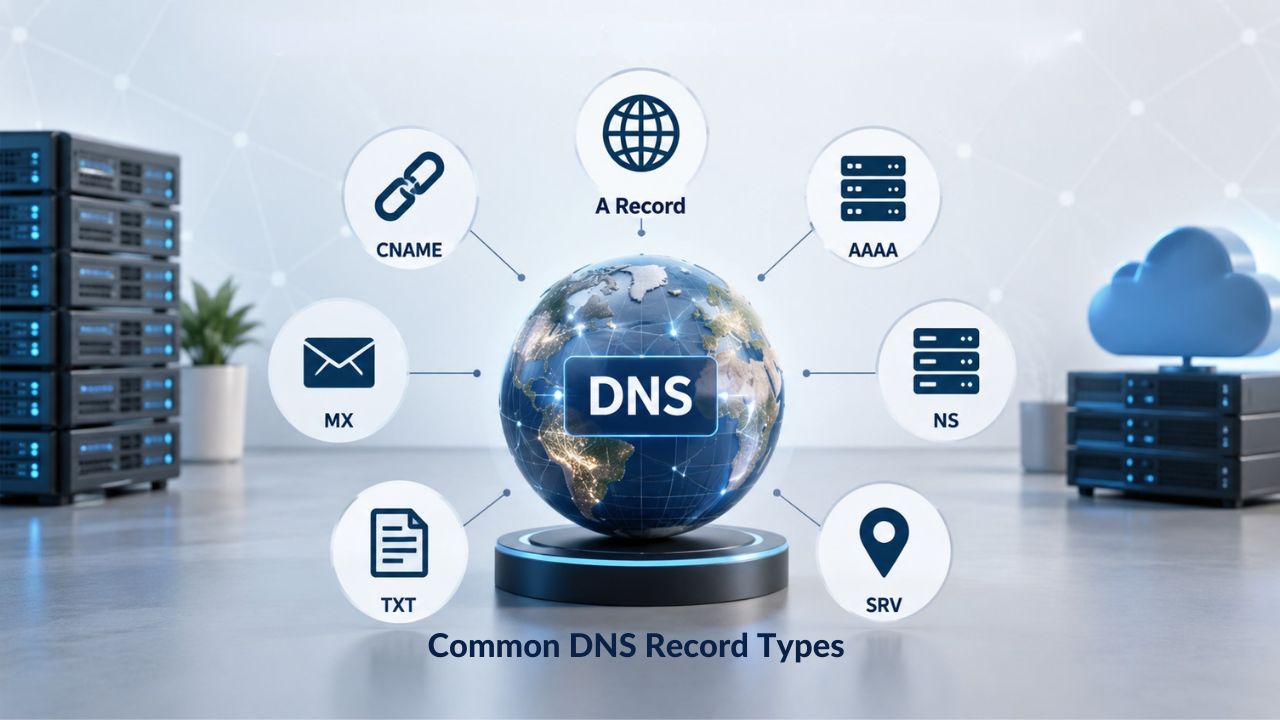
A and AAAA Records: Directing Traffic to Web Servers
The A record is the most fundamental DNS record type, mapping a hostname to an IPv4 address. When you register a domain and connect it to a web hosting provider, you specify an A record pointing your domain to your hosting server’s IP address. A domain can have multiple A records pointing to different IP addresses for load balancing; resolvers return all of them, and clients typically use the first.
The AAAA record (pronounced “quad-A”) is the IPv6 equivalent, mapping a hostname to a 128-bit IPv6 address written in colon-separated hexadecimal. As the internet transitions from IPv4 to IPv6 due to address exhaustion, AAAA records are becoming increasingly important. Many domains now use both A and AAAA records to support modern networks with dual-stack connectivity.
MX, CNAME, TXT, and NS Records: Specialized Purposes
| Record Type | Primary Purpose | Common Use Case |
|---|---|---|
| A | Maps a domain to an IPv4 address | Pointing a website to a web server |
| AAAA | Maps a domain to an IPv6 address | Dual-stack IPv4/IPv6 support |
| CNAME | Creates an alias to another domain | Subdomains, CDN services, and third-party platforms |
| MX | Routes email to a mail server | Email delivery routing and failover |
| TXT | Stores text data | Domain verification, SPF, DKIM, and DMARC authentication |
| NS | Points to the authoritative nameserver | DNS delegation and zone authority |
| SOA | Administrative information for the DNS zone | Zone refresh intervals, serial numbers, and DNS management |
MX (Mail Exchanger) records direct email for a domain to the correct mail servers and include a priority value for failover between multiple mail servers. Incorrect MX records commonly cause email delivery failures. TXT records store arbitrary text data. They are commonly used for domain verification, SPF (Sender Policy Framework) records for email authentication, and DMARC.
CNAME records point a domain or subdomain to another domain name instead of an IP address, acting as a “nickname” or alias. These are invaluable for subdomains pointing to CDN or hosting provider hostnames that may change IP addresses without notice. NS records store the name server for a DNS entry, pointing to the authoritative nameservers responsible for that domain.
Email Delivery Depends Entirely on DNS
Email is one of the most DNS-dependent services on the internet. Without proper DNS configuration, emails are lost, bounced, or flagged as spam. Good domain hosting includes robust DNS management to keep email reliable.
MX Records and Email Routing
MX records tell email servers where to deliver emails for your domain, with priority values controlling failover between mail servers. If you change your email provider, you must update your MX records to point to the new provider’s mail servers. During this transition, misconfigured records may cause emails to bounce or be delayed.
If MX records are misconfigured, an organization’s email can stop working completely. This is not a minor issue; for many businesses, email downtime is as critical as website downtime. Testing MX records after any change is essential to preventing email delivery disruption.
SPF, DKIM, and DMARC: Email Authentication and Security
SPF (Sender Policy Framework), DKIM (DomainKeys Identified Mail), and DMARC records are stored as TXT records and guide mail servers in delivering messages accurately and securely. These records authenticate outgoing mail and protect your domain from spoofing and phishing attacks.
Emails that consistently pass SPF, DKIM, and DMARC checks are seen as trustworthy, which boosts the sender’s reputation with major email providers. A strong reputation leads to higher inbox placement rates, ensuring that critical communications reach their audience. Without authentication, a domain becomes an easy target for spoofing, which can quickly destroy its reputation and deliverability.
Ready to Secure Your DNS and Domain Hosting?
Proper DNS management is foundational to your online presence. Whether you’re registering a domain name, managing domain and hosting services, or transferring an existing domain, reliable DNS infrastructure keeps your website accessible and your email delivering consistently. Niya Digital partners with an ICANN-accredited registrar to provide Domain Registration Services, DNS Management Services, and expert support for every aspect of your domain.
DNS Security and DNSSEC Protection
DNS has inherent security vulnerabilities that attackers can exploit. DNSSEC (DNS Security Extensions) adds a layer of cryptographic protection to prevent these attacks and ensure users reach the correct website.
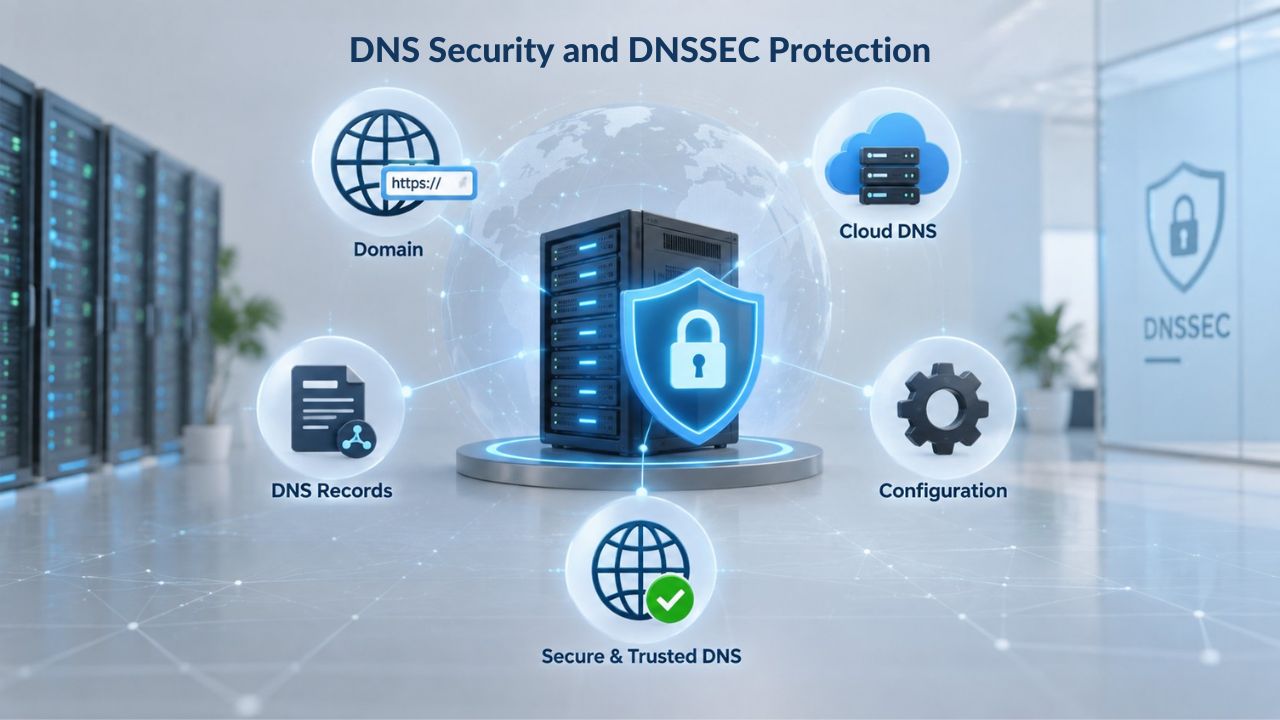
How DNSSEC Works and Its Protections
DNSSEC adds cryptographic signatures to existing DNS records, stored alongside common record types like A, AAAA, and MX. By checking the signature for a requested DNS record, you can verify that the record came from the authoritative nameserver and was not poisoned or tampered with during transmission. This prevents attackers from inserting fake records into the DNS resolution chain.
DNSSEC uses cryptographic signatures to create a “chain of trust” that validates that DNS information originates from the correct DNS servers. If DNSSEC cannot validate the information, it discards it. This means that if a hacker attempts a man-in-the-middle attack and modifies a DNS response, a DNSSEC-aware resolver can detect the fake information and discard it, protecting the user from being redirected to a malicious site.
Implementing DNSSEC for Your Domain
Both the registrar and registry must support DNSSEC for the TLD you use, and if you cannot add a DS record through your domain registrar to activate DNSSEC, enabling it elsewhere has no effect. Before enabling DNSSEC, confirm that both your registrar and your TLD’s registry support it. Many ICANN-accredited registrars, including those partnering with Niya Digital, support DNSSEC.
DNSSEC adds cryptographic computations during DNS resolution, which can slightly increase DNS lookup times. Despite this minimal performance impact, the security benefits of DNSSEC, protection against cache poisoning, spoofing, and man-in-the-middle attacks, make it a valuable addition to any domain’s security posture.
Common DNS Problems and Why They Happen
DNS outages and errors usually stem from misconfiguration rather than hardware failures or malicious attacks. Understanding the most common issues helps you prevent them and maintain continuous domain and hosting services.
Lame Delegation and Missing Records
A registrar’s NS records point to nameservers that don’t actually serve the zone, a configuration called lame delegation, causing resolvers to query the nameserver but receive “I don’t know about that domain” responses. This is one of the most common DNS misconfigurations. Incorrect A, CNAME, MX, or NS records in zone files prevent proper domain resolution; a missing A record means the domain can’t point to its server IP address.
When DNS problems arise, they typically affect multiple aspects of your online presence simultaneously, including website loading, email delivery, and subdomain functionality. A single misconfiguration can cascade into multiple service failures. For this reason, always test and document DNS changes before deployment.
The Cascading Impact of DNS Failures
A small DNS misconfiguration can lead to downtime, broken email, or slow website performance. The visibility of these failures varies; website outages are immediately obvious, but email delivery failures or DNS propagation delays may go unnoticed for hours. Niya Digital’ team has found that many organizations don’t discover DNS configuration errors until they attempt to migrate services or update their infrastructure.
Proactive monitoring and testing reduce the risk of these failures. Regularly verify that your authoritative nameservers are responding correctly, that MX records point to active mail servers, and that A records resolve to your current hosting IP.
DNS Propagation, TTL, and Timing Expectations
DNS propagation is the time it takes for DNS nodes across the internet to update their cached information for a domain. Because the DNS system is distributed and hierarchical, ISPs and local resolvers worldwide must pick up changes made at your registrar or host. Usually, DNS changes propagate within a few hours. Still, it can take up to 48 hours for everything to propagate across the Internet.
How TTL Directly Controls Propagation Speed
TTL (Time To Live) is a numerical setting (in seconds) that tells servers how long to store a DNS record before refreshing it. With a TTL of 300 seconds, changes are visible everywhere within 5 minutes; with a TTL of 3,600 seconds, expect up to 1 hour; with a TTL of 86,400 seconds, the maximum delay is 24 hours.
The “propagation delay” is simply the time remaining before the cache expires. If a resolver cached your old record 30 minutes ago with a TTL of 3,600 seconds, it will continue serving that old record for another 30 minutes. No central push system exists; individual resolvers expire cached entries on their own schedules.
Managing Propagation During Migrations
Many factors affect propagation time, including your TTL, your ISP, and your domain’s registry. Some ISPs ignore TTL settings and update cached records only every two to three days. To minimize downtime during a migration, reduce your TTL to 300 seconds (5 minutes) at least 24 hours before the change. This ensures that resolvers refresh their cache more frequently after your change takes effect.
After making DNS changes, test from multiple geographic locations using public DNS resolvers such as 1.1.1.1 or 8.8.8.8. Different resolvers may see updates at different times, so testing widely gives you confidence that changes are propagating correctly.
Managing DNS for Business Continuity and Reliability
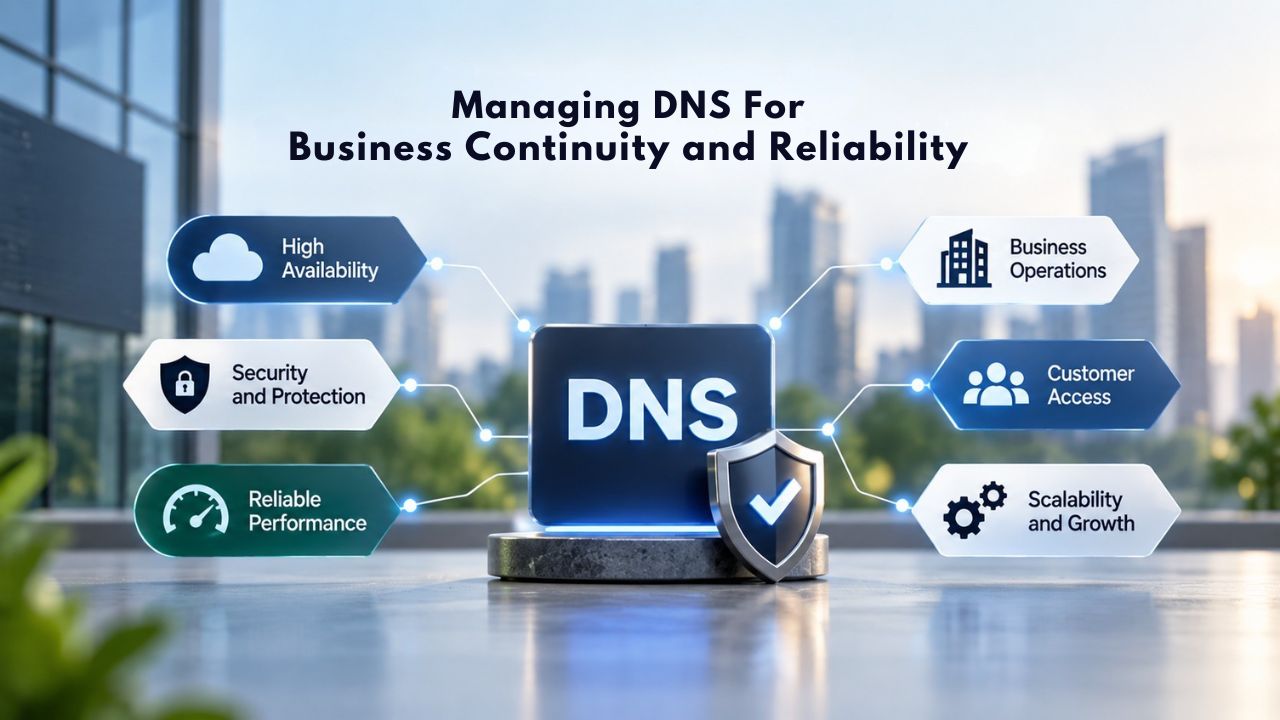
DNS is a frontline security system; if someone gains access, they can redirect your website, impersonate your email, or hijack your domain entirely. Proper DNS governance includes limiting access, using multi-factor authentication, monitoring changes, and maintaining clear documentation of your DNS configuration. DNS is often set up once and forgotten, sometimes by a former employee, a past IT vendor, or a web designer who hasn’t worked with you in years, which becomes a major risk when you need to make a change.
Monitoring and Documentation Best Practices
In urgent situations- a website migration, a security incident, a broken email system- not knowing who holds the keys to your DNS can turn a simple fix into hours or days of downtime. Document your complete DNS configuration, including all record names, types, values, and TTL settings. Keep this documentation updated whenever changes occur. Use a DNS management tool or spreadsheet to track your entire DNS portfolio, especially if you manage multiple domains or TLDs across different registrars or hosting providers.
Set up monitoring and alerts for DNS performance. Track DNS query response times and failure rates to catch issues before they cascade into full outages. Many DNS hosting providers include monitoring tools, and third-party services can provide additional visibility. Regular testing ensures your authoritative nameservers respond, your MX records are current, and your DNSSEC signatures (if enabled) are valid.
Working with a DNS Management Partner
When you register a domain name with an ICANN-accredited registrar, you gain access to DNS management tools and often support for configuring, updating, and troubleshooting DNS records. A reliable registrar partner provides not only DNS hosting but also guidance on best practices, security configurations (like DNSSEC), and redundancy options to keep your domain accessible and your services running during maintenance or unforeseen incidents.
Start Protecting Your Domain with Expert DNS Management
DNS is not a “set it and forget it” service. Proper configuration, monitoring, and maintenance are essential to keeping your website online and your email delivering reliably. Whether you’re registering a domain, transferring to a new provider, or optimizing domain and hosting services, expert support ensures your online presence stays available. Niya Digital’ team of domain and web infrastructure specialists can help you register a domain, manage DNS, and protect your digital assets.
Frequently Asked Questions
What is DNS and why do I need it?
DNS (Domain Name System) translates human-readable domain names into IP addresses that computers use to communicate. Without DNS, you couldn’t access websites or send emails. Every website, email service, and online application relies on DNS. When you register a domain name online, DNS records connect your domain to your web hosting and email services, making your site accessible and your email functional worldwide.
How long does DNS propagation take?
DNS changes typically propagate within a few hours, though it can take up to 48 hours for updates to reach all resolvers worldwide. The speed depends on your TTL (Time To Live) settings and ISP caching behavior. Shorter TTLs (300 seconds) can make changes take effect in minutes; longer TTLs (86,400 seconds) can take 24 hours or more. You can accelerate propagation by lowering your TTL 24 hours before making DNS changes.
What is a nameserver and how does it work?
A nameserver is a DNS server that stores and responds with DNS records for a domain. When you register a domain, you specify which nameservers should be authoritative for that domain. These nameservers hold all your DNS records, A records, MX records, TXT records, and others. When someone tries to access your website or send email to your domain, their DNS resolver queries your nameservers for the correct IP address or mail server.
Can I use multiple DNS providers for the same domain?
Technically, you can point your domain to nameservers from different providers by specifying multiple NS records. However, this is not recommended for general use and can complicate management and troubleshooting. Most domains use one consistent set of authoritative nameservers to avoid conflicts and ensure reliable resolution. If you need redundancy, choose a DNS hosting provider that operates multiple geographically distributed nameservers.
What does TTL mean in DNS, and why does it matter?
TTL (Time To Live) is a setting on each DNS record that tells resolvers how long to cache that record before re-querying. A TTL of 3,600 seconds means the record is cached for one hour; a TTL of 300 seconds means five minutes. Lower TTLs allow faster updates but increase the query load on your nameservers. Higher TTLs reduce query load but delay changes. Choose TTL values based on how often you expect to change that record.
How do I know if my DNS is configured correctly?
Test your DNS using online DNS lookup tools by querying your domain name. The results should show your A record pointing to your web hosting IP, your MX records pointing to your email provider’s mail servers, and any other records you’ve configured. If results are missing or incorrect, your DNS is misconfigured and needs adjustment. Test from multiple geographic locations to catch regional propagation issues. Many registrars providing domain name hosting services offer built-in diagnostic tools for this purpose.
What is DNSSEC and should I enable it?
DNSSEC (DNS Security Extensions) adds cryptographic signatures to DNS records, protecting against tampering, spoofing, and cache poisoning attacks. It ensures that DNS responses come from legitimate authoritative servers. Benefits include improved security for users accessing your domain and protection against hijacking attempts. Drawbacks are minor (slightly increased query times, added configuration complexity). If your registrar and TLD support it, DNSSEC is recommended.
Why did my email suddenly stop working?
Email delivery failures usually result from misconfigured or missing MX records, an ISP outage, an email provider outage, or authentication failures (SPF/DKIM/DMARC). Check that your MX records point to the correct mail server(s). Verify that SPF, DKIM, and DMARC records match your email provider’s requirements. Test with an online MX lookup tool. If records are correct, contact your email provider or DNS hosting registrar for support.
What happens if I don’t renew my domain?
If you don’t renew your domain before it expires, it enters a “grace period” (typically 30 days) during which you can still renew it, though you may incur a late fee. After the grace period, the domain enters a “redemption period” (typically 30 days), during which recovery is possible but more expensive. After redemption expires, the domain returns to the registry and becomes available for anyone to register. Your website and email become inaccessible during this time.
Can I transfer my domain to a different registrar?
Yes. Domain transfers are possible and are handled at the registrar level. To transfer, you must unlock your domain at your current registrar, obtain an authorization code, and provide that code to your new registrar. The transfer process typically takes 5–7 days. During transfer, your domain remains active and accessible. After the transfer completes, you manage your domain and DNS records through your new registrar.
What is an A record and do I need one?
An A record maps your domain to an IPv4 address. If you have a website hosted on a server, you need an A record pointing your domain to that server’s IP address. Without an A record, your domain name cannot resolve to your website. Most web hosting providers automatically create and maintain your A record when you add your domain to their hosting account. You can have multiple A records for load balancing across multiple servers.
What are SPF, DKIM, and DMARC records?
SPF (Sender Policy Framework), DKIM (DomainKeys Identified Mail), and DMARC (Domain-based Message Authentication, Reporting, and Conformance) are email authentication standards stored as TXT records in your DNS. They verify that emails sent from your domain are legitimate and protect against spoofing. SPF specifies which mail servers are authorized to send email from your domain. DKIM adds a digital signature to outgoing emails. DMARC ties SPF and DKIM together and sets policy.
How often should I back up my DNS records?
Document your complete DNS configuration at least quarterly, or immediately after any changes. Most registrars and DNS providers allow you to export your DNS records as a zone file for backup. Keeping an external copy protects you in case your registrar account is compromised or accidentally deleted. Many organizations keep their DNS backup in version control to track changes and enable quick restoration.
What is a CNAME record and when would I use one?
A CNAME (Canonical Name) record points a subdomain to another domain name instead of directly to an IP address. You use CNAME records to alias subdomains (like www.example.com or blog.example.com) to other domains or third-party services (like a CDN or email service). You can’t use CNAME records at the root domain because they conflict with other required records. They are invaluable for third-party integrations because they let you point to a third party’s hostname rather than its IP.
How do I choose between registering a domain with a registrar versus a hosting provider?
Both registrars and hosting providers can register domains, but registrars specialize in domain registration and DNS management, while hosting providers focus on website hosting. Registrars typically offer more flexibility in DNS management and let you use any hosting provider. Hosting providers often bundle domain registration with hosting for convenience. Many organizations use an ICANN-accredited registrar like those partnering with Niya Digital for domain management and register hosting separately for flexibility and control.
Glossary
- Authoritative Nameserver: The DNS server that holds the definitive DNS records for a domain and responds directly to DNS queries with the correct information.
- CNAME Record: A DNS record type that creates an alias from one domain or subdomain to another domain name, used for subdomains and third-party service integrations.
- DNS (Domain Name System): The global system that translates human-readable domain names (like example.com) into IP addresses (like 203.0.113.5) that computers use to communicate.
- DNSSEC: Domain Name System Security Extensions; a protocol that adds cryptographic signatures to DNS records to authenticate their origin and prevent tampering.
- MX Record: A DNS record type that directs email for a domain to the correct mail server(s), typically with priority values for redundancy.
- Nameserver: A DNS server that stores DNS records for one or more domains and responds to DNS queries from resolvers and other servers.
- Propagation: The time it takes for DNS changes to reach all resolvers and caching servers worldwide, determined by TTL and caching behavior.
- TTL (Time To Live): A numeric value (in seconds) on each DNS record that tells DNS resolvers how long to cache that record before re-querying for updates.