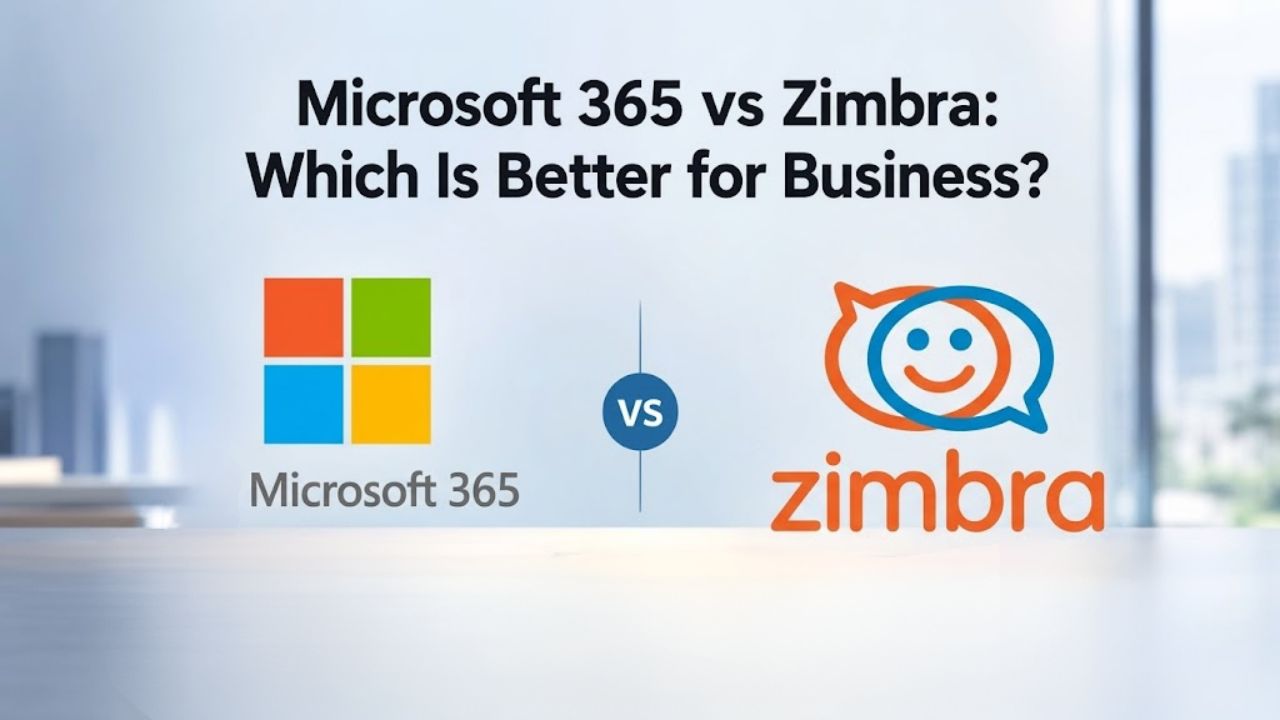
Deployment: Cloud-Only vs. Flexible Infrastructure
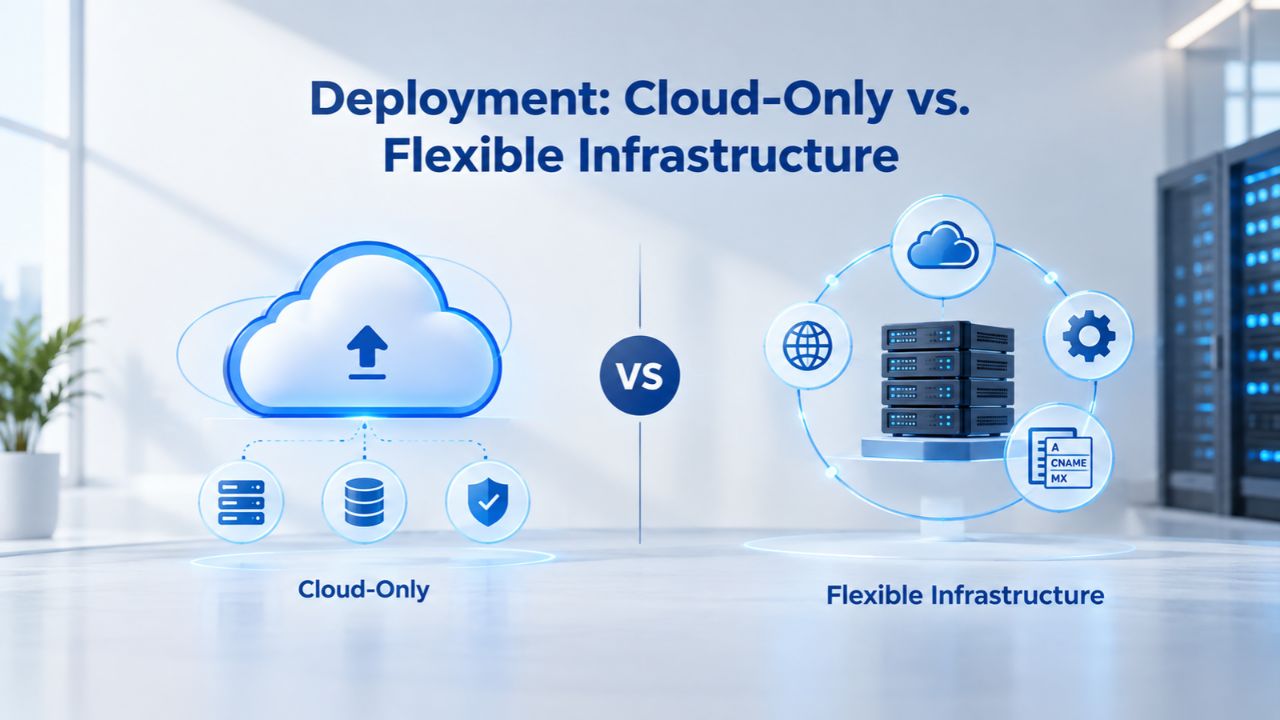
Microsoft 365 operates exclusively as a cloud-based, Software-as-a-Service (SaaS) platform, with all services delivered through Microsoft’s geographically distributed data centers. Zimbra, by contrast, offers multiple deployment paths: on-premises, private cloud, or managed hosting, giving organizations control over where email data physically resides. This fundamental architectural difference significantly affects regulatory compliance, infrastructure investment, and administrative responsibility.
Microsoft 365 Cloud Architecture
Microsoft 365 delivers all services through secure, globally distributed Microsoft data centers. Microsoft stores data in facilities with 24/7 restricted physical access and encrypts information both in transit (using TLS and IPsec) and at rest (using volume-level and file-level encryption). Your organization cannot host Microsoft 365 on its own servers, specify a regional data center, or maintain direct physical control over infrastructure. For organizations subject to strict data-residency mandates, such as EU GDPR requirements, HIPAA compliance for healthcare, or national sovereign-cloud regulations, this cloud-only model requires careful regulatory evaluation before adoption.
The architectural trade-off is intentional: Microsoft automatically handles all infrastructure provisioning, patching, backups, disaster recovery, and updates. Your IT team is freed from managing physical servers, data centers, or hardware refresh cycles. This managed approach eliminates on-premises operational overhead, allowing IT to focus on business enablement rather than infrastructure maintenance.
Zimbra’s Deployment Flexibility
Zimbra Network Edition (the commercially supported version) can run on-premises in your own data center, in a private cloud environment, or through a managed hosting provider that handles infrastructure on your behalf. Zimbra’s on-premises deployment model ensures email data stays on infrastructure the organization owns and controls, satisfying regulatory requirements for government, healthcare, and organizations subject to data-sovereignty mandates like GDPR. Many universities and government agencies choose Zimbra specifically for this reason, student email data remains on institution-controlled servers, avoiding third-party cloud compliance complications.
However, deployment flexibility introduces operational complexity. Deploying and managing Zimbra on-premises requires specialized IT staff, server hardware investment, ongoing maintenance, and in-house troubleshooting expertise. Managed hosting providers can handle this operational burden, but this approach introduces vendor lock-in and reduces direct control compared to self-managed deployment. Organizations must weigh the benefits of data control against the resources required to maintain the infrastructure themselves.
Microsoft 365 Plans & Pricing
Find the Microsoft 365 plan that fits your needs, whether you're using it at home, with your family, or for your business. With a range of plans designed for different budgets and requirements, you can enjoy the tools you need to stay productive, connected, and protected.
Microsoft 365 Email Essentials
Professional email with 10GB of email storage.
- Professional email using your domain name
- 10GB storage for email, contacts & calendar
- Sync across all devices
- Shared online calendars
- Up to 400 email aliases

Microsoft 365 Email Plus
Professional email with 50GB of email storage.
- Professional email using your domain name
- 50GB storage for email, contacts & calendar
- Sync across all devices
- Shared online calendars
- Up to 400 email aliases
Microsoft 365 Online Business Essentials
Office web apps & professional email.
- Office apps (online only)
- 1TB OneDrive storage
- Unlimited online meetings & HD video
- Professional email using your domain
- 50GB email storage
- Sync across all devices
Microsoft 365 Business Professional
Office apps on 5 devices, web apps & professional email.
- Office apps installed on up to 5 devices
- Office web apps
- 1TB OneDrive storage
- Business apps included
- Professional email using your domain
- 50GB email storage
Security & Compliance: Built-In Protection vs. Transparency
Both platforms offer robust security capabilities, but they approach threat mitigation differently. Microsoft 365 applies security controls by default with minimal IT configuration required. Zimbra requires more hands-on security setup but offers transparency and open-source auditability, which appeals to organizations that need code-level compliance verification.
Microsoft 365 Security Enabled by Default
All Microsoft 365 Business subscriptions include Microsoft Entra ID Free with security defaults enabled by default, meaning multifactor authentication (MFA) is activated for all users without manual configuration. Business Premium adds Conditional Access policies (Entra ID P1), enabling IT administrators to control access based on user location, device compliance status, and real-time risk assessment. This adaptive approach prevents unauthorized access even when passwords are compromised.
Built-in email protection includes anti-phishing, anti-spam, and anti-malware filtering at the message level. Business Premium adds Microsoft Defender for Endpoint, behavioral threat detection across devices, and Safe Links/Safe Attachments for email security. All data is automatically encrypted in transit and at rest. Security patches and threat intelligence updates are applied automatically without IT intervention or delays, ensuring your organization maintains current protection against emerging threats.
Zimbra: Auditability & Compliance Options
Zimbra’s open-source core and on-premises deployment model provide full visibility into email infrastructure code, eliminating the black-box risks inherent in proprietary, closed-source platforms. Organizations that require security audits, compliance with open-source-only mandates, or the ability to customize code for specific regulated environments benefit significantly from this transparency. Your security team can audit source code directly, identify potential vulnerabilities, and customize the platform to meet unique compliance requirements.
Both the Open Source and Network Editions include S/MIME digital signatures and encryption, enabling email signing and encryption without additional licensing costs, a requirement in many regulated industries. Zimbra Network Edition includes additional features like optional archiving and discovery for legal and audit purposes, supporting complex compliance workflows. On-premises deployments require the organization to manage patching, updates, and security hardening itself. In contrast, managed hosting providers handle operational security, though with less code-level control than self-managed solutions.
Email Features & Cloud Storage: Capacity & Integration
Both platforms provide professional email hosting with custom domain support and advanced storage capabilities, but they differ in how email integrates with broader productivity tools and collaboration features.
Microsoft 365 Email & Storage Capabilities
Microsoft 365 Business Standard and Premium include a 50 GB primary mailbox per user with an additional 50 GB cloud-only archive; on Business Premium, unlimited archiving can be enabled through Exchange Online Archiving for organizations with extensive compliance or retention requirements. Each user also receives 1 TB of OneDrive for Business cloud storage, automatically synced for offline access and easily shareable with colleagues and external partners.
Email integrates seamlessly with Teams (for team chat and video), SharePoint (for document collaboration), and Outlook across desktop, web, and mobile platforms. Microsoft 365 Business Standard and Premium both include Microsoft Teams, enabling unified messaging, video conferencing, and file sharing within a single collaboration hub. Users work in a single interface for email, messaging, video, and file storage, real-time co-authoring, shared permissions, and presence awareness span all applications. This deep integration simplifies workflows for knowledge workers and reduces the friction of switching between disconnected tools.
Zimbra Email & Storage Features
Zimbra’s email and calendar functionality are integrated core features, but storage capacity and collaboration feature maturity depend on which edition you deploy. Zimbra Open Source Edition includes essential collaboration features. Still, it requires community support and manual configuration for mobile synchronization, making it best suited for organizations with IT expertise. Zimbra Network Edition includes native Exchange ActiveSync for mobile device synchronization and a proprietary Zimbra Connector for Outlook (MAPI bridge), enabling Outlook desktop users to sync calendar and contacts without requiring third-party tools or workarounds.
Zimbra includes chat, file sharing, and video conferencing as built-in features. Still, these collaboration components are not as deeply integrated as those in unified platforms; chat, video conferencing, and real-time document co-editing often feel like separate tools rather than part of a cohesive, unified workspace. This modular architecture requires users to juggle multiple interfaces and contexts, creating workflow friction compared to a tightly integrated suite where all collaboration happens within a single environment.
Feature Comparison & Decision Matrix
The following table summarizes key capabilities and differences across the two platforms to help guide your evaluation.
| Feature / Factor | Microsoft 365 Business Standard | Zimbra Network Edition (Managed Hosting) |
|---|---|---|
| Deployment Model | Cloud-only, hosted in Microsoft-managed data centers | Available as on-premises, private cloud, or managed hosting deployment |
| Email Mailbox Storage | 50 GB primary mailbox with 50 GB archive (additional archiving options available) | Typically 50–100 GB per mailbox, depending on the hosting provider |
| Mobile Device Sync | Native support for iOS, Android, Windows, and macOS devices | Exchange ActiveSync (Network Edition) or Z-Push (Open Source Edition) |
| Outlook Desktop Integration | Native Outlook support across desktop, web, and mobile | Zimbra Connector for Outlook (Network Edition) or standard IMAP/POP3 connectivity |
| Built-in Collaboration Tools | Microsoft Teams, SharePoint Online, and OneDrive for Business | Integrated chat, video conferencing, calendar, file sharing, and collaboration modules |
| MFA & Encryption | Multi-Factor Authentication supported by default with TLS and storage encryption | S/MIME signing and encryption supported; additional configuration required for MFA |
| Data Sovereignty Option | Cloud-hosted only with regional data center selection | Supports complete on-premises deployment for organizations requiring full data residency control |
| Administrative Overhead | Low, with Microsoft managing infrastructure, updates, backups, and maintenance | Moderate with managed hosting or significant for self-managed deployments |
| Compliance Certifications | Supports GDPR, HIPAA, SOC 2, and other Microsoft compliance programs | Supports GDPR through deployment flexibility; auditing depends on hosting environment |
| Support Availability | 24/7 Microsoft support with financially backed SLA | Support and SLA depend on the managed hosting provider; self-hosted deployments rely on internal IT |
| Custom Domain Email | Included with all Microsoft 365 Business plans | Included with all Zimbra Network Edition deployments |
| Third-Party Integrations | Native integrations with Teams, SharePoint, OneDrive, Power Automate, and Microsoft ecosystem | Zimlets enable integration with CRM, ERP, and other third-party business applications |
Collaboration Ecosystem: Unified vs. Modular Architecture
Microsoft 365 and Zimbra take fundamentally opposite approaches to building collaboration environments, with major implications for user adoption, workflow efficiency, and learning curves.
Microsoft 365: Deeply Integrated Ecosystem
Microsoft 365 Business plans combine productivity apps (Word, Excel, PowerPoint, Outlook), cloud services (OneDrive, Teams, SharePoint), business email, and security tools, a unified ecosystem with AI-enhanced features integrated throughout. Users work within a single, consistent interface: Teams for instant messaging and video calls, Outlook for email and calendar, OneDrive for personal file storage, and SharePoint for team sites and document collaboration. Real-time co-authoring allows multiple users to edit documents simultaneously, permissions inherit across the ecosystem, and presence awareness shows who is online and available across all applications.
This depth of integration means that switching between email and chat, or attaching a document from OneDrive, happens within a unified context without launching separate applications or losing workflow momentum. Teams channels integrate directly with SharePoint sites, email conversations flow into Teams, and file access is consistent across all tools. Knowledge workers spend less time context-switching and more time accomplishing tasks within a cohesive environment.
Zimbra: Email-Centric with Modular Add-Ons
Zimbra was architected around email as the primary communication hub. The platform includes calendar, contacts, tasks, chat, file sharing, and video conferencing. Still, these components operate separately and loosely coupled rather than as a unified workspace. This fragmentation forces users to navigate multiple interfaces and contexts, creating workflow friction and disrupting productivity compared to all-in-one platforms where collaboration is seamlessly integrated. A user might send an email, then switch to the chat interface to continue the conversation, then open a separate file-sharing interface to attach documents, a pattern that breaks workflow continuity.
Zimbra’s open architecture allows deep integration with third-party best-of-breed tools (Zoom, Slack, Dropbox, Google Drive, OneDrive, WebEx) via Zimlets (an extensibility framework). This flexibility is valuable for organizations already invested in specialized point solutions, but it also means more configuration work and less seamless out-of-the-box collaboration. Integration efforts fall on your IT team or hosting provider rather than happening automatically.
Administrative Burden: Managed Service vs. In-House Complexity
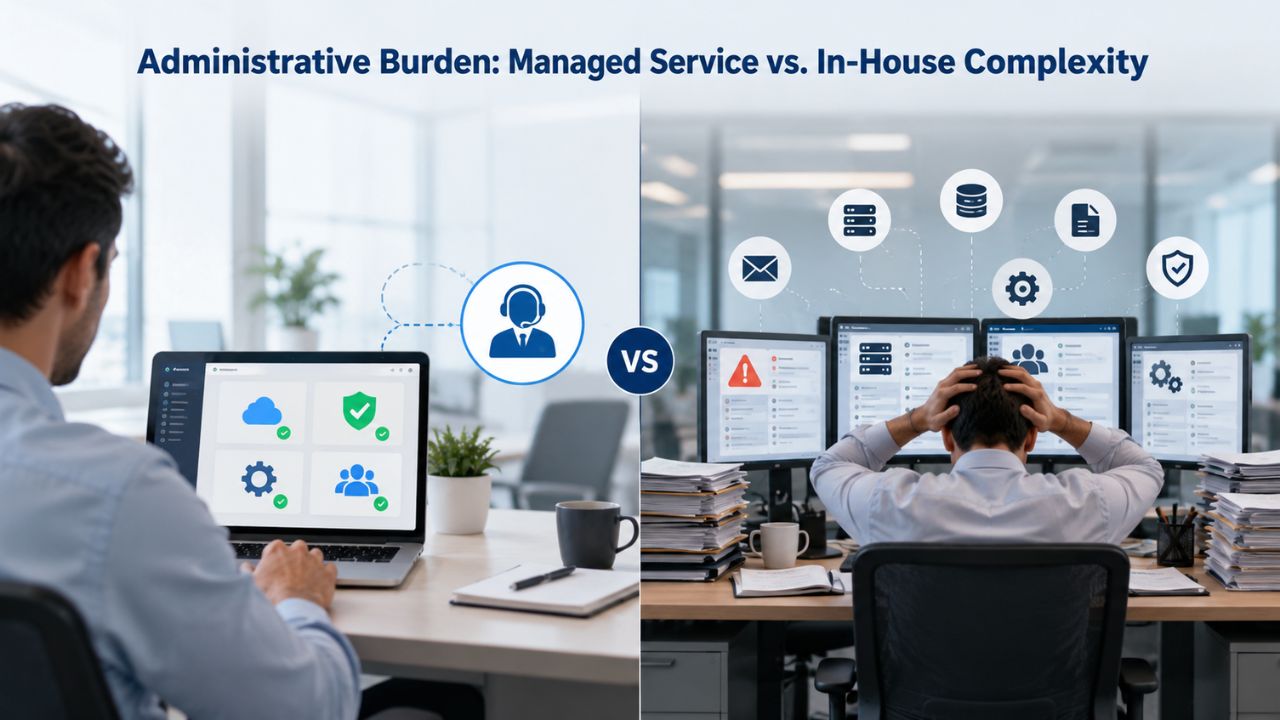
This distinction separates managed cloud platforms from self-hosted solutions at the most fundamental level. Microsoft 365 and managed Zimbra hosting eliminate operational overhead; self-managed Zimbra demands significant IT resource investment and expertise.
Microsoft 365: Minimal Operational Overhead
Microsoft handles all infrastructure provisioning, patching, updates, backups, and disaster recovery automatically. Your IT team focuses on user provisioning, security policy configuration, and end-user support, not server management, hardware maintenance, or infrastructure troubleshooting. Microsoft 365 Business Premium includes built-in security configuration at no additional cost; a managed IT provider can implement best-practice security policies (MFA, Conditional Access, DLP, sensitivity labels) typically within days.
This managed approach frees IT from the constant cycle of patching, updating, and maintaining physical infrastructure. Security updates deploy automatically without IT needing to plan downtime or coordinate system maintenance. Microsoft’s global operations team handles hardware refresh cycles, database maintenance, and backup validation. Your IT staff can focus on strategic business initiatives rather than reactive infrastructure firefighting.
Zimbra: Operational Complexity Varies by Deployment Model
For both Open Source and on-premises Network Edition, Zimbra demands significant technical expertise and administrative resources. IT teams are responsible for deployment, server maintenance, security patching, performing updates, and managing backups, hidden overhead that substantially increases total cost of ownership and diverts IT resources away from strategic business initiatives. Server hardware requires monitoring, storage expansion planning, and performance tuning. You must test and deploy security patches on your schedule, not Microsoft’s timeline. Backup and recovery procedures depend on your IT team’s expertise and available resources.
Managed Zimbra hosting mitigates much of this operational burden: the hosting provider handles infrastructure, patching, and maintenance. However, this introduces vendor lock-in concerns and reduces configuration flexibility compared to self-managed deployment. Niya Digital’s team has found that organizations vastly underestimate the labor cost of managing on-premises email infrastructure; IT staff consumed by server maintenance never get to focus on security hardening, compliance improvements, or user enablement initiatives.
Stop Managing Email Infrastructure Yourself
Eliminate server maintenance, security patching, and infrastructure troubleshooting from your IT workload. Microsoft 365 handles all infrastructure automatically, letting your team focus on strategic business priorities and user enablement. Niya Digital specializes in Microsoft 365 setup, migration, and ongoing support, helping businesses reduce operational complexity and IT overhead.
Mobile & Desktop Access: Native Support vs. Configuration
Mobile access capabilities differ significantly and directly affect user experience, support burden, and administrative complexity.
Microsoft 365 Mobile & Desktop Integration
Microsoft 365 includes native apps optimized for iOS, Android, Windows, and macOS devices. Outlook on all platforms syncs email, calendar, and contacts automatically without manual configuration. Teams, OneDrive, and SharePoint apps are optimized for mobile workflows, letting users join team conversations, access files, and collaborate from any device. IT administrators define mobile device policies centrally through Microsoft Intune, ensuring consistent security across the organization. No additional tooling or configuration is required for standard mobile synchronization; it works out of the box.
Users on iOS, Android, Windows, or Mac can access email, calendar, and collaboration tools through the same interface and experience, regardless of device. Push notifications keep users informed without draining the battery, offline access lets work continue without connectivity, and sync happens automatically and reliably. Consistency across devices means fewer user support tickets related to mobile access issues.
Zimbra Mobile & Desktop Connectivity
Zimbra Open Source Edition has limited mobile support and requires third-party tools like Z-Push for Exchange ActiveSync synchronization, adding setup complexity, ongoing maintenance burden, and potential reliability issues. Zimbra Network Edition includes native Exchange ActiveSync for mobile device synchronization, and the Zimbra Connector for Outlook provides MAPI-based synchronization for Outlook desktop users without requiring third-party bridges or workarounds.
For managed Zimbra hosting, mobile sync is typically included, but you are dependent on the provider’s implementation quality and support responsiveness. Third-party support quality and feature parity with native Microsoft mobile apps vary significantly by provider, a potential gap compared to Microsoft’s direct investment in native mobile app optimization and device integration.
Data Sovereignty & Regulatory Compliance: A Genuine Zimbra Advantage
For organizations subject to data-residency, GDPR, HIPAA, FERPA, or national sovereign-cloud mandates, Zimbra’s deployment flexibility represents a legitimate competitive advantage. Microsoft 365’s cloud-only architecture cannot match this requirement for regulated industries.
Microsoft 365 Cloud Residency Constraints
Microsoft 365 data lives in Microsoft’s global data centers. While Microsoft publishes regional availability (Europe, US, Asia-Pacific regions), your organization cannot deploy Microsoft 365 on-premises or in a customer-controlled private cloud. Organizations subject to strict data sovereignty requirements must ensure data remains within specific jurisdictions, a constraint that any hyperscaler cloud model, including Microsoft 365, may not accommodate in all circumstances. Some governments, financial institutions, and regulated industries cannot use public cloud email services at all and must deploy on-premises infrastructure to satisfy compliance audits and regulatory oversight.
Healthcare organizations handling patient data, financial services firms managing client information, and government agencies protecting classified communications all face potential regulatory barriers to cloud-only solutions. HIPAA compliance requires certain control over data location, GDPR imposes strict data residency requirements within the EU, and national security regulations often mandate data sovereignty.
Zimbra’s Data Residency Control
Zimbra’s on-premises deployment model ensures every byte of email data lives on infrastructure the organization owns and controls, satisfying GDPR (Europe), HIPAA (US healthcare), FERPA (US education), and country-specific sovereign-cloud mandates. This is particularly valuable for government agencies, financial institutions, and healthcare organizations where auditors require full, demonstrable proof of data residency. Zimbra’s open-source core enables organizations to audit source code and customize deployments for compliance, another feature Microsoft 365 cannot provide.
Universities, government agencies, and regulated industries can deploy Zimbra on-premises and verify that email data never traverses hyperscaler infrastructure. Active Directory integration means no user data leaves your network during authentication. You control backups and recovery. For organizations where data sovereignty is non-negotiable, Zimbra’s on-premises option addresses a regulatory requirement that no cloud-only platform can satisfy.
Migration & Setup: Complexity, Timeline, and Support Availability
Both platforms support migration from other email systems, but complexity and resource requirements diverge significantly based on source system, organizational scale, and deployment model.
Microsoft 365 Migration Support & Services
Microsoft offers FastTrack (free for large organizations) covering basic migration scenarios. Third-party tools (Aryson, BitTitan, Quest) handle complex migrations involving Google Workspace, on-premises Exchange, or tenant-to-tenant scenarios. Migration labor typically dominates the project; someone must plan migration batches, map data sources, monitor progress in real time, and resolve issues. For a 500-user organization, migration labor at $85–$175/hour, licensing overlap (paying for both source and target systems during the transition), downtime contingency, and data verification all add up to substantial first-year costs.
Tenant-to-tenant migration (mergers, organizational restructuring) costs 2–3 times a standard migration for the same user count because you pay dual licensing during the overlap and face complex identity and permissions reconciliation. Plan for this budget reality explicitly. Organizations often underestimate migration scope; shared mailboxes, distribution lists, archive data, and delegate permissions all add complexity beyond simple mailbox migration.
Zimbra Migration Support & Tooling
Zimbra partners support migration from Exchange, Google Workspace, Office 365, and other standard email systems using open-source tools (Audriga) or managed hosting provider tooling. Self-managed migration from Office 365 to Zimbra on-premises is feasible but requires IT expertise and careful planning. Managed hosting providers often include migration assistance in setup fees or as a separate professional services engagement. Migration from Microsoft 365 to Zimbra is less common (reverse migration) and typically requires third-party tools and expertise.
The migration timeline depends on the source system, mailbox complexity, and whether you choose professional migration services or handle it in-house. Smaller organizations (under 100 users) can often complete migrations in 2–4 weeks; enterprise-scale migrations (500+ users) may take 2–3 months, including planning, testing, and user training.
Support & Updates: SLA Commitments, Uptime Guarantees, and Response Time
Support models reflect the fundamental difference between managed cloud platforms and self-managed or hosted solutions.

Microsoft 365 Support & Uptime Commitments
Microsoft 365 Business subscriptions include 24/7 phone and web support through Microsoft directly. Premium support tiers with faster response times and technical account managers are available as add-ons for organizations with complex requirements. Microsoft publishes uptime SLAs (typically 99.9% service availability) backed by contractual service-level agreements and financial credits if it misses those commitments.
Microsoft applies updates automatically according to its release schedule; organizations cannot delay patches or opt out of security updates. This enforces a current security posture and eliminates patch-management overhead. Still, it also removes flexibility for organizations with complex on-premises integrations or systems that require extended testing periods before updates.
Zimbra Support & Uptime Guarantees
Zimbra Open Source Edition has no official support; Zimbra 8.8.15 is the final free downloadable edition, and Zimbra 9.0 onward requires a Network Edition license for ongoing updates and support. Zimbra Network Edition includes access to Standard or Premier Support through Zimbra’s portal, with major and minor release updates included in the license.
Managed Zimbra hosting providers offer 24/7 support, but SLA terms, response times, and escalation procedures vary widely by provider. On-premises Zimbra support depends entirely on your chosen Zimbra support tier or managed hosting contract; Zimbra itself backs no unified SLA. This means support quality and response times depend on your hosting provider’s infrastructure, staffing, and service delivery commitments.
Cost & Operational Considerations: Beyond Per-Seat Licensing
Understanding the full cost picture requires looking beyond per-user subscription fees to operational expenses, migration investment, infrastructure, and staffing.
Security, Compliance, and Long-Term Scalability
As your business grows, email and collaboration platforms must scale without proportional increases in IT overhead. Microsoft 365’s cloud architecture handles growth automatically; adding 100 new users requires no infrastructure investment or capacity planning. Zimbra’s scalability depends on your deployment choice: managed hosting scales similarly, while on-premises deployment requires IT planning and potential hardware upgrades.
Compliance & Security Posture Over Time
Security threats evolve constantly, and your platform must protect against emerging attack patterns. Microsoft 365 applies threat intelligence updates automatically, patches are deployed without IT coordination, and security features (MFA, encryption, threat protection) improve continuously. Zimbra requires your IT team to stay current on patches, security advisories, and best-practice configuration changes, a burden that grows as threats become more sophisticated.
For regulated industries, audit requirements are relentless. Microsoft 365 provides audit logs, compliance certifications, and evidence collection automatically. Zimbra auditing depends on your hosting provider or IT team to collect and maintain compliance records.
User Adoption & Collaboration Culture
Platform choices shape long-term collaboration. Microsoft 365’s unified ecosystem encourages spontaneous collaboration; users message in Teams, share documents in OneDrive, and schedule in Outlook without switching contexts. Zimbra’s modular architecture can work well for organizations with clear, separate workflows, but it may hinder organizations seeking to build collaborative cultures where communication flows seamlessly across channels.
Choose the Right Platform for Your Business Needs
Microsoft 365 delivers predictable, all-inclusive costs with zero infrastructure management and built-in enterprise-grade security. If your organization prioritizes administrative simplicity, unified collaboration, and automatic updates, Microsoft 365 reduces operational complexity and lets your IT team focus on business enablement rather than infrastructure firefighting. Niya Digital can help you select the right plan, provision licenses, and safely migrate your existing email, supporting businesses of all sizes in their transition to cloud-based productivity.
Frequently Asked Questions
Can I run Microsoft 365 on my own servers?
No. Microsoft 365 is cloud-only and runs exclusively in Microsoft’s data centers. You cannot deploy it on-premises, in a customer-controlled private cloud, or on hybrid infrastructure. If your organization requires on-premises email infrastructure for data sovereignty, regulatory compliance, or local control, Zimbra with on-premises deployment is a better architectural fit.
Is Zimbra free?
Zimbra Open Source Edition is free to download and deploy. Still, it requires in-house server hardware, IT expertise for installation and ongoing maintenance, and community support only, with no vendor backing. Zimbra Network Edition (paid) includes professional vendor support and advanced features like Outlook integration. Managed Zimbra hosting is a subscription service with no upfront capital cost but ongoing monthly fees. Your total cost depends on which deployment model and support tier you choose.
Which platform is more secure?
Both are secure, but they approach security differently. Microsoft 365 applies security by default (MFA enabled automatically, patches deployed without IT coordination), requiring minimal IT configuration to achieve strong security. Zimbra requires more hands-on security setup and ongoing administration, but its open-source code and on-premises deployment option appeal to organizations requiring full code transparency and compliance-level auditability for regulatory audits.
How long does migration from our current email system to Microsoft 365 take?
The timeline varies significantly based on mailbox count, data complexity, and the source system. Basic migrations (under 50 users) typically take 2–4 weeks; enterprise migrations (500+ users) can take 2–3 months, including planning, testing, user training, and post-migration support. IT labor and planning drive the timeline. A reseller or managed IT provider can give you a specific timeline based on your organization’s environment and data scope.
Does Microsoft 365 include video conferencing and team chat?
Yes. Microsoft Teams (included in all Microsoft 365 Business plans) provides instant messaging, video conferencing, screen sharing, and file sharing integrated within a single interface. Teams integrates seamlessly with Outlook email, OneDrive for file storage, and SharePoint for team collaboration, with no separate tools or manual integration required.
Does Zimbra include chat and video conferencing?
Zimbra includes built-in chat and video conferencing features, but they are not as deeply integrated as Microsoft Teams. Email remains the primary interface, and collaboration features often feel modular and separate from the core email experience. Zimbra’s open architecture allows deep third-party integration (Zoom, Slack, WebEx, etc.), but it requires additional setup and configuration.
What happens if I need to move my email off Microsoft 365 later?
You can export emails, contacts, and calendar data using built-in Microsoft tools or third-party migration utilities. Migration to a different email platform is possible but requires careful planning (DNS records, data export, user device reconfiguration). Tenant-to-tenant migration (Microsoft 365 to another Microsoft 365 tenant) is more complex because you must handle dual licensing, identity reconciliation, and permissions mapping.
Can I use Outlook desktop email client with Zimbra?
Zimbra Network Edition includes a Zimbra Connector for Outlook (MAPI bridge), letting Outlook desktop users send/receive email and sync calendar and contacts without third-party workarounds or compromises. Zimbra Open Source Edition requires third-party tools (like Z-Push for ActiveSync), adding complexity. This is a genuine Zimbra strength for organizations with heavy Outlook user bases.
Does Microsoft 365 include cloud storage?
Yes. All Microsoft 365 Business plans include 1 TB of OneDrive for Business storage per user. Files sync automatically across devices, are shareable with colleagues and external partners, and are accessible from any device. OneDrive integrates with Teams and Outlook for seamless collaboration and document access within your workflow.
What support does Microsoft 365 offer?
Microsoft 365 Business subscriptions include 24/7 phone and web support directly from Microsoft. Premium support tiers with faster response times and dedicated technical account managers are available as add-ons for organizations with complex requirements or high uptime demands. Many organizations also engage a reseller or managed IT provider for additional support and implementation services alongside Microsoft’s direct support.
Is Zimbra compliant with GDPR?
Zimbra’s on-premises deployment satisfies GDPR’s data-residency requirement; email data stays physically within your jurisdiction and under your organization’s control. Cloud-hosted Zimbra and Microsoft 365 must be hosted in GDPR-compliant regions. On-premises Zimbra, if properly configured with encryption and access controls, lets organizations own, audit, and demonstrate data-handling practices to regulators. Consult your compliance team and hosting provider on specific requirements.
Which is easier to set up: Microsoft 365 or Zimbra?
Microsoft 365 setup is simpler: IT provisions users in the admin center, updates DNS records (MX records point to Microsoft), and Outlook begins syncing automatically within hours. Zimbra setup depends on deployment: managed hosting is similarly straightforward; self-managed on-premises deployment requires server configuration, domain setup, security hardening, and IT expertise.
What support options are available for Zimbra?
Zimbra Open Source Edition has no official support. Zimbra Network Edition includes access to Standard or Premier Support through Zimbra’s portal, with updates and patches included. Managed Zimbra hosting providers offer 24/7 support, but SLA terms and response times vary by provider. On-premises Zimbra support is entirely dependent on your chosen Zimbra support tier; there is no unified vendor SLA.
Can I integrate Zimbra with third-party tools like Slack, Zoom, or Salesforce?
Yes. Zimbra’s Zimlet extensibility framework allows integration with popular third-party applications. However, your IT team or hosting provider must configure it. Microsoft 365 integrates natively with Microsoft Teams, OneDrive, and Salesforce; deep integration with non-Microsoft tools (Slack, Zoom, etc.) requires additional configuration or third-party connectors.
What should I do if I’m unsure which platform fits my business?
Start by clarifying your organization’s priorities: Do you need on-premises deployment for data sovereignty? How important is administrative simplicity versus cost minimization? Do you already have Outlook or Teams investments? What is your IT team’s capacity and skill level? Once you’ve answered these questions, a reseller or managed IT provider can build a detailed comparison based on your specific compliance requirements, business needs, and budget constraints.
Glossary
- Exchange Online: Microsoft’s hosted business email service, included in all Microsoft 365 plans, delivering a 50 GB primary mailbox per user plus optional unlimited archive storage for organizations with extensive compliance or retention requirements.
- MFA (Multi-Factor Authentication): A security method requiring two or more verification factors (password plus phone code, biometric scan, or security key) to log in to accounts, preventing unauthorized access even if a password is compromised.
- LDAP: A protocol for directory services that enables seamless integration with Microsoft Active Directory, allowing centralized user and group management across connected systems and eliminating manual account provisioning.
- Data Sovereignty: A regulatory requirement that an organization’s data (especially personal or sensitive information) remain physically stored within a specific jurisdiction and under the organization’s direct control, not stored with a third-party cloud provider in another country.
- S/MIME: Secure/Multipurpose Internet Mail Extensions; an industry standard for digitally signing and encrypting email messages to verify sender identity, ensure message integrity, and protect confidentiality.
- Zimlet: Zimbra’s extensibility framework that allows third-party developers and organizations to add custom integrations and features to the Zimbra interface, enabling deep connections with external applications like CRM and ERP systems.