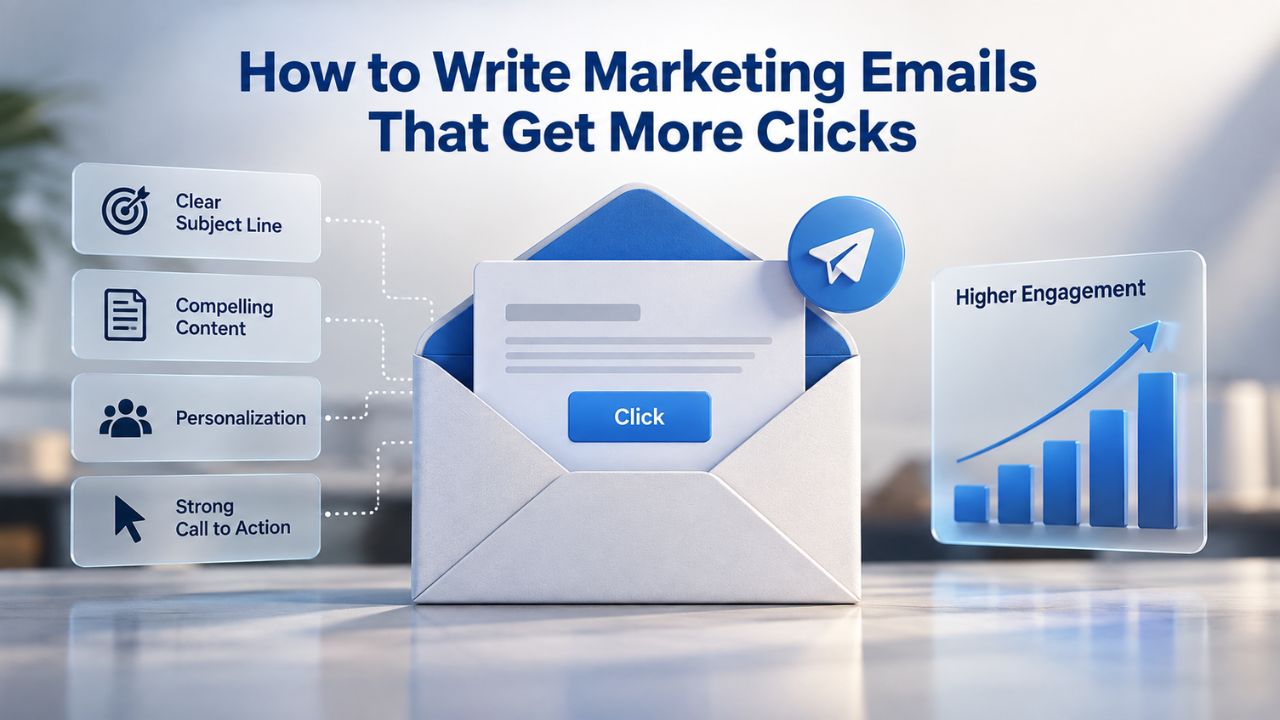
Most marketing emails end the same way: opened, scanned, then closed without action. Recipients decide the offer sounds interesting in theory, but they never click. The opportunity vanishes. High-impact techniques that turn email opens into genuine clicks and engagement into measurable results, from copywriting and personalization to mobile design and continuous testing. Email click-through rates depend on industry-standard authentication protocols (SPF, DKIM, DMARC), sending-reputation factors, and audience engagement signals beyond any single platform’s control; results vary by industry, audience quality, and campaign strategy.
Email Copy That Speaks Directly to Readers
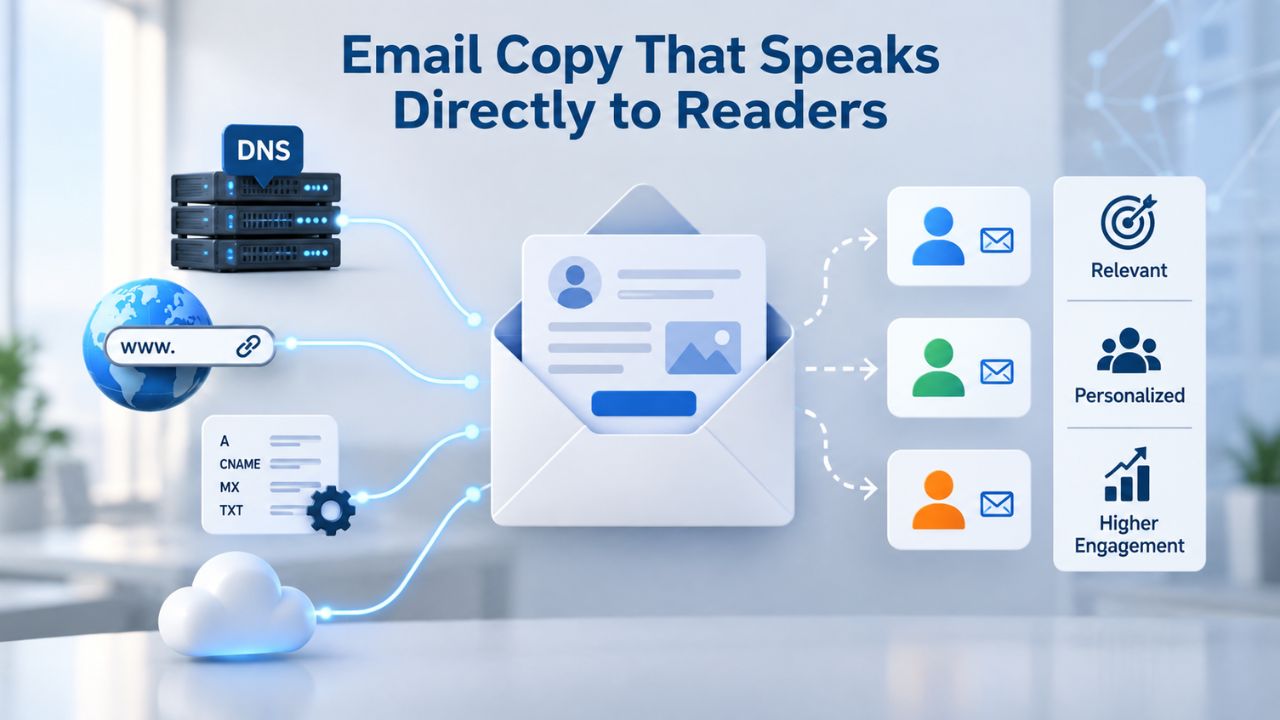
The foundation of higher click-through rates is copy that focuses on benefits, speaks clearly, and respects the reader’s time. Engaging body copy paired with a clear call-to-action encourages readers to take the next step, but only when the message addresses what recipients actually need, not just what your business wants to promote. Generic copy reads like spam; specific, relevant copy reads like a message worth acting on.
Plain Language Beats Complexity
Whether you’re sending to industry professionals or general consumers, sophisticated language and unexplained jargon drive readers away. Retention is the first hurdle; readers don’t wait for clarity to emerge from dense paragraphs eventually. A single technical term, vague positioning, or complicated sentence structure gives them permission to delete and move on without reading further. The inbox is crowded; your email competes for just a few seconds of attention.
Focus on simple words, short sentences, and direct statements about how your offer improves their situation. Rather than listing features (“This tool has an automation feature”), explain the benefit (“This tool saves you 5 hours a week”). A feature list reads like a specification sheet; a benefit speaks to the reader’s actual goal. When readers understand how your email solves their problem or improves their situation, they’re far more likely to click through to learn more.
Scannable Structure Invites Clicks
Most recipients spend fewer than ten seconds scanning an email before deciding whether to engage or delete. Use short paragraphs (2–4 sentences), bullet points, numbered lists, and bold text for key points. Visual breaks and white space let readers land on the value quickly rather than forcing them to decode a wall of unbroken text. Structure your email so the most important benefit or offer stands out immediately.
A well-organized email guides the eye naturally from the headline to supporting details to the call to action. Niya Digital’s team has found that scan-friendly campaigns, with clear section breaks and visual hierarchy, consistently achieve higher engagement rates than campaigns with dense blocks of text. Use white space deliberately to create visual pauses that give readers’ eyes a rest and draw attention to your most important message.
Email Marketing Plans
Email Marketing Beginner
For anyone getting started with email marketing.
- Up to 500 Contacts
- Add more anytime
- Send up to 5,000 Emails/Month
- Single Signup Form
- Basic Image Storage
- Unsubscribe Handling
- Works with Facebook, Etsy & More

Email Marketing Up & Running
Already have clients? This plan’s for you.
- Up to 2,500 Contacts
- Add more anytime
- Send up to 25,000 Emails/Month
- Unlimited Signup Forms
- Unlimited Image Storage
- Unsubscribe Handling
- Works with Facebook, Etsy & More
- Automated Welcome Email
- Converts Blog Posts to Email
- Unsubscribe Options
- Hot Leads List
Email Marketing Pro
For savvy marketers with growing mailing lists.
- Up to 5,000 Contacts
- Add more anytime
- Send up to 50,000 Emails/Month
- Unlimited Signup Forms
- Unlimited Image Storage
- Unsubscribe Handling
- Works with Facebook, Etsy & More
- Automated Welcome Email
- Converts Blog Posts to Email
- Unsubscribe Options
- Hot Leads List
- Auto-sends Event Emails
- Automated Email Campaigns
- Record Signup IPs
- Share Statistics w/Others
Call-to-Action Design That Converts
The call-to-action (CTA) is where open rates become click-through rates. A compelling CTA button combines specific wording, clear visual distinction, and strategic placement. The difference between a high-performing email and a missed opportunity often comes down to the CTA alone. Emails with a single CTA button increase clicks by 371% and sales by 1617% compared with emails with multiple competing calls to action. The mathematics are clear: one focused action beats scattered options.
Write Specific, Action-Oriented CTAs
Generic CTA text like “Click Here” leaves readers guessing about what will happen if they click. Specific, action-verb language removes that uncertainty and signals confidence. Use clear instructions like “Download Your Free Ebook,” “Shop the New Collection,” “Register for the Webinar,” or “Start Your Free Trial.” These tell the reader exactly what action they’re taking and why it matters. The best CTAs start with powerful verbs: “Get,” “Learn,” “Discover,” “Start,” “Buy,” “Claim,” or “Explore.”
The difference is measurable in real campaigns. “Download Now” tells readers exactly what they’re doing and invites an immediate response. “Click Here” makes them think twice about whether the destination is worth their time. Test different action verbs across campaigns; “Learn,” “Start,” and “Claim” often outperform “Submit” or “Go.” Document which verbs resonate most with your specific audience. Vary your CTA wording across campaigns to identify patterns in what drives clicks.
Single CTA Per Email Rule
When an email offers multiple calls-to-action, one for downloading, another for buying, a third for subscribing, click rates fragment across options. Readers often click nothing instead, overwhelmed by choice. One primary call-to-action per email should drive most engagement and guide readers toward your main conversion goal. This focus matters more than offering flexibility.
Place your primary CTA above the fold (visible without scrolling on mobile), use a contrasting color (warm tones like orange or red against neutral backgrounds), and surround it with white space so it stands out naturally. If your email has secondary links (social media, FAQ, unsubscribe), keep them visually subordinate in the footer with smaller text and neutral color. This hierarchy respects reader attention and ensures your conversion goal remains clear and unmissable.
Personalization That Drives Engagement
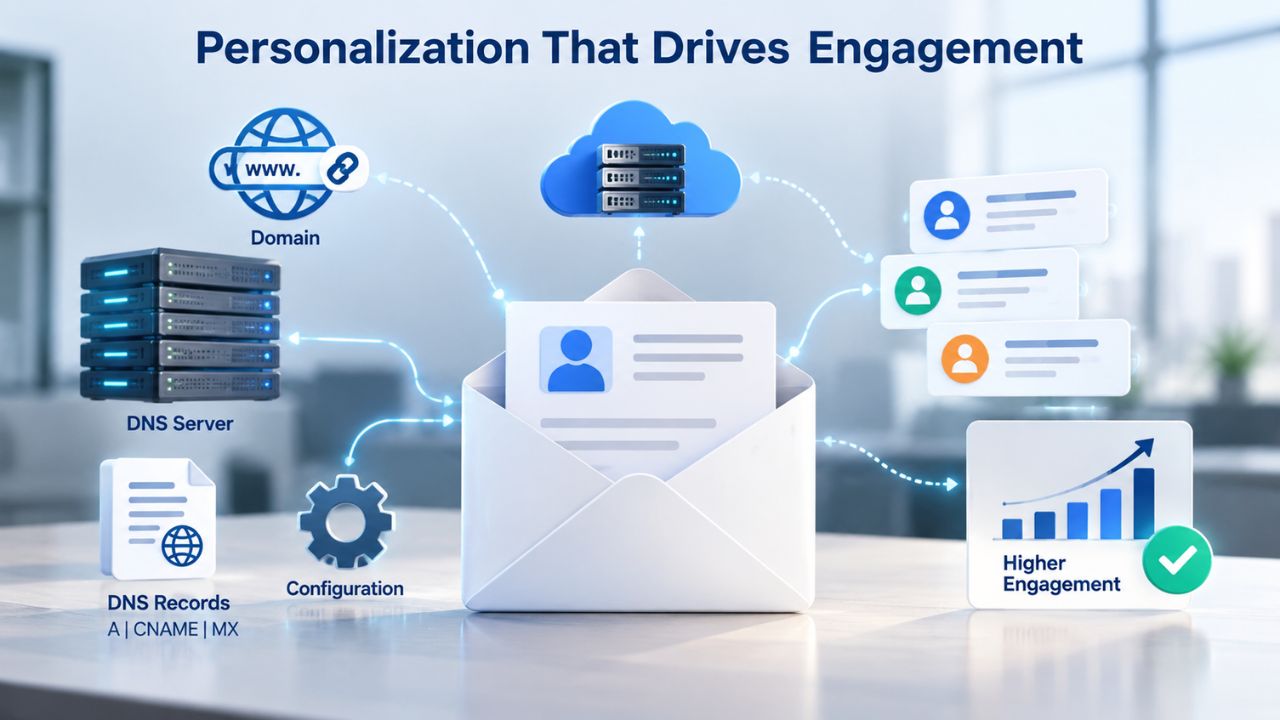
Generic emails addressed to “Valued Customer” read as spam. Emails personalized to the recipient’s interests, behavior, or past actions feel relevant, and relevance drives clicks. Segmented email marketing campaigns achieve 14.64% more opens and 59.99% more clicks compared to blasted, non-segmented campaigns. Personalization goes far beyond inserting someone’s first name; it’s about sending the right message to the right person at the right time.
Segment Your Audience First
Segmentation is where personalization begins. Rather than sending one message to your entire subscriber list, divide subscribers into distinct groups based on recent behavior, purchase history, engagement level, or lifecycle stage. A customer who purchased in the last month needs a different message than someone who hasn’t opened an email in six months. An inactive subscriber needs a re-engagement offer; a loyal customer needs exclusive, premium content.
Define your segments before you write the copy. Highly engaged subscribers might receive promotional content and new product launches frequently, while lapsed subscribers need a clear reminder of why they subscribed in the first place. Without segmentation, both groups get one-size-fits-all email that resonates with neither. The effort to segment is small; the payoff in click-through rates is enormous.
Use Behavioral and Preference Data
Personalization based on 5–6 data elements- product owned, purchase history, content preference, engagement level, customer lifecycle stage, and browsing behavior- doubles click-through rates from a baseline of 4.7% to 14.8%. When you use 7 or more data elements, CTR jumps to 14.8% or higher. Start with name and recent purchase history, then layer in product category preference, engagement frequency, or lifecycle stage. Each additional data point narrows the audience and deepens relevance, making the message feel tailor-made rather than generic.
| Personalization Element Count | Average CTR | Lift from Baseline |
|---|---|---|
| No personalization (generic) | 4.7% | Baseline |
| 3–4 personalization elements | 7.5% | +60% |
| 5–6 personalization elements | 7.6% | +62% |
| 7+ personalization elements | 14.8% | +215% |
Subject Lines That Earn Opens and Clicks
A compelling subject line gets the email opened; a clear subject line makes the reader want to click inside and take action. Subject lines act as fast-learning levers; you can test them often, collect results quickly, and apply insights across campaigns. The subject line is your first and often your only chance to convince a reader that your email is worth their time. Get this right, and the rest of the email gets read. Get it wrong, and even brilliant copy inside goes unseen.
Clarity Over Cleverness
Clear subject lines outperformed creative ones across every channel in a test of 20 subject lines sent to 45,000+ subscribers. The clear version generated 1,107% more comments, 617% more website traffic, 366% more email subscriptions, 331% more Facebook likes, and 315% more tweets. Clever wordplay, inside jokes, and vague teases may stand out in an inbox, but they don’t convert. Readers have learned to be skeptical of mysterious subject lines; they scroll past them.
A subject line should answer the recipient’s unspoken question: “Is this email for me, and is it worth my time?” Clear subject lines do this instantly. Vague ones make readers guess, and guessing takes energy they don’t want to spend. The subject line “Summer Sale: 30% Off All Dresses” tells a reader exactly what to expect. The subject line “You Won’t Believe What We Found” makes them hesitate. Specificity sells.
Test and Document Patterns
A/B testing subject lines is one of the highest-leverage activities in email marketing. Send one variation to 10–15% of your list, measure opens and clicks over 24–48 hours, and roll the winner to the remaining 70–80%. Document results over time; patterns emerge. You’ll notice that certain words, structures, or tones consistently perform better with your specific audience. Trends change, so continue experimenting rather than relying on old wins.
Track test outcomes in a simple spreadsheet, noting what was tested, the result, and the approximate lift. Over months, you’ll see patterns: personalized subject lines might lift opens by 5–17%; questions might perform better than statements; numbers might outperform adjectives. Use these insights to refine future campaigns. Personalized subject lines with the recipient’s name or a specific offer often outperform generic versions by 5–17%, proving that even small customizations move the needle.
Mobile-Responsive Email Design
Over half of all email opens now happen on mobile devices; smartphones and tablets combined account for approximately 46–50% of total opens. If your email doesn’t render well on a small screen, you’ve lost half your audience before they even reach your call-to-action. Designing for mobile is not an afterthought or a secondary consideration; it’s the primary design challenge of modern email marketing.
Design for Small Screens First
Responsive design adapts your email layout to screen size: images scale, text reflows, and buttons stay thumb-friendly. Emails using responsive design achieve 58% of clicks from mobile devices versus 46.7% for non-responsive designs. On mobile, the click-to-open rate (the percentage of people who open an email and then click a link) reaches 16.2% for responsive emails versus 10.4% for non-responsive designs. This isn’t a minor difference; it’s a 56% performance improvement.
A single-column layout, large readable text (16px minimum), and touch-friendly buttons work across devices without sacrifice to design or brand. Test your emails on iPhone, Android tablet, and desktop before sending. Many email marketing platforms include a mobile preview tool; use it every time. If a CTA button requires horizontal scrolling to tap, or a link is too small for a finger to hit accurately, mobile readers won’t click; they’ll move on to the next email in their inbox or close the app entirely.
Avoid Hard-Coded Image Widths
Images that don’t scale with screen size force mobile readers to pinch-zoom or abandon the email entirely. Use responsive CSS so images automatically adapt to the container width. Responsive design delivers a 30% higher click rate on the first link compared to non-responsive designs. Additionally, 51% of consumers unsubscribe from emails that don’t display well on mobile, a preventable loss that directly impacts your list growth and engagement.
The technical details matter, but the principle is simple: assume mobile first, then enhance for larger screens. A mobile user opening your email on a 375-pixel-wide screen should see a single-column layout with large text, full-width images that load quickly, and buttons they can tap without zooming in. Desktop users opening the same email on a 1200-pixel-wide screen might see two columns or a wider layout, but the core message and CTA should remain clear and accessible.
Ready to Start Testing Your Email Marketing Strategy?
Put these high-impact techniques into practice with Niya Digital’s Email Marketing Service. Our platform includes built-in A/B testing, mobile-responsive templates, audience segmentation, and real-time performance analytics- everything you need to test copy, CTAs, and design at scale. Start your first campaign today, measure results, and watch click-through rates improve systematically as you apply these proven strategies to your own subscriber list.
Visual Design and Hierarchy
Well-designed emails guide the eye toward action; cluttered designs make readers work harder. Visually appealing emails see a 26% higher open rate, and that appeal extends directly into click performance. Beyond opens, visual hierarchy, the use of color, size, white space, and positioning to guide attention directly impact click-through rates. A reader should be able to glance at your email and immediately understand the main message and the action you want them to take.
Use Contrast to Highlight CTAs
A button that blends into the background doesn’t get clicked. Make your CTA visually distinct, use a contrasting color (typically a warm tone like orange or red against a neutral background), increase the button size relative to surrounding text, and surround it with white space. The eye should naturally land on the CTA without searching for it. If readers have to hunt for the action you want them to take, many will move on rather than searching.
Niya Digital’s email campaigns consistently show higher click engagement when the primary CTA uses a color that contrasts sharply with the email background and sits below the main message body, with clear white space separating it from supporting text. Secondary links (social media, unsubscribe, archives) belong in a footer with smaller, neutral text color so they don’t compete for attention. This visual hierarchy respects reader attention and ensures your conversion goal remains unmissable.
Add Images and Video Strategically
Including video in email increases open rates by 19% and click-through rate by 50%. A product image or demo video clarifies the offer faster than words alone. Optimize images for load time and mobile display; slow-loading images hurt the mobile experience and increase abandonment. Always include descriptive alt text for screen readers and fallback text for recipients who disable images by default.
Avoid large image files or heavy animations that load slowly on mobile networks. A well-designed email balances visual appeal with performance. Use images to support your message, not to carry the entire story. Include text within or near images so that readers see your message even if images don’t load. Use a CTA button as HTML text or a button element, not an image, so it stays clickable and accessible across all email clients.
A/B Testing for Continuous Improvement
One email test reveals what works for your audience today; continuous testing compounds improvements over weeks and months. A/B testing (split testing) helps you fine-tune your strategy to maximize ROI. By consistently improving open and click-through rates, you increase revenue and overall results. The key is to approach testing systematically: test one variable at a time, measure results over sufficient time, and document patterns to inform future campaigns.
Test One Variable at a Time
Don’t change the subject line, CTA text, send time, and email design in one test; you won’t know which variable drove the result. Focus on one element: subject line, CTA wording, CTA color, preheader text, or send day. Send two variations to matched samples (typically 10–15% of your list each), hold all other factors constant, and measure click-through rate or conversion rate, not just open rate. For sales-focused campaigns, prioritize click rate or conversion rate; opens are only the first step.
Allow 24–48 hours for data to accumulate before concluding. Some readers open emails immediately; others open them days later. A premature conclusion based on partial data will lead to the wrong decision. Once you’ve identified a winning variation, implement it for the remaining 70–80% of your list. Document the result: what changed, which variation won, and by how much. These records become invaluable over time as patterns emerge.
Recognize Industry Benchmarks and Set Realistic Goals
Different industries have different baseline click-through rates because of audience expectations, email-frequency norms, and content types. Software and Internet Services average 3.29% CTR; Healthcare, 3.42%; Retail & eCommerce, 3.36%; Finance, 1.72%; Education, 1.95%. Know your industry baseline, then set a goal to exceed it through copywriting, personalization, and design improvements. A realistic testing roadmap is important. If your current CTR is 2%, a 30% lift gets you to 2.6%, measurable but gradual.
Consistent optimization of CTA clarity, subject line testing, mobile responsiveness, and personalization will compound quarter over quarter. Track CTR trends over time, not just single-campaign results. If you improve CTR by 10% each quarter, you’ll double your click performance in a year. This disciplined, data-driven approach builds a sustainable competitive advantage, not flashy, but reliably effective.
Email Timing and Sending Frequency
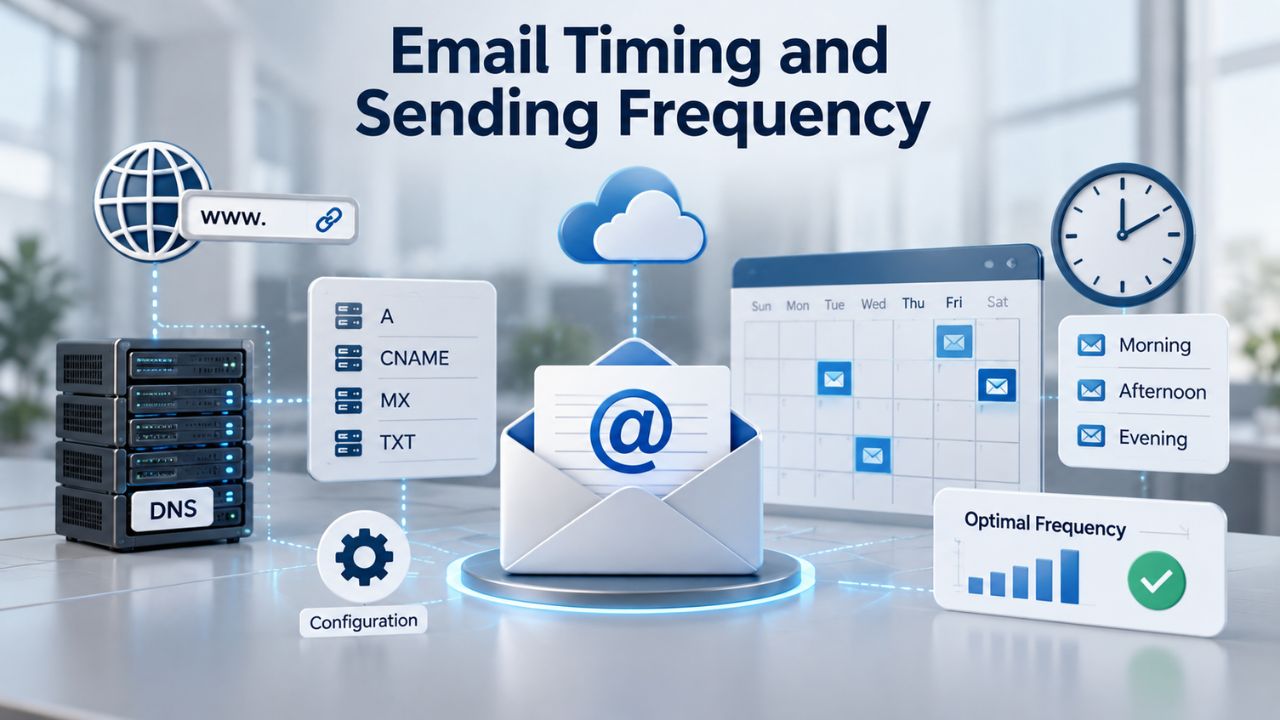
When you send an email matters as much as what you send. The same high-impact email sent at the wrong time reaches a less-engaged audience and delivers lower results. Subject line optimization and copy quality are half the battle; sending when your audience is most receptive to email is the other half. Many marketers overlook send-time testing, focusing instead on subject lines and content, but timing directly impacts open rates and engagement.
Segment Send Schedules by Engagement Level
Highly engaged subscribers often respond well to frequent sends, daily or multiple times per week, because they actively open and interact with your emails. Inactive or less-engaged segments need lower send frequency to avoid fatigue and unsubscribes. Apply segmentation logic to send Frequency itself: engaged segments get more emails; lapsed segments get strategic re-engagement only. The goal is to stay visible without overwhelming your audience.
Monitor unsubscribe rates and spam complaints by segment. If one segment unsubscribes frequently or marks your emails as spam, reduce send frequency immediately or improve content relevance before continuing to send. Frequency isn’t universal; it’s segment-specific, and what works for one audience may overwhelm another. A young, tech-savvy B2B audience might appreciate daily emails; a B2C audience of busy professionals might prefer weekly digests. Know your audience and adjust accordingly.
Respect Time Zone and Day-of-Week Patterns
A Monday morning send to US subscribers might reach Asia-Pacific audiences on Tuesday evening. During A/B tests, send both variations at the same time and on the same day of the week to isolate the variable being tested. This ensures that send time isn’t a confounding factor in your results. After you’ve identified the optimal timing for your overall audience, use time-zone-aware sending, if your platform supports it, to reach each subscriber in their local time zone.
Afternoon sends often outperform early morning, though this varies significantly by industry and audience. Test different send windows within your segment and document what consistently delivers higher engagement to reveal the pattern for your specific audience. Over time, you’ll identify the day and time that maximizes your audience’s engagement. Friday afternoon might work better for certain segments; Tuesday morning for others. The data will tell you.
Performance Measurement and Optimization Cycles
Click-through rate measures genuine engagement, whether readers found the email relevant enough to click a link and take action. A single campaign’s CTR is a data point; trends across campaigns over weeks and months reveal patterns worth acting on. Building a performance dashboard and measuring CTR systematically allows you to spot what works, double down on success, and eliminate what doesn’t.
Track CTR Over Time, Not Just One Campaign
Create a simple dashboard or spreadsheet that tracks CTR by campaign type (promotional, newsletter, re-engagement, educational) and audience segment. Over time, patterns will emerge that reveal which messages and segments drive the most engagement. Are product promotions outperforming educational content? Does one customer segment consistently drive 3x the average CTR? Does a specific product category generate disproportionate clicks? Use these insights to shape future campaigns and allocate your effort where it will have the most impact.
Higher CTR predicts higher conversion rates and better ROI; once a recipient clicks through to your website, they’re more likely to convert into a lead or customer. Engaged subscribers who click email links are more likely to make a purchase, increasing overall return on investment. Email marketing delivers an average ROI of 3,800%; for every dollar invested, the average return. Your click-through rate directly affects this return.
Use Click Data to Refine Future Campaigns
Which links or offers generated the most clicks? Which segments delivered the highest CTR? Apply these insights immediately to your next campaign. If e-commerce promotions consistently outperform educational content in your audience, shift your mix toward more promotions. If a specific product category drives 3x the average CTR, feature it more prominently in future campaigns and send more targeted messages about products in that category.
Use click-tracking data to understand what resonates. If readers click links about a specific topic but ignore links about others, that tells you something valuable about your audience’s interests. Use this knowledge to guide content decisions, subject line themes, and product recommendations. Over time, this feedback loop tightens your targeting and improves results across all campaigns.
Advanced Personalization Strategies
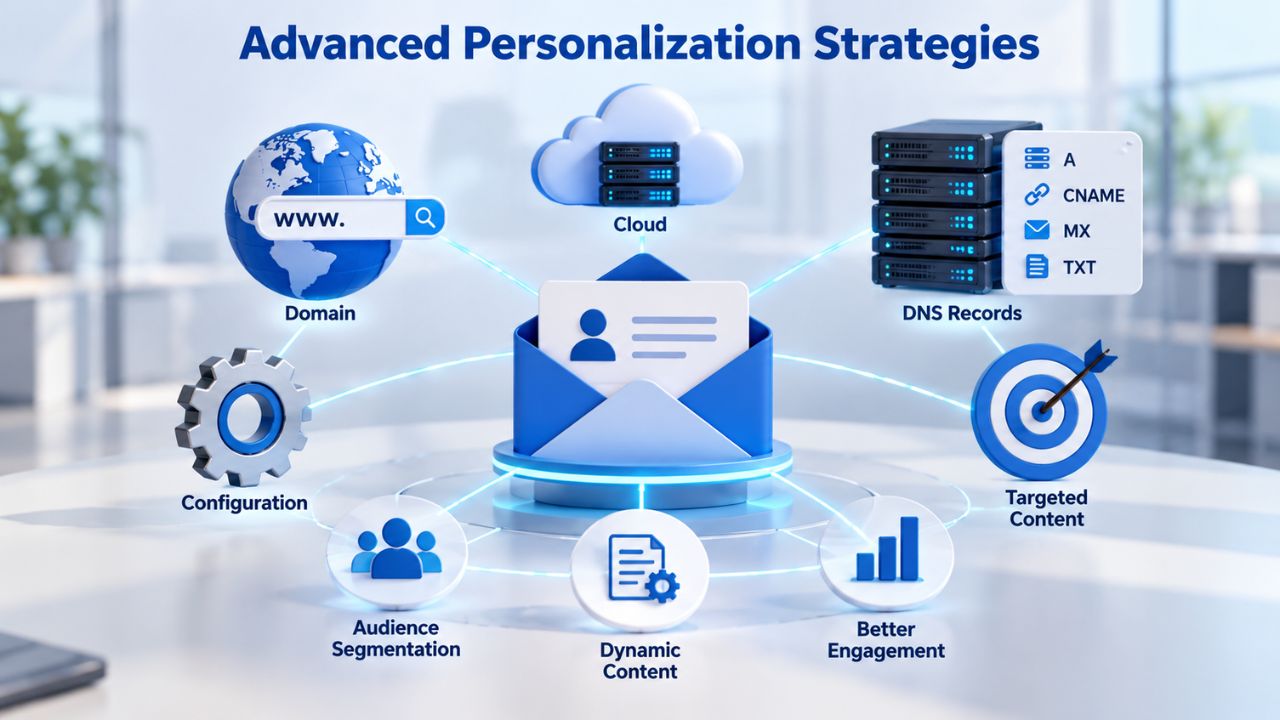
Basic personalization (inserting the recipient’s name) measurably lifts CTR. Advanced personalization, using behavioral data, purchase history, browsing patterns, and lifecycle stage to customize entire email content, can double or triple clicks compared to generic campaigns. The opportunity for personalization is almost limitless; the constraint is typically data and execution.
Dynamic Content Based on Recipient Data
Dynamic content blocks allow you to show different content to different recipients based on their characteristics or behavior. A customer who browsed men’s shoes might see one email; a customer who browsed women’s shoes sees another, with different product recommendations, images, and CTAs. A customer with a purchase history in luxury items might see premium product recommendations; a budget-conscious customer sees value-oriented offers. The same email template serves all segments, but the content is customized per recipient.
| Personalization Strategy | Typical CTR Lift | Implementation Complexity |
|---|---|---|
| First name only | +5–8% | Very Low |
| Purchase history | +15–25% | Low |
| Browsing behavior | +20–35% | Medium |
| Lifecycle stage + behavior | +30–50% | Medium |
| 5+ data elements combined | +60–100% | High |
Implementing advanced personalization requires a data infrastructure; you need to track customer behavior, organize it by segment, and pass it to your email service provider. The investment is worth it: customers who receive highly personalized emails are far more likely to convert than those who receive generic blasts.
Behavioral Triggers and Lifecycle Campaigns
Behavioral triggers send automated emails based on specific actions or inactions. A customer who abandons their cart receives a reminder email within hours. A subscriber who hasn’t opened an email in 30 days receives a win-back campaign. A new subscriber receives a welcome series that introduces your products and establishes your brand voice. These triggered campaigns achieve higher engagement than regular sends because they’re timely and relevant to the recipient’s current situation.
Lifecycle campaigns deliver different messages based on customer tenure and behavior. New customers might receive educational content and onboarding guides. Loyal customers might receive exclusive previews or loyalty rewards. At-risk customers (those showing declining engagement) might receive special offers to re-engage. Designing campaigns around the customer lifecycle ensures you’re always sending relevant, timely messages that address each segment’s actual needs.
Start Optimizing Your Email Marketing Today
Building emails that consistently drive clicks takes practice through iteration, measurement, and continuous improvement. Niya Digital’s Email Marketing Platform provides audience segmentation, mobile-responsive templates, A/B testing capabilities, and detailed performance tracking- everything needed to test, measure, and scale your strategy at any size. Launch your next campaign, measure results, continuously improve, and build sustainable email marketing success.
Frequently Asked Questions
What is click-through rate in email marketing, and why does it matter?
Click-through rate (CTR) is the percentage of email recipients who clicked a link in the email, calculated as (total clicks ÷ total emails delivered) × 100. CTR matters because it indicates genuine engagement, not just opens or curiosity, but readers interested enough to take action. Higher CTR typically predicts higher conversion rates and revenue. CTR is more predictive of business results than open rate because it represents active engagement, not passive interest.
How can I improve my email subject line to increase click-through rates?
Test clarity over cleverness; clear subject lines consistently outperform creative ones across all channels. Use specific benefit statements rather than vague promises. Personalize subject lines when possible (the recipient’s name or a specific reference to their behavior). A/B test subject lines against your actual audience, allow 24–48 hours for data collection, and document patterns over time. Personalized subject lines with the recipient’s name or offer often outperform generic versions by 5–17%.
What is the ideal number of calls-to-action in an email?
One primary call-to-action per email drives the highest engagement; emails with a single CTA button increase clicks by 371% and sales by 1617%. Secondary links can stay in the footer or signature area, but the main action should be singular and prominent. Multiple competing CTAs fragment reader attention and reduce overall clicks. One focused action consistently outperforms scattered options across all email types and industries.
How much does personalization really impact email click-through rates?
Significant impact. Emails with no targeting or personalization pull an average CTR of 4.7%, jumping to 14.8% when 5–6 personalization elements are used, a 215% improvement. Personalization data includes product owned, purchase history, content preference, engagement level, and lifecycle stage. Even simple name insertion lifts CTR; deeper segmentation and dynamic content amplify results further. The more relevant the email feels to the individual recipient, the higher the click rate.
Should I optimize my emails for mobile or desktop first?
Mobile first. Over half of all email opens happen on smartphones and tablets. Responsive design emails achieve 58% of clicks from mobile devices versus 46.7% for non-responsive designs. On mobile, click-to-open rate reaches 16.2% for responsive emails versus 10.4% for non-responsive. Test every email on iPhone and Android before sending. A mobile-first design ensures accessibility and performance for the majority of your audience.
What is A/B testing in email marketing, and how do I start?
A/B testing (split testing) sends two email variations to matched audience samples, measures results over 24–48 hours, and rolls out the winning version to the rest of the list. Start with subject lines; they’re high-leverage and deliver fast feedback. Send each variation to 10–15% of your list, hold all other factors constant, measure click-through rate, and implement the winner for the remaining 70–80%. Document results to identify patterns over time.
How often should I email my subscriber list?
Frequency is segment-specific, not universal. Highly engaged subscribers tolerate more frequent sends (daily or multiple per week); inactive segments need less frequency to avoid fatigue and unsubscribes. Monitor unsubscribe rates and spam complaints by segment. If one segment unsubscribes frequently, reduce frequency or improve content relevance before sending more. Test different frequencies and document the sweet spot for each audience segment.
What email marketing benchmarks should I use to measure success?
Use industry benchmarks as reference points, not absolute targets. Software and Internet Services average 3.29% CTR; Healthcare, 3.42%; Retail & eCommerce, 3.36%; Finance, 1.72%; Education, 1.95%. Know your baseline, set a goal to exceed it, then track CTR trends over time. Consistent 10–20% quarter-over-quarter improvements indicate healthy optimization and effective application of the strategies in this guide.
How do I write email copy that converts clicks into conversions?
Focus on benefits, not features; use simple, scannable language; and address a specific pain point relevant to the recipient. Keep paragraphs short (2–4 sentences), use bullet points for key information, and guide the reader toward one clear action. Avoid jargon and complexity; speak directly to how your offer improves their situation. Test different angles across segments to see what resonates. Niya Digital’s campaigns consistently show higher conversions when copy is concise and benefit-focused.
What role does email segmentation play in click-through rate improvement?
Segmentation is foundational to click performance. Segmented campaigns achieve 59.99% more clicks compared to non-segmented campaigns. Different segments have different needs and respond to different messages. Group your list by behavior, purchase history, engagement level, or lifecycle stage. Send targeted content to each segment rather than one-size-fits-all broadcasts. The more precisely targeted the email, the higher the click rate.
How should I design my email call-to-action button for maximum clicks?
Use a contrasting color, specific action-verb copy, and clear visual separation from other text. Instead of “Click Here,” use “Download Your Free Ebook,” “Shop the Collection,” or “Register Now.” Make the button large enough to tap comfortably on mobile and position it prominently above the fold. Surround the CTA with white space, so it stands out naturally. Test different CTA colors and text with your audience to see what drives the most clicks.
What email authentication protocols improve deliverability and trust?
SPF, DKIM, and DMARC are industry-standard authentication protocols. SPF (Sender Policy Framework) specifies which mail servers are authorized to send email on your domain’s behalf. DKIM adds a digital signature to emails, proving they haven’t been tampered with in transit. DMARC tells receiving servers what to do when authentication fails. Proper setup of all three improves inbox placement and builds sender trust with mailbox providers.
How can I reduce my unsubscribe rate while maintaining sending frequency?
Keep content relevant through segmentation and personalization; monitor unsubscribe triggers such as sudden frequency increases or irrelevant content; and test messaging before scaling to your full list. Personalization reduces the average unsubscribe rate from 0.7% to 0.2%. Respect segment preferences and pause sends to truly inactive subscribers to prevent unsubscribes. Content quality matters far more than email quantity.
What is email deliverability, and how does it relate to click-through rates?
Email deliverability is the ability of your email to reach the inbox rather than spam or rejection. High engagement (opens, clicks, conversions) signals to mailbox providers that your email is legitimate and valued, improving future inbox placement. Low engagement or high complaint rates trigger spam filtering, reducing visibility and CTR. Proper authentication, list hygiene, and consistent high-quality content improve deliverability directly.
How do I measure ROI from my email campaigns?
Track clicks, conversions, and revenue attributed to email. Email marketing delivers an average ROI of 3,800%; for every dollar invested, the average return is approximately $38. Tag email links with UTM parameters, track on-site behavior, and attribute purchases or sign-ups back to the email campaign. Compare email revenue and ROI to your other marketing channels to validate investment and guide budget allocation.
Glossary
- Click-Through Rate (CTR): The percentage of email recipients who clicked a link within the email, calculated as (total clicks ÷ total emails delivered) × 100. CTR indicates genuine engagement and message relevance to the recipient audience.
- Segmentation: Dividing your email list into distinct subgroups based on behavior, demographics, purchase history, engagement level, or lifecycle stage, enabling more targeted and relevant messaging to each group rather than broadcasting to all.
- Personalization: Customizing email content using recipient data such as name, past purchases, product preferences, browsing behavior, or engagement history to create a more relevant experience that typically improves open and click rates.
- Responsive Design: Email template code that adapts the layout and formatting to different screen sizes (mobile phones, tablets, desktop computers) so content remains readable and functional on any device without requiring manual adjustment.
- Call-to-Action (CTA): A clear, prominent instruction or button that guides the recipient toward a specific action, such as “Download Now,” “Learn More,” “Shop the Collection,” or “Register Today,” serving as the primary conversion driver in an email.
- A/B Testing (Split Testing): Sending two variations of an email to matched audience samples, measuring results over sufficient time, and rolling out the winning version to identify what messaging, design, or timing resonates best with the audience.