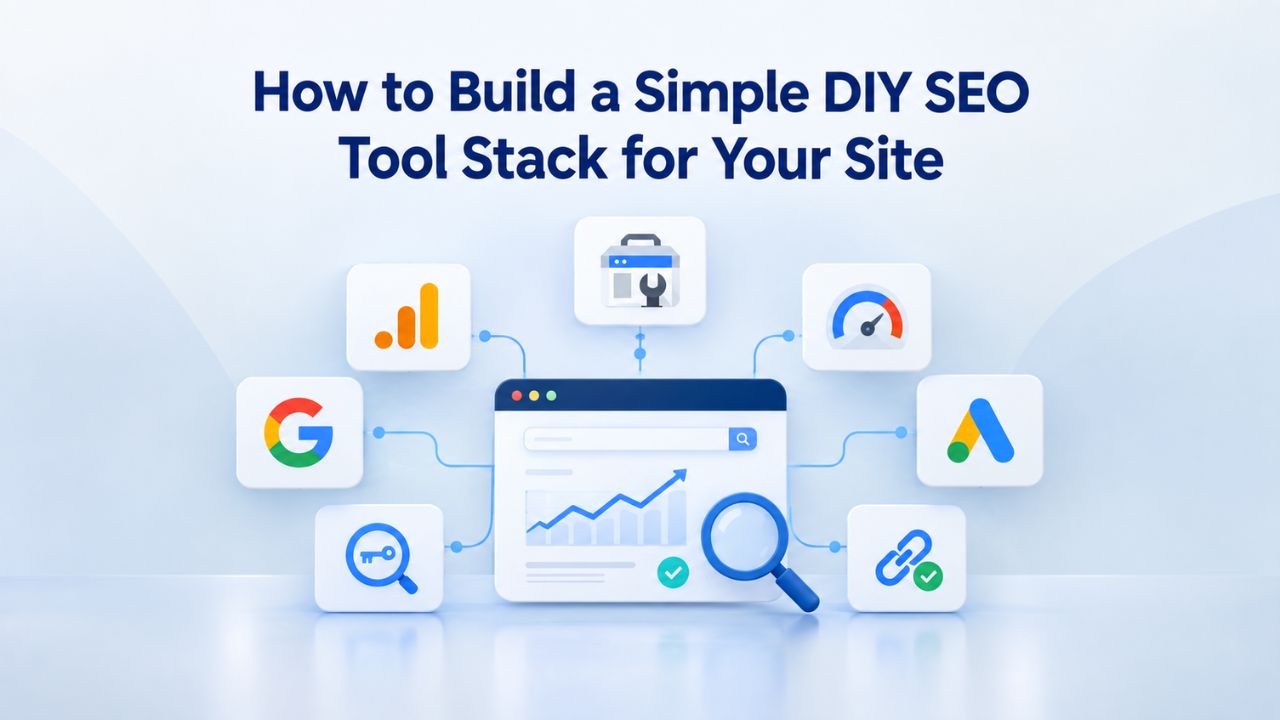
Choosing which SEO tools to combine overwhelms many business owners. You need keyword research, technical auditing, rank tracking, and reporting capabilities, but which combination works without unnecessary complexity? DIY SEO tool stack tailored to your site’s stage, showing how to layer free and paid tools into one cohesive workflow that grows with your business.
Why DIY SEO Tool Stacks Matter
Running SEO in-house has become standard practice for small and mid-sized businesses. Hiring an agency often costs more than businesses can afford, while ignoring SEO means missing one of the most cost-effective customer acquisition channels. A structured DIY SEO tool stack removes the agency barrier and lets solopreneurs and small teams compete without massive budgets or in-house experts. The trick is knowing which tools work together, because no single tool handles all four SEO workflows well.
No Single Tool Does Everything Right
Most businesses assume one comprehensive platform solves their entire SEO challenge. Reality is different: tools with the broadest feature sets usually sacrifice depth in specific categories. A keyword research platform may track ranks poorly; a rank tracker might offer weak technical audit capabilities. Niya Digital’s team has found that businesses relying on a single tool consistently miss critical opportunities, gaps in competitor tracking, overlooked technical problems, or unfocused keyword strategies, because they’re only viewing partial data.
Combining two to four specialized tools reveals those blind spots and keeps optimization efforts grounded in reality. Layering complementary tools gives you both precision and control. You avoid paying for unused features while keeping integration simple. Each tool becomes what it does best instead of trying to do everything adequately.
Why Organic Search Drives Consistent Returns
Organic search accounts for over 53% of website traffic, and 49% of marketing professionals rank it as the highest-return digital channel. Yet only 30% of small businesses have a formal SEO strategy, a massive untapped opportunity. Businesses that invest in SEO, even through DIY approaches, see compounding returns over time. Once your stack runs smoothly, the ongoing work requires fewer hours weekly than paid advertising and delivers traffic that continues when your budget stops. A DIY SEO tool stack removes cost barriers while preserving the channel’s long-term value.
Search Engine Optimization Plans & Pricing
Choose the right SEO plan for your website. Improve search engine visibility, discover relevant keywords, monitor rankings, and access customized optimization services to support your business growth.
Search Engine Optimization (SEO)
Bring more traffic to your website with Search Engine Optimization.
- Search Optimization: Improve search engine rankings with keyword and suggested topics tool
- Keyword suggestions: Get personalized phrases and words to add to increase traffic to your website and help it rank better.
- Tracking your ranking: Track the progress of your website’s rank on Google over time
- Create your sitemap: Customize, create and submit a site map to aid search engines in crawling your site.

Customized SEO Plan
Get Customized Plan For your Business Website SEO (Search Engine Optimization)
- On-Page & Off-Page Optimization: Update Meta Tags, Titles, Descriptions, Alt Tags, Schema / JSON-LD / Microdata Format, HTML + TXT + XML Sitemap, Robots.TXT, Google Analytics & Google Search Console integration
- Keyword Research & Analysis: Improve Keyword Effectiveness Index (KEI) with main heading & sub-heading tags, Content Review by professional content editor
- Competitor Research & Analysis: Compare and Compete with competitors search engine ranking positions, Track and analyse competitor trends
- Diversify Back Link Profile: Relevant Business Directory Submission, Article Submission, Blog Creation, Web 2.0 asset creations, Author Profile Links, Social Book Marking links
- Monthly Task Review & Progress Reporting: Get Monthly SERP Reports and Task Performance Reports
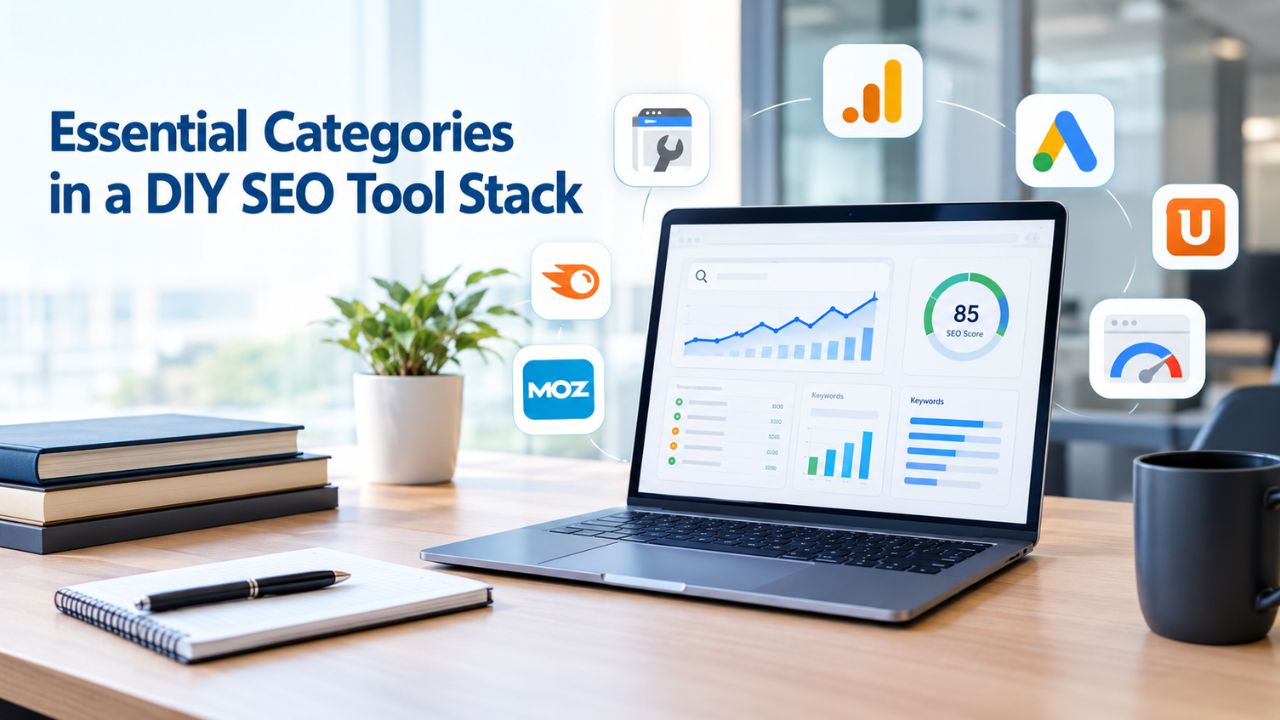
Essential Categories in a DIY SEO Tool Stack
Every productive SEO operation rests on four core workflows, each requiring its own tool or feature set. Understanding what each workflow covers prevents accidentally skipping essential steps or buying duplicate capabilities.
Keyword Research Tools: Finding What Your Audience Searches For
Keyword research forms the foundation: identify the terms your target audience uses to find solutions, and you unlock your entire SEO strategy. Without it, you’ll create content based on assumptions, resulting in pages that attract zero organic visitors. A keyword research tool surfaces search volume, user intent, keyword difficulty scores, and related keyword variations. You’ll filter by competition and map keywords to pages you should create or optimize.
Free options like Google Keyword Planner provide volume ranges and competition signals at no cost if you have a Google Ads account. The limitation is precision; data arrives in wide ranges (1K–10K monthly searches) unless you’re actively running ads. Paid keyword research tools unlock exact search volumes, keyword difficulty scores that tell you how hard a term is to rank for, and SERP overviews, enabling you to prioritize high-intent terms. In these lower-competition terms, your site can realistically succeed.
Technical SEO Audit Tools: Finding Hidden Ranking Problems
Technical SEO audits crawl your website to spot broken links, missing meta tags, indexing problems, page speed issues, mobile responsiveness gaps, and duplicate content. These problems silently drain rankings because they’re invisible to visitors; Google discovers them during crawling and penalizes your visibility as a result. Quality content ranks poorly if technical foundations are broken.
An audit tool generates a report showing which pages have problems, what those problems are, and how to fix them. Google Search Console, Google’s free official tool, provides indexing reports, crawl error alerts, mobile usability checks, and Core Web Vitals monitoring directly from Google’s perspective, the most authoritative source available. Paid technical audit tools add deeper crawling, internal link analysis, and automated issue categorization to reduce analysis time.
Rank Tracking: Monitoring Position Changes Over Time
Rank tracking tells you which positions your pages hold for target keywords over time. You monitor whether rankings improve, decline, or plateau, critical feedback for knowing whether your optimization work is effective. Without rank tracking, you’re operating without visibility; you might spend weeks optimizing a page already ranking well while ignoring pages needing urgent help.
Rank tracking tools monitor positions in Google, sometimes Bing and YouTube, usually updating daily or weekly. They surface ranking trends over time, show which keywords drive clicks by integrating with Google Search Console, and compare your performance to top-ranking competitors for each term. This data informs your priorities: keep optimizing winners, refocus losers, and identify untapped keyword opportunities.
Google’s Free Foundation Tools
Google provides a set of free, official tools that should anchor every DIY SEO stack. These tools deliver first-party data, information Google itself collected about your site, that no third-party platform can match in accuracy or authority. Building on this foundation prevents you from overpaying for data you can access for free.
Google Search Console: Your Direct Connection to Google
Google Search Console shows the queries bringing Google impressions to your site, click-through rates, average ranking positions, and which pages appear in search results. You can view indexing status, discover crawl errors, monitor Core Web Vitals performance (Google’s metrics for page speed, interactivity, and visual stability), receive manual action penalties, and submit XML sitemaps for faster discovery.
Unlike third-party tools that estimate and extrapolate, Search Console provides the actual data Google collected while indexing your site. This authority makes it irreplaceable for DIY SEO. The limitation is scope: you see only your own site’s performance, not competitors’ data. Competitor intelligence requires paid third-party tools. To understand your baseline and identify technical barriers, Search Console is sufficient.
Google Analytics and Core Web Vitals Monitoring
Google Analytics 4 tracks how many visitors arrive from organic search, which pages they visit, how long they stay, and whether they convert. It reveals user behavior patterns: which topics keep people engaged and which content falls flat. Integrating Analytics with Search Console connects the full picture: which keywords bring people to your site and what those visitors do once they arrive.
Google’s Core Web Vitals measure three aspects of user experience that Google confirmed as ranking factors. Largest Contentful Paint (LCP) measures loading speed; Cumulative Layout Shift (CLS) measures visual stability; Interaction to Next Paint (INP) measures interactivity. PageSpeed Insights and Chrome DevTools Lighthouse provide free testing, while Search Console displays real-world field data across your entire site. Monitoring these metrics helps prevent your site from slipping in rankings because of performance issues.
Google Keyword Planner: Free Baseline Keyword Data
Google Keyword Planner requires no active Google Ads spending, just a Google Ads account. It returns search volume ranges and competition levels for keywords relevant to your business. The data is less granular than paid keyword research tools (you get ranges, not exact figures). Still, it’s enough for initial brainstorming and to determine whether a topic has search demand.
For solo founders or startups testing market fit, Google Keyword Planner answers the critical first question: “Do people actually search for this?” Once you’ve validated market demand and your business is ready to scale, paid keyword research tools unlock the precision needed for competitive keyword selection.
Balancing Time Investment with Tool Automation
A common misconception is that tools eliminate the need for ongoing effort. In reality, tools automate routine tasks, crawling your site for technical issues, monitoring ranking positions, and generating reports, but strategy, content creation, and optimization decisions remain your responsibility. Understanding this balance prevents frustration and failed initiatives.
Realistic Weekly Time Commitment
A functional DIY SEO operation requires 10–20 hours per week for meaningful results. This breaks down into: keyword research and strategy (2–3 hours), technical fixes and optimization (1–2 hours), content creation and optimization (5–10 hours), and reporting and analysis (2–3 hours). These hours compound over time; you can’t do SEO for two weeks, then take two weeks off and expect results. Consistency matters more than intensity. Niya Digital’s team has found that businesses that underestimate this time commitment abandon DIY SEO within 3–6 months, mistakenly believing the right tool will eliminate manual work.
Tools compress iteration cycles and reduce rework. A technical audit tool identifies 50 broken links in 30 minutes instead of you manually crawling every page. A rank tracking tool shows which keywords gained or lost positions overnight, so you’re not guessing which optimizations worked. The savings add up; tools buy you back roughly 30–40% of your time, not 80–90%.
Where Tools Create the Most Leverage
Repetitive tasks are where tools shine. Tools excel at crawling your site for technical issues, monitoring hundreds of keyword positions daily, fetching competitor backlink data, and generating weekly reports. Tools struggle to determine which keywords truly match your business goal, evaluate which content ideas resonate with your audience, or decide whether to pivot your strategy based on market shifts.
The best-run DIY SEO stacks treat tools as data-collection and routine-execution engines, while the business owner or team makes the strategic calls. You tell the tool which keywords to track; the tool reports positions daily and alerts you to big movers. You decide which technical issues to prioritize; the tool crawls and catalogs them. You write the content and decide its angle; the tool optimizes on-page elements. This separation of labor keeps time investment reasonable while preserving strategic control.
Free vs. Paid Tools: When to Upgrade
The optimal DIY SEO toolkit typically mixes free and paid tools. Free tools provide the foundation; paid tools add precision and competitive intelligence as your business grows. Knowing when to make that leap prevents both premature spending and missing critical data at scale.
The Three-to-Six-Month Crossover Point
Most DIY businesses start with free tools only: Google Search Console, Analytics, Keyword Planner, and possibly Screaming Frog (which crawls up to 500 URLs free). This works for the first 3–6 months while you learn SEO fundamentals, test content ideas, and build initial organic traffic. During this phase, you’re answering questions like: How does SEO actually work? Which topics drive traffic? Do people click through to my site from search?
By month 4–6, two realizations hit. First, free keyword research tools return broad volume ranges that don’t let you compare keywords precisely. “Should I target ‘DIY SEO’ or ‘DIY SEO tools for small business’?” Free data says both have demand, but paid tools show exact volume differences and difficulty scores, which are critical for prioritization. Second, you need daily rank tracking to know whether your optimizations are working. Free rank tracking doesn’t exist; Google Search Console shows impressions and clicks, but not granular position trends. Paid rank tracking tools update daily, showing whether your pages are moving up or down for target keywords.
Signals Your Business Is Ready for Paid Tools
Three signals indicate it’s time to graduate to paid tools. First, you’ve identified 20+ target keywords and need to prioritize which ones to pursue. Free tools can’t accurately compare keyword difficulty. Second, you’re spending 5+ hours weekly on rank tracking, analyzing search results, and researching competitors manually- tasks paid tools automate.
Third, you’re hiring a second person (or outsourcing) and need shared dashboards, multi-user access, and client-ready reports. Free tools rarely support team workflows. The upgrade doesn’t mean abandoning free tools. Google Search Console, Analytics, and Keyword Planner remain the foundation. Paid tools layer on top, filling gaps in data precision and workflow efficiency.
Ready to Build Your DIY SEO Tool Stack?
Your next step is auditing your current situation: what free tools are you already using, and what data gaps are costing you time? Niya Digital’s DIY SEO tool integrates seamlessly with Google Search Console and Analytics, simplifying keyword research, technical auditing, and rank tracking into one unified workflow designed for small teams looking to scale beyond free-only setups. Start with our free trial to see whether our platform fits your existing stack.
Evaluating & Choosing Paid Tools for Your Needs
Once you decide to invest in paid tools, the choice can feel overwhelming. Hundreds of SEO platforms exist, each claiming to be the best option. A structured evaluation process prevents buyer’s remorse and wasted subscriptions.
Selection Criteria That Actually Matter
Start by mapping your four core workflows (keyword research, technical audit, rank tracking, reporting) and evaluating which paid tool covers each. No single platform excels at all four; most specialize. A platform strong in rank tracking might have weak keyword research. A keyword research platform might have limited technical audit capabilities. Choose tools that together cover all four, not a single tool trying to do everything.
DIY SEO Tool Stack Comparison by Business Maturity
| Business Stage | Recommended Tools | Primary Focus | Best For |
|---|---|---|---|
| Bootstrap/Solo (Month 1–3) | Google Search Console, Google Analytics, Google Keyword Planner, Screaming Frog Free | Learning SEO basics, validating market demand, building without budget allocation | Freelancers, startup founders testing SEO viability before investing |
| Growing Small Business (Month 4–12) | Google Stack + Dedicated Keyword Research Tool + Rank Tracking Tool | Competitive keyword selection, daily position monitoring, technical issue fixing | Small teams (1–3 people), initial growth phase, consistent weekly 10–20 hour investment |
| Scaling Team (1–2 years) | Add Content Optimization Tool + Backlink/Competitor Analysis Layer | On-page optimization guidance, competitor keyword tracking, team reporting | Established small businesses (3–5 people), 2–3 sites, professional reporting requirements |
| Agency/Enterprise Scale | All-in-One Platform + Specialized Tools | Multi-site management, white-label reporting, client account segregation, API access | Agencies, large in-house teams (5+ people), multiple brand and domain management |
Cost-to-Value Ratios by Business Size
For a solo founder or 1–2 person team, a single specialized paid tool (rank tracking or keyword research) plus free tools often makes sense. The marginal value of a second paid tool doesn’t justify the monthly spend. As your team grows to 3–5 people and SEO becomes a dedicated function, adding a second specialized tool or an all-in-one platform creates efficiency gains that offset the cost. At 5+ people, or if you’re running SEO for clients, moving to premium platforms with team features, API access, and white-label reporting becomes cost-effective.
Building Your First Functional Stack
Now that you understand each tool category and selection criteria, let’s assemble a real-world example. These configurations are starting points; adjust based on your specific workflow and needs.
Budget Tier: Free Foundation Plus One Paid Tool
Your first stack consists of Google Search Console, Google Analytics, Google Keyword Planner, and Screaming Frog (all free), plus one paid tool addressing your biggest bottleneck. If keyword research is your pain point, add a dedicated keyword research tool. If rank tracking is your priority, add a rank tracking platform. If technical issues are your biggest worry, a site audit tool might be your first paid addition.
Decision Factors for Evaluating a DIY SEO Tool
| Decision Factor | Why It Matters | What to Evaluate During Free Trial |
|---|---|---|
| Ease of Use & Learning Curve | Complex tools require 10+ training hours; DIY users need guided workflows and visual dashboards for quick wins. | Can you complete 3 real workflows (keyword research, rank check, audit report) within 30 minutes? Are tutorials available? |
| Feature Depth: Single-Purpose vs. All-in-One | All-in-one reduces vendor management; single-purpose tools often excel deeper in their category. | Map your four workflows and count how many tools cover each; compare depth in your priority workflow. |
| Data Freshness & Accuracy | Stale data kills optimization momentum; daily rank updates enable agile decision-making. | Does rank tracking update daily or weekly? Is keyword volume data from primary sources? How current is competitor backlink data? |
| Integration & API Access | Manual data transfers between tools waste 5+ hours weekly and introduce errors; native integrations save time. | Do they integrate natively with Google Search Console and Analytics? Is API access available? Can you test one integration during trial? |
| Support & Community | Phone support is rare in DIY tier; email response time and community forums matter significantly. | Email a support question during your trial period. How fast is response time? Does the vendor have an active community forum or Slack group? |
| Reporting & Dashboards | Poor dashboards hide insights and require heavy customization; client-ready reports save hours. | Can you export a weekly report in 5 minutes? Are dashboards visual and stakeholder-ready, or do you need custom work? |
| Scalability & Limits | Hitting tool limits mid-year forces disruptive migrations; know your platform’s ceiling in advance. | Can the tool handle 1000+ keywords? How many sites or users does your plan support? What are documented limits in documentation? |
Mid-Tier: Google Foundation Plus Keyword Research Plus Rank Tracking
This configuration adds a dedicated keyword research tool and a rank tracking tool to your Google Foundation. You can now compare dozens of keywords by difficulty and volume, prioritize high-intent opportunities, monitor positions daily, and get alerts when rankings shift. A basic site audit and on-page SEO checker (often bundled into rank tracking platforms) cover technical needs.
This stack supports small teams (2–3 people) running SEO full-time. Integration between the keyword research and rank tracking tools keeps data flows smooth. You can generate weekly reports, share dashboards with stakeholders, and make data-driven optimization decisions. This is the sweet spot for most small businesses, feature-rich enough to support serious SEO work, but not so complex that you’re managing five+ tool subscriptions.
Advanced Tier: Comprehensive All-in-One Platform
A mature DIY team often consolidates to a single premium all-in-one platform covering keyword research, site audits, rank tracking, backlink analysis, competitor tracking, and reporting. This reduces integration complexity and vendor management overhead. The tradeoff is higher monthly spend and a steeper learning curve, but single-vendor implementations offer deeper feature sets and often outpace specialized-tool stacks in team productivity.
This configuration supports agencies, larger in-house teams, and businesses managing SEO across multiple brands or domains. This tier includes white-label reporting, multi-user access, API integrations, and custom reporting.
Avoiding Common Stack Mistakes
Most DIY businesses stumble through avoidable errors: buying too many tools before mastering their core workflow, choosing tools based on marketing hype instead of actual fit, or creating stacks so complex that no one understands the data flow. These mistakes waste money and demoralize teams.
Over-Investing in Tools Before Mastering Basics
The classic mistake: a startup buys five expensive SEO tools, then discovers no one on the team has time to actually use them. The tools sit dormant, the business stops paying (or keeps hemorrhaging money), and the team loses faith in the entire process. Start lean, master the free tools first, add one paid tool once you’ve exhausted free tool capabilities, then add incrementally as you have capacity and resources.
Running SEO with fewer, well-understood tools beats running with many tools you barely know. One fully utilized rank tracker delivers more value than three rank trackers you only half-understand. Start with Google Search Console, Analytics, and Keyword Planner; add your first paid tool only after you’ve consistently acted on the free data for 2+ months.
Ignoring Integration and Data Flow
Many DIY teams end up manually copying data between tools, copying top-ranking keywords from one platform into another, pasting rank data into spreadsheets, stitching reports together from five different dashboards. This manual work wastes 5+ hours weekly and introduces errors.
When evaluating tools, prioritize native integrations with Google Search Console and Analytics. Ask whether the platform’s API allows you to connect your workflow tools (CMS, project management, etc.). An extra $50 monthly for a tool with solid integrations can save 10 hours a week of manual work.
Choosing Tools Based on Hype Rather Than Workflow Fit
A platform with excellent marketing may be a poor fit for your actual workflow. Evaluate tools by testing them against your specific workflows, not by reading marketing copy or using the vendor’s curated demo. Does this tool actually solve your problem, or does it solve someone else’s problem really well?
Document your workflow before shopping: what tasks do you do weekly? What data do you need to make decisions? What does reporting look like? Then, during the trial period, actually run these workflows. Can you realistically do your job in this tool, or does it require constant workarounds?
Integrating Your Tools & Workflow
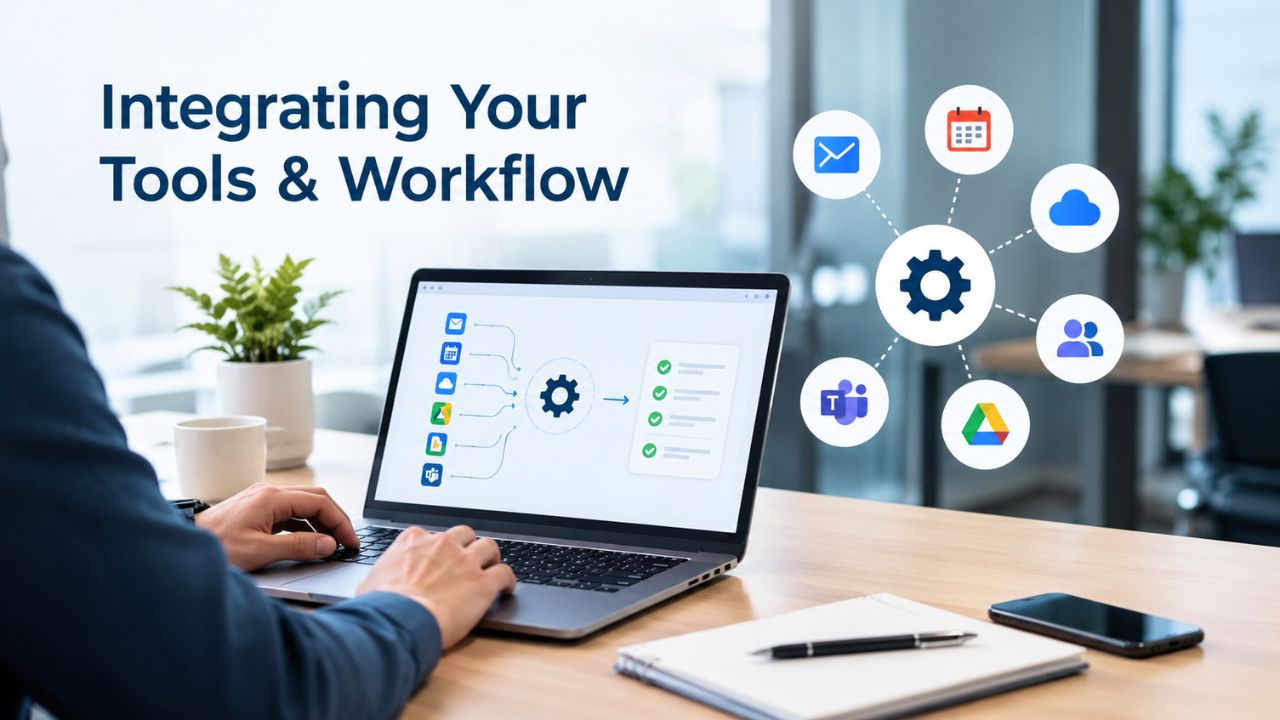
Once you’ve chosen your stack, you need to wire the pieces together so data flows seamlessly and your weekly workflow runs smoothly. Poor integration creates friction, wasted time, and missed opportunities.
Connecting Tools via APIs and Native Integrations
Most modern SEO platforms integrate natively with Google Search Console and Google Analytics. This means your rank tracking tool can automatically pull click-through data from Search Console, eliminating manual imports. Your keyword research tool can show not just volume and difficulty, but which of your target keywords are already ranking and at what position. Native integrations are significantly faster than workarounds.
API access lets you build custom connections. If you’re using a project management tool or CMS that your rank tracking platform doesn’t officially support, APIs often enable custom integration. Be realistic about your technical capability; API integrations require engineering time or hiring a consultant. For most DIY businesses, native integrations solve 95% of workflow needs.
Defining Your Weekly and Monthly Cadence
Set a repeatable weekly rhythm: Mondays, review rank changes from the prior week in your rank tracking tool. Wednesdays, audit technical issues from your site auditor and assign fixes. Fridays, analyze top-performing content from your analytics and plan next week’s keyword targets. Monthly, you pull all data into a single reporting dashboard and review against business goals.
A documented workflow prevents tools from sitting idle and ensures you’re actually acting on data. Tools deliver no ROI if you collect data and never look at it. Schedule your team’s time around the tools you own; this 10–15-minute setup investment pays dividends over months.
Scaling Your Stack as Your Business Grows
Your DIY stack won’t remain static. As your site grows, your team expands, or you take on additional brands, your tool needs evolve. Anticipating these transitions prevents expensive rebuilds.
When to Add Team Members and New Tools
When one person spends 20 hours per week on SEO, you’ve likely hit capacity. Hiring a second SEO specialist is the moment to add team features to your tools: multi-user access, shared dashboards, approval workflows. Many tools become more cost-effective with multiple users; the per-person cost drops while capability expands.
Adding a second brand or client site usually means you need the same tools you already use, not entirely new platforms. A rank tracking tool that handles one site usually handles five. But you may need a second seat or a team license. Similarly, expanding internationally typically requires tools that support searches across multiple languages and regions, a limitation of some platforms but not others.
Tool Limits at Scale and When to Consolidate
At some point, managing multiple single-purpose tools becomes inefficient. A keyword research tool, a rank tracking tool, a site audit tool, and a reporting platform mean four logins, four dashboards to check, four sets of documentation. The cognitive load accumulates. Many teams consolidate to an all-in-one platform at the 5–10 person scale, trading some specialization for operational simplicity.
Know your tool limits in advance. If your platform can track up to 500 keywords, and you’re planning to monitor 1,000, you need to upgrade or add a second platform before you hit the limit. Budget planning is easier when you understand your platform’s ceiling.
Evolving Without Disrupting Workflow
When you do switch platforms or add new tools, plan a migration period where old and new run in parallel. Running two rank tracking tools for a month ensures you don’t miss data and confirms the new platform collects the same data correctly. Jumping tools overnight risks losing historical data and disrupting reporting continuity. A one-month overlap (if budget allows) prevents this pain.
Managing Your Tools Over Time
Your tool stack requires periodic review and optimization. As your business scales and your needs evolve, what worked six months ago may no longer serve you efficiently. Regular assessment helps you maximize value and avoid paying for tools that no longer align with your current workflow.
Quarterly Reviews and Performance Audits
Every three months, review which tools you’re actually using and which sit dormant. If you’re paying for a rank tracking tool but checking ranks only once monthly, that’s a sign you either need to increase rank tracking frequency or downgrade to a free alternative. Similarly, if you’re spending more time learning a tool than using it productively, the learning curve is too steep; consider switching.
Document what each tool does for your team, who uses it, and what ROI it delivers. A tool delivering accurate competitor intelligence might justify higher cost; a tool providing duplicate data that another tool also covers is redundant. Use quarterly reviews to cut redundancy, consolidate where possible, and reallocate budget to gaps.
Training and Onboarding New Team Members
When you hire your first SEO team member, plan a 2–3 week onboarding period for them to learn each tool in your stack. A well-trained team member is 3–4 times more productive than one fumbling through tool interfaces. Budget 10–15 hours for initial training across all tools, then provide ongoing education as tools update features.
Many vendors offer training webinars and certifications; take advantage of these. A certified user often catches optimization opportunities that a self-taught user misses. The time investment in training pays dividends in output quality and team confidence.
Choosing Your Next Step
Building a DIY SEO tool stack is a journey, not a one-time decision. Your first stack might be 100% free tools; your second-generation stack might add one paid tool; your mature stack might be a comprehensive platform. Niya Digital’s DIY SEO platform accelerates this journey by consolidating keyword research, technical audits, and rank tracking into one tool, eliminating the integration complexity that often slows DIY teams. Explore whether our platform fits your roadmap.
Frequently Asked Questions
What is a DIY SEO tool stack?
A DIY SEO tool stack is a combination of software platforms and tools that work together to help you manage search engine optimization without hiring an agency. It typically covers four core workflows: keyword research (finding search terms your audience uses), technical SEO audits (identifying indexing and performance issues), rank tracking (monitoring keyword positions over time), and reporting (sharing SEO progress with stakeholders). No single tool does all four equally well, so most stacks layer specialized or complementary tools to cover all bases.
Should I start with free tools or buy a paid platform immediately?
Start with free tools. Google Search Console, Google Analytics, Google Keyword Planner, and Screaming Frog give you enough capability to learn SEO fundamentals and validate whether SEO drives business value. Most businesses operate here for 3–6 months before adding paid tools. Premature investment in expensive platforms wastes money if you abandon SEO before the paid tool’s value becomes apparent.
When is the right time to upgrade to paid tools?
Upgrade when you consistently act on free tool data and hit its limitations. Signs include: you’ve identified 20+ target keywords and can’t compare them by difficulty accurately; you’re spending 5+ hours weekly manually tracking rankings or researching competitors; or you’re hiring a second person and need shared dashboards and multi-user access. Usually this happens around month 4–6 of consistent DIY work.
Which paid tool should I buy first?
Choose based on your biggest bottleneck. If you can’t prioritize keywords effectively, start with a dedicated keyword research tool. If you don’t know whether your optimizations are working, start with rank tracking. If technical issues are your biggest concern, start with a site audit tool. You’ll likely add a second tool within 6 months once you’ve solved the first problem, but starting with your most painful workflow maximizes early ROI.
Can I really do SEO in 10–20 hours per week and see results?
Yes, but consistency matters more than intensity. 10–20 hours weekly done every week outperforms 40 hours once monthly by a massive margin. The breakdown is roughly: 2–3 hours of keyword research, 1–2 hours of technical fixes, 5–10 hours of content creation, and 2–3 hours of reporting and analysis. Once your site has 30+ pages ranking, the maintenance-only effort drops to 5–10 hours weekly.
What is the biggest mistake DIY businesses make with tool stacks?
Buying too many tools before mastering their core workflow. A startup purchases five expensive platforms, discovers no one has time to use them, stops paying, and gives up on SEO entirely. Start with one or two tools you fully understand, then expand. One well-used tool beats five poorly-understood tools.
Do I need rank tracking if I have Google Search Console?
Google Search Console shows impressions and clicks, but not granular ranking positions over time. You see that you’re getting search impressions, but not whether your positions are 5th, 15th, or 50th. For DIY SEO, rank tracking reveals which optimizations worked and which didn’t. Most teams move from Search Console-only to adding rank tracking by month 4–6.
Can free tools really compete with paid platforms?
For individual data collection, yes. Google Search Console provides data no paid platform matches in accuracy. Google Analytics reveals user behavior with unmatched precision. Free tools fall short in comparison (comparing keyword difficulty across 100 keywords) and competitive intelligence (what are competitors ranking for?). A hybrid approach- free tools for your own data, paid tools for competitive and comparative insights- usually offers the best value.
How much should I budget for a complete DIY SEO stack?
For a bootstrapped solo founder, zero to start (free tools only), then reasonable amounts once you add your first paid tool. For a small team (2–3 people), expect modest monthly expenses. Pricing varies widely by provider and tool category, so get quotes during your evaluation. Remember that your time investment (10–20 hours weekly at your hourly rate) likely exceeds tool costs, so make sure tools save you meaningful time before adding headcount.
Should I use an all-in-one platform or combine single-purpose tools?
Single-purpose tools often offer greater depth in their specialty; all-in-one platforms offer simplicity and reduce vendor management. For teams of 1–3 people, single-purpose plus free Google tools usually work best. For teams of 5+ people, all-in-one platforms often provide better team features and operational simplicity. Start with single-purpose tools, then move to all-in-one as you scale.
How do I integrate my tools so data flows smoothly?
Prioritize native integrations with Google Search Console and Google Analytics first; most rank tracking and keyword research tools support these. Ask the vendor about API access during your trial. Plan 15–20 minutes of setup to connect your tools and define how data flows between them. A one-page workflow document (Mondays: check ranks, Wednesdays: audit technical issues) prevents tools from sitting idle.
What if I work with an SEO agency in the future, do I need a different stack?
No. The tools change from yours to theirs, but the four core workflows stay the same. If you’ve been using a specific rank-tracking platform and hire an agency that uses a different one, you’ll have a transition period, but the concept is the same. Use the agency’s tools; add your own only if their tools don’t meet your reporting needs.
Can I switch to a different tool later without losing historical data?
Plan for this transition to prevent headaches. Ask the current vendor whether they can export your ranking history. Most can. Run two tools in parallel for a month during the transition to ensure no data loss and validate the new tool. Avoid switching tools overnight; the pain isn’t worth the savings.
Which SEO metrics matter most for DIY optimization?
Track three metrics: keyword rankings (are positions improving?), organic traffic (is traffic growing?), and conversion rate from organic (is the traffic valuable?). Don’t obsess over vanity metrics like total keyword count or tool-generated SEO scores. Focus on business outcomes: does your SEO effort drive revenue?
How often should I update my tool stack?
Review quarterly, update annually. Every three months, assess which tools you’re actually using and which sit dormant. Annually, evaluate whether your stack still aligns with your business goals and team size. Most teams need 2–3 years before outgrowing their initial stack; major updates happen when you hire, scale to multiple sites, or expand internationally.
Glossary
- Long-Tail Keywords: Longer, more specific search phrases (typically 3+ words) with lower search volume and less competition than broad terms. They attract highly motivated searchers with clear intent, often leading to higher conversion rates despite lower traffic volume.
- Search Intent: What a searcher is actually trying to accomplish when typing a query. The four main types are: informational (seeking knowledge), commercial (comparing options), navigational (finding a specific site), and transactional (ready to buy or act).
- Core Web Vitals: Three Google-confirmed page experience metrics: Largest Contentful Paint (LCP, loading speed), Cumulative Layout Shift (CLS, visual stability), and Interaction to Next Paint (INP, responsiveness). Google confirmed these as ranking factors in 2021.
- Technical SEO: Optimization of website architecture, indexing, crawling, page speed, mobile-friendliness, structured data, and security to improve search engine visibility. Technical issues often invisibly harm rankings.
- Keyword Difficulty: A metric (usually on a 0–100 scale) indicating how hard it is to rank on the first page of Google for a given keyword. Difficulty factors in competitor domain authority, content quality, and backlink profiles for top-ranking pages.
- On-Page SEO: Optimization of individual page elements (title tags, meta descriptions, headers, content quality, internal links, image alt text, schema markup) to match search intent and improve rankings for target keywords.
- Organic Search: Website traffic from search engine results earned through SEO, as opposed to paid advertising. Organic search represents over 53% of total website traffic.