Google Workspace delivers robust collaboration tools, yet its all-in-one approach doesn’t suit every business. Some teams need dedicated email hosting without unnecessary features; others prioritize privacy, self-hosting, or email-only simplicity. Whether driven by budget constraints, feature scope, or security requirements, multiple genuine alternatives deliver professional business email for your domain without overhead.
Why Businesses Outgrow Google Workspace
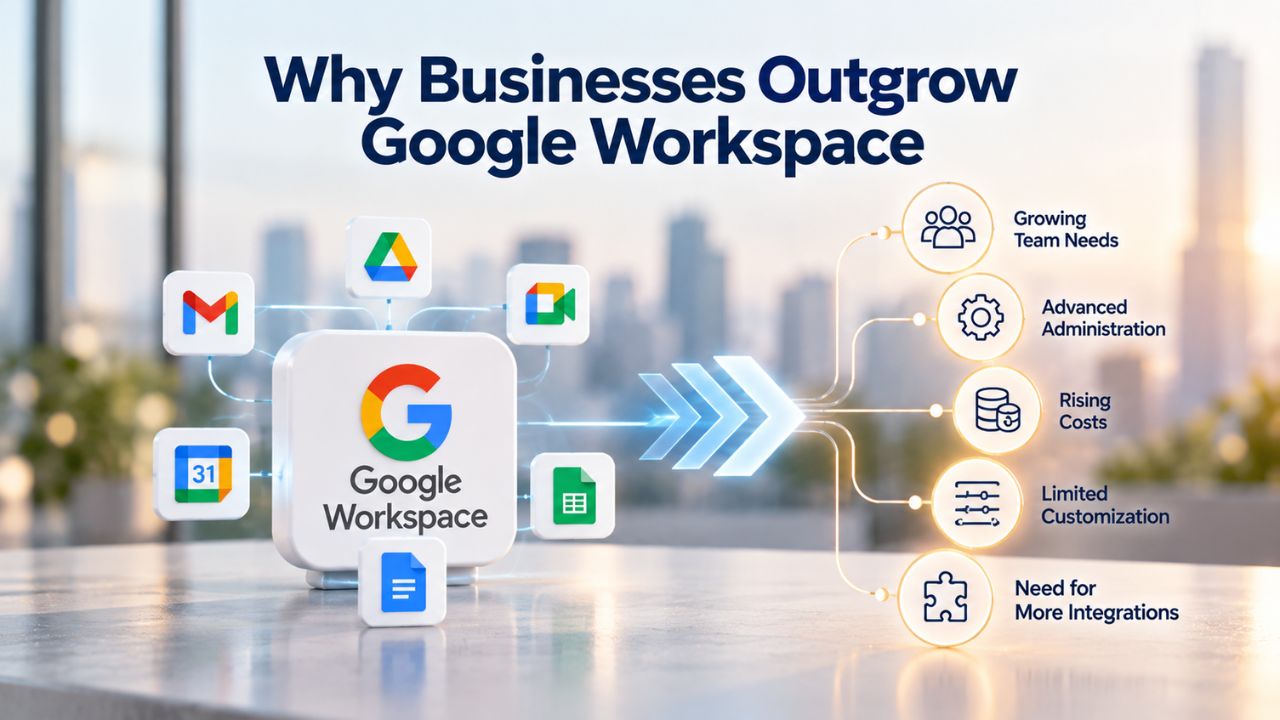
Google Workspace remains popular for collaborative teams, but many organizations eventually search for alternatives that better align with their actual needs and workflows. Understanding common reasons for switching clarifies which option might serve your business better than a long-term commitment to an all-in-one suite that bundles services you may never use.
Feature Overload and Unnecessary Bundling
Google Workspace includes email, Drive, Docs, Sheets, Slides, Meet, and Calendar on every plan, even if teams don’t use all these tools. Many small and mid-sized businesses pay for collaboration features their staff never uses, which significantly inflates per-user costs. When your team needs only reliable email and calendar functionality, paying for document collaboration, video conferencing, and cloud storage you don’t use is wasteful.
Dedicated email hosting providers often deliver core email features without forcing you to fund unused productivity tools. This unbundled approach appeals to teams with lean workflows, agencies that use specialized design or project-management software, and businesses where email is the primary communication tool. By paying only for what you need, organizations can redirect budgets toward investments that directly impact business operations.
Ecosystem Lock-In and Portability Concerns
Google Workspace integration with Gmail, Drive, and Workspace apps creates convenience for Google-first teams. Still, it can feel constraining if you later want to switch providers or use different tools. Alternative email providers often support IMAP, POP3, and SMTP protocols, letting you use Outlook, Apple Mail, Thunderbird, or any standards-compliant email client without being forced into Google’s ecosystem. This open-standards approach keeps you flexible as your business evolves.
Switching away from Google Workspace later becomes straightforward when your email provider prioritizes open standards and supports industry-wide protocols. Many standalone email hosting services, including Titan Email, include one-click migration tools to import existing emails and contacts from Google Workspace or any IMAP-compatible source. This portability means your initial choice won’t trap you; you can migrate to a different provider as your needs evolve without losing your email history or experiencing service interruptions.
Email-Only vs. All-in-One Suites: Understanding the Trade-Off
Choosing between a bundled productivity suite and a focused email hosting provider is fundamentally a question of scope and operational priorities. Both approaches deliver professional email; the right fit depends on your team workflows, collaboration needs, and how you prefer to manage your tech stack.
Bundled Suites: Seamless Integration but Higher Cost
Google Workspace and Microsoft 365 both emphasize real-time collaboration, with shared document editing, integrated video conferencing, and centralized admin controls built into one platform. If your team actively co-edits spreadsheets daily, holds video meetings regularly, and benefits from seamless Google app integration across devices, these suites reduce friction and streamline workflows by keeping everything in one ecosystem. Teams using these bundled suites report higher adoption rates and faster collaboration cycles.
The trade-off is real and substantial: you pay for collaboration features whether your team uses them. A 10-person business using only email and calendar still pays for Meet licenses, Drive storage quotas, and Doc/Sheet seats for everyone on the roster. This all-or-nothing approach means smaller organizations often subsidize unused features, making bundled suites less cost-efficient for lean teams.
Email-Only Hosting: Focused and Cost-Efficient
Standalone email hosting like Zoho Mail, Hostinger, and Titan Email delivers webmail, mobile apps, calendar, contacts, and spam filtering without bundling document collaboration or video conferencing. Your team stays within budget by paying only for what you genuinely need: reliable, professional email under your domain with the core features that keep communication flowing. These platforms often include modern interfaces, mobile-first design, and enough features to handle complex email workflows without overwhelming users with unnecessary tools.
The limitation of email-only hosting is deliberate: if you later decide your team needs real-time document collaboration or video conferencing, you must source those capabilities separately. For email-focused teams, consultancies, service providers, field teams, and administrative departments, this lean approach means substantially lower per-user costs than bundled suites, while still providing everything needed for professional communication.
Professional Business Email Hosting Solutions: Feature and Use-Case Comparison
Evaluating alternatives requires understanding what each platform offers and which use cases align best with each solution. The following table summarizes leading options and their primary strengths, helping you identify which alternatives deserve deeper consideration for your organization.
Primary Alternatives Comparison
| Product | Best For | Standout Feature | Primary Strength |
|---|---|---|---|
| Google Workspace | Collaboration-focused teams | Real-time doc editing, Meet, Drive integration | Seamless ecosystem for document-heavy workflows |
| Zoho Mail | Budget-conscious small businesses | Free plan (select regions), strong admin controls | Affordable entry with optional workplace suite expansion |
| Titan Email | Businesses valuing reliable, simple email | Fast setup, mobile apps, one-click migration | Professional email hosting without complexity |
| Microsoft 365 | Organizations invested in Office ecosystem | Outlook, Teams, OneDrive integration | Native integration for Windows-based organizations |
| ProtonMail | Privacy-focused teams | End-to-end encryption, privacy-first design | Highest security standard with encrypted infrastructure |
| Fastmail | Users prioritizing privacy and control | Clean interface, strong security, user experience | Privacy-first with intuitive modern design |
| IONOS | Businesses seeking flexibility and support | Flexible plans, personalized support, scalable | Highly customizable with strong customer service |
| IceWarp | Organizations wanting self-hosted collaboration | Real-time document collaboration, self-hosting option | Self-hosted alternative with enterprise features |
Decision Framework by Business Priority
Different businesses prioritize different factors when selecting email hosting. This framework maps your primary business needs to the alternatives that best align with those priorities.
| Business Priority | Why It Matters | Best-Fit Alternatives |
|---|---|---|
| Tight Budget Constraints | Growing businesses need to control technology spending while maintaining professionalism and reliability. | Hostinger, IONOS, Zoho Mail, Titan Email |
| Privacy & Security Requirements | Organizations handling sensitive client data, healthcare information, or legal documents require strong encryption and privacy compliance. | ProtonMail, Fastmail, IceWarp (with self-hosting option) |
| Team Collaboration Tools | Teams that actively co-edit documents, schedule meetings, and share files benefit from integrated suites and real-time collaboration. | Google Workspace, Microsoft 365, IceWarp |
| Email-Only Simplicity | Lean teams focused on reliable email without extra features need speed, ease of setup, and straightforward management. | Titan Email, Zoho Mail, IONOS |
| Self-Hosting and Infrastructure Control | Organizations with dedicated IT teams want full infrastructure control, on-premises deployment, and data residency compliance. | IceWarp (cloud or self-hosted deployment) |
| Microsoft Ecosystem Integration | Businesses deeply using Word, Excel, Outlook, Teams, and OneDrive need native integration and seamless Windows support. | Microsoft 365 (all tiers) |
| Enterprise Scale and Compliance | Large organizations need advanced admin controls, compliance certifications, auditing capabilities, and dedicated support. | Google Workspace Enterprise, Microsoft 365 Enterprise, IceWarp |
Zoho Mail: Affordable Professional Email with Surprising Depth
Zoho Mail stands out as an accessible entry point for small teams and solo entrepreneurs seeking professional business email without paying for an entire productivity suite. The platform delivers everything small businesses need for email communication while keeping the simplicity organizations appreciate when they focus on core operations rather than technology management.
Feature-Rich Foundations at Lean Budgets
Zoho Mail offers a free plan in select data centers, making it genuinely accessible for solo entrepreneurs and micro-businesses. Paid plans scale with growing teams, and every tier includes webmail access, IMAP/SMTP support for third-party clients like Outlook or Apple Mail, an integrated calendar, contact management, email forwarding, and strong administrative controls. Teams can configure catch-all addresses, email aliases, and forwarding rules without technical expertise, managing complex email routing through an intuitive control panel.
For small teams, Zoho’s integration with the broader Zoho workplace suite, including CRM, invoicing, HR, and project management modules, adds value without forced consumption. You start with email and adopt additional modules only when your business needs them, avoiding upfront investment in unused features. This modular approach means your technology investment grows alongside your business rather than requiring large commitments before you’re ready.
Strategic Trade-Offs and When Zoho Excels
Zoho Mail prioritizes simplicity and affordability over the polished interface refinement of Google Workspace. The platform lacks native video conferencing and document collaboration built into the email platform itself. If your team relies heavily on shared document editing or video meetings, Zoho Mail alone won’t replace those capabilities; you’ll need to source collaboration tools separately. However, for email-first teams, these limitations don’t affect core business communication needs.
Zoho Mail excels for small businesses managing customer communication, internal team email, and basic calendar coordination without needing real-time document collaboration. The platform’s strength is providing professional, reliable email at a fraction of bundled suite costs, letting organizations invest savings in other business priorities.
Privacy-First Email: ProtonMail and Fastmail
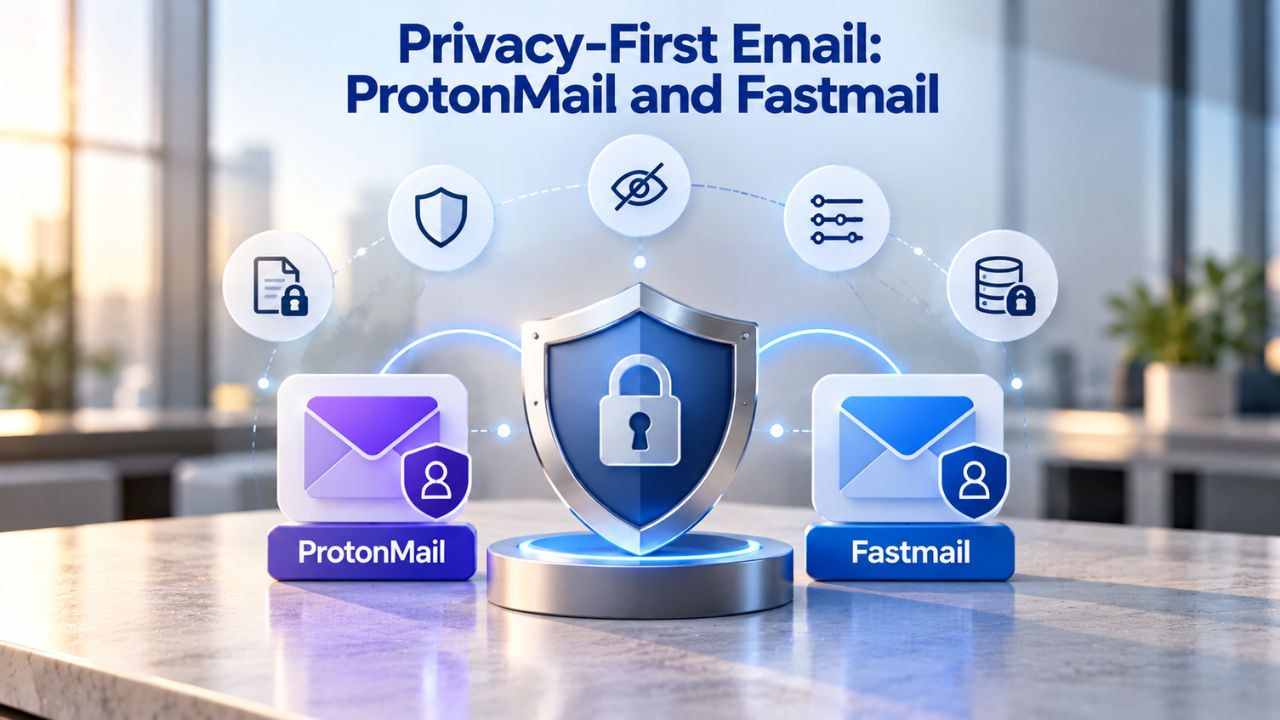
Organizations increasingly prioritize email privacy and security, particularly those handling sensitive client data, medical information, legal documents, or financial records. Privacy-first email providers focus on encryption, user control, and transparent privacy practices rather than bundling extra features.
ProtonMail: End-to-End Encryption Leadership
ProtonMail emphasizes end-to-end encryption, meaning even ProtonMail’s servers cannot decrypt your emails or access message content. This architecture keeps your emails private even if ProtonMail’s infrastructure is compromised; only the sender and recipient hold the decryption keys. Organizations handling HIPAA-regulated data, legal documents, or client confidentiality often choose ProtonMail specifically for this security standard. The platform supports custom domains for business email, encrypted contacts, and calendar functionality within the privacy-first framework.
ProtonMail’s commitment to privacy means fewer third-party integrations and fewer data-sharing partnerships compared to mainstream email platforms. The trade-off reflects intentional design: privacy comes first, convenience second. Users can still access email from desktop clients or mobile apps, though ProtonMail’s bridge tool adds complexity compared to standard IMAP integration.
Fastmail: Privacy Without Encryption Overhead
Fastmail prioritizes user privacy and control, offering a clean, modern interface and strong security without requiring end-to-end encryption architecture. Fastmail doesn’t use the same encryption model as ProtonMail; instead, it offers server-side security, transparent privacy policies, strong user access controls, and a commitment not to scan email for advertising. The platform appeals to users wanting privacy-first values without the integration constraints end-to-end encryption introduces.
Fastmail’s modern interface and strong focus on user experience mean the privacy-first approach doesn’t require sacrificing ease of use. Teams appreciate Fastmail’s clean design, reliable performance, and privacy commitment without the additional complexity of managing encryption keys or bridge software. This approach suits organizations where privacy and experience matter equally.
Ready to Evaluate Your Business Email Options Today?
Understanding your team’s actual email needs versus bundled features you’ll never use is the first step toward smarter technology spending. Niya Digital’s Professional Email Hosting, powered by Titan Email, makes this evaluation straightforward, professional email infrastructure without unnecessary complexity or forced tool adoption. Whether you’re migrating from Google Workspace or starting fresh, explore how Titan Email serves small businesses and growing teams with reliable, focused email hosting that scales with your operations.
Titan Email: Reliable Business Email Hosting Powered by Simplicity
Titan Email offers professional email hosting focused on reliability, simplicity, and getting teams productive without unnecessary complexity. Titan Email is a business-grade email platform built for small teams and growing businesses that want professional email without the overhead of full productivity suites. Setup takes minutes: configure your domain’s MX records, create user accounts, and begin sending professional emails from @yourdomain immediately.
Core Features and Team-Ready Capabilities
Niya Digital, as an authorized reseller and provider of Titan Email, supports the entire setup and ongoing management of your email hosting. Every Titan Email account includes webmail access for browser-based email management, native iOS and Android mobile apps for on-the-go communication, built-in calendar and contacts management, advanced anti-spam and anti-virus protection, email forwarding, and read receipts for time-sensitive messages. Multi-account support lets team members switch between multiple mailboxes (sales@, info@, support@, support@) within a single interface, streamlining management of department-specific or role-based email addresses.
The platform’s focused feature set delivers everything professional teams need for email communication without bundling unnecessary services. Businesses appreciate Titan Email’s straightforward approach: reliable email infrastructure, modern interfaces, and support without paying for video conferencing, document collaboration, or cloud storage they don’t use.
Why Titan Email Appeals to Growing Teams
Niya Digital’s team has found that small businesses often discover Titan Email when they outgrow free email services but want to avoid paying for Google Workspace’s full feature set. Titan Email delivers the professionalism of custom domain email, the reliability of dedicated email infrastructure, and the simplicity of straightforward setup and management. It supports standard email authentication (SPF, DKIM) to help business messages reach the inbox reliably.
The straightforward feature set appeals to teams focused on communication rather than tool management. Small agencies, service businesses, consulting firms, and growing startups value Titan Email’s approach: professional email hosting without unnecessary complexity or forced adoption of tools they don’t need.
Ultra-Budget Email Hosting: Hostinger and IONOS
Organizations with minimal budgets sometimes need to make technology choices that stretch every dollar. Ultra-budget email providers deliver basic hosting reliably, enabling professional email without large financial commitments.
Hostinger: Affordable Hosting with Email Bundling
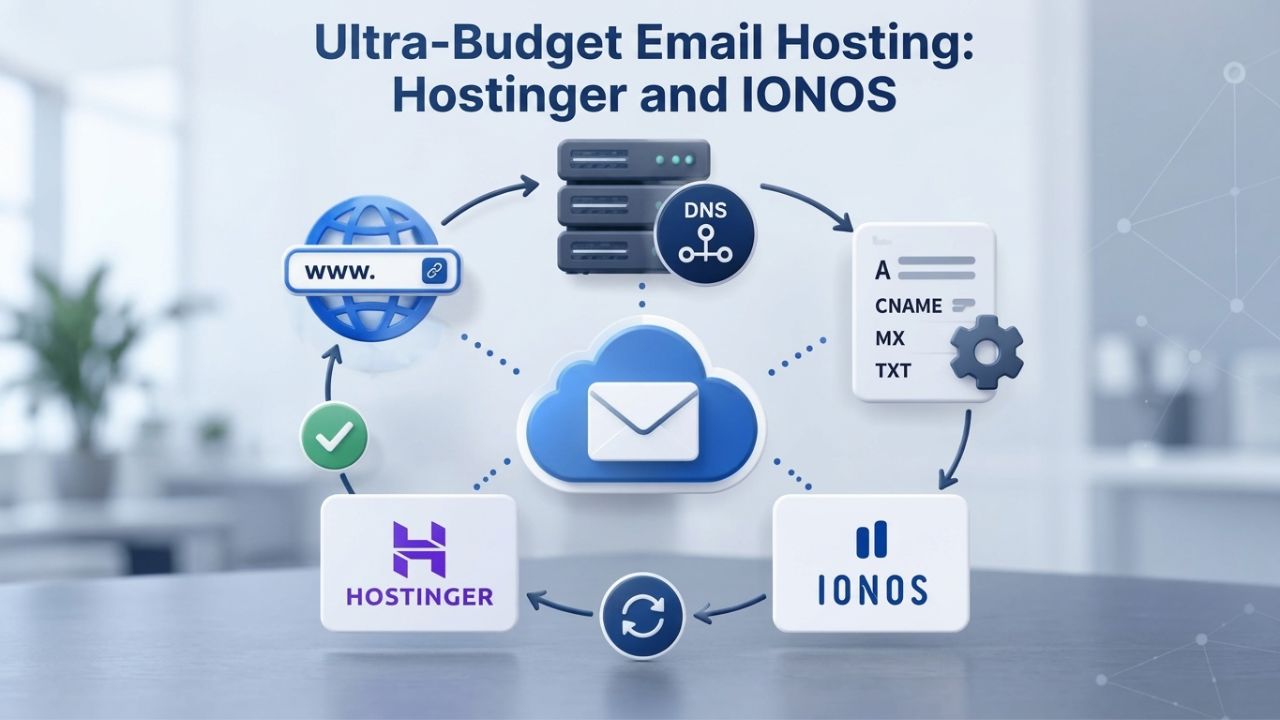
Hostinger offers business email hosting integrated with web hosting services, appealing to businesses that also need a website. The platform provides webmail access, mobile app integration for real-time sync across devices, advanced spam and virus filtering, and optional AI-powered writing assistance. Email hosting integrates seamlessly with Hostinger’s web hosting, domain registration, and website builder tools, making it convenient for businesses wanting coordinated hosting and email management from a single provider.
Hostinger’s strength is bundling email with web hosting, letting businesses manage domain registration, website hosting, and professional email from one control panel. This integration appeals to small business owners who prefer simplicity and a single point of contact for all hosting-related services.
IONOS: Flexibility and Personalized Support
IONOS emphasizes flexible plan options and strong customer support, with configurations ranging from single-mailbox plans for freelancers to 25-mailbox bundles for small teams to 50GB-per-user plans for growing businesses. All plans include free domain registration for the first year, spam filtering, webmail access, email templates for consistent communications, the ability to schedule emails for later delivery, and device synchronization. IONOS’s commitment to 24/7 personalized support means businesses get human assistance rather than just automated ticketing systems.
IONOS appeals to businesses prioritizing flexibility and support over feature depth. The platform’s strength lies in adapting to diverse business sizes and configurations, from solopreneurs to growing teams, while providing personalized customer service when issues arise. This human-centered support approach differentiates IONOS in a market often dominated by self-service-only platforms.
Enterprise & Self-Hosted: IceWarp as a Collaboration Alternative
Organizations with dedicated IT teams or strict data residency requirements often need email hosting that goes beyond cloud platforms. IceWarp offers an alternative approach that emphasizes self-hosting, infrastructure control, and integrated collaboration capabilities.
IceWarp: Self-Hosted Collaboration Built Around Email
IceWarp is a self-hosted or cloud-based collaboration platform combining email, TeamChat, video conferencing, and real-time document collaboration. ZDNet named IceWarp “Best Email Hosting Service for Cloud Users” in June 2024, recognizing its real-time document collaboration and extended trial period for new deployments. With 50,000+ businesses and 50 million+ users worldwide, IceWarp has become a credible alternative to Microsoft 365 and Google Workspace for organizations that want more control.
IceWarp’s modular licensing lets organizations activate only the features they need: email alone, email with chat, the full collaboration suite, or any combination. This modularity means you avoid paying for unused capabilities while maintaining the option to add features as your organization evolves. The platform supports cloud deployment, on-premises installation, or hybrid approaches where some services run internally and others in the cloud.
When Self-Hosting and Control Become Priority
IceWarp appeals to mid-market and enterprise organizations with dedicated IT teams, strict compliance requirements, or a preference for on-premises infrastructure. Organizations in regulated industries like healthcare, finance, and government often require data residency in specific geographic locations or on-premises storage that cloud providers can’t guarantee. IceWarp’s flexible deployment options better meet these requirements than cloud-only alternatives.
Smaller teams typically find Google Workspace or cloud-based alternatives simpler to operate since they require no infrastructure management or ongoing maintenance. IceWarp’s power and flexibility come at the cost of setup complexity and ongoing IT management responsibility. Organizations should pursue self-hosting only when the control, compliance, or customization benefits justify the operational overhead.
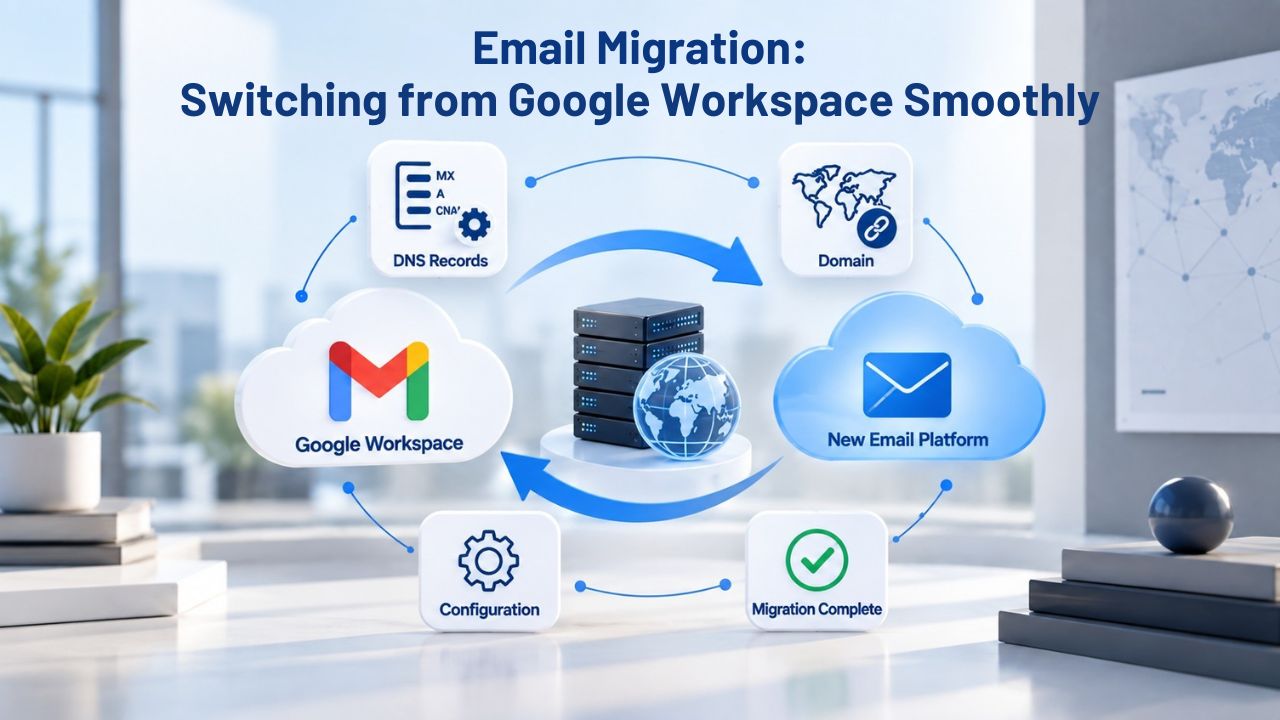
Email Migration: Switching from Google Workspace Smoothly
Migrating from Google Workspace to an alternative is straightforward with modern email hosting platforms. Most providers support the IMAP protocol, so you can use desktop tools or web-based migration utilities to copy emails, contacts, and calendars from Google to your new provider. Titan Email includes one-click import of existing emails and contacts, simplifying the transition from your current system without manual exports or complex technical processes.
Migration Process and Timeline
The migration process typically takes 1–7 days depending on email volume and how many team members you’re moving. During migration, you can overlap mailboxes: keep your Google Workspace account active while new email flows to your alternative provider, ensuring no missed messages during the transition.
This dual-system approach provides a safety net; if something goes wrong, you still have access to your original email account. After successful migration and confirmation that all data transferred correctly, you can cancel Google Workspace and fully transition to the new provider.
Configuring DNS and Domain Routing
Switching email providers requires updating your domain’s MX records (mail exchange records) to point to your new provider’s servers. This step is non-technical for most: your new provider supplies explicit MX record values to enter in your domain registrar’s control panel.
Within a few hours (sometimes up to 24 hours for full propagation), your domain mail routes to the new provider. Throughout setup and migration, Niya Digital’s support can guide email hosting configuration if you choose Titan Email, ensuring a smooth transition and minimizing communication disruptions.
Real-World Scenarios: Finding Your Best Fit
Different organizations face different challenges when selecting email hosting. Seeing how different businesses have approached email hosting decisions can clarify which option best fits your needs.
Small Agencies and Consulting Firms
Agencies handling multiple client accounts often need professional email infrastructure without the overhead of document collaboration. Titan Email provides reliable email routing, calendar coordination for scheduling client meetings, and clean inbox management for high email volume. Its straightforward feature set lets agencies focus on client work instead of managing complex email infrastructure.
Many agencies appreciate that Titan Email doesn’t force adoption of unnecessary productivity tools that distract from their core business workflows. The mobile-first approach means account managers and consultants stay connected while meeting clients on-site, and the one-click import feature makes onboarding new team members straightforward without losing email history.
Growing Startups with Privacy Concerns
Startups handling customer data, investment documents, or proprietary information often prioritize privacy and security from the start. ProtonMail and Fastmail appeal to security-conscious founders who want to build trust with customers and investors by demonstrating a commitment to data protection. End-to-end encryption or privacy-first policies become competitive advantages when handling sensitive information.
Startups often report that choosing privacy-first email hosting early in their growth helps them build security into their culture rather than retrofit it later. When potential clients see privacy-first infrastructure choices, it signals trustworthiness and commitment to data protection, an increasingly important differentiator in competitive markets.
Ready to Switch to Reliable, Professional Email Hosting?
Niya Digital’s Professional Email Hosting, powered by Titan Email, delivers dependable email infrastructure with fast setup, one-click migration from Google Workspace or other providers, and dedicated account support. If you’re looking for a straightforward email hosting solution that keeps operations simple while maintaining professional standards and security, Titan Email’s feature-rich platform is designed for small teams and growing businesses. Moving away from bundled productivity suites doesn’t mean sacrificing quality or reliability; it means investing in what your team actually needs.
Frequently Asked Questions
Is Google Workspace worth the cost if my team actively uses Docs and Meet?
Yes, if your team genuinely co-edits documents daily, holds video meetings regularly, and benefits from seamless Google app integration, Workspace’s full suite approach can be justified by productivity gains and workflow efficiency. Switching to separate email and collaboration tools might cost more in aggregate when you factor in licenses for standalone solutions, training time, and integration complexity. Evaluate your actual usage: measure how often your team uses Docs, Meet, and Sheets. If these tools go unused, email-only hosting saves money without sacrificing communication quality.
Can I use Titan Email with Outlook or Apple Mail?
Yes, absolutely. Titan Email supports IMAP and SMTP protocols, meaning you can configure any standards-compliant email client, Outlook, Apple Mail, Thunderbird, or mobile email apps, to access your Titan mailbox. You’re not locked into webmail-only access; full desktop and mobile client support is included by default. This open standards approach means your team members can use their preferred email clients without restrictions.
How long does it take to set up professional email hosting?
Most providers, including Titan Email, enable basic setup in minutes, configure your domain’s MX records, create user accounts, and send your first email immediately. A full team migration from another provider (importing email history and contacts) takes 1–7 days, depending on volume and the number of users you’re moving. Niya Digital’s support can guide you through each step, ensuring a smooth transition and minimizing communication disruptions during the switchover period.
What’s the difference between Zoho Mail and Zoho Workplace?
Zoho Mail is the email-only component offering professional email hosting. Zoho Workplace bundles email with CRM, invoicing, HR, project management, and other modules as a complete productivity suite. You can start with Zoho Mail and add Workplace modules only when you’re ready, avoiding upfront investment in unused features and spreading technology expenses across your growth timeline.
Does ProtonMail work with desktop email clients like Outlook?
ProtonMail’s end-to-end encryption architecture limits third-party client compatibility compared to standard email hosting. ProtonMail offers a bridge tool for Outlook and Apple Mail, but setup is more complex than simply entering IMAP credentials. For Outlook power users, Fastmail or Titan Email provide simpler integration without encryption overhead, while ProtonMail remains best for organizations where encryption is the primary concern.
Is business email hosting GDPR compliant?
Reputable providers like Zoho, Titan Email (via Niya Digital), and IONOS handle GDPR compliance through data processing agreements and published privacy policies. Verify your chosen provider’s specific compliance certifications if your business handles EU customer data or operates in Europe. Ask your provider for their data processing addendum and privacy documentation before committing to ensure compliance with your regulatory requirements.
Can small businesses create multiple email addresses under one domain?
Absolutely. All providers covered here support email aliases and multiple mailboxes under a single domain. A small business might have info@, sales@, support@, and hello@ all under the same domain, routing to individual team members or shared inboxes. This flexibility lets you route professional email without buying separate domain names or setting up complex forwarding rules.
Which professional email hosting alternative is best for a startup on a very tight budget?
Hostinger and IONOS offer the most competitive introductory offers and flexible scaling. Zoho Mail’s free plan (in select regions) is another option for bootstrapping teams. Expect basic features with these ultra-budget options; as your revenue grows and you add team members, upgrade to a more feature-rich provider like Titan Email that scales with your business without forcing unnecessary features upfront.
Do I need video conferencing built into my business email hosting?
Not necessarily. Google Workspace and IceWarp bundle video conferencing; others don’t. If your team uses Zoom, Microsoft Teams, Jitsi, or other standalone video platforms, email-only hosting reduces cost without losing functionality. Evaluate your actual use before paying for bundled features you won’t use; separate best-of-breed tools often work better anyway.
What happens to my emails if my email provider shuts down?
IMAP and standards-compliant providers allow you to export and migrate your data relatively easily. Avoid proprietary, non-standard email services that don’t support open protocols. Stick with established providers (Google, Microsoft, Zoho, Titan via authorized resellers like Niya Digital, ProtonMail, Fastmail) with strong track records and transparent business models. These providers have operated successfully for years and maintain robust infrastructure.
Can I migrate back from an alternative to Google Workspace later?
Yes. The standard IMAP protocol makes migrations in both directions possible. If your business evolves and collaboration tools become essential, you can switch to Workspace later without losing your email history. Avoid long-term lock-in by choosing IMAP-compliant providers that respect data portability and let you evolve your tech stack as your business needs change.
Does professional email hosting include shared calendars?
Most providers, Zoho, Titan Email, IONOS, and IceWarp, include shared calendar functionality for team scheduling. Google Workspace and Microsoft 365 excel at calendar integration with video conferencing. ProtonMail and Fastmail focus on email, with calendar as a secondary feature. Check your chosen provider’s calendar capabilities before committing if team scheduling is essential to your operations.
What’s the typical email storage per user across providers?
Storage ranges widely: budget options offer 2–10GB per mailbox; mid-tier providers (Titan Email, Zoho) offer 10–50GB; premium tiers offer 50GB or unlimited storage. For most small teams, 10–50GB per user is sufficient unless you archive years of email history. Evaluate your team’s email volume and document archival practices before committing to a specific storage tier.
Can I keep my domain name if I switch email providers?
Yes. You own your domain separately from your email hosting. Switching email providers only requires updating MX records at your domain registrar; your domain stays yours. This separation is a key reason to register your domain with a registrar independent of your hosting provider; it ensures you can switch email hosting without losing your domain or email address.
How do I know if an email hosting provider is trustworthy?
Look for established companies with strong track records, transparent privacy policies, published compliance certifications (SOC 2, GDPR), 24/7 support availability, and positive third-party reviews. Check whether the provider publishes security practices and uptime guarantees. Providers like Google, Microsoft, Zoho, Fastmail, ProtonMail, and Titan Email (via authorized resellers like Niya Digital) meet these standards and have demonstrated reliability over years of operation.
Glossary
- Custom domain email: An email address using your own company domain (e.g., info@yourbusiness.com) instead of a generic free provider domain (e.g., @gmail.com or @yahoo.com). Custom domain email establishes professionalism and brand consistency in every message your team sends to customers and partners.
- Webmail: Email accessed via a web browser without requiring desktop software installation. Webmail works on any device with internet access, offering flexibility for remote teams and traveling staff who need email access from various locations and devices.
- IMAP, SMTP, POP3: Standard email protocols enabling third-party email clients (Outlook, Apple Mail, Thunderbird) to retrieve and send messages through your hosted email account. IMAP keeps email synchronized across devices; POP3 typically downloads to a single computer; SMTP sends outbound mail.
- Email forwarding: Automatic rerouting of emails from one address to another mailbox. For example, forwarding old email addresses to your primary mailbox simplifies communication during provider changes or organizational restructuring without requiring customers to update their contact information.
- SPF, DKIM: Email authentication standards that verify your domain sends legitimate emails, reducing spam folder placement and preventing email spoofing or fraud. Reputable providers support these protocols to strengthen your sender reputation and ensure important emails reach inboxes reliably.
- Read receipts: A request for confirmation that a recipient has opened your email. Useful for time-sensitive or high-priority messages, though not all recipients enable read receipt notifications. This feature helps teams track communication without requiring phone calls or messages to confirm receipt.